9 Best Speech to Text Apps for Large Corporate Use in 2026
Find the best speech-to-text app for large corporate use for 2026, with security, accuracy, meetings, compliance and scale compared across 9 enterprise tools.

- Editor's choice
 Otter.ai
Enterprise meeting transcription
Starts at$30 per user per monthVisit otter.aiFull review - Great alternative
 Rev
Human reviewed enterprise transcripts
Starts at$29.99 per seat per monthVisit rev.comFull review - Also consider
 Fireflies.ai
Team meeting intelligence
Starts at$29 per seat per monthVisit fireflies.aiFull review
TL;DR:
- Otter.ai Business and Fireflies Business are the strongest meeting tools for large teams that need summaries and action items.
- Rev suits legal and compliance teams that need human reviewed transcripts alongside AI speed.
- Deepgram, AssemblyAI, Azure AI Speech, and Google Cloud Speech-to-Text suit companies building transcription into products or workflows.
- Enterprise choice should start with security: SSO, admin controls, data retention, and compliance certifications matter more than raw speed.
- Pilot with real meeting audio, including accents and crosstalk, before signing a company wide contract.
Quick comparison
| Tool | Best for | Starts at | Free plan? | |
|---|---|---|---|---|
| Otter.ai | Enterprise meeting transcription | $30 per user per month | Yes | Visit |
| Rev | Human reviewed enterprise transcripts | $29.99 per seat per month | Yes | Visit |
| Fireflies.ai | Team meeting intelligence | $29 per seat per month | Yes | Visit |
 Trint | Enterprise media transcription | See website | Free trial | Visit |
 Sonix | Fast enterprise transcription | See website | Free trial | Visit |
 Deepgram | High volume speech API | See website | Free trial | Visit |
 AssemblyAI | Speech AI API for products | See website | Free trial | Visit |
 Azure AI Speech | Microsoft centered enterprises | See website | Free trial | Visit |
 Google Cloud Speech-to-Text | Google Cloud enterprises | See website | Free trial | Visit |
The best speech to text apps for large corporate use
We compared official pricing pages, security pages, feature pages, and public reviews for enterprise speech to text tools that support large teams, admin controls, and compliance needs.
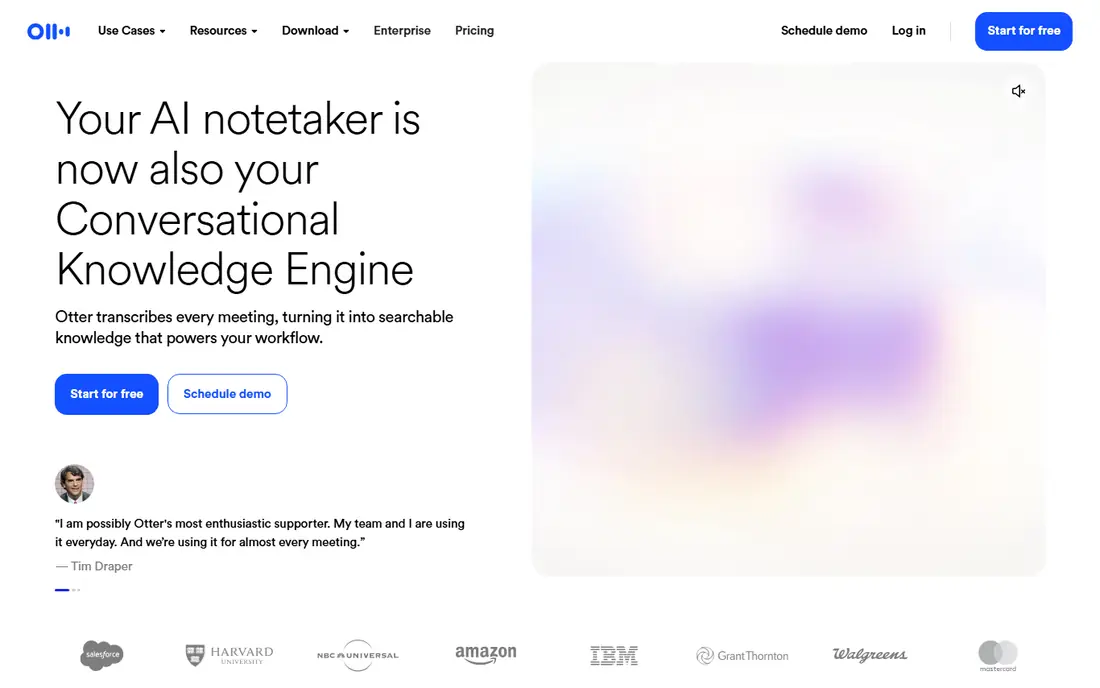
Otter.ai Business is the most complete meeting tool for a large company that runs many calls a week. Its bot joins meetings, transcribes live, and produces summaries, action items, and a searchable library across teams. Enterprise plans add SSO, advanced admin controls, and compliance features that IT teams expect. The limit is language and audio quality. Otter works best with clear English, Spanish, French, or Japanese audio, and it struggles more than human review when speakers talk over each other. Pilot it with your noisiest real meetings, not just a clean demo call, before you roll it out company wide.
- Meeting bot for Zoom, Meet, and Teams
- Summaries and action items
- Enterprise SSO and SOC 2
- Language support is narrower than API rivals
- Accuracy drops with heavy crosstalk

Rev suits teams where a transcript error has real cost. Its AI transcription is fast, and its human service, at $1.99 per audio minute in published pricing, gives a reviewed transcript for depositions, hearings, and compliance records. An AI notetaker also captures meetings on major platforms. The trade off is cost and workflow. Human transcripts take longer than AI, and Rev does not offer the same live meeting bot experience as Otter or Fireflies. Use Rev when accuracy and a defensible record matter more than instant summaries.
- Human transcription option
- AI notetaker
- Strong for legal and compliance work
- Human review costs more per minute
- Paid plans start higher than some rivals
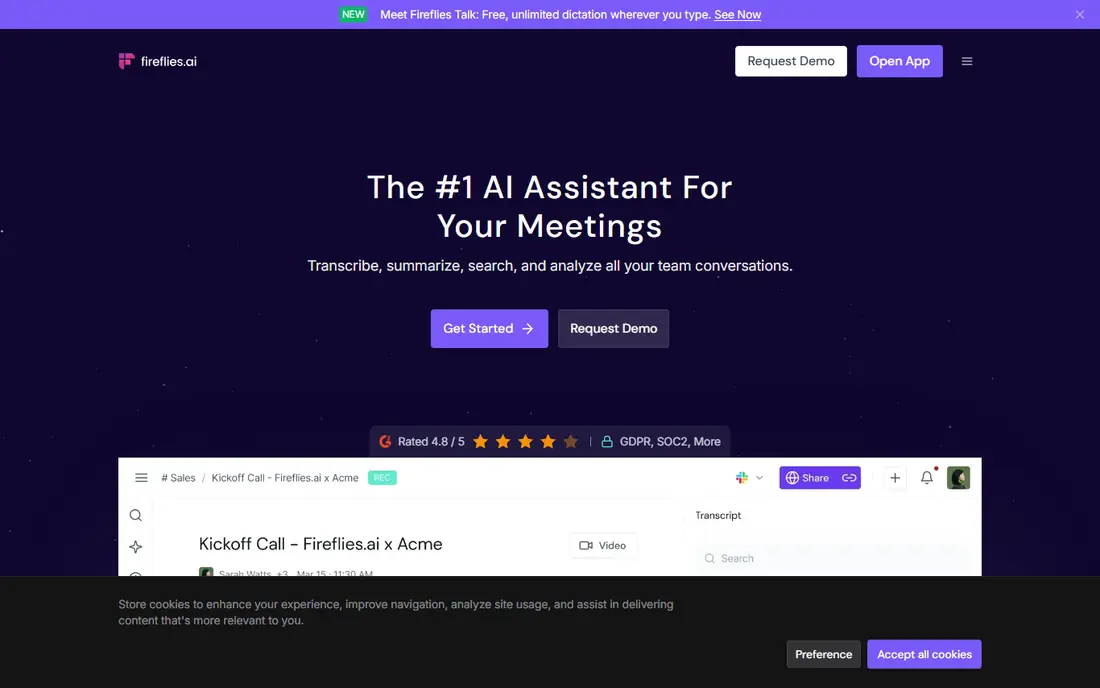
Fireflies.ai is a close rival to Otter for team meeting intelligence. Its bot joins calls, transcribes, summarizes, and creates action items, and its library lets staff search past meetings by topic, speaker, or decision. Integrations with CRM and project tools help turn meeting talk into follow up tasks. Privacy needs a policy before rollout. Staff and external guests should know a bot is recording, and consent rules vary by state and country. Set retention rules, limit who can access recordings, and train teams to announce the bot at the start of each call.
- Meeting bot and summaries
- Searchable meeting library
- Many integrations
- Free plan limits AI summaries
- Bot access can raise privacy questions
Trint fits media, research, and communications teams that work with recorded audio and video. You upload files, get a transcript, and edit it in a text editor linked to the audio, so corrections are fast. Collaboration tools let teams share, comment, and export transcripts for publishing or analysis. It is less of a live meeting capture tool than Otter or Fireflies, and enterprise pricing requires a sales conversation. Choose Trint when your main work is recorded content, interviews, and media files, not live daily meetings.
- Editor for correcting transcripts
- Collaboration tools
- Enterprise controls
- Enterprise pricing is custom
- Less of a live meeting bot than Otter
Sonix is a fast automated transcription service for teams with a steady flow of audio and video files. It supports many languages, offers an editor for corrections, and integrates with common storage and media tools. That speed helps communications and research teams turn around interviews quickly. Technical terms, accents, and poor audio still need human review, as with every AI tool here. Budget review time for important transcripts, and check enterprise terms for data retention, security, and single sign on before you move sensitive recordings to the platform.
- Fast automated transcription
- Many languages
- Editor and integrations
- Enterprise terms vary
- Accuracy still needs review for technical speech
Deepgram is a developer tool, not a meeting app. Companies use its APIs to add live or batch transcription to contact centers, voice products, and analytics pipelines, with models for different languages and use cases. Published 2026 comparisons note batch pricing from around $0.26 per audio hour for Nova models, with streaming higher, but confirm current pricing on its site. The barrier is engineering. You need developers to integrate, test, and monitor the API, and costs rise with add ons such as diarization. Deepgram pays off at volume, or when transcription must live inside your own product, not when you just need meeting notes.
- Fast streaming and batch APIs
- Custom models
- HIPAA ready tiers
- Needs developer work
- Pricing varies by model and volume
AssemblyAI is another API first choice for companies building voice features. Its batch transcription is among the lowest priced in 2026 comparisons, at around $0.15 per audio hour for its Universal model, with free credit for testing. Speaker labels, redaction, and entity detection help product teams build safer, more useful transcripts. As with Deepgram, you need engineering time, and add ons can raise the bill. AssemblyAI suits product teams that need transcription plus analysis, such as call summarization or content moderation, rather than a team that just wants meeting notes.
- Low batch pricing
- Speaker labels
- PII redaction and entity tools
- Needs developer work
- Advanced features add per hour fees
Azure AI Speech fits large companies already running Microsoft 365, Teams, and Azure. It offers transcription in many languages, custom speech models trained on your vocabulary, and enterprise security through Azure. That integration can simplify identity, compliance, and data residency for Microsoft shops. The complexity is real. Pricing depends on model, region, and volume, and setup needs Azure expertise. If your company is not already on Azure, Google Cloud or a meeting tool like Otter may be simpler. If it is, Azure Speech is a strong, scalable choice.
- Wide language coverage
- Custom speech models
- Strong Microsoft integration
- Pricing and setup are complex
- Best value inside Azure already
Google Cloud Speech-to-Text, now part of its Chirp model family, suits companies already on Google Cloud. It offers batch and streaming transcription, many languages and variants, and integration with Google storage and analytics tools. Deferred batch pricing can be very low for non urgent work in published comparisons. Product integration still needs developers, and model choice affects both price and features such as speaker labels. Choose it when your data, identity, and workflows already live in Google Cloud, and when you need a scalable API rather than a meeting notes app.
- Many languages
- Batch and streaming options
- Google Cloud integration
- Pricing varies by model
- Needs developer work for product use
How we picked these
We compared official pricing, security, and feature pages, plus public reviews, for tools that support large teams or high volume use. We required enterprise controls such as SSO, admin management, or API access, and we favored tools with published compliance information, such as SOC 2 or HIPAA support where relevant. We excluded consumer only dictation apps with no team, admin, or API story, since they do not meet large corporate needs.
Building an enterprise shortlist
Start with use case, not brand. Meeting capture, media transcription, and product APIs are different jobs, and one tool rarely does all three well. List your top three use cases, your monthly audio hours, your languages, and your security requirements, then shortlist two tools per use case for a pilot. Next, run a security review early. Ask for SSO, role based access, audit logs, data retention controls, data residency options, and a signed data processing agreement. For health, finance, or legal audio, ask specifically about HIPAA, SOC 2, and any industry certifications, and confirm whether audio is used to train models. A tool that cannot answer those questions clearly should not handle sensitive corporate audio. Finally, pilot with real audio. Use noisy meetings, accented speakers, technical terms, and overlapping speech, and measure accuracy, summary quality, and review time. A tool that looks perfect on a clean demo can fail on a real sales call. Score pilots on accuracy, security, admin ease, and total cost, not on feature count alone.
Questions to ask vendors
Ask how long audio and transcripts are retained, where data is stored, who can access it, and how you can delete it. Ask about custom vocabulary, speaker identification, and export formats, since lock in is costly at enterprise scale. Get pricing for your actual volume in writing, including add ons, before you sign.
FAQ
What is the best speech to text app for large corporate use for meetings?
Otter.ai Business and Fireflies.ai Business are the strongest meeting choices for large teams, with bots, summaries, and searchable libraries. Otter has stronger enterprise compliance messaging, while Fireflies is strong on meeting search and integrations. Pilot both with your real meetings before choosing.
Which enterprise speech to text tool is most accurate?
Accuracy depends on audio quality, accents, and vocabulary, not just brand. Rev human review gives the highest accuracy for important records, while Deepgram, AssemblyAI, and Azure offer strong AI accuracy at scale. Test with your own audio, and budget human review for legal, medical, or compliance transcripts.
Is speech to text safe for confidential corporate meetings?
It can be, with the right controls. Choose a tool with SSO, role based access, audit logs, retention limits, and a data processing agreement, and confirm whether audio trains models. Announce recording, get consent where required, and limit access to recordings to staff who need them.
Do large companies need an API or a meeting app?
Many need both. Meeting apps like Otter and Fireflies serve staff calls, while APIs like Deepgram, AssemblyAI, Azure, and Google serve contact centers and products. Start with the use case that causes the most manual work, then add the other type if needed.
How much does enterprise speech to text cost?
Meeting tools often cost around $29 to $30 per seat per month on business plans, with enterprise pricing custom. APIs charge per audio minute or hour, with batch rates often below $0.50 per hour and streaming higher, plus add on fees. Get a quote for your actual volume, since published list prices change.
Can speech to text handle many languages in a large company?
Yes, but coverage varies. Azure and Google offer the widest language lists, Deepgram and AssemblyAI cover fewer languages in their main models, and Otter focuses on a smaller set. Check your specific languages and dialects, not just a total count, before you commit.