Best AI Tools for Startups in 2026: 8 Tools Compared
Compare the best AI tools for startups in 2026 for writing, research, design, coding and automation, with free plans and pricing for small teams and budgets.
- Editor's choice
 ChatGPT
General AI assistant for founders
Starts atFrom $20 per monthVisit chatgpt.comFull review - Great alternative
 Claude
Long documents and careful analysis
Starts atFrom $20 per monthVisit claude.comFull review - Also consider
 Notion AI
Docs, wikis and project tracking
Starts atSee websiteVisit notion.comFull review
TL;DR:
- ChatGPT and Claude cover general drafting, analysis and brainstorming, with Claude stronger for long documents.
- Perplexity suits cited research, while Notion AI keeps notes, docs and project work in one place.
- Canva and Grammarly improve design and writing quality without hiring a large team.
- Zapier and Cursor automate routine work and speed up coding for technical founders.
- Start free, buy one tool per job and review subscriptions each quarter to avoid stack creep.
Quick comparison
| Tool | Best for | Starts at | Free plan? | |
|---|---|---|---|---|
| ChatGPT | General AI assistant for founders | From $20 per month | Yes | Visit |
| Claude | Long documents and careful analysis | From $20 per month | Yes | Visit |
| Notion AI | Docs, wikis and project tracking | See website | Yes | Visit |
 Perplexity | Cited research and market checks | From $20 per month | Yes | Visit |
 Canva | Pitch decks and social design | See website | Yes | Visit |
 Grammarly | Writing polish for customer-facing text | From $12 per month | Yes | Visit |
 Zapier | Automating apps without code | See website | Yes | Visit |
 Cursor | AI-assisted coding | See website | Yes | Visit |
The best AI tools for startups
We picked tools that help a small team do more with fewer hires, across writing, research, design, coding and operations. Each one has a usable free tier or trial, and each solves a distinct job rather than duplicating the same chatbot.
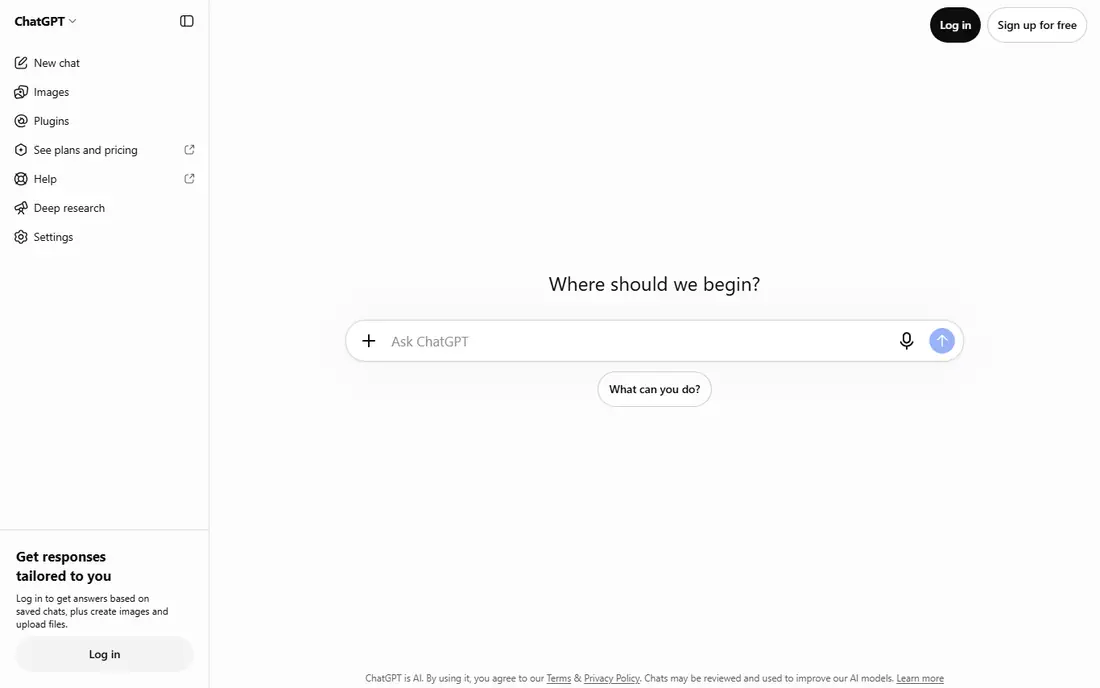
ChatGPT is the most versatile starting point for a startup team. Founders can draft landing pages, emails, job posts, investor updates and product descriptions in minutes, then refine them. It also helps brainstorm positioning, pricing angles and customer interview questions. The free plan covers everyday text work, while Plus at $20 per month adds higher limits and more advanced models. Teams should still edit every customer-facing draft, because AI text can sound generic or include errors. Fact checks matter most for pricing, legal claims and market statistics. ChatGPT works best as a drafting partner, not as a source of truth. Pair it with Perplexity for cited research and Grammarly for polish. For general startup work, it is the first tool to try.
- Broad capability, useful for drafts and ideas, large ecosystem of tools
- Free tier has usage caps, outputs need editing and fact checks
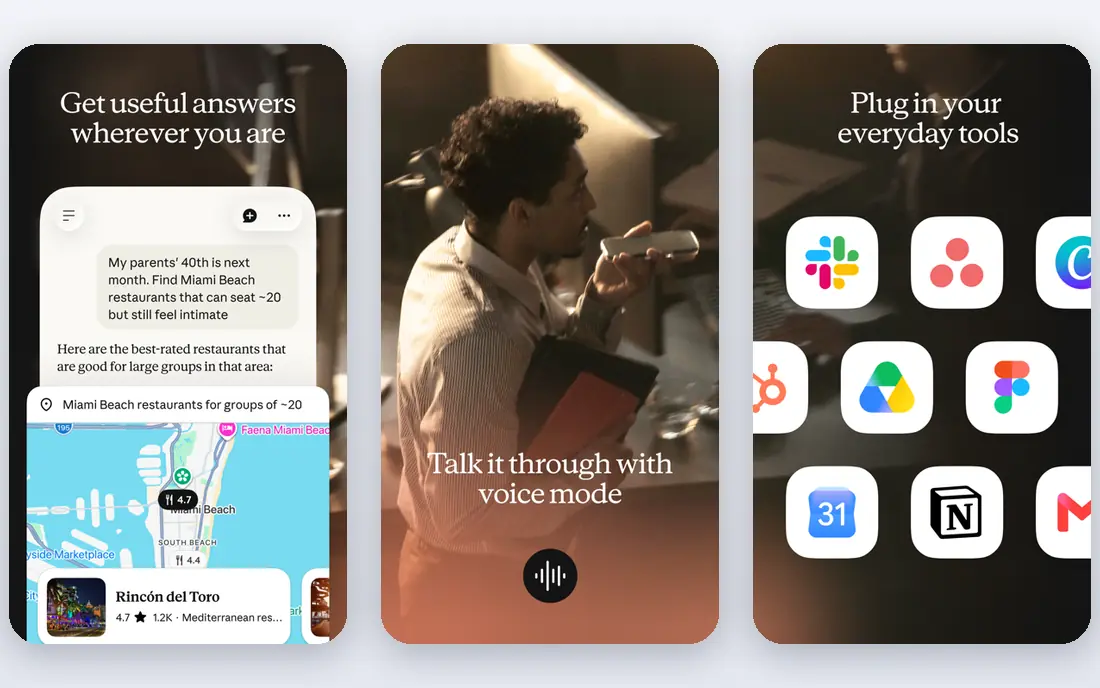
Claude suits founders who work with long inputs, such as pitch decks, contracts, research reports and customer feedback. Its Projects feature helps teams keep related documents together and ask questions across them. The tone also tends to read more measured than a generic chatbot draft. The free plan offers session-based access with file uploads and web search, while Pro at $20 per month raises limits for heavier use. Claude is useful for summarizing interview notes, spotting themes in feedback and drafting careful investor or partner messages. It still needs human review for facts and legal wording. Claude overlaps with ChatGPT, so teams should pick one as the main assistant and use the other only for specific strengths. For long, nuanced work, Claude is often the better choice. For broad daily drafting, either can work.
- Strong long-document handling, careful tone, useful Projects feature
- Usage limits on free plan, Pro needed for heavy daily use
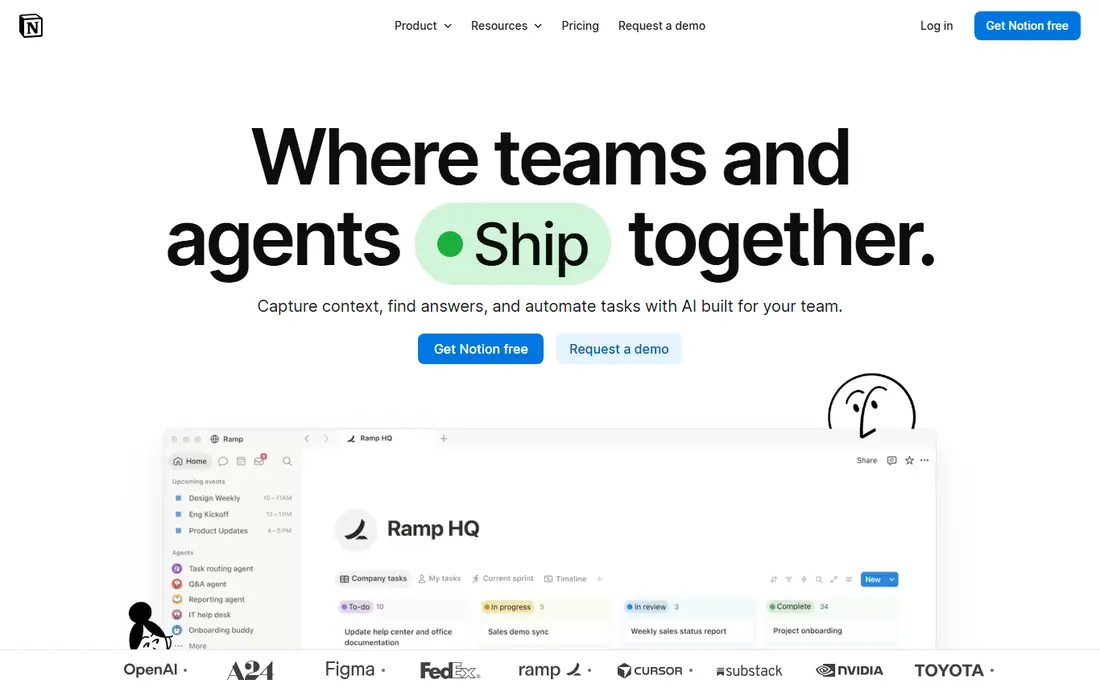
Notion AI turns a workspace into a working system for a startup, not just a notes app. Teams can keep a wiki, roadmap, meeting notes and launch checklists in one place, then use AI to summarize pages, draft updates and find key points. That structure helps small teams avoid scattered docs. The free plan covers basic Notion use, while AI features depend on plan and add-ons, so check current Notion pricing before buying. Notion works best when one person owns the workspace structure and templates. Without that owner, pages can grow messy fast. Notion AI is less of a standalone chatbot and more of a team memory tool. It shines for internal docs, hiring pipelines and product planning. For startups that need one home for work, it is a strong foundation.
- Docs and tasks in one place, AI summaries and drafting, good team wiki
- AI access varies by plan, setup takes discipline to stay organized
Perplexity is the research tool in this stack, because it answers questions with sources attached. Founders can check market sizes, competitor features, pricing trends and regulations faster than with manual search alone. Citations make it easier to verify claims before they reach a pitch deck. The free plan covers everyday cited search, while Pro at $20 per month adds more Pro searches, deep research and file uploads. Education pricing may be lower for eligible users. Even with citations, founders should open key sources and check dates, because AI summaries can misread context. Perplexity does not replace customer interviews or primary research. It speeds up desk research and helps teams ask sharper questions. For market checks and competitor tracking, it is a valuable second tool after a general assistant.
- Cited answers, fast market and competitor research, useful deep research on Pro
- Free Pro searches are limited, citations still need verification
Canva helps startups look polished without hiring a designer for every asset. Teams can build pitch decks, social posts, one-pagers and ads from templates, then apply brand colors and fonts. AI tools can generate images, resize designs and draft copy inside the same canvas. The free plan covers many templates and basic design work, while Pro adds brand kits, background removal and more storage. Pricing varies by region and billing term, so check the current Canva pricing page. Canva is not a replacement for complex product design or print work, but it covers most marketing needs. Canva works best when a team keeps templates consistent and avoids over-designed slides. A clean deck with clear numbers beats a flashy deck with weak claims. For early marketing, Canva is a practical and affordable choice.
- Easy design templates, brand kits on paid plans, fast social and deck output
- Not a full professional design suite, AI features vary by plan
Grammarly improves the writing startups send to customers, investors and hires. It checks grammar, spelling, clarity and tone across email, docs and browsers, and its AI features can rewrite sentences for brevity or warmth. That polish matters when a small team has no dedicated editor. The free plan covers core grammar and tone checks, with a limited number of AI prompts each month. Pro starts around $12 per month on annual billing, with a higher monthly rate. Teams should still read suggestions critically, because tone changes can alter meaning in contracts or sensitive messages. Grammarly is a complement to ChatGPT and Claude, not a replacement for them. It works best at the final edit stage, after ideas are drafted. For customer-facing quality, it is a low-cost upgrade.
- Grammar and tone checks, useful AI prompts, works across browsers and docs
- AI prompts are capped on free plan, suggestions still need judgment
Zapier connects the apps a startup already uses, so routine work happens without manual copying. A new lead can trigger a CRM entry, a Slack message and a follow-up task. A form submission can update a sheet and notify the founder. Those small automations save hours each week. The free plan covers basic automations with limited tasks, while paid plans raise task limits and add advanced features. Pricing depends on tasks and plan, so check current Zapier pricing for your volume. AI features can help draft workflow steps, but complex logic still needs testing. Zapier works best when teams automate one clear process at a time and test it before scaling. Poorly designed automations can create duplicate records or noisy alerts. For operations help on a small team, it is a strong tool.
- Broad app connections, no-code automation, useful AI workflow features
- Complex workflows need care, costs grow with task volume
Cursor is an AI-first code editor that helps technical founders build faster. It can complete code, explain functions, refactor files and run agent-style tasks across a codebase. For a small engineering team, that assistance speeds up prototypes, bug fixes and routine features. The free tier lets developers test the editor, while paid plans raise usage limits and add more advanced models. Plan names and prices have changed during 2026, so check the current Cursor pricing page before budgeting. Teams should still review generated code, tests and security implications. Cursor is not a substitute for engineering judgment, testing or code review. It works best for teams that already ship software and want faster iteration. For technical startups, it is one of the most useful AI tools in this list.
- AI code completion and editing, familiar editor workflow, agent features
- Pricing and plan names have changed, usage limits vary by plan
How we picked these
We chose tools that are currently available, offer a free tier or trial, and solve distinct startup jobs. We avoided stacking multiple general chatbots, and we favored tools with clear team use cases. Where pricing varies by plan or region, we used See website instead of a single figure that could mislead.
What to check before you buy
Buy one tool per job
Two chatbots, two design tools and two trackers create cost without extra output. Assign each job to one tool, and review the stack each quarter. Cancel tools that have not saved time in the past month.
Test free tiers for a full month
A tool that feels exciting on day one may sit unused by day 20. Run free tiers on real work, not demo tasks. Track hours saved, output quality and team adoption before paying.
Protect customer and company data
Check data handling, training settings and access controls before pasting sensitive material into AI tools. Avoid sharing customer personal data, secrets or unpublished financial details in prompts. Use team plans with proper permissions where available.
Keep humans in charge of key decisions
AI can draft, summarize and automate, but founders should approve pricing, legal wording, hiring messages and product claims. A quick human check prevents generic copy, factual errors and costly mistakes. Treat AI output as a draft, not a decision.
FAQ
Which AI tool should a startup buy first?
Start with a general assistant such as ChatGPT or Claude, then add Perplexity for cited research. That pair covers most drafting and research needs. Add design, writing or coding tools only when a specific bottleneck appears.
Can a startup run on free AI tools alone?
Many early startups can, using free tiers of ChatGPT, Claude, Perplexity, Notion, Canva, Grammarly, Zapier and Cursor. Free limits will bite as usage grows, especially for coding and deep research. Pay first for the tool that saves the most time each week.
Is AI output safe to publish without editing?
No, AI output should be edited for accuracy, tone and brand fit before publishing. It can include errors, outdated facts or generic phrasing. Check claims, numbers and legal wording, and keep a human editor in the loop for customer-facing material.
How do ChatGPT and Claude differ for startups?
ChatGPT is broader and more versatile for everyday drafting and ideas. Claude tends to handle long documents and careful analysis with a more measured tone. Many teams pick one as the main assistant and use the other for specific tasks.
Should non-technical founders use Cursor?
Cursor is built for developers, so non-technical founders will get little value from it directly. They should focus on ChatGPT, Notion, Perplexity and Canva instead. Technical co-founders or hired developers can evaluate Cursor for coding work.
How can startups avoid AI subscription creep?
Set a quarterly review, assign one owner per tool and track usage and time saved. Cancel tools that overlap or sit unused. A simple spreadsheet of tool, cost, owner and value makes creep visible before it grows.
Sources
https://chatgpt.com https://claude.com https://www.notion.com https://www.perplexity.ai https://www.canva.com https://www.grammarly.com https://zapier.com https://www.cursor.com