5 SAS Software Development Tools Alternatives Worth Switching To in 2026
SAS Software Development Tools alternatives: 5 contenders ranked by fit, with entry costs and free tiers. Read the caveats before you buy. See which fits.
- Editor's choice
 MATLAB
Engineering and scientific computing
Starts atPricing on requestVisit mathworks.comFull review - Great alternative
 Stata
Integrated statistical analysis and reporting
Starts atPricing on requestVisit stata.comFull review - Also consider
 SPSS Statistics
Guided statistical analysis and predictive modeling
Starts atPricing on requestVisit ibm.comFull review
Direct answer
For engineering and scientific computing, MATLAB is where this list starts. Stata fits integrated statistical analysis and reporting; SPSS Statistics fits guided statistical analysis and predictive modeling. The remaining 2 options are covered below with pricing notes and limits. None of these vendors publish plan prices, so pricing is on request for every option.
TL;DR:
- MATLAB sits first on this list: engineering and scientific computing.
- RStudio is the one to check for R-focused statistical analysis and reporting.
- MATLAB, RStudio and the 3 others all need a premium plan or a trial, since no free plan is listed.
- Every tool from MATLAB to RStudio works by quote, with no list price shown.
- A fair warning about Python: statistical methods frequently need add-on libraries.
Last checked November 2026. Pricing on request: vendors did not publish plan prices when this guide was last checked (November 2026), so ask each vendor for a written quote.
Quick comparison
| Tool | Best for | Starts at | Free plan? | |
|---|---|---|---|---|
| MATLAB | Engineering and scientific computing | Pricing on request | Not stated | Visit |
| Stata | Integrated statistical analysis and reporting | Pricing on request | Not stated | Visit |
| SPSS Statistics | Guided statistical analysis and predictive modeling | Pricing on request | Not stated | Visit |
 Python | General-purpose scripting and data work | Pricing on request | Not stated | Visit |
| RStudio | R-focused statistical analysis and reporting | Pricing on request | Not stated | Visit |
Tool-by-tool breakdown
If you are comparing SAS Software Development Tools, this page covers 5 tools in one place: what each is best for, what it costs to start, whether it has a free plan, and the main limit to know about.
MATLAB is a good fit for engineering and scientific computing. Groups already doing engineering or signal work frequently find it a natural home.
MATLAB is not primarily a statistical reporting package, so some classical analysis and output workflows may need additional toolboxes. It also differs from the data-step and procedure style SAS users know. Check the vendor site for MATLAB pricing; none is listed in this comparison. Free options: Not stated.
Limits to weigh: Add-on toolboxes may be needed for some methods.
- Integrated environment for technical computing
- Matrix-oriented approach fits numerical work
- Less typical for traditional statistical reporting
Stata is aimed squarely at integrated statistical analysis and reporting. Researchers moving from SAS frequently appreciate that everything needed for a standard analysis is built in.
It is also less adaptable than a general-purpose language for building custom applications. No starting price is listed for Stata here; confirm pricing on the vendor site. As for free access: Not stated.
What to check first: Less general-purpose than a full programming language.
- Visualization and data manipulation
- Includes statistics
- Proprietary ecosystem with its own syntax
SPSS Statistics is aimed squarely at guided statistical analysis and predictive modeling. IBM SPSS Statistics is presented as software that helps users analyze data and build predictive models with advanced statistical tools and AI-assisted insights.
Also, scripting is possible but less central than in code-first tools. In practice, the interface-first design can feel restrictive when you need custom algorithms or deep automation. SPSS Statistics does not show a starting price in this comparison, so check the vendor site for current pricing. Free access: Not stated.
Trade-offs to know: Interface-driven workflow can limit customization.
- Advanced statistical tools in one package
- Designed for solving complicated analytical problems
- Proprietary environment with its own conventions
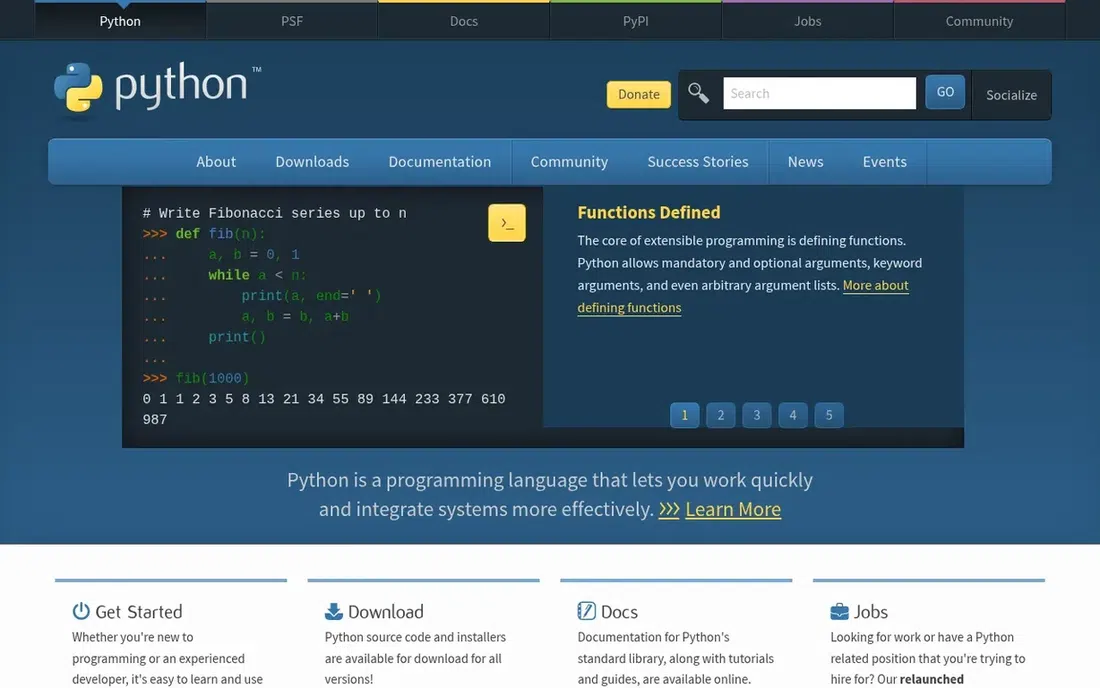
Python targets general-purpose scripting and data work. If you need a guided interface for standard statistical procedures, a dedicated package for example SPSS Statistics or Stata may suit you better. Worth adding: Python is a general-purpose programming language maintained through its official community home.
As for the details, analysts coming from SAS frequently value that adaptability, since scripts can grow into production pipelines and shared tooling without switching environments. It also asks for more setup and coding comfort. Pricing for Python is not stated here, so ask the vendor for current figures. Free access: Not stated.
Where it falls short: Statistical methods frequently need add-on libraries.
Highlights: Large standard library and ecosystem.
- Works across scripting
- Automation and analysis
- Less built-in guidance for classical statistics
RStudio
Best for: R-focused statistical analysis and reporting
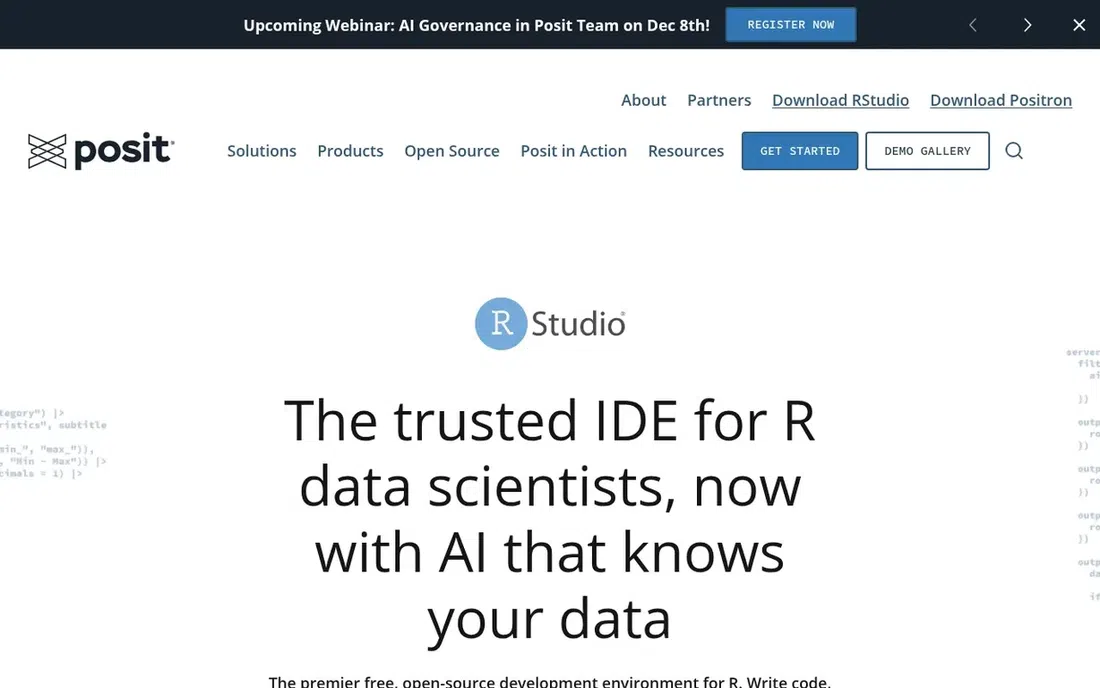
Pick RStudio if this describes you: R-focused statistical analysis and reporting. If your work is largely Python, a general-purpose setup may be a better fit. For everyday use, teams already comfortable with R frequently find it the most natural replacement for a SAS analysis workflow.
RStudio is an integrated development environment centered on R, with support for Python, SQL and other languages R programmers use. The environment is built around R, so heavy Python or general application development may feel constrained compared to a broader editor. RStudio shows no starting price here, so confirm the cost on the vendor site. Free access: Not stated.
Limits to weigh: Best experience assumes R knowledge.
Main advantages: Purpose-built IDE for R.
- Strong fit for reproducible analysis workflows
- SQL and other languages
- Less suited to general software engineering
Our selection method
LinkVetted looked at what each vendor publishes: pricing, plan limits, feature coverage for SAS Software Development Tools and stated drawbacks. No hands-on testing is claimed. Where a vendor does not publish a price, the entry says quote. Where a price depends on seats or billing term, the entry says so. Tools are placed by general fit for SAS Software Development Tools, with price clarity and free access as tie-breakers. A different team can reasonably rank them differently.
Questions to settle before buying
- Confirm the entry price with every vendor: no tool from MATLAB to RStudio shows a fixed starting price.
- Before choosing MATLAB, weigh its main limit: less typical for traditional statistical reporting.
- Find out what support RStudio includes on your plan, and whether onboarding help costs extra.
- Before you load data into MATLAB, check what an export looks like and who can run it.
- Check whether SPSS Statistics bills monthly or annually, and what cancelling early costs.
FAQ
How are the SAS Software Development Tools ordered?
The order follows typical fit for SAS Software Development Tools, with MATLAB first and RStudio last, then price clarity and free access. It is editorial judgement, not a score, so another team could rank the tools differently.
Is MATLAB the right pick for everyone comparing SAS Software Development Tools?
No single tool suits every team. MATLAB comes first because it fits engineering and scientific computing, while Stata suits integrated statistical analysis and reporting and SPSS Statistics suits guided statistical analysis and predictive modeling. Match the tool to your own size, budget and workflow before deciding.
Can I try these options before paying?
Not by default. None of the tools, from MATLAB to RStudio, lists a free plan or a free trial here, so ask each vendor for a demo before committing.
Does any tool for SAS Software Development Tools here have a free plan?
A permanent free plan is not offered by MATLAB, RStudio or the other tools here. Plan a short evaluation period instead.
Can Python replace SAS for statistical analysis?
Python can manage most statistical work, but plenty of methods come from add-on libraries instead of a single built-in package. Teams should check that the specific procedures they use are available and documented before migrating.
Sources
- https://www.mathworks.com/products/matlab.html
- https://www.stata.com
- https://www.ibm.com/products/spss-statistics
- https://www.python.org
- https://posit.co/products/open-source/rstudio