5 Marvelous Designer Alternatives Worth Switching To in 2026
5 products for Marvelous Designer alternatives, ranked by fit, with starting costs and free tiers. Includes honest limits for each tool. Straight answers.
- Editor's choice
 Optitex
2D pattern CAD with 3D prototyping
Starts atSee websiteVisit optitex.comFull review - Great alternative
 Browzwear VStitcher
Apparel fit and development speed
Starts at$750 per yearVisit browzwear.comFull review - Also consider
 ZBrush
Digital sculpting of characters and assets
Starts atSee websiteVisit maxon.netFull review
Direct answer
Our first pick is Optitex, best for 2D pattern CAD with 3D prototyping. Listed starting prices: Browzwear VStitcher from $750 per year and CLO3D from $25 a month. Browzwear VStitcher fits apparel fit and development speed; ZBrush fits digital sculpting of characters and assets. All 5 tools are compared below on price, free plan and limits.
TL;DR:
- Number one here is Optitex, a fit for 2D pattern CAD with 3D prototyping.
- Substance 3D Painter is the one to check for Texturing 3D garments and assets.
- The lowest published monthly entry price here is $25 per month, from CLO3D.
- The main caution on CLO3D: apparel focus may not suit other asset types.
Last checked November 2026. Prices and plan details were read from the vendors' own pages in November 2026; vendors change plans often, so confirm the current price on the vendor site before you buy.
Quick comparison
| Tool | Best for | Starts at | Free plan? | |
|---|---|---|---|---|
| Optitex | 2D pattern CAD with 3D prototyping | See website | Not stated | Visit |
| Browzwear VStitcher | Apparel fit and development speed | $750 per year | Not stated | Visit |
| ZBrush | Digital sculpting of characters and assets | See website | Not stated | Visit |
| CLO3D | Production-ready 3D garment design | $25 a month | Free trial | Visit |
| Substance 3D Painter | Texturing 3D garments and assets | See website | Not stated | Visit |
Marvelous Designer profiles
This LinkVetted guide covers 5 options for Marvelous Designer. Each profile lists a starting price, free plan details, strengths and drawbacks, so you can drop poor fits quickly.
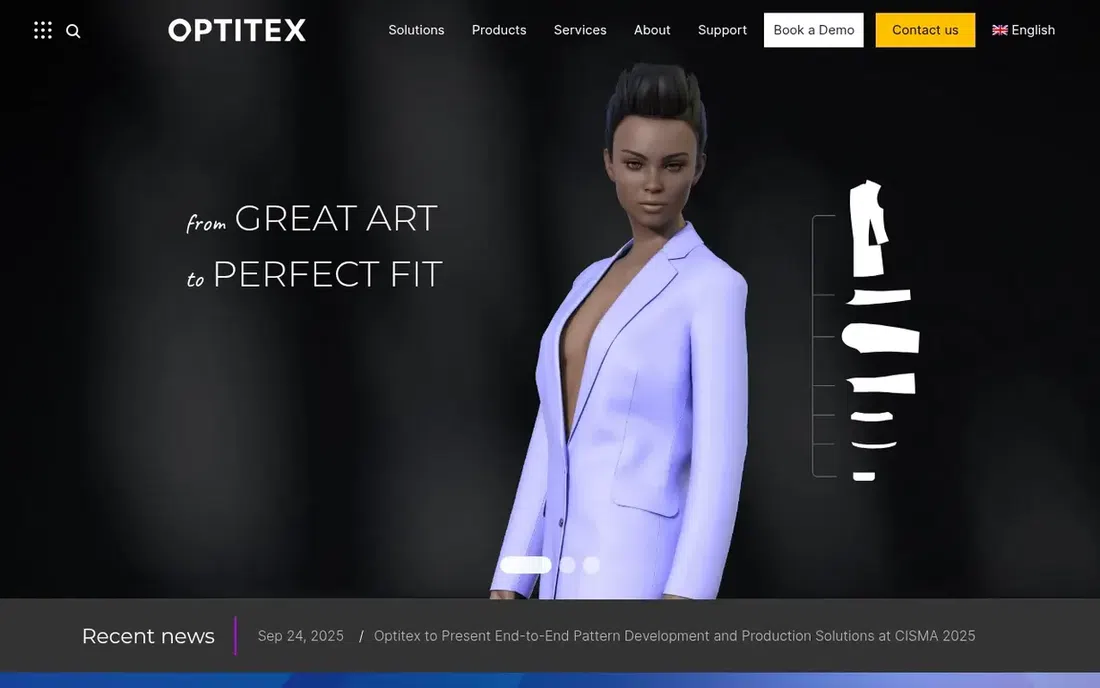
Optitex serves 2D pattern CAD with 3D prototyping. Optitex describes end-to-end fashion design software that bundles 2D CAD/CAM pattern design and 3D prototyping, serving fashion, apparel, automotive and upholstery work.
Its cross-industry coverage makes it a candidate for Marvelous Designer users who also deal with technical or upholstery projects. This comparison lists no price for Optitex; ask the vendor. Free access: Not stated.
Drawbacks to consider: Interface ramp-up time for newcomers.
- End-to-end fashion design coverage
- 2D CAD/CAM pattern tools
- Wide scope can feel complicated
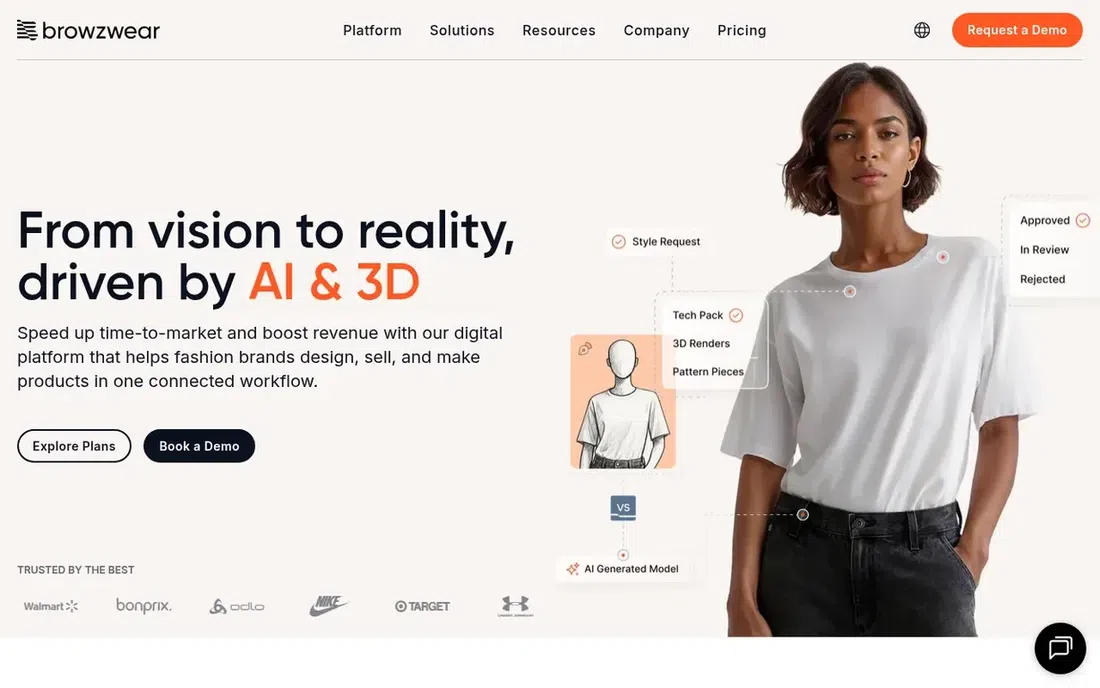
Browzwear VStitcher is built with apparel fit and development speed in mind. Browzwear VStitcher is apparel development software that, per its homepage, helps fashion firms accelerate time to market, improve fit and support customer satisfaction.
Where it falls short: Needs apparel domain knowledge.
It fits apparel brands and suppliers that treat 3D as a development and fit-iteration tool instead of only a visualization step, making it a practical swap for teams whose Marvelous Designer use centers on garment fitting. Starting cost for Browzwear VStitcher: $750 per year. Free plan details: Not stated.
- Aims to speed time to market
- Fit-focused workflow
- Less suited to non-apparel 3D work
Choose ZBrush for digital sculpting of characters and assets. Choosing ZBrush means giving up pattern-driven garment simulation, so it is a poor direct replacement for apparel production work. ZBrush is Maxon's digital sculpting application, widely known for character and asset modeling with in-depth forms.
Limits to weigh: Steeper ramp-up time for beginners.
It is not a cloth simulator in the Marvelous Designer sense. Beyond that, if your goal is realistic sewn garments, CLO3D or Optitex are closer suits; use ZBrush when sculpted detail matters more than pattern accuracy. ZBrush does not show a starting price in this comparison, so check the vendor site for current pricing. Free access: Not stated.
- Capable sculpting toolset
- A decent match for in-depth forms
- Not a garment simulation tool
CLO3D
Best for: Production-ready 3D garment design
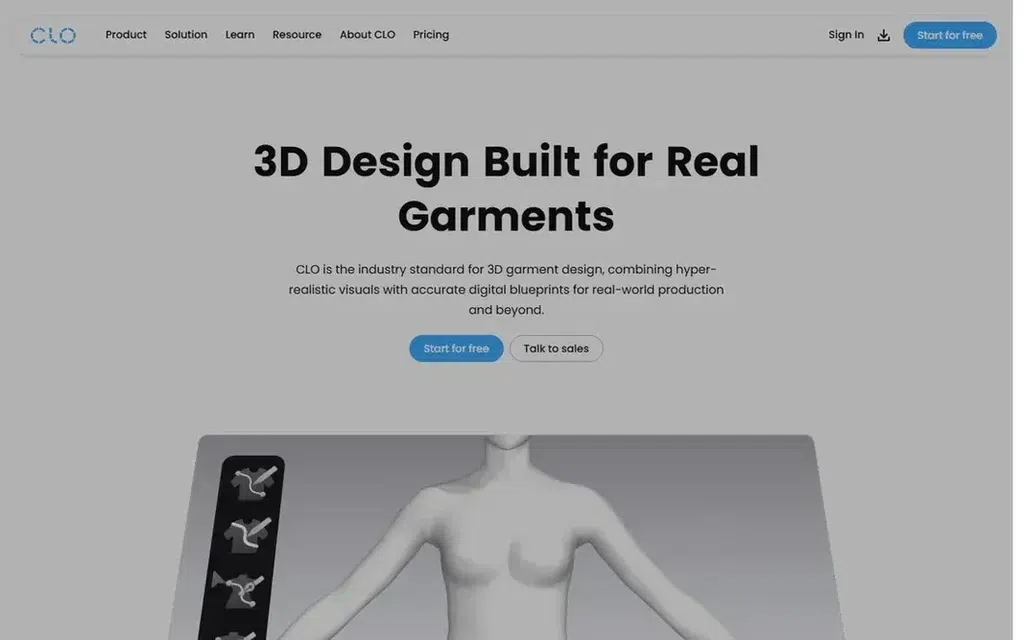
CLO3D serves production-ready 3D garment design. CLO3D presents itself as an industry standard for 3D garment design, pairing hyper-realistic visuals with accurate digital blueprints for real-world production. It is the closest like-for-like alternative for Marvelous Designer users who require garments that move toward manufacturing.
Points against: Deeper feature set takes time to learn.
Its apparel-first scope means artists working on props, characters or automotive interiors may find it narrower than a general 3D package. Also, teams that primarily need sculpting or texturing should look at ZBrush or Substance 3D Painter instead, and those wanting pattern CAD alongside 3D can weigh Optitex. CLO3D starts at: $25 per month. Trial and free access: Free trial.
Strengths: Digital blueprints for real production.
- Hyper-realistic garment visuals
- Wide apparel design workflow
- Apparel focus may not suit other asset types
Substance 3D Painter
Best for: Texturing 3D garments and assets
Substance 3D Painter is built with Texturing 3D garments and assets in mind. It suits artists who require to finish garments and assets with realistic fabric textures after modeling or simulation, making it a handy companion instead of a direct Marvelous Designer substitute.
It does not design or simulate garments, so it cannot stand alone as a pattern or cloth tool. Substance 3D Painter shows no starting price here, so confirm the cost on the vendor site. As for free access: Not stated.
Where Substance 3D Painter stands out: masks and UV mapping.
Where it falls short: No garment simulation.
- Widely used in 3D pipelines
- Real-time texturing workflow
- Complements instead of replaces design tools
How the list was put together
Pre-purchase checklist
- Confirm the entry price on the vendor page. For Optitex, ZBrush and Substance 3D Painter that means a quote rather than a fixed price.
- Run a trial of CLO3D with real work before paying for a year; your own workflow is the best test.
- Read the limits listed for Optitex first: wide scope can feel complex.
- Confirm minimum seats and billing terms with ZBrush before you commit to an annual plan.
- Ask whether CLO3D integrates with your current software, and whether that comes standard or as an add-on.
FAQ
Is Optitex the right pick for everyone comparing Marvelous Designer?
No single tool suits every team. Optitex comes first because it fits 2D pattern CAD with 3D prototyping, while Browzwear VStitcher suits apparel fit and development speed and ZBrush suits digital sculpting of characters and assets. Match the tool to your own size, budget and workflow before deciding.
Do these tools publish their prices?
Not all of them. Optitex, ZBrush and Substance 3D Painter publish no starting price, so expect a quote request for those. The rest, Browzwear VStitcher included, show a starting price, though seats and billing terms still change the final cost.
Which alternative fits teams that also make non-apparel products?
Optitex states coverage for fashion, apparel, automotive and upholstery, which makes it worth evaluating for mixed product lines. More specifically, confirm module availability with the vendor for your specific product type.
Does any tool for Marvelous Designer here have a free plan?
A permanent free plan is not offered by Optitex, Substance 3D Painter or the other tools here. CLO3D offer a trial. Plan a short evaluation period instead.
How should I evaluate these tools before committing?
List your required outputs, like pattern files, simulation renders or texture maps, then check each vendor's documented support for them. Testing with one real project is the most steady way to judge fit.
Can I try these tools before paying?
Often, yes. CLO3D offers a free trial. Use your own data and a real task during the test, and check what the free tier or trial limits before you rely on it. Prices, free plan details and limits for all 5 tools in this Marvelous Designer alternatives roundup sit on the individual cards above.
Sources
- https://optitex.com
- https://browzwear.com
- https://www.maxon.net/en/zbrush
- https://www.clo3d.com
- https://www.adobe.com/products/substance3d-painter.html