Microsoft Designer Alternatives in 2026: 5 Options Vetted
Microsoft Designer alternatives: 5 contenders ranked by fit, with entry costs and free tiers. Every pick includes one clear drawback. Checked this month.
- Editor's choice
 Placeit
Mockups, logos, and video templates
Starts at$7.47 per monthVisit placeit.netFull review - Great alternative
 Brandcrowd
Logos and brand identity design
Starts atSee websiteVisit brandcrowd.comFull review - Also consider
 Figma
Collaborative product and UI design
Starts at$3 a monthVisit figma.comFull review
Direct answer
Start with Placeit if you need Mockups, logos, and video templates. Listed starting prices: Placeit from $7.47 per month, Figma from $3 a month and Picsart from $10.5 a month. Brandcrowd is better for logos and brand identity design, and Figma is better for collaborative product and UI design. The other 2 tools in the list cover narrower or pricier cases.
TL;DR:
- The list opens with Placeit, aimed at Mockups, logos, and video templates.
- Placeit stands alone as the one tool in this list with a free plan.
- Canva is the one to check for all-around visual design and templates.
- Figma has the lowest monthly starting price in this list: $3 per month.
- A fair warning about Figma: steeper ramp-up time for beginners.
Last checked November 2026. Prices and plan details were read from the vendors' own pages in November 2026; vendors change plans often, so confirm the current price on the vendor site before you buy.
Quick comparison
| Tool | Best for | Starts at | Free plan? | |
|---|---|---|---|---|
| Placeit | Mockups, logos, and video templates | $7.47 per month | Yes | Visit |
| Brandcrowd | Logos and brand identity design | See website | Not stated | Visit |
| Figma | Collaborative product and UI design | $3 a month | Not stated | Visit |
 Picsart | Quick AI-powered content creation | $10.5 a month | Not stated | Visit |
 Canva | All-around visual design and templates | See website | Not stated | Visit |
5 options for Microsoft Designer in detail
LinkVetted put together this guide to Microsoft Designer for readers who want a clear shortlist without reading every vendor page. It compares 5 tools on starting price, free plans, who each one suits and where each one falls short.
Placeit was built for Mockups, logos, and video templates. In daily use, Placeit is template-driven, so it may not satisfy users who require full creative control or unique layouts.
On top of that, advanced design manipulation is restricted compared to general-purpose design tools. For everyday use, pick Placeit when you need quick mockups and branded templates instead of bespoke design work. On cost, Placeit starts like this: $7.47 per month. Placeit includes a free tier.
Points against: Restricted advanced editing.
- Video and design templates
- Broad range of mockups
- Focus on templates over original design
Brandcrowd is built with logos and brand identity design in mind. The system is especially strong for logo creation and entry-level brand collateral. As for the details, choose BrandCrowd when your priority is quick, template-based branding materials.
The main drawbacks: Less suited for complicated layouts.
BrandCrowd concentrates on making logos, business cards, social designs, and more. If you need advanced editing or multi-page layouts, a broader design tool could be better. No starting price is listed for Brandcrowd here; confirm pricing on the vendor site. Free access: Not stated.
- Focus on logos and business cards
- Instant download
- May be restricted for video or advanced graphics
Figma serves collaborative product and UI design. Figma is a collaborative canvas where design, code, and AI come together. It supports the full journey from concept to production, making it a strong match for product teams, UX designers, and developers who require to work in one place.
Honest limits: Steeper ramp-up time for beginners.
Beyond that, pick Figma when collaboration and product design are central, not when you need quick marketing visuals. The system emphasizes team collaboration and handoff, so it fits organizations building digital products. Price to start with Figma: $3 per month. Free options: Not stated.
- AI features integrated
- Live team collaboration
- Less concentrated on social media templates
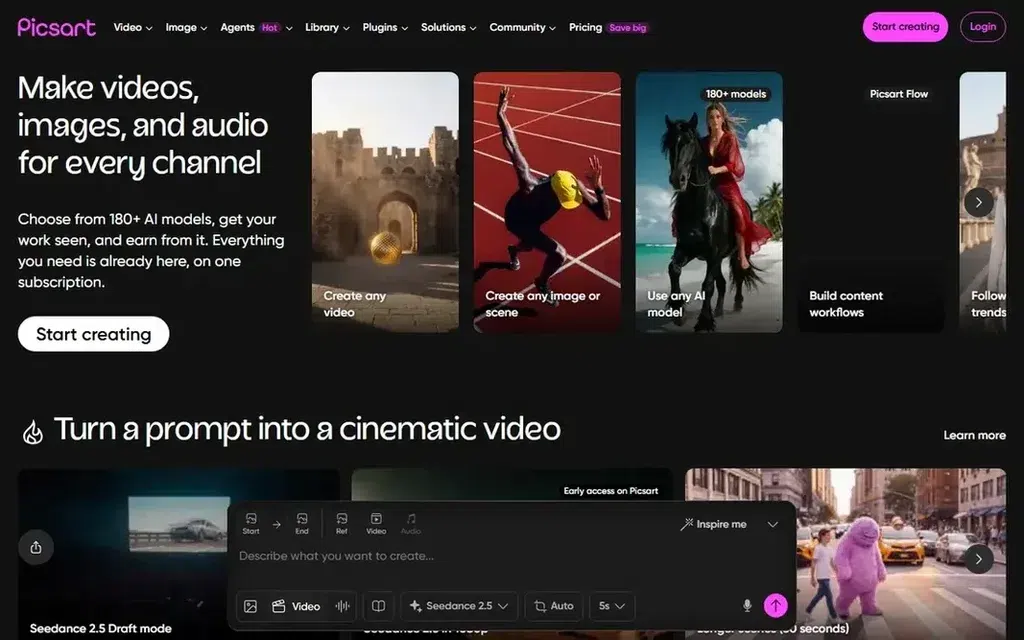
Picsart is built with quick AI-powered content creation in mind. Picsart is an all-in-one creative product with a broad selection of AI design tools. In daily use, the generative AI features make it a fit for social media creators and small teams who want fast, eye-catching visuals without a steep ramp-up time.
From a buyer's view, pick Picsart for rapid AI-assisted content instead of complicated design projects. More specifically, Picsart leans toward consumer and social content, so it may lack the depth needed for professional brand systems or print-ready layouts. More specifically, if you need advanced typography or precise brand controls, consider a more specialized tool. Picsart pricing: $10.5 per month. Free options: Not stated.
Honest limits: Some features may feel consumer-oriented.
- Expert-crafted templates
- Asset libraries included
- Interface can be busy
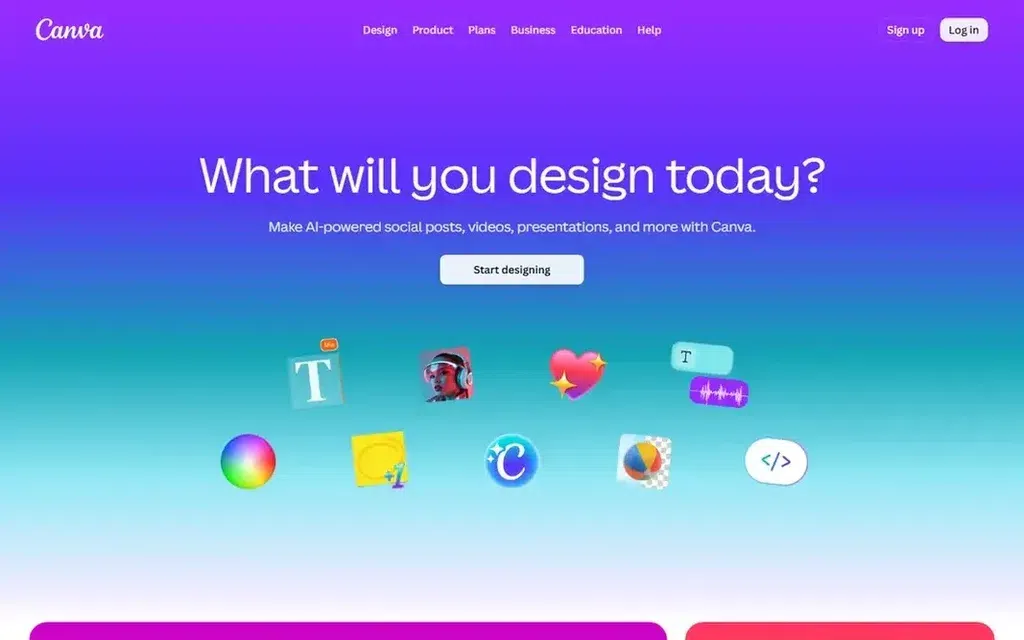
In short, Canva is for all-around visual design and templates. Canva is an online graphic design product that lets you produce social media posts, presentations, posters, videos, logos, and more.
Limits to weigh: Advanced customization may need workarounds.
This comparison lists no price for Canva; ask the vendor. As for free access: Not stated.
- Browser-based collaboration
- Supports plenty of design types
- Can feel overwhelming for beginners
How we chose
LinkVetted looked at what each vendor publishes: pricing, plan limits, feature coverage for Microsoft Designer and stated drawbacks. No hands-on testing is claimed. Where a price is missing, the vendor does not list one publicly or ties it to a quote. Always confirm before budgeting. The order reflects how well each tool fits the most common buying scenario for Microsoft Designer, then price clarity, then free plan access. It is a starting point, not a verdict.
What to confirm before you sign up
- Get a written quote from Brandcrowd and Canva; the list shows no starting price for them.
- Test the free plan from Placeit against your real workload before relying on it.
- Before choosing Placeit, weigh its main limit: restricted advanced editing.
- Verify that exporting from Brandcrowd is possible on your plan and covers all your records.
- Check whether Placeit bills monthly or annually, and what cancelling early costs.
FAQ
Is Placeit the right pick for everyone comparing Microsoft Designer?
No single tool suits every team. Placeit comes first because it fits Mockups, logos, and video templates, while Brandcrowd suits logos and brand identity design and Figma suits collaborative product and UI design. Match the tool to your own size, budget and workflow before deciding.
Can I try these tools before paying?
Often, yes. Placeit has a free plan. Use your own data and a real task during the test, and check what the free tier or trial limits before you rely on it.
How are the tools for Microsoft Designer ordered?
The order follows typical fit for Microsoft Designer, with Placeit first and Canva last, then price clarity and free access. It is editorial judgement, not a score, so another team could rank the tools differently.
Are there alternatives concentrated on logos and branding?
BrandCrowd and Placeit both emphasize logos and branding materials. BrandCrowd concentrates on logos and business cards, whereas Placeit gives you mockups and video templates alongside logos. They suit fast branding needs instead of complicated design systems.
Do these tools publish their prices?
Not all of them. Brandcrowd and Canva publish no starting price, so expect a quote request for those. The rest, Placeit included, show a starting price, though seats and billing terms still change the final cost.
Sources
- https://placeit.net
- https://www.brandcrowd.com
- https://www.figma.com
- https://picsart.com
- https://www.canva.com