Maxon Cinema 4D Alternatives in 2026: 5 Options Vetted
Maxon Cinema 4D alternatives in 2026: 5 contenders with entry costs and free tiers. Strengths and weak spots are spelled out. Pricing and limits included.
- Editor's choiceSubstance 3D Painter
Live 3D texturing and materials
Starts atPricing on requestVisit adobe.comFull review - Great alternative
 Autodesk 3ds Max
Professional modeling and large environments
Starts atPricing on requestVisit autodesk.comFull review - Also consider
 ZBrush
Digital sculpting and high-detail models
Starts atPricing on requestVisit maxon.netFull review
Direct answer
Substance 3D Painter comes first here, mainly for live 3D texturing and materials. Autodesk 3ds Max is better for professional modeling and large environments, and ZBrush is better for digital sculpting and high-detail models. The remaining 2 options are covered below with pricing notes and limits. None of these vendors publish plan prices, so pricing is on request for every option.
TL;DR:
- The list opens with Substance 3D Painter, aimed at live 3D texturing and materials.
- ZBrush comes with a trade-off: not a full animation suite.
- Substance 3D Painter, LightWave 3D and the 3 others all need a premium plan or a trial, since no free plan is listed.
- LightWave 3D is the one to check for modeling, animation and VFX on Windows and Mac.
- No starting price is shown for any of the 5 tools, Substance 3D Painter and LightWave 3D included, so plan time for sales calls.
Last checked November 2026. Pricing on request: vendors did not publish plan prices when this guide was last checked (November 2026), so ask each vendor for a written quote.
Quick comparison
| Tool | Best for | Starts at | Free plan? | |
|---|---|---|---|---|
| Substance 3D Painter | Live 3D texturing and materials | Pricing on request | Not stated | Visit |
| Autodesk 3ds Max | Professional modeling and large environments | Pricing on request | Not stated | Visit |
| ZBrush | Digital sculpting and high-detail models | Pricing on request | Not stated | Visit |
 Blender | All-in-one open-source 3D workflow | Pricing on request | Not stated | Visit |
| LightWave 3D | Modeling, animation and VFX on Windows and Mac | Pricing on request | Not stated | Visit |
The 5 tools in detail
LinkVetted put together this guide to Maxon Cinema 4D for readers who want a clear shortlist without reading every vendor page. It compares 5 tools on starting price, free plans, who each one suits and where each one falls short.
Substance 3D Painter
Best for: Live 3D texturing and materials
For live 3D texturing and materials, Substance 3D Painter is a natural candidate. Adobe Substance 3D Painter is 3D painting software for applying textures, materials and masks or UV mapping onto 3D assets in live.
Drawbacks to consider: Needs another tool for full scenes.
Worth adding: for Cinema 4D users, it is a specialized alternative when texturing is the bottleneck instead of modeling or animation. From a buyer's view, pick Substance 3D Painter when live texture painting is the priority. Pricing for Substance 3D Painter is not stated here, so ask the vendor for current figures. Trial and free access: Not stated.
- Supports masks and UV mapping workflows
- Live texture and material painting
- Focused on texturing, not modeling
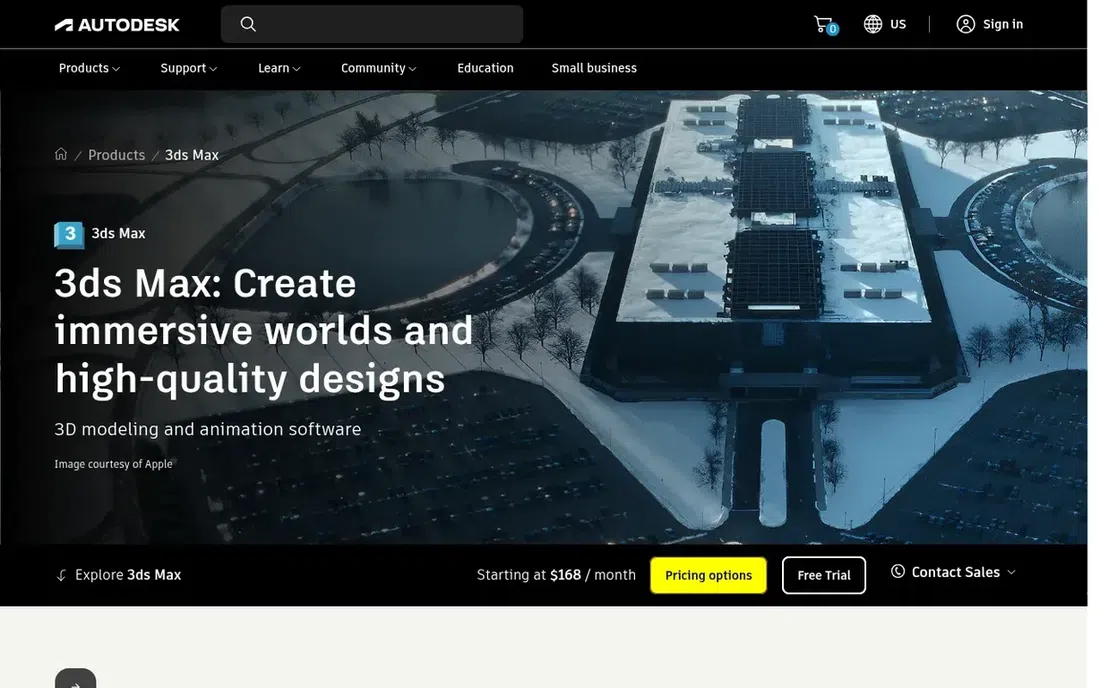
Autodesk 3ds Max is designed for professional modeling and large environments. Autodesk 3ds Max is a professional 3D modeling, animation and rendering application geared toward creating expansive worlds and high-quality designs. It is widely used in architectural visualization, game environment work and product imagery.
Studios that require a mature, commercially supported package with deep modeling tools commonly treat it as a direct alternative for Cinema 4D projects. It is a commercial product, so budget and licensing matter, and its workflow is centered on Windows. Choose 3ds Max when modeling depth, environment scale and vendor support outweigh the cost of switching. Autodesk 3ds Max does not show a starting price in this comparison, so check the vendor site for current pricing. Free options: Not stated.
What to check first: Commercial license required.
- Solid modeling and animation toolset
- Aimed at expansive worlds and designs
- Windows-focused workflow
ZBrush is aimed squarely at digital sculpting and high-detail models. ZBrush from Maxon is a digital sculpting application used to build highly in-depth characters, creatures and props. It complements instead of replaces a general 3D package, and numerous artists pair it with a modeling and animation tool.
On top of that, choose it when in-depth sculpting is the core need and pair it with another application for animation and rendering. For Cinema 4D users concentrated on sculpted detail, it is a natural companion or targeted alternative. Its sculpting-centric workflow also takes adjustment. Check the vendor site for ZBrush pricing; none is listed in this comparison. Free access: Not stated.
What to check first: Not a full animation suite.
- Deals with highly in-depth models
- Purpose-built for digital sculpting
- Different workflow from general 3D packages
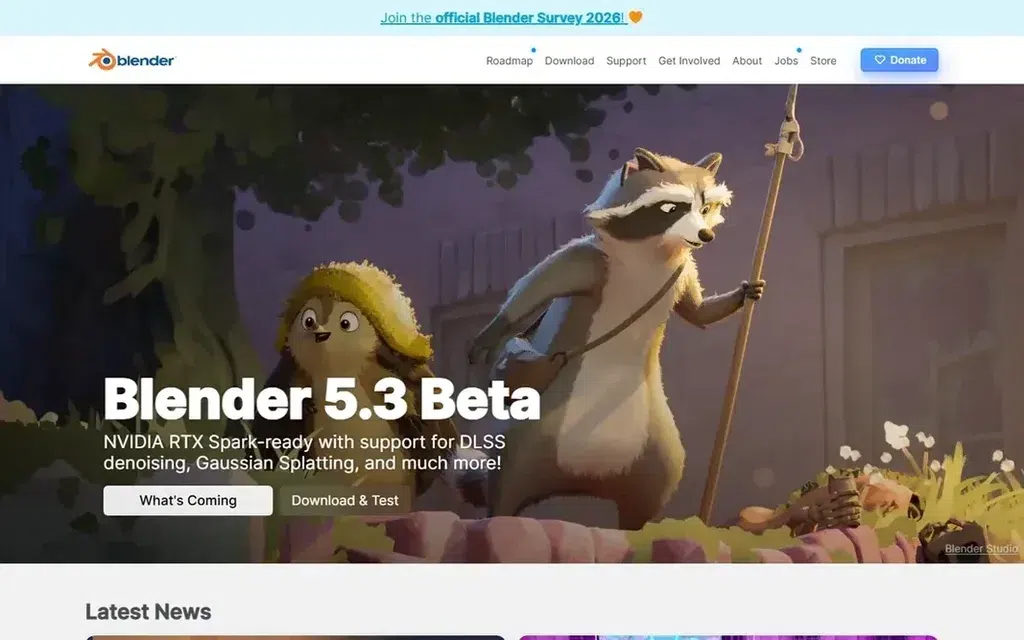
Blender is built with all-in-one open-source 3D workflow in mind. Blender is a free, open-source 3D creation suite that manages modeling, animation, rigging, simulation and rendering within a single application.
For general modeling, animation and rendering work, Blender is a solid starting point. No starting price is listed for Blender here; confirm pricing on the vendor site. On free options: Not stated.
Honest limits: Some studio pipelines expect commercial tools.
- Free and open source with a large community
- Rendering and more
- Interface has a ramp-up time
LightWave 3D
Best for: Modeling, animation and VFX on Windows and Mac
LightWave 3D works best for modeling, animation and VFX on Windows and Mac. LightWave 3D is professional 3D modeling, animation, visual effects and rendering software for artists, designers and studios, available for Windows and Mac.
Trade-offs to know: Smaller ecosystem than major suites.
LightWave 3D shows no starting price here, so confirm the cost on the vendor site. As for free access: Not stated.
- Combined modeling
- Animation and rendering
- Workflow differs from Cinema 4D
What went into this list
The comparison looks at four things: starting price, free access, how well the feature set matches Maxon Cinema 4D, and the main limit of each tool. Figures are shown as the vendors publish them. Billing terms, seat minimums and add-ons can change the real cost. We ordered the tools by general fit, then by how clearly pricing is shown, then by free access. A buyer with unusual needs may reorder them.
What to check before you buy
- Request quotes from Substance 3D Painter, LightWave 3D and the others; the list shows no fixed prices.
- Read the limits listed for Substance 3D Painter first: centred on texturing, not modeling.
- Verify that exporting from Autodesk 3ds Max is possible on your plan and covers all your records.
- Confirm minimum seats and billing terms with ZBrush before you commit to an annual plan.
- Run a one or two week pilot of LightWave 3D with the people who will use it every day.
FAQ
Do these tools publish their prices?
No. None of the tools, from Substance 3D Painter to LightWave 3D, shows a fixed starting price here, so budget time for quotes.
Is Blender a realistic replacement for Cinema 4D?
The primary adjustment is its interface and shortcut-driven workflow, which differ from Cinema 4D. Teams with specific pipeline integrations should test compatibility first.
How are the tools for Maxon Cinema 4D ordered?
Substance 3D Painter sits first and LightWave 3D last because the order follows typical fit for Maxon Cinema 4D, then price clarity and free access. It is a judgement call, so read each profile for fit and limits.
Is Substance 3D Painter the right pick for everyone comparing Maxon Cinema 4D?
No single tool suits every team. Substance 3D Painter comes first because it fits real-time 3D texturing and materials, while Autodesk 3ds Max suits professional modeling and large environments and ZBrush suits digital sculpting and high-detail models. Match the tool to your own size, budget and workflow before deciding.
Can I try these tools before paying?
Not by default. None of the tools, from Substance 3D Painter to LightWave 3D, lists a free plan or a free trial here, so ask each vendor for a demo before committing.
Sources
- https://www.adobe.com/products/substance3d-painter.html
- https://www.autodesk.com/products/3ds-max
- https://www.maxon.net/en/zbrush
- https://www.blender.org
- https://www.lightwave3d.com