Top Capital X Panel Designer Alternatives in 2026: 5 Picks Ranked
5 options for Capital X Panel Designer alternatives, with entry costs, free tiers and the buyer each one serves. Prices and drawbacks included. Plain facts.
- Editor's choice
 Lucidchart
Diagramming systems and processes
Starts atSee websiteVisit lucidchart.comFull review - Great alternative
 Sketch
Designer-focused design and handoff
Starts at$12 per editor per monthVisit sketch.comFull review - Also consider
 Balsamiq
Quick, low-fidelity wireframing
Starts at$16 per editor per monthVisit balsamiq.comFull review
Direct answer
Start with Lucidchart if you need Diagramming systems and processes. Listed starting prices: Sketch from $12 per editor per month, Balsamiq from $16 per editor per month and Figma from $3 per month. Alternatives: Sketch for designer-focused design and handoff, and Balsamiq for quick, low-fidelity wireframing. The other 2 tools in the list cover narrower or pricier cases.
TL;DR:
- This list starts with Lucidchart, which is built for Diagramming systems and processes.
- The cheapest monthly starting price in the list is $3 per month, offered by Figma.
- Axure RP suits in-depth prototypes and specifications.
- A permanent free plan is missing from all 5 tools, Lucidchart and Axure RP included; plan for a trial or a premium start.
Last checked November 2026. Prices and plan details were read from the vendors' own pages in November 2026; vendors change plans often, so confirm the current price on the vendor site before you buy.
Quick comparison
| Tool | Best for | Starts at | Free plan? | |
|---|---|---|---|---|
| Lucidchart | Diagramming systems and processes | See website | Not stated | Visit |
| Sketch | Designer-focused design and handoff | $12 per editor per month | Free trial | Visit |
| Balsamiq | Quick, low-fidelity wireframing | $16 per editor per month | Free trial | Visit |
 Figma | Collaborative design and prototyping at scale | $3 per month | Not stated | Visit |
 Axure RP | In-depth prototypes and specifications | $29 per user a month | Not stated | Visit |
Our 5 picks for Capital X Panel Designer
LinkVetted compared 5 tools for Capital X Panel Designer. The goal is a practical shortlist: published prices, free plan facts, best-fit use cases and honest limits for every entry.
Think of Lucidchart for Diagramming systems and processes. Lucidchart is a diagramming system that uses AI, data and automation to help teams understand and optimize systems and processes.
Drawbacks to consider: Not a dedicated UI or panel design tool.
Lucidchart does not show a starting price in this comparison, so check the vendor site for current pricing. Trial and free access: Not stated.
- Wide diagram types beyond UI screens
- Handy for mapping systems and processes
- Design detail work is restricted compared to design apps
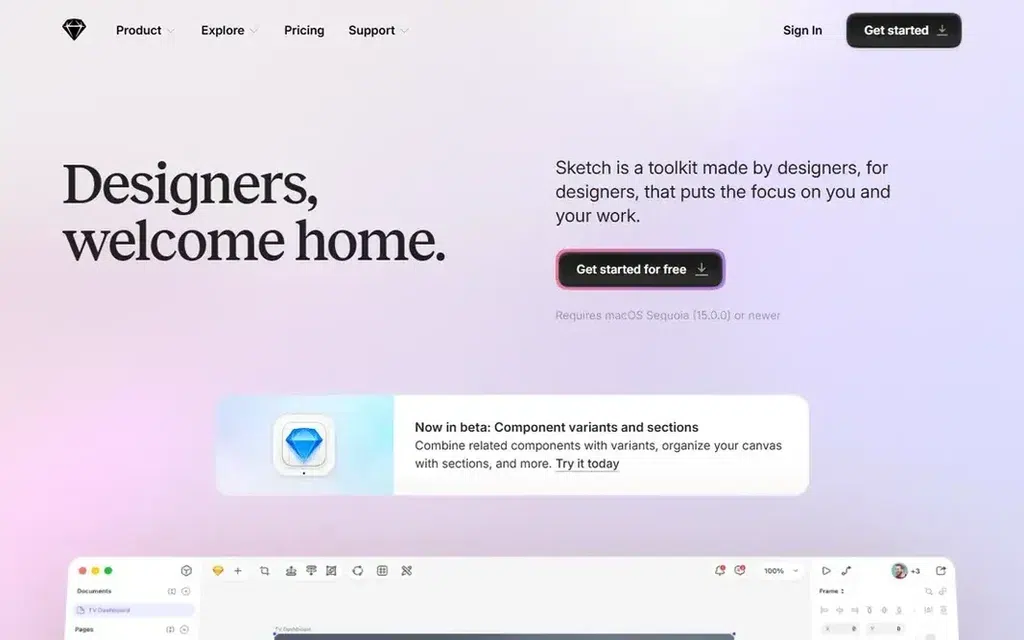
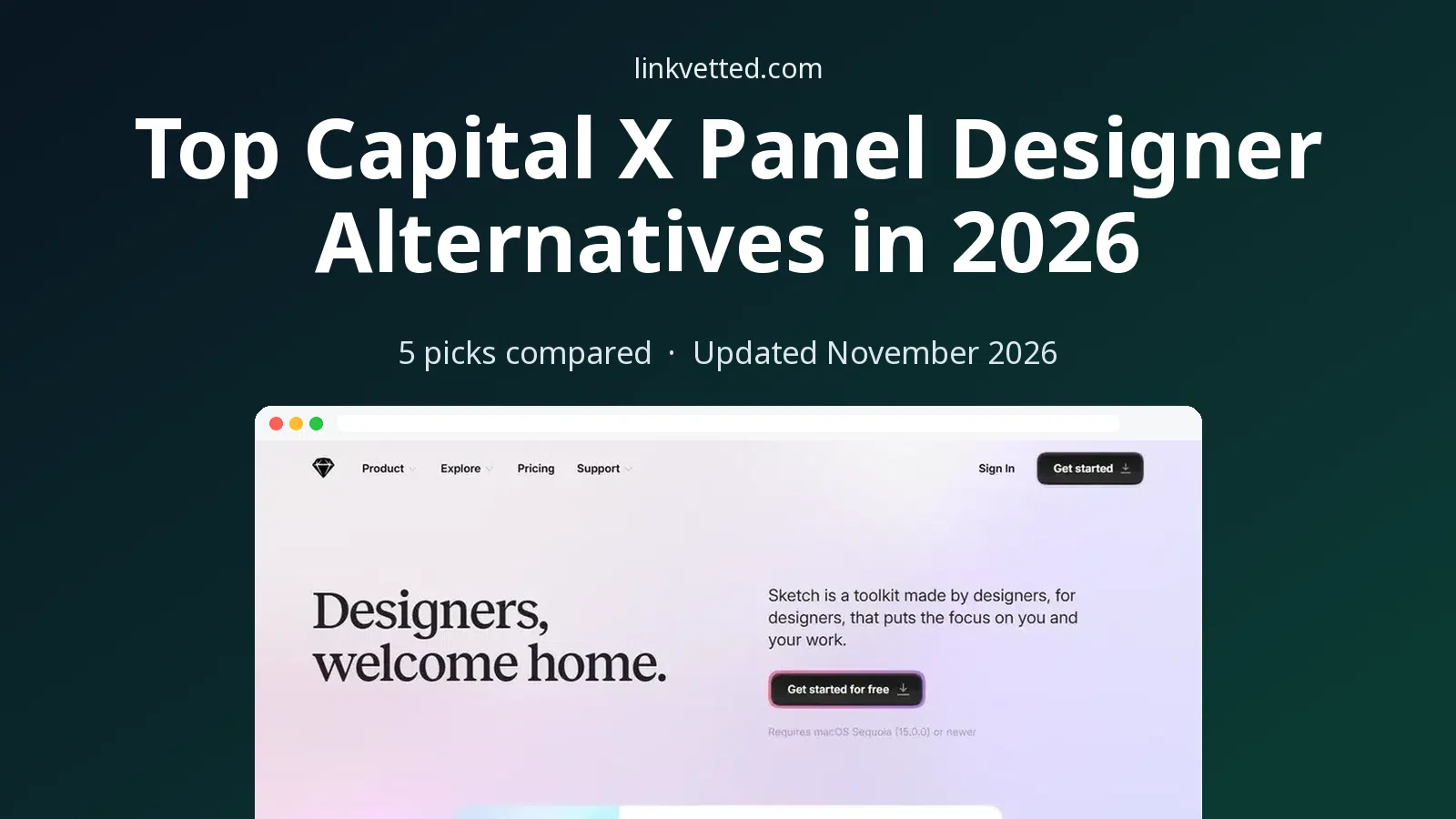
Choose Sketch for designer-focused design and handoff. Sketch's ecosystem is most comfortable for Mac-based teams, and cross-team collaboration is less expansive than in shared-canvas alternatives.
Beyond that, Sketch positions itself as a design tool made by designers, for designers, handling design, prototyping, collaboration and handoff. Teams replacing Capital X Panel Designer for interface work may appreciate its designer-first orientation. Entry price for Sketch: $12 per editor per month. As for free access: Free trial.
What users get: collaborate and handoff in one app.
Watch-outs: Mac-centered workflow limits some teams.
- Built with designers as the primary audience
- Clean
- Collaboration features are narrower than canvas-style tools
Think of Balsamiq for quick, low-fidelity wireframing. Balsamiq describes itself as quick, focused wireframing and prototyping software, helping product, tech and business minds sketch, test and refine UI rapidly.
Its intentionally rough aesthetic is not meant for final interface design, and it lacks the specification depth of Axure RP. If you need production-ready visuals and shared design systems, pick a full design tool instead. Balsamiq starts at: $16 per editor per month. Free plan details: Free trial.
Limits to weigh: Restricted for in-depth specification work.
- Tech and business users
- Deliberately straightforward
- Not designed for refined visual design
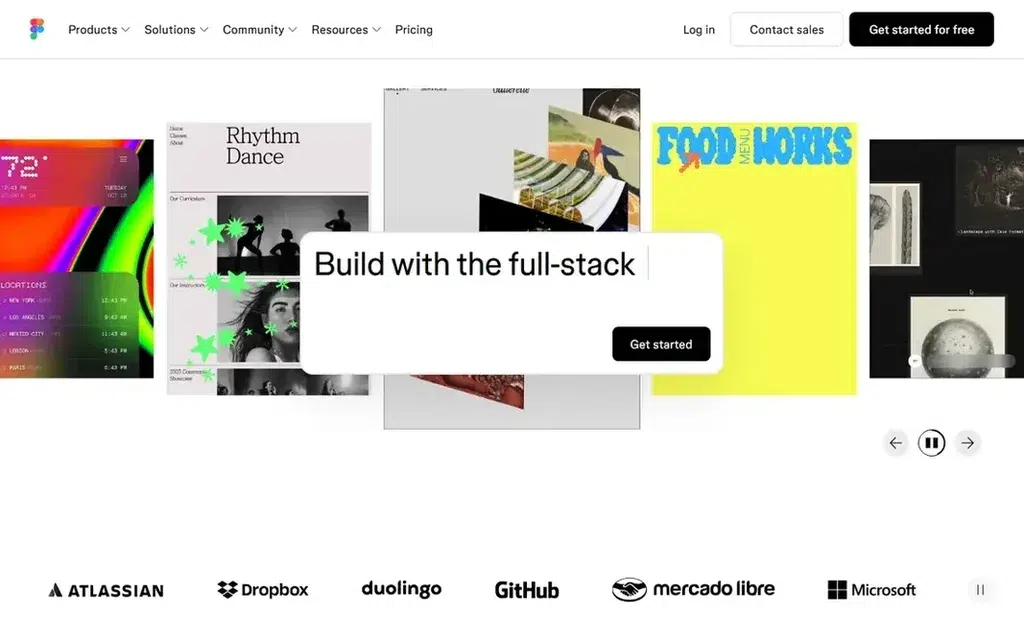
Figma works best for collaborative design and prototyping at scale. It suits product designers, developers and cross-functional teams that want shared files and live collaboration instead of isolated design documents.
Where it is weaker: Needs dependable connectivity for best experience.
If your priority is quick, low-fidelity wireframes instead of refined collaborative design, a lighter tool may fit better. Price to start with Figma: $3 per month. On free options: Not stated.
Reasons to shortlist it: Capable live team collaboration.
- Shared canvas for design
- Code and AI
- Wide feature set can feel heavy for straightforward panel work
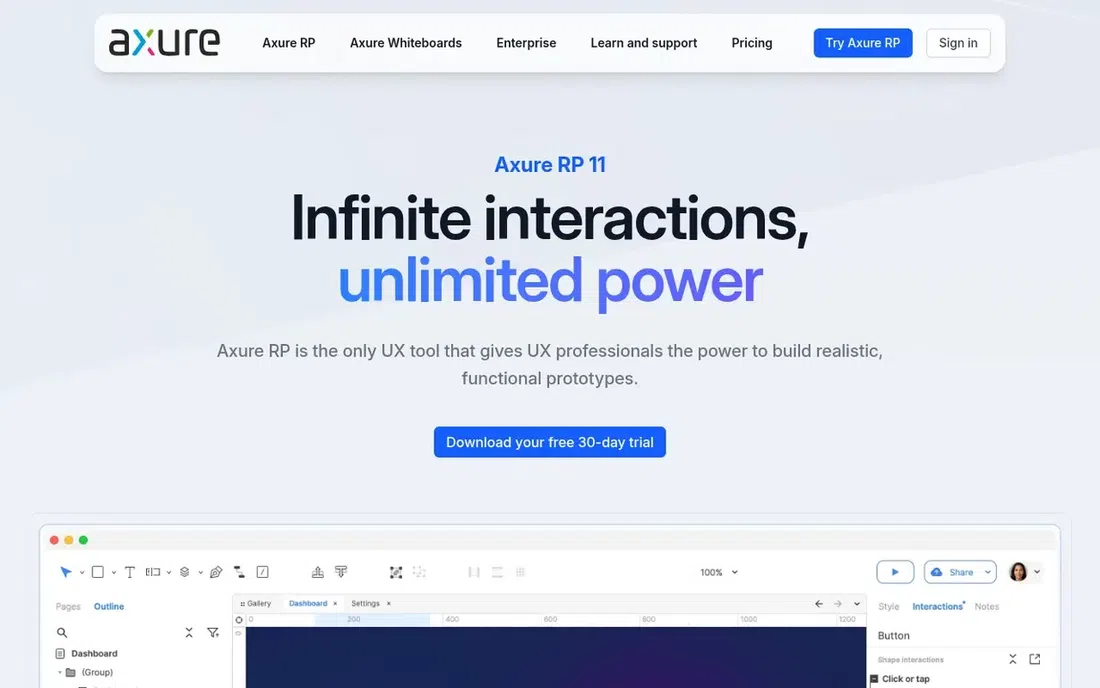
Axure RP is aimed squarely at in-depth prototypes and specifications. Axure RP describes itself as an all-in-one software design tool for creating prototypes, specifications and diagrams.
What Axure RP does well: All-in-one approach cuts tool switching.
From a buyer's view, the tool's depth can slow down fast layout work, and casual users may find the interface dense. For everyday use, for those moving away from Capital X Panel Designer with documentation-heavy workflows, it keeps prototyping and specs together. The starting price for Axure RP: $29 per user per month. As for free access: Not stated. Watch-outs: Can be more than straightforward panel design needs.
- Suited to complicated
- Specifications and diagrams in one tool
- Deeper feature set takes time to learn
How we built this list
Pre-purchase checklist
- Confirm the entry price on the vendor page. For Lucidchart that means a quote rather than a fixed price.
- Run a trial of Sketch and Balsamiq with real work before paying for a year; your own workflow is the best test.
- Before choosing Lucidchart, weigh its main limit: not a dedicated UI or panel design tool.
- Check whether Figma bills monthly or annually, and what cancelling early costs.
- Find out whether the entry plan of Balsamiq covers your must-haves or only a trimmed-down version.
FAQ
Does any tool for Capital X Panel Designer here have a free plan?
No tool in this list, Lucidchart and Axure RP included, has a permanent free plan. Sketch, Balsamiq offer a trial. Trials and quotes are the usual route, so plan a short evaluation period.
What is the cheapest option for Capital X Panel Designer in this list?
On published monthly entry prices, Figma is the lowest here at $3 per month. Entry price is only part of the cost, because seats, add-ons and billing terms can change the total. For the full picture, the cards above cover all 5 entries of this Capital X Panel Designer alternatives list, including price, free plan and limits.
Do these tools publish their prices?
Not all of them. Lucidchart publishes no starting price, so expect a quote request for it. The rest, Sketch included, show a starting price, though seats and billing terms still change the final cost. Prices, free plan details and limits for all 5 tools in this Capital X Panel Designer alternatives roundup sit on the individual cards above.
Can I try these tools before paying?
Often, yes. Sketch and Balsamiq offer a free trial. Use your own data and a real task during the test, and check what the free tier or trial limits before you rely on it. Each of the 5 options in this Capital X Panel Designer alternatives guide has its own card above with the price, free plan and limits.
Which alternative is closest to a full design workspace?
Figma is the broadest choice here, combining design, code and AI collaboration in one canvas. Axure RP and Sketch are also solid design-focused choices, but each leans toward different workflows like specifications or designer-centric handoff.
Sources
- https://www.lucidchart.com
- https://www.sketch.com
- https://balsamiq.com
- https://www.figma.com
- https://www.axure.com