Top Blender Alternatives in 2026: 5 Picks Ranked
Shortlisting Blender alternatives? 5 products compared on cost, free access and ideal buyer. Fit and flaws are laid out for each entry. Skim the table first.
- Editor's choice3ds Max
Modeling and design in game and archviz
Starts atPricing on requestVisit autodesk.comFull review - Great alternative
 Houdini
Procedural VFX and simulation
Starts atPricing on requestVisit sidefx.comFull review - Also considerModo
Direct modeling workflows
Starts atPricing on requestVisit foundry.comFull review
Direct answer
3ds Max comes first here, mainly for modeling and design in game and archviz. Houdini is better for Procedural VFX and simulation, and Modo is better for direct modeling workflows. Details and limits for the rest of the 5 tools are below. None of these vendors publish plan prices, so pricing is on request for every option.
TL;DR:
- 3ds Max is the opening pick, best for modeling and design in game and archviz.
- Every tool from 3ds Max to Cinema 4D works by quote, with no list price shown.
- Neither 3ds Max nor Cinema 4D, nor any of the other 3 tools, has a permanent free plan; trials and quotes are the norm.
- Cinema 4D is the one to check for motion graphics and animation.
Last checked November 2026. Pricing on request: vendors did not publish plan prices when this guide was last checked (November 2026), so ask each vendor for a written quote.
Quick comparison
| Tool | Best for | Starts at | Free plan? | |
|---|---|---|---|---|
| 3ds Max | Modeling and design in game and archviz | Pricing on request | Not stated | Visit |
| Houdini | Procedural VFX and simulation | Pricing on request | Not stated | Visit |
| Modo | Direct modeling workflows | Pricing on request | Not stated | Visit |
 ZBrush | Digital sculpting and detailing | Pricing on request | Not stated | Visit |
 Cinema 4D | Motion graphics and animation | Pricing on request | Not stated | Visit |
Blender, one by one
Choosing Blender usually comes down to price, fit and limits. This LinkVetted guide sets 5 tools side by side on those three points, with the facts kept short and checkable.
3ds Max
Best for: Modeling and design in game and archviz
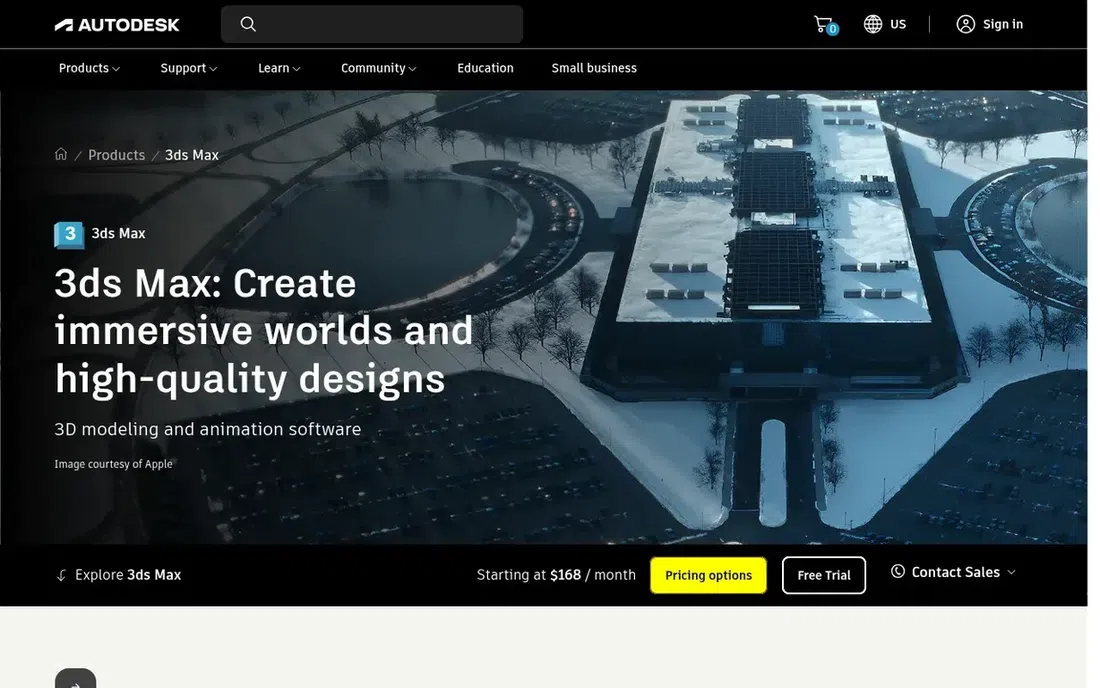
3ds Max was built for modeling and design in game and archviz. For organic detail work, ZBrush is the more specialized choice, and Houdini manages procedural effects better. On top of that, Autodesk 3ds Max offers professional 3D modeling, animation and rendering tools targeted at creating expansive worlds and high-quality designs.
Trade-offs to know: Not a dedicated sculpting tool.
It is often used in game development, architectural visualization and design work, and it suits artists who want a mature, production-tested modeling environment. It is not a dedicated sculpting application, and it runs on Windows instead of every product. 3ds Max shows no starting price here, so confirm the cost on the vendor site. Free plan details: Not stated.
- Professional modeling and animation tools
- Rendering for expansive worlds and designs
- Windows-focused system
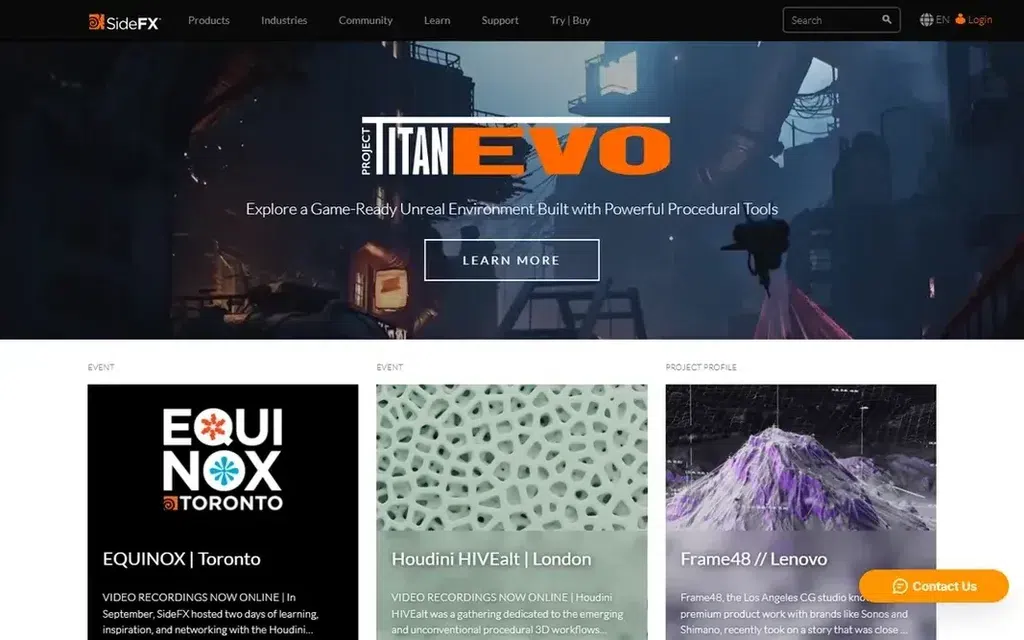
Houdini works best for Procedural VFX and simulation. The procedural mindset takes time to learn, and it can be overkill for straightforward modeling or motion graphics. Cinema 4D or 3ds Max may be a better fit when you mainly need animation and design work.
Best features of Houdini: Workflows can be shared across teams.
Where it falls short: Heavier than needed for straightforward modeling. Houdini from SideFX is built around a procedural system that lets artists produce several iterations and share workflows with colleagues. It targets film, TV and game development effects work. Pricing for Houdini is not stated here, so ask the vendor for current figures. On free options: Not stated.
- TV and gamedev effects
- Procedural system for adaptable iterations
- Procedural approach has a ramp-up time
Modo
Best for: Direct modeling workflows
In short, Modo is for direct modeling workflows. Foundry has announced that it is ceasing future development of Modo, so buyers should weigh long-term support carefully.
Honest limits: Long-term support outlook is uncertain.
More specifically, for active development and continuing features, Cinema 4D or 3ds Max are safer picks. Check the vendor site for Modo pricing; none is listed in this comparison. Free options: Not stated.
- Known for modeling and design tools
- Suits product and design visualization
- Future development has been ceased
ZBrush is aimed squarely at digital sculpting and detailing. ZBrush from Maxon is a digital sculpting application used for high-detail character, creature and asset work.
Honest limits: Not a full animation suite.
It is not designed as an all-in-one animation or simulation suite, so it complements instead of replaces general 3D tools. This comparison lists no price for ZBrush; ask the vendor. As for free access: Not stated.
- Typical in character and asset pipelines
- Suited to high-detail organic models
- Normally paired with another 3D app
Cinema 4D is designed for motion graphics and animation. It is frequently chosen by artists who value a smooth, approachable workflow over heavy procedural systems.
It is less oriented toward procedural simulation and large-scale VFX than some rivals, so complicated effects work may call for another tool. No starting price is listed for Cinema 4D here; confirm pricing on the vendor site. Free access: Not stated.
Drawbacks to consider: Not pitched at procedural simulation.
- Well known for motion graphics work
- Widely used in broadcast production
- Separate modules may be needed for some tasks
Selection criteria
A buyer's checklist
- Request quotes from 3ds Max, Cinema 4D and the others; the list shows no fixed prices.
- Read the limits listed for 3ds Max first: Windows-focused system.
- Make sure 3ds Max lets you export your data in a format another tool can read.
- The entry price of ZBrush is only the starting point; model the full cost with seats and extras.
- Read the plan comparison for Modo carefully; key features often start on a higher tier.
FAQ
How are the tools for Blender ordered?
3ds Max sits first and Cinema 4D last because the order follows typical fit for Blender, then price clarity and free access. It is a judgement call, so read each profile for fit and limits.
Can I try these tools before paying?
Not by default. None of the tools, from 3ds Max to Cinema 4D, lists a free plan or a free trial here, so ask each vendor for a demo before committing.
Do these tools publish their prices?
No. None of the tools, from 3ds Max to Cinema 4D, shows a fixed starting price here, so budget time for quotes.
Which Blender alternative is a good match for motion graphics?
This list starts with 3ds Max, which fits modeling and design in game and archviz. For other needs, Houdini is aimed at Procedural VFX and simulation, and Modo at direct modeling workflows. Check each tool's price and main limit first.
Is 3ds Max the right pick for everyone comparing Blender?
No single tool suits every team. 3ds Max comes first because it fits modeling and design in game and archviz, while Houdini suits Procedural VFX and simulation and Modo suits direct modeling workflows. Match the tool to your own size, budget and workflow before deciding.
Sources
- https://www.autodesk.com/products/3ds-max
- https://www.sidefx.com/products/houdini
- https://www.foundry.com/products/modo
- https://www.maxon.net/en/zbrush
- https://www.maxon.net/en/cinema-4d