5 Keynote Alternatives Worth Switching To in 2026
5 options for Keynote alternatives, with entry costs, free tiers and the buyer each one serves. The weak spots sit next to the strengths. Reviewed this month.
- Editor's choice
 Prezi
Interactive live presentations
Starts atSee websiteVisit prezi.comFull review - Great alternative
 Google Slides
Browser-based team collaboration
Starts atSee websiteVisit workspace.google.comFull review - Also consider
 Beautiful.ai
Brand-consistent enterprise decks
Starts at$14.50 per monthVisit beautiful.aiFull review
Direct answer
If you need interactive live presentations, Prezi is the first tool to look at here. Listed starting prices: Beautiful.ai from $14.50 per month and Pitch from €10 a month. If your case is different, Google Slides suits browser-based team collaboration and Beautiful.ai suits brand-consistent enterprise decks. All 5 tools are compared below on price, free plan and limits.
TL;DR:
- This list starts with Prezi, which is built for interactive live presentations.
- Pitch suits collaborative team presentation workspaces.
- Just one of the 5 tools, Pitch, has a free plan.
- Starting prices begin at $14.50 per month with Beautiful.ai.
Last checked November 2026. Prices and plan details were read from the vendors' own pages in November 2026; vendors change plans often, so confirm the current price on the vendor site before you buy.
Quick comparison
| Tool | Best for | Starts at | Free plan? | |
|---|---|---|---|---|
| Prezi | Interactive live presentations | See website | Not stated | Visit |
| Google Slides | Browser-based team collaboration | See website | Not stated | Visit |
| Beautiful.ai | Brand-consistent enterprise decks | $14.50 per month | Free trial | Visit |
 Microsoft PowerPoint | In-depth slides and pitch decks | See website | Not stated | Visit |
 Pitch | Collaborative team presentation workspaces | €10 a month | Yes | Visit |
Keynote, one by one
LinkVetted put together this guide to Keynote for readers who want a clear shortlist without reading every vendor page. It compares 5 tools on starting price, free plans, who each one suits and where each one falls short.
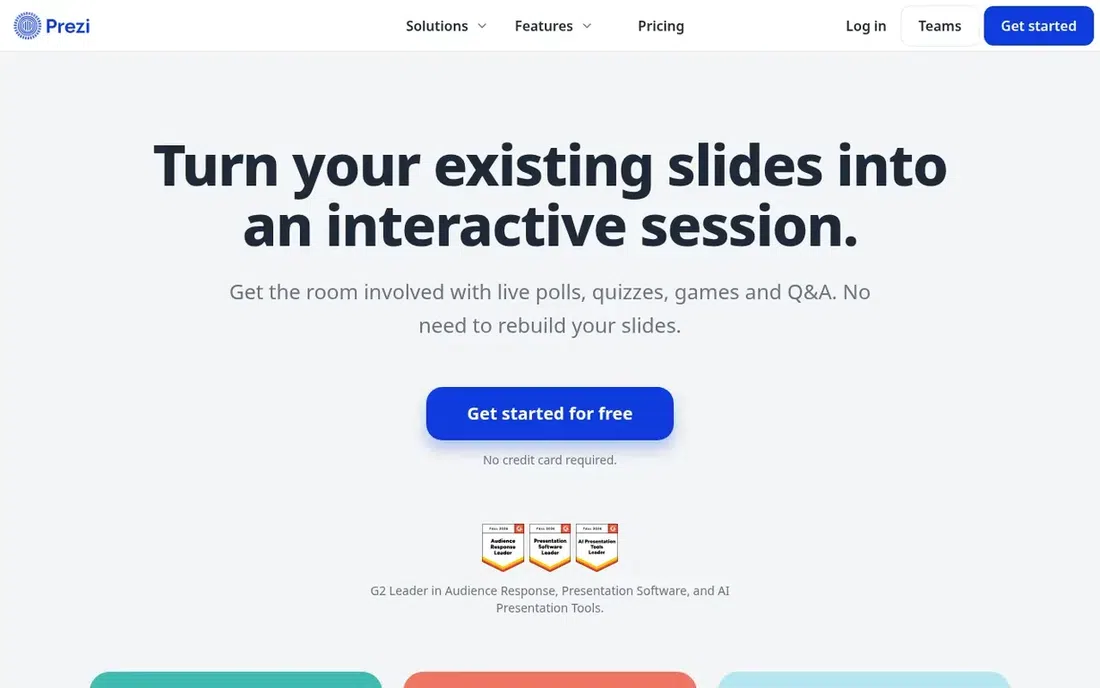
Prezi is designed for interactive live presentations. The interactive strengths matter most when your audience can actually join in, so it is a weaker fit for decks that are just sent as files or printed.
Check the vendor site for Prezi pricing; none is listed in this comparison. Free access: Not stated.
Watch-outs: Less suited to static file-style decks.
- Can bring existing slides in
- Live polls and quizzes joined from phones
- Interactive delivery needs audience participation
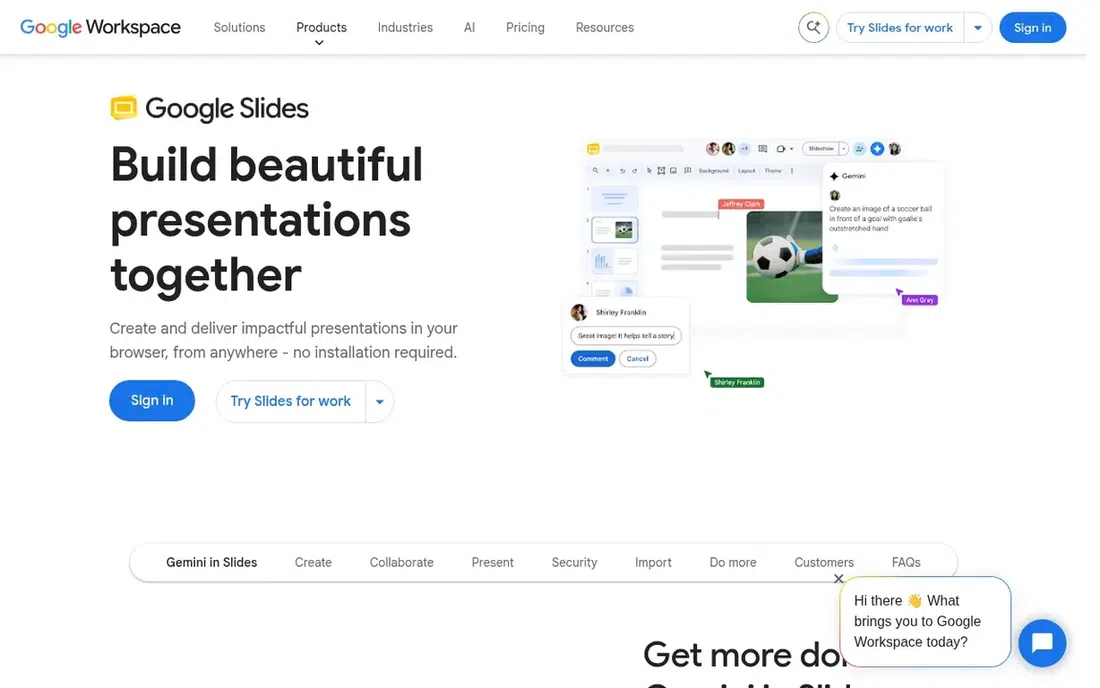
Google Slides is built with browser-based team collaboration in mind. Google Slides is a presentation slideshow maker inside Google Workspace.
It gives you slide templates for numerous use cases and AI features that help produce unique visualizations. Google Slides shows no starting price here, so confirm the cost on the vendor site. On free options: Not stated.
What to check first: Advanced layout work can feel restricted.
- AI features to create visualizations
- Runs in the browser with live sharing
- Design control is lighter than desktop suites
Pick Beautiful.ai if this describes you: brand-consistent enterprise decks. Choose Beautiful.ai when brand consistency across many decks is the priority.
Points against: Less manual layout control by design.
That makes it a fit for bigger organizations that want consistent presentation output without each person designing layouts from scratch. On cost, Beautiful.ai starts like this: $14.50 per month. As for free access: Free trial.
- Keeps decks on-brand
- AI presentation product for teams
- Enterprise focus may exceed small-team needs
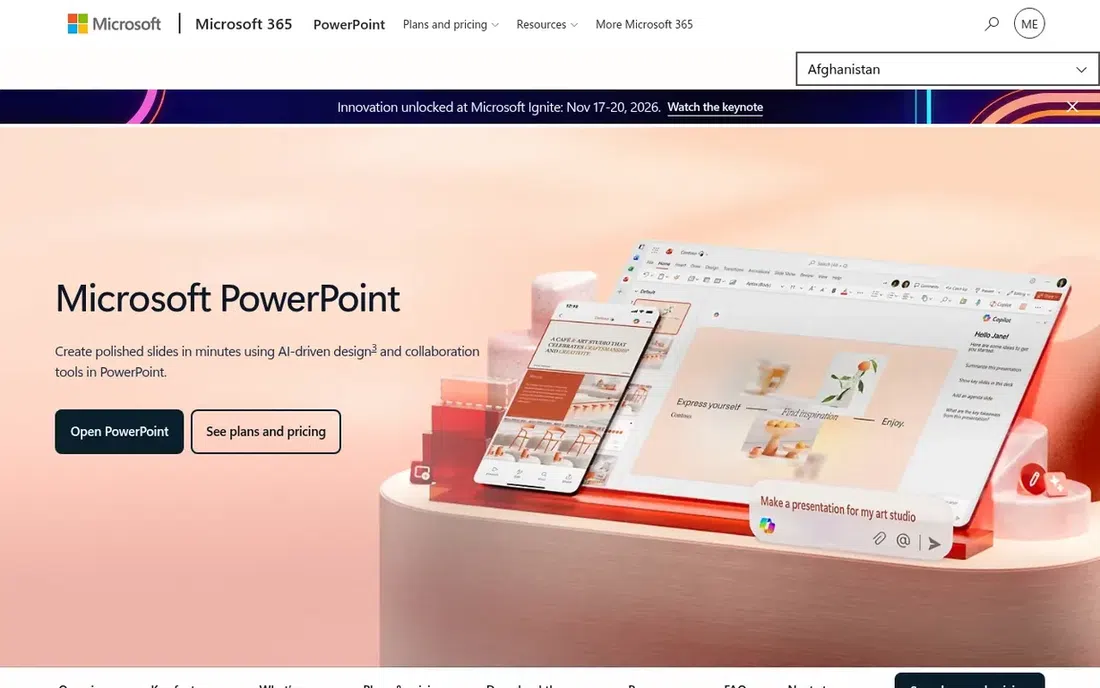
Microsoft PowerPoint is designed for detailed slides and pitch decks. The depth of choices can slow down simple, fast-turnaround decks, and the smoothest experience comes when you stay within Microsoft services. From a buyer's view, Microsoft PowerPoint is a long-standing presentation maker aimed at creating clean slideshows and in-depth pitch decks.
Where it falls short: Best experience tied to the Microsoft ecosystem.
Its toolset includes slide layout, transitions and the structure needed to tell a story across plenty of slides. If you primarily need light browser collaboration, a web-first tool may suit you better. Microsoft PowerPoint shows no starting price here, so confirm the cost on the vendor site. Free access: Not stated.
- Manages both straightforward slideshows and intricate decks
- Familiar file formats for sharing
- Feature depth can feel heavy for fast decks
Pitch works best for collaborative team presentation workspaces. Its team orientation means solo users with occasional decks may find it more than they need. It is a newer name than legacy slide editors.
Choose Pitch when collaboration across a team is the central requirement. As for the details, if you need deep offline design control, a traditional editor may be safer. Starting cost for Pitch: €10 per month. Pitch includes a free tier.
The main drawbacks: Less established than legacy slide tools.
- Designed for team collaboration
- Sharing and delivering
- Geared toward teams instead of solo casual use
Our selection method
Selection started from tools commonly considered for Keynote, then narrowed to 5 that have clear pricing information or a clear quote process. Treat prices as a snapshot: vendors change plans often, so check the vendor site for the figure that applies today. Position on the page reflects fit for a typical buyer first, with price clarity and free access breaking ties. Treat it as a guide, not a ruling.
What to check before you buy
- Confirm the entry price on the vendor page. For Prezi, Google Slides and Microsoft PowerPoint that means a quote rather than a fixed price.
- Test the free plan from Pitch against your real workload before relying on it.
- Use real work to test the free trial from Beautiful.ai, rather than a demo project.
- Read the limits listed for Prezi first: less suited to static file-style decks.
- Run a one or two week pilot of Google Slides with the people who will use it every day.
- Ask Prezi how an export works before you move any records in; an easy exit lowers the risk.
FAQ
What is the cheapest option for Keynote in this list?
On published monthly entry prices, Beautiful.ai is the lowest here at $14.50 per month. Entry price is only part of the cost, because seats, add-ons and billing terms can change the total. For the full picture, the cards above cover all 5 entries of this Keynote alternatives list, including price, free plan and limits.
Which options for Keynote have a free plan?
Pitch is the only tool in this list with a free plan. Free plans usually cap users, projects or features, so check the limits on the vendor page. One other tool offers a trial instead. Prices, free plan details and limits for all 5 tools in this Keynote alternatives roundup sit on the individual cards above.
How are the tools for Keynote ordered?
Prezi sits first and Pitch last because the order follows typical fit for Keynote, then price clarity and free access. It is a judgement call, so read each profile for fit and limits.
Is Prezi the right pick for everyone comparing Keynote?
No single tool suits every team. Prezi comes first because it fits interactive live presentations, while Google Slides suits browser-based team collaboration and Beautiful.ai suits brand-consistent enterprise decks. Match the tool to your own size, budget and workflow before deciding.
What is the best Keynote alternative overall?
Prezi is the pick this page puts first, mainly for interactive live presentations. If your situation differs, Google Slides suits browser-based team collaboration, and Beautiful.ai suits brand-consistent enterprise decks. Compare price and limits before you decide.
Sources
- https://prezi.com
- https://workspace.google.com/products/slides
- https://www.beautiful.ai
- https://www.microsoft.com/microsoft-365/powerpoint
- https://pitch.com