Top Cursor IDE Alternatives in 2026: 5 Picks Ranked
5 options for Cursor IDE alternatives, with entry costs, free tiers and the buyer each one serves. Where a tool struggles is spelled out. Quick to scan.

- Editor's choice
 GitHub Copilot
AI assistance across editor and terminal
Starts atSee websiteVisit github.comFull review - Great alternativeJetBrains IntelliJ IDEA
Java and Kotlin with AI agents
Starts atSee websiteVisit jetbrains.comFull review - Also consider
 Sublime Text
Light editing for code and prose
Starts atSee websiteVisit sublimetext.comFull review
Direct answer
Our first pick is GitHub Copilot, best for AI assistance across editor and terminal. Listed starting prices: Zed from $10 a month. JetBrains IntelliJ IDEA fits Java and Kotlin with AI agents; Sublime Text fits light editing for code and prose. The other 2 tools in the list cover narrower or pricier cases.
TL;DR:
- This list starts with GitHub Copilot, which is built for AI assistance across editor and terminal.
- Only Zed offers a free plan among these 5 tools.
- One limit worth knowing about GitHub Copilot: assistance quality varies by language.
- Visual Studio Code is the one to check for Extensible all-purpose editing with agents.
Last checked November 2026. Prices and plan details were read from the vendors' own pages in November 2026; vendors change plans often, so confirm the current price on the vendor site before you buy.
Quick comparison
| Tool | Best for | Starts at | Free plan? | |
|---|---|---|---|---|
| GitHub Copilot | AI assistance across editor and terminal | See website | Not stated | Visit |
| JetBrains IntelliJ IDEA | Java and Kotlin with AI agents | See website | Not stated | Visit |
| Sublime Text | Light editing for code and prose | See website | Not stated | Visit |
 Zed | Quick, collaborative editing | $10 a month | Yes | Visit |
 Visual Studio Code | Extensible all-purpose editing with agents | See website | Not stated | Visit |
Cursor IDE profiles
Short on time? The summary and table above give the quick view of 5 tools for Cursor IDE, and the profiles that follow give the detail behind each entry.
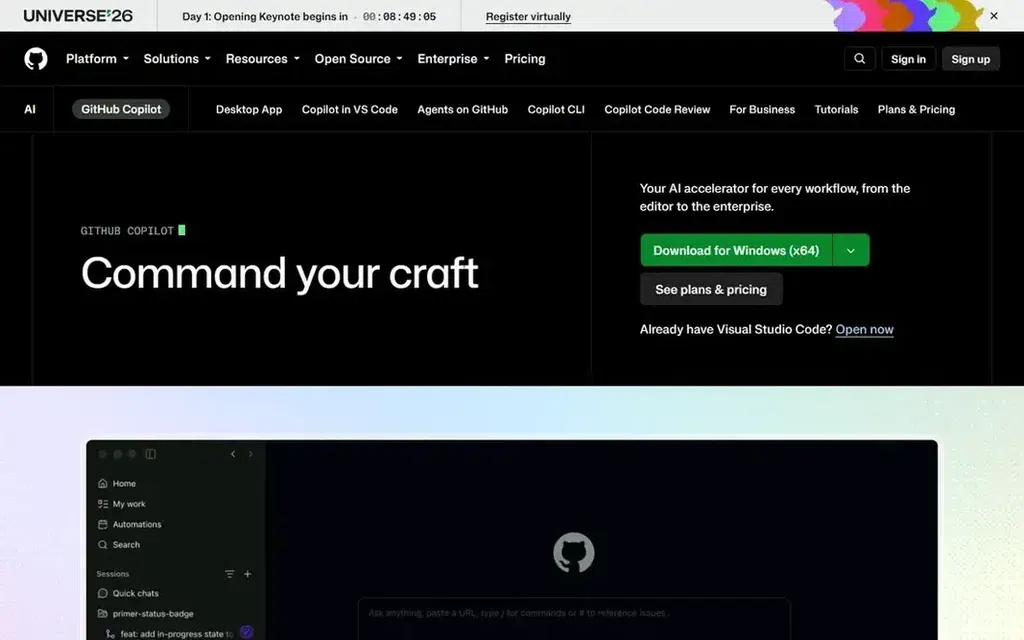
GitHub Copilot is designed for AI assistance across editor and terminal. Copilot complements an editor instead of replacing it, so you still need a host environment for example VS Code or JetBrains.
Limits to weigh: Needs an AI subscription model.
Its suggestions can be uneven across less typical languages, and it relies on a subscription arrangement. This comparison lists no price for GitHub Copilot; ask the vendor. Free access: Not stated. Reasons to shortlist it: Handles issue to pull request.
- Works in editor
- Suits existing GitHub workflows
- Assistance quality varies by language
JetBrains IntelliJ IDEA
Best for: Java and Kotlin with AI agents

JetBrains IntelliJ IDEA serves Java and Kotlin with AI agents. If you edit plenty of languages casually or prefer a minimal setup, a lighter editor may serve better.
JetBrains IntelliJ IDEA shows no starting price here, so confirm the cost on the vendor site. Free access: Not stated.
Where it is weaker: Most valuable for JVM languages.
- Built-in developer tools
- Agent support for verification
- Heavier resource footprint
Think of Sublime Text for lightweight editing for code and prose. Choose Sublime Text for speed and simplicity in editing. For everyday use, if you expect integrated intelligence and debugging from day one, a fuller IDE may be a better match.
Worth adding: Sublime Text is a sophisticated text editor for code, markup and prose, per its homepage. Its feature set leans on packages instead of bundled AI assistance, so agent-style workflows require extra setup. Pricing for Sublime Text is not stated here, so ask the vendor for current figures. Free access: Not stated.
The main drawbacks: Limited built-in AI.
- Markup and prose
- Quick and responsive
- Depends on packages for extras
Where Zed fits: fast, collaborative editing. Zed is described on its homepage as a high-performance, multiplayer code editor from the creators of Atom and Tree-sitter. Its emphasis on speed and live collaboration makes it appealing to developers who want a responsive editor and enjoy working alongside teammates in shared sessions, without the weight of a full IDE.
In daily use, pick Zed when raw responsiveness and collaboration matter most. For everyday use, as a newer editor, its extension ecosystem and language tooling are less broad than more established choices, and AI features are not the headline. Price to start with Zed: $10 per month. Zed includes a free tier.
Watch-outs: Smaller extension ecosystem.
- Built by experienced editor creators
- High-performance design
- Fewer bundled AI features
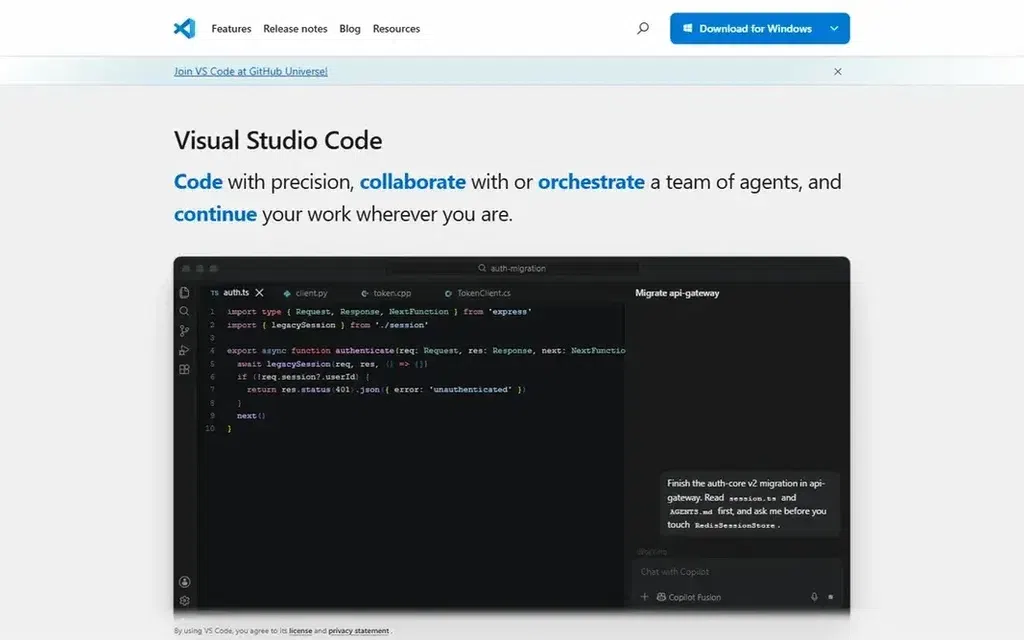
Visual Studio Code is a good fit for Extensible all-purpose editing with agents. Visual Studio Code is a free, widely used code editor built around extensions and integrated tooling. Its homepage emphasizes coding with precision, collaborating with agents, orchestrating a team of them, and continuing work wherever you are.
In practice, because much of its power comes from extensions, setup time and configuration can grow, and AI assistance often relies on which extras you install. In practice, if you want deep language intelligence from day one for Java or Kotlin, a dedicated IDE may fit better. Check the vendor site for Visual Studio Code pricing; none is listed in this comparison. Free plan details: Not stated.
Limits to weigh: AI features rely on extras.
- Large extension ecosystem
- Built-in agent collaboration
- Can feel heavy with numerous extensions
Our selection method
We compared the tools on published pricing, free plan or trial availability, feature coverage for Cursor IDE, and the limits each vendor documents. Seat minimums, billing terms and add-ons can move the real cost, so the starting prices here are a guide and not a quote. Tools are placed by general fit for Cursor IDE, with price clarity and free access as tie-breakers. A different team can reasonably rank them differently.
Before you commit
- Get a written quote from GitHub Copilot, JetBrains IntelliJ IDEA, Sublime Text and Visual Studio Code; the list shows no starting price for them.
- Test the free plan from Zed against your real workload before relying on it.
- Before choosing GitHub Copilot, weigh its main limit: assistance quality varies by language.
- The entry price of Zed is only the starting point; model the full cost with seats and extras.
- Test the integrations you rely on with JetBrains IntelliJ IDEA before committing; some connectors sit on upper tiers.
FAQ
Which options for Cursor IDE have a free plan?
Zed is the only tool in this list with a free plan. Free plans usually cap users, projects or features, so check the limits on the vendor page.
Can I try these tools before paying?
Often, yes. Zed has a free plan. Use your own data and a real task during the test, and check what the free tier or trial limits before you rely on it.
Do these tools publish their prices?
Not all of them. GitHub Copilot, JetBrains IntelliJ IDEA, Sublime Text and Visual Studio Code publish no starting price, so expect a quote request for those. The rest, Zed included, show a starting price, though seats and billing terms still change the final cost.
Is GitHub Copilot the right pick for everyone comparing Cursor IDE?
No single tool suits every team. GitHub Copilot comes first because it fits AI assistance across editor and terminal, while JetBrains IntelliJ IDEA suits Java and Kotlin with AI agents and Sublime Text suits lightweight editing for code and prose. Match the tool to your own size, budget and workflow before deciding.
Which choice is a good match for Java and Kotlin?
This list starts with GitHub Copilot, which fits AI assistance across editor and terminal. For other needs, JetBrains IntelliJ IDEA is aimed at Java and Kotlin with AI agents, and Sublime Text at light editing for code and prose. Check each tool's price and main limit first.
Is Visual Studio Code a decent Cursor alternative?
Yes, for numerous developers. It is free, widely supported and extensible, and its homepage flags agent collaboration. AI assistance generally comes through extensions, so check which extras fit your needs.
Sources
- https://github.com/features/copilot
- https://www.jetbrains.com/idea
- https://www.sublimetext.com
- https://zed.dev
- https://code.visualstudio.com