Top 6 Website Staging Tool for WordPress Developers for 2026 (Prices and Free Plans)
6 best website staging tool for WordPress developers, compared on pricing, free plans and best-fit use. Read the caveats before you buy. Checked this month.
- Editor's choice
 Cloudways
Managed cloud hosting with adaptable stacks
Starts at$20 per monthVisit cloudways.comFull review - Great alternative
 Pantheon
WebOps workflows across several frameworks
Starts atSee websiteVisit pantheon.ioFull review - Also consider
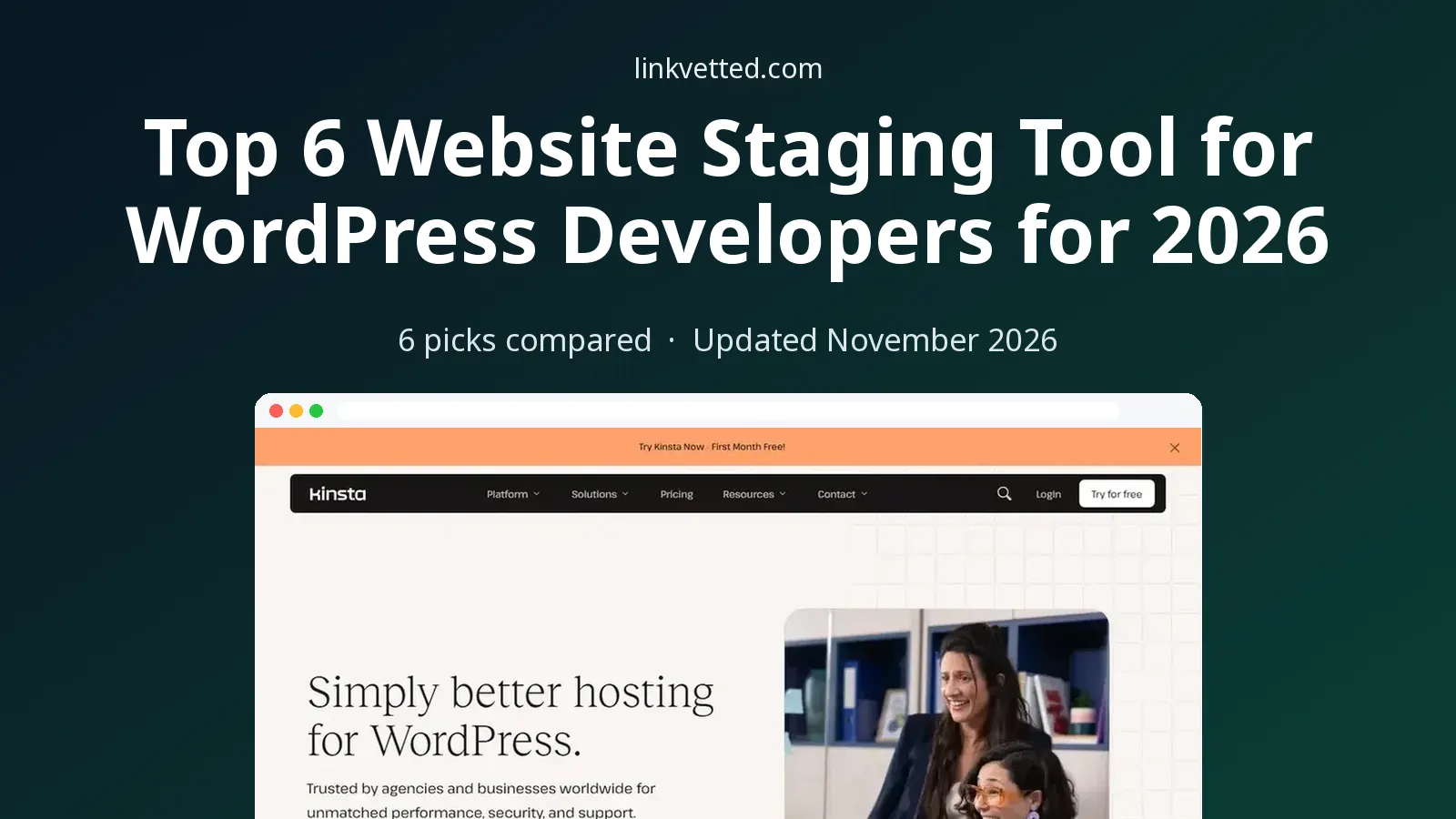
 Kinsta
Separate staging environment for WordPress sites
Starts at$17.50 per monthVisit kinsta.comFull review
Direct answer
Cloudways comes first here, mainly for managed cloud hosting with adaptable stacks. Listed starting prices: Cloudways from $20 per month, Kinsta from $17.50 per month and Flywheel from $25 a month. Pantheon is the stronger choice for WebOps workflows across several frameworks, while Kinsta suits separate staging environment for WordPress sites. All 6 tools are compared below on price, free plan and limits.
TL;DR:
- Cloudways is the opening pick, best for managed cloud hosting with adaptable stacks.
- Cloudways, WP Engine and the 4 others all need a premium plan or a trial, since no free plan is listed.
- The cheapest monthly starting price in the list is $17.50 per month, offered by Kinsta.
- WP Engine is the one to check for managed WordPress staging and dev environments.
Last checked November 2026. Prices and plan details were read from the vendors' own pages in November 2026; vendors change plans often, so confirm the current price on the vendor site before you buy.
Quick comparison
| Tool | Best for | Starts at | Free plan? | |
|---|---|---|---|---|
| Cloudways | Managed cloud hosting with adaptable stacks | $20 per month | Free trial | Visit |
| Pantheon | WebOps workflows across several frameworks | See website | Not stated | Visit |
| Kinsta | Separate staging environment for WordPress sites | $17.50 per month | Free trial | Visit |
 Flywheel | Agencies managing numerous client WordPress sites | $25 a month | Not stated | Visit |
 SiteGround | Everyday WordPress hosting with staging tools | See website | Not stated | Visit |
 WP Engine | Managed WordPress staging and dev environments | $28.00 a month | Not stated | Visit |
6 website staging tool for WordPress developers in detail
LinkVetted compared 6 website staging tool for WordPress developers. The goal is a practical shortlist: published prices, free plan facts, best-fit use cases and honest limits for every entry.
Cloudways is aimed squarely at managed cloud hosting with adaptable stacks. Cloudways is a managed cloud hosting system that eases server management whereas giving developers more control over their stack than an usual managed WordPress host.
Watch-outs: Less WordPress-only handholding.
As for the details, the adaptability means more setup decisions and less WordPress-specific handholding, so beginners may find it heavier. Cloudways pricing: $20 per month. On free options: Free trial.
- Managed cloud hosting system
- Choice of cloud infrastructure
- Requires more setup decisions
Pantheon serves WebOps workflows across several frameworks. Pantheon is a WebOps product made for WordPress, Drupal and Next.js, pitched at teams that build, host and handle sites with speed and agility.
Where Pantheon stands out: Drupal and Next.js.
Its multi-framework scope brings more concepts to learn than a WordPress-only host, which can slow small teams. Pantheon does not show a starting price in this comparison, so check the vendor site for current pricing. Free options: Not stated.
Limits to weigh: Broader scope than WordPress alone.
- WebOps system for build and handle
- Staging suits a DevOps-style workflow
- More system concepts to learn

Kinsta makes the most sense for separate staging environment for WordPress sites. It suits teams that want a clean separation between live and test sites without maintaining their own servers.
The main drawbacks: Staging is tied to its hosting.
It appeals to organizations that value managed performance and support over practical infrastructure work. The starting price for Kinsta: $17.50 per month. Free options: Free trial.
- Staging environment for testing changes
- Enterprise-oriented speed and security
- Managed model limits server tinkering
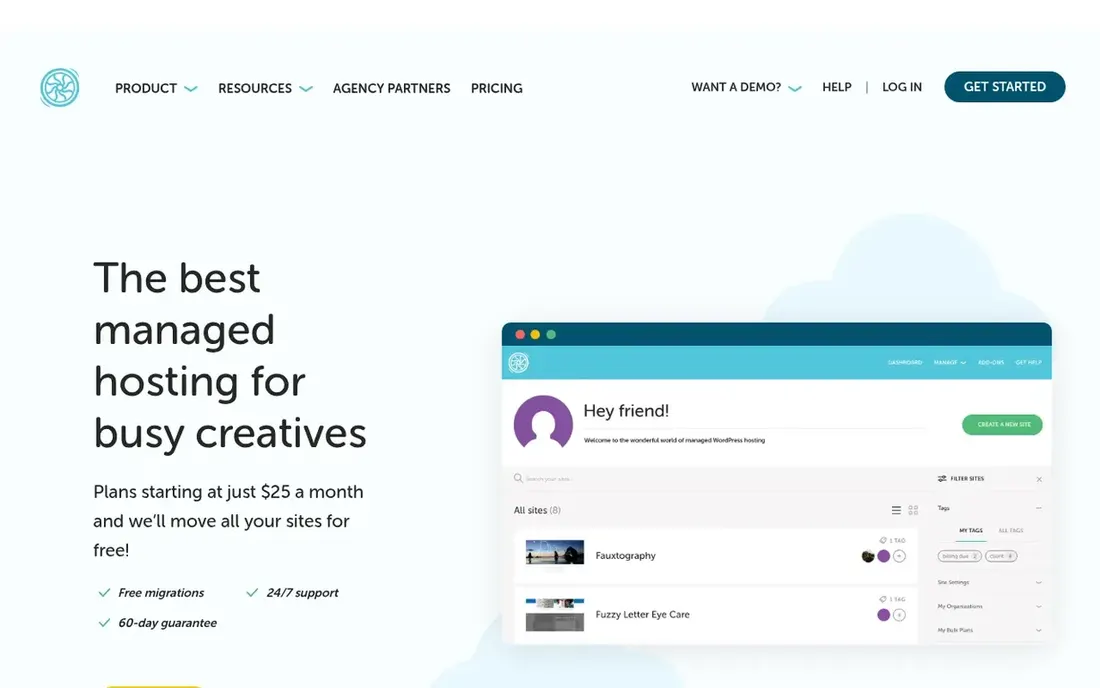
For agencies managing plenty of client WordPress sites, Flywheel is a natural candidate. Flywheel is managed WordPress hosting aimed at designers and creative agencies, with tools to build, scale and manage plenty of sites.
Trade-offs to know: Managed hosting limits server access.
Its agency orientation can be more than a solo developer needs, and the managed model limits deep server customization. Consider a more adaptable host if you need custom infrastructure, or a more straightforward one for a single site. Flywheel starts at: $25 per month. On free options: Not stated.
- Staging within a managed workflow
- Run numerous WordPress sites
- Agency focus may exceed solo needs
SiteGround works best for Everyday WordPress hosting with staging tools. It is less agency-focused than some choices here, and the managed environment limits deep server control.
Where it falls short: Managed limits on server control.
Check the vendor site for SiteGround pricing; none is listed in this comparison. As for free access: Not stated.
- Security and support included
- Staging tools in the site toolkit
- Less agency-oriented than some hosts
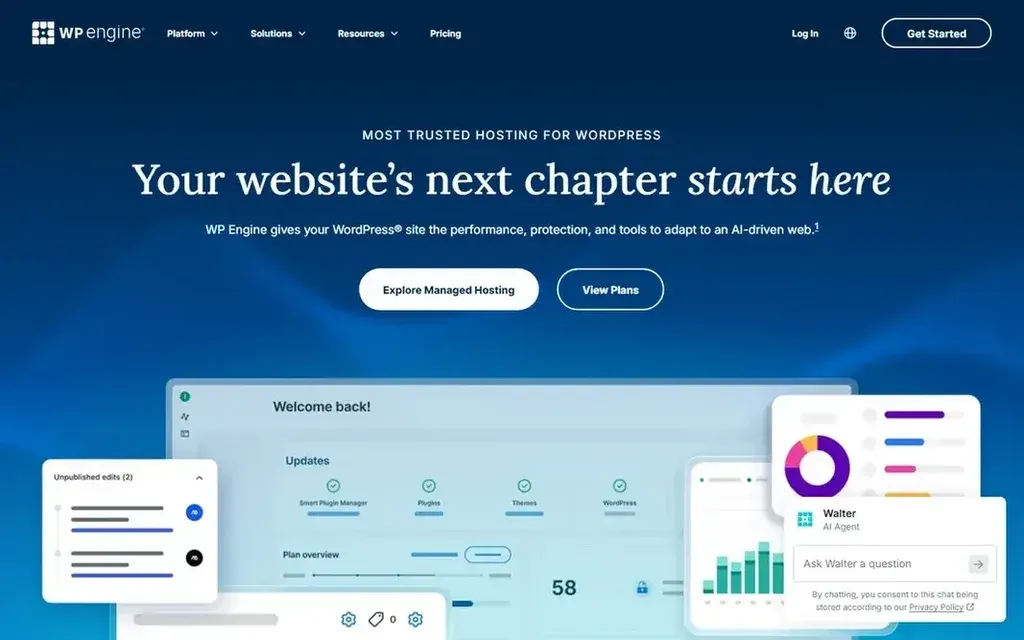
Pick WP Engine if this describes you: managed WordPress staging and dev environments. Pick a more infrastructure-flexible host if you need custom stacks, or a more straightforward host if staging is your only requirement.
On top of that, WP Engine is a managed website hosting system centered on WordPress, with staging and development environments available for testing changes before they go live. Since it is a managed product, you trade some server-level control for convenience, and non-WordPress needs may push you elsewhere. Starting cost for WP Engine: $28.00 per month. Free plan details: Not stated.
Downsides: Less control over server stack.
- Security and support included
- Managed WordPress hosting focus
- Hosting is tied to its system
How we built this list
For each of the 6 tools we noted price, free plan or trial, fit for website staging tool for WordPress developers and the main limit, using vendor pages and documentation. Where a vendor does not publish a price, the entry says quote. Where a price depends on seats or billing term, the entry says so. We ordered the tools by general fit, then by how clearly pricing is shown, then by free access. A buyer with unusual needs may reorder them.
Questions to settle before buying
- Confirm the entry price on the vendor page. For Pantheon and SiteGround that means a quote rather than a fixed price.
- Run a trial of Cloudways and Kinsta with real work before paying for a year; your own workflow is the best test.
- Before choosing Cloudways, weigh its main limit: needs more setup decisions.
- Add up seats, add-ons and usage charges for Kinsta before comparing it with cheaper entries.
- Check the integration list for SiteGround against the tools you run today, and note which ones need a higher plan.
FAQ
Does any tool for website staging tool for WordPress developers here have a free plan?
A permanent free plan is not offered by Cloudways, WP Engine or the other tools here. Cloudways, Kinsta offer a trial. Plan a short evaluation period instead.
Do these tools publish their prices?
Not all of them. Pantheon and SiteGround publish no starting price, so expect a quote request for those. The rest, Cloudways included, show a starting price, though seats and billing terms still change the final cost.
Can I try these tools before paying?
Often, yes. Cloudways and Kinsta offer a free trial. Use your own data and a real task during the test, and check what the free tier or trial limits before you rely on it. Each of the 6 options in this website staging tool for WordPress developers guide has its own card above with the price, free plan and limits.
Can I test plugin updates safely before going live?
Build a staging copy, apply the plugin updates there, check the site behavior, then push the changes to production when you are satisfied.
Is Cloudways the right pick for everyone comparing website staging tool for WordPress developers?
No single tool suits every team. Cloudways comes first because it fits managed cloud hosting with flexible stacks, while Pantheon suits WebOps workflows across multiple frameworks and Kinsta suits separate staging environment for WordPress sites. Match the tool to your own size, budget and workflow before deciding.
Sources
- https://www.cloudways.com
- https://pantheon.io
- https://kinsta.com
- https://getflywheel.com
- https://www.siteground.com
- https://wpengine.com