Best AI WordPress Developers Software in 2026: 6 Tools Compared
Best AI WordPress developers software in 2026: 6 contenders with entry costs and free tiers. Every pick gets a straight assessment. See the full list.
- Editor's choiceDivi
All-in-one theme and builder
Starts atSee websiteVisit elegantthemes.comFull review - Great alternativeOxygen Builder
AI-assisted agent-driven builds
Starts at$199.50 premium onceVisit oxygenbuilder.comFull review - Also considerElementor
No-code visual website building
Starts atSee websiteVisit elementor.comFull review
Direct answer
Our first pick is Divi, best for all-in-one theme and builder. Listed starting prices: Oxygen Builder from $199.50 premium once, WPBakery Page Builder from $82 per lifetime and Bricks from $79 a year. For a different need, Oxygen Builder covers AI-assisted agent-driven builds and Elementor covers no-code visual website building. Prices, free plans and limits for all 6 tools follow.
TL;DR:
- Top of the list is Divi, which targets all-in-one theme and builder.
- The main caution on Divi: Shortcode history can complicate migrations.
- Breakdance fits prompt-to-site AI generation.
- Pricing for Divi and Elementor is quote-based, which adds a sales step before you can compare cost.
Last checked November 2026. Prices and plan details were read from the vendors' own pages in November 2026; vendors change plans often, so confirm the current price on the vendor site before you buy.
Quick comparison
| Tool | Best for | Starts at | Free plan? | |
|---|---|---|---|---|
| Divi | All-in-one theme and builder | See website | Not stated | Visit |
| Oxygen Builder | AI-assisted agent-driven builds | $199.50 premium once | No | Visit |
| Elementor | No-code visual website building | See website | Not stated | Visit |
| WPBakery Page Builder | Drag-and-drop layout building | $82 per lifetime | No | Visit |
| Bricks | Performant code-free site design | $79 a year | Not stated | Visit |
| Breakdance | Prompt-to-site AI generation | $99.99 a year | Yes | Visit |
6 options for AI WordPress developers software in detail
LinkVetted compared 6 tools for AI WordPress developers software. The goal is a practical shortlist: published prices, free plan facts, best-fit use cases and honest limits for every entry.
Divi
Best for: All-in-one theme and builder
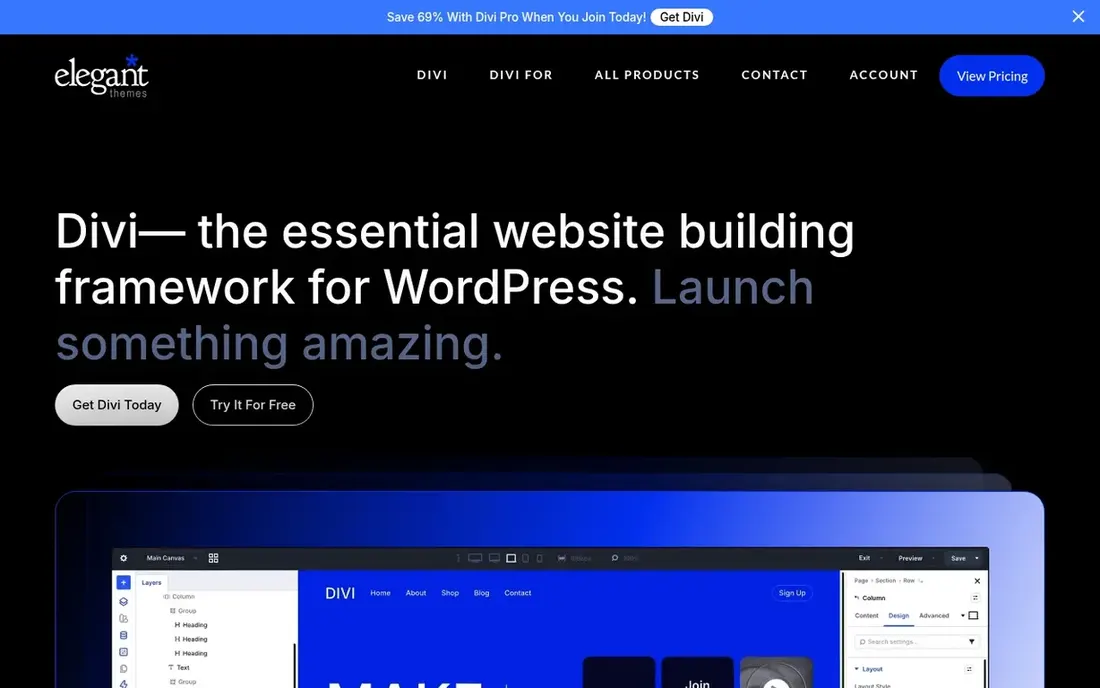
Where Divi fits: all-in-one theme and builder. Divi packages a WordPress theme with a visual page builder, so teams can design pages without switching between separate products.
The main drawbacks: Shortcode history can complicate migrations.
From a buyer's view, Divi is most solid when you want theme and builder from one source. This comparison lists no price for Divi; ask the vendor. Free access: Not stated.
- Large layout library
- Theme and builder combined
- Ramp-up time for advanced modules
Oxygen Builder
Best for: AI-assisted agent-driven builds
In short, Oxygen Builder is for AI-assisted agent-driven builds. Oxygen Builder presents itself as an AI website builder for WordPress that is fully editable. Its MCP edition lets users build sites by talking to an agent like Claude, Codex, or Cursor, producing real pages and content types inside WordPress.
Where it shines: Works with coding agents.
The prompt-driven workflow differs from traditional drag-and-drop editing and may feel unfamiliar to site owners who prefer direct visual control. In daily use, choose Oxygen when agent-assisted generation is central to how your team works. What you pay to start with Oxygen Builder: $199.50 premium once. Oxygen Builder has no free plan.
What to check first: Workflow differs from classic builders.
- Completely editable output
- Prompt-based site generation
- Needs comfort with AI prompting
Elementor
Best for: No-code visual website building

Elementor is designed for no-code visual website building. Elementor is a website builder that lets web creators build a site or online store without coding. Its drag-and-drop interface and template library make it a typical starting point for freelancers, small teams, and marketers who want visual control.
Elementor remains a solid default when wide editor familiarity is the priority. In practice, the builder can add overhead on complicated sites, and some advanced capabilities sit behind higher levels. Beyond that, if you need AI-first generation or a leaner code footprint, compare Breakdance or Bricks before committing. Elementor does not show a starting price in this comparison, so check the vendor site for current pricing. On free options: Not stated.
Drawbacks to consider: Feature depth varies by level.
- Drag-and-drop editing
- No coding required
- Can feel heavy on large sites
WPBakery Page Builder
Best for: Drag-and-drop layout building
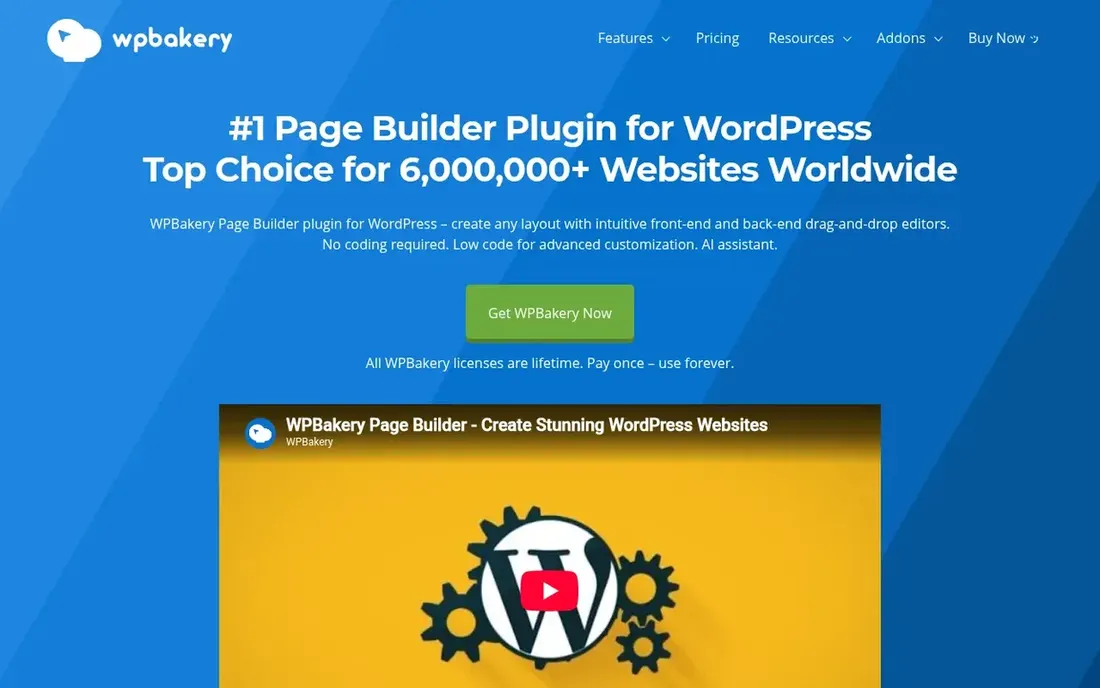
Pick WPBakery Page Builder if this describes you: drag-and-drop layout building. WPBakery Page Builder is a WordPress plugin with a drag-and-drop interface for building pages quickly. It supports unlimited layouts and is often bundled with themes, so numerous site owners encounter it without choosing it straight.
Limits to weigh: Shortcode-based output can be rigid.
Its shortcode-based approach can make content harder to move between builders, and the editing experience is less modern than newer tools. From a buyer's view, WPBakery is best treated as a practical choice within an existing theme stack. On cost, WPBakery Page Builder starts like this: $82 per lifetime. WPBakery Page Builder does not include a free plan.
- Easy-to-learn drag-and-drop interface
- Unlimited layout choices
- Interface feels dated to some users
Bricks
Best for: Performant code-free site design
Bricks makes the most sense for Performant code-free site design. Bricks is a visual site builder for WordPress that aims to help users design unique, performant, and scalable websites without code.
Main advantages: Focus on performance.
Also, if you need the widest plugin compatibility, Elementor or Divi may be safer. The community-driven model means feedback shapes the roadmap, which fits teams that like to be involved. Price to start with Bricks: $79 per year. As for free access: Not stated. Downsides: Advanced workflows need learning time.
- Code-free editing
- Visual
- Younger ecosystem than established builders
Breakdance
Best for: Prompt-to-site AI generation
Breakdance targets prompt-to-site AI generation. Breakdance is an AI website builder for WordPress: you describe the site you want and AI builds it, designed and on brand, then you refine it in a professional visual editor. Breakdance is a solid fit when prompt-based starting points save your team meaningful setup time.
Also, the combination of generation and editing keeps the workflow inside WordPress. As for the details, generated layouts still need human review for content accuracy and brand fit. The product is newer than established builders. Breakdance starts at: $99.99 per year. Breakdance includes a free tier.
What to check first: AI output still needs review.
- On-brand editable output
- Professional visual editor
- Newer than long-standing builders
How these tools were picked
The comparison looks at four things: starting price, free access, how well the feature set matches AI WordPress developers software, and the main limit of each tool. Prices and plan limits come from vendor pages and can change, so confirm them on the vendor site before you buy. Tools are placed by general fit for AI WordPress developers software, with price clarity and free access as tie-breakers. A different team can reasonably rank them differently.
Before you commit
- Confirm the entry price on the vendor page. For Divi and Elementor that means a quote rather than a fixed price.
- Look at the free plan from Breakdance closely: its caps decide whether it is usable for real work.
- Read the limits listed for Divi first: Shortcode history can complicate migrations.
- Ask the daily users to test Elementor on a live task before you roll it out to everyone.
- Test how quickly WPBakery Page Builder answers a pre-sales question; it hints at how support will feel later.
FAQ
Which options for AI WordPress developers software have a free plan?
Breakdance is the only tool in this list with a free plan. Free plans usually cap users, projects or features, so check the limits on the vendor page.
How are the tools for AI WordPress developers software ordered?
The order follows typical fit for AI WordPress developers software, with Divi first and Breakdance last, then price clarity and free access. It is editorial judgement, not a score, so another team could rank the tools differently.
Can I switch builders after building a site?
Switching is possible but seldom smooth since each builder keeps layouts differently. Plan migrations early and keep content in WordPress-native fields where possible.
Can I try these options before paying?
Often, yes. Breakdance has a free plan. Use your own data and a real task during the test, and check what the free tier or trial limits before you rely on it.
Is Divi the right pick for everyone comparing AI WordPress developers software?
No single tool suits every team. Divi comes first because it fits all-in-one theme and builder, while Oxygen Builder suits AI-assisted agent-driven builds and Elementor suits no-code visual website building. Match the tool to your own size, budget and workflow before deciding.
Sources
- https://www.elegantthemes.com/gallery/divi
- https://oxygenbuilder.com
- https://elementor.com
- https://wpbakery.com
- https://bricksbuilder.io
- https://breakdance.com