Best Host for WordPress Developers in 2026: Prices, Free Plans and 6 Picks
Weighing the best host for WordPress developers? We lined up 6 products by cost, free access and fit. Where a tool struggles is spelled out. Jump to the table.
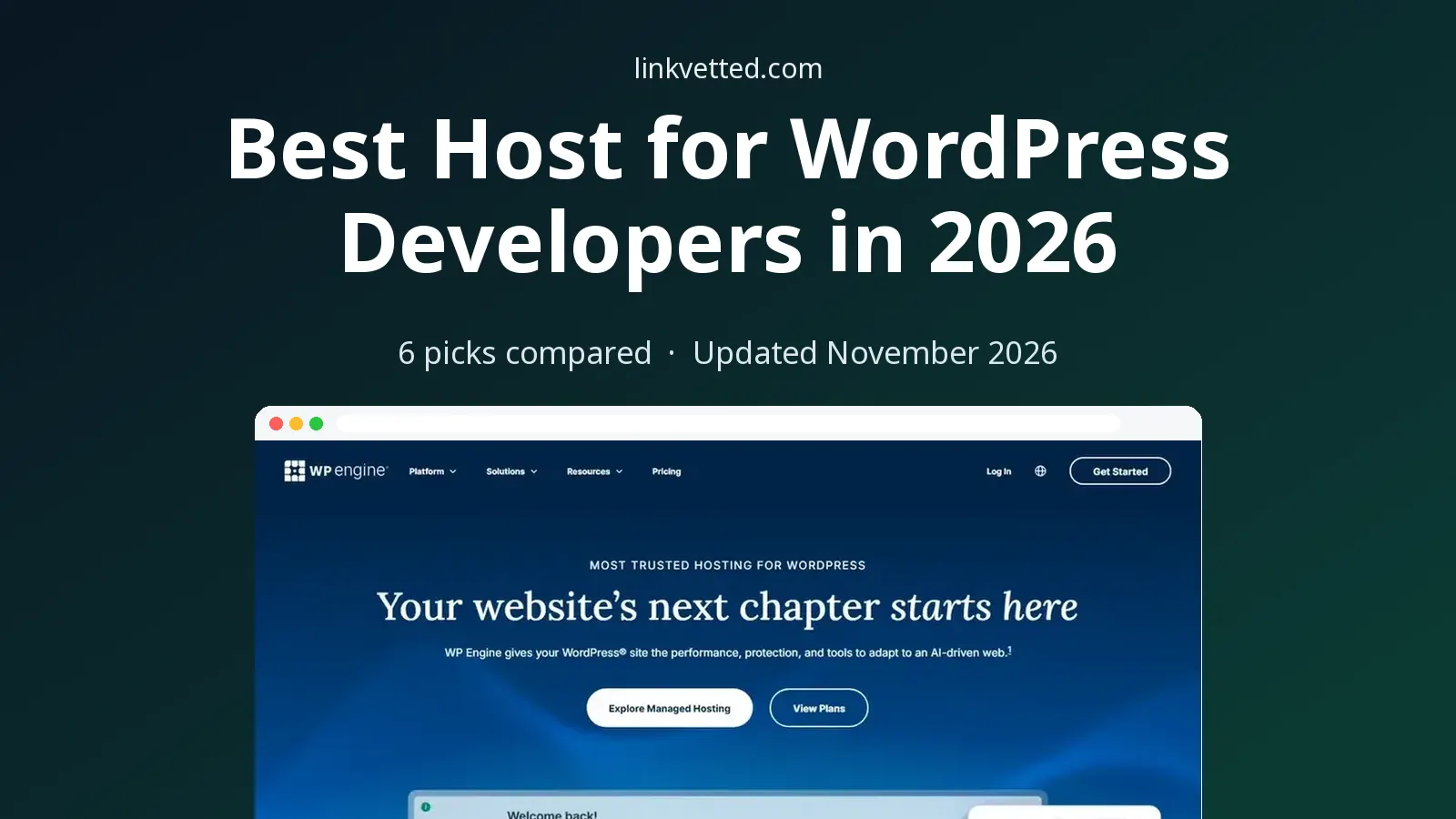
- Editor's choice
 Pantheon
WebOps system for several frameworks
Starts atSee websiteVisit pantheon.ioFull review - Great alternative
 Cloudways
Managed cloud hosting with adaptability
Starts at$20 a monthVisit cloudways.comFull review - Also consider
 WP Engine
Developers seeking a trusted managed product
Starts at$28.00 a monthVisit wpengine.comFull review
Direct answer
Our first pick is Pantheon, best for WebOps product for several frameworks. Listed starting prices: Cloudways from $20 a month, WP Engine from $28.00 a month and Rocket.net from $25 per month. Cloudways is the stronger choice for managed cloud hosting with adaptability, while WP Engine suits developers seeking a trusted managed system. Details, prices and limits for the rest of the 6 tools are below.
TL;DR:
- The list opens with Pantheon, aimed at WebOps system for several frameworks.
- Flywheel suits designers and agencies managing several sites.
- What to know about WP Engine first: may be overkill for straightforward sites.
- A permanent free plan is missing from all 6 tools, Pantheon and Flywheel included; plan for a trial or a premium start.
- Kinsta is the lowest-priced starter here at $17.50 per month.
Last checked November 2026. Prices and plan details were read from the vendors' own pages in November 2026; vendors change plans often, so confirm the current price on the vendor site before you buy.
Quick comparison
| Tool | Best for | Starts at | Free plan? | |
|---|---|---|---|---|
| Pantheon | WebOps system for several frameworks | See website | Not stated | Visit |
| Cloudways | Managed cloud hosting with adaptability | $20 a month | Free trial | Visit |
| WP Engine | Developers seeking a trusted managed product | $28.00 a month | Not stated | Visit |
 Rocket.net | Agencies and creatives needing speed | $25 per month | No | Visit |
 Kinsta | High-performance WordPress hosting | $17.50 per month | Free trial | Visit |
 Flywheel | Designers and agencies managing several sites | $25 per month | Not stated | Visit |
Our 6 host for WordPress developers
This LinkVetted guide covers 6 host for WordPress developers. Each profile lists a starting price, free plan details, strengths and drawbacks, so you can drop poor fits quickly.
Choose Pantheon for WebOps system for several frameworks. The ramp-up time may be steep, and the feature set might be overkill for straightforward sites.
Points against: Steeper ramp-up time for beginners.
More specifically, for straightforward WordPress projects, a more straightforward managed host could be more appropriate. Check the vendor site for Pantheon pricing; none is listed in this comparison. Free options: Not stated.
- Supports WordPress, Drupal, Next.js
- Handle workflows
- May be complicated for straightforward WordPress sites
Cloudways is built with managed cloud hosting with adaptability in mind. Cloudways provides managed cloud hosting that eases the deployment and management of cloud servers. It supports several cloud providers and gives you an approachable product for developers to scale resources when needed.
More specifically, developers looking for a fully hands-off experience might prefer a specialized WordPress host. Beyond that, Cloudways is right for developers who want the adaptability of cloud hosting without the complexity of managing servers straight. Even so, Cloudways needs some server management knowledge, and support may not be as practical as completely managed WordPress hosts. Cloudways starts at: $20 per month. As for free access: Free trial.
Honest limits: Needs more server management knowledge.
- Choice of several cloud providers
- Scalable resources with pay-as-you-go
- Support quality can vary by provider
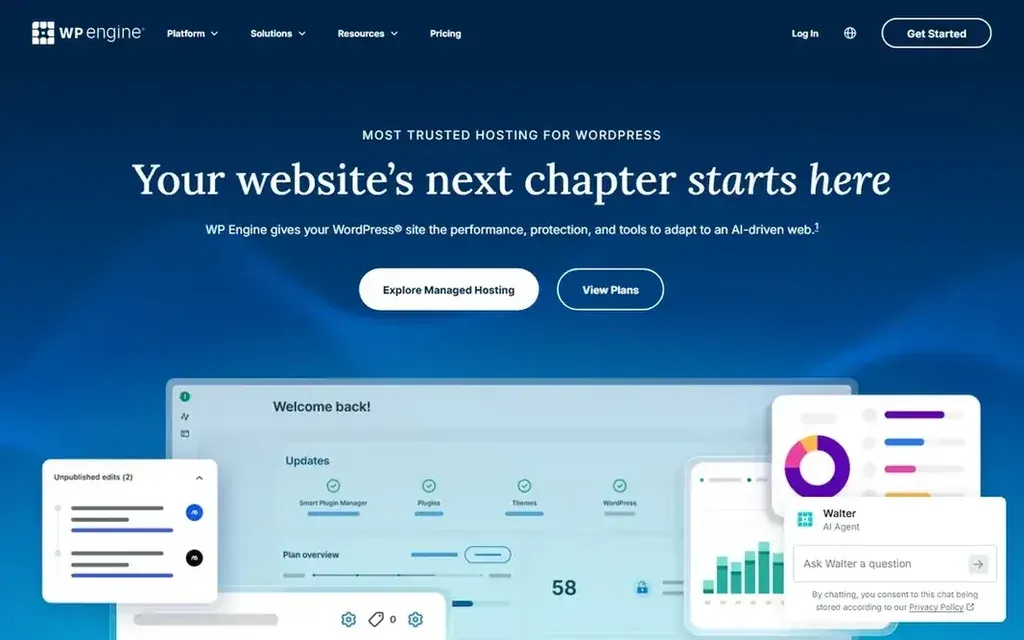
WP Engine makes the most sense for developers seeking a trusted managed platform. WP Engine is a managed WordPress hosting system that emphasizes security, speed, and support. It is aimed at developers and firms that want a steady environment without managing server infrastructure.
Worth adding: for projects requiring custom configurations or lower costs, alternative hosts might be more appropriate. The system comes with features like automatic updates and daily backups, making it a good match for those who prioritize stability and hands-off maintenance. That said, WP Engine may not be the best choice for developers who require broad server-level customization or who are on a tight budget. Its managed approach means less control over the underlying environment. WP Engine pricing: $28.00 per month. Free plan details: Not stated.
Limits to weigh: Restricted adaptability for custom server configurations.
- Capable focus on security and support
- Optimized for WordPress performance
- May be overkill for straightforward sites
Where Rocket.net fits: agencies and creatives needing speed. Rocket.net gives you all-in-one WordPress hosting optimized for speed and security, targeting agencies and creatives. Rocket.net is made for those who prioritize performance and simplicity without managing server details.
Even so, Rocket.net may not offer the same level of developer-centric features as some competitors, for example advanced staging or Git integration. It is primarily centred on WordPress, so it may not suit projects involving other systems. In daily use, developers needing deep customization might find it limiting. The starting price for Rocket.net: $25 per month. Rocket.net has no permanent free option.
Points against: May be less feature-rich for developers.
- Lightning-fast and secure hosting
- Completely optimized for WordPress
- Restricted flexibility for non-WordPress sites

Kinsta serves high-performance WordPress hosting. Whereas Kinsta excels in performance, it may be more costly than some alternatives, particularly for sites with high traffic.
Points against: Restricted phone support.
Kinsta is well-suited for developers and businesses that require high-performance hosting for demanding WordPress sites. Kinsta cost at the entry level: $17.50 per month. Free access: Free trial.
- Strong focus on performance optimization
- Enterprise-grade speed and security
- Higher cost for advanced features
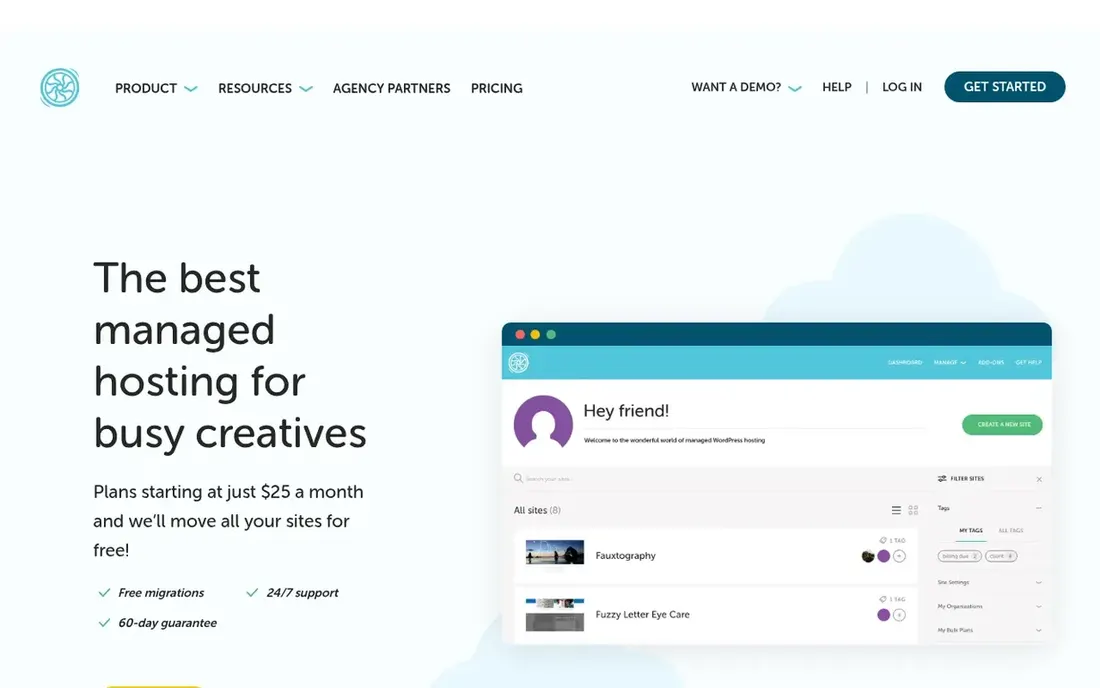
Flywheel makes the most sense for designers and agencies managing several sites. Flywheel supplies managed WordPress hosting specifically tailored for designers and creative agencies. It supplies tools to build, scale, and run several WordPress sites efficiently.
The main drawbacks: Less suitable for non-WordPress sites.
With a focus on simplified workflows and client-friendly features, Flywheel is well suited to agencies that require to deal with plenty of sites without deep technical overhead. That said, Flywheel may not be the best fit for developers who need broad server-level access or advanced developer tools. Its feature set is optimized for agency workflows instead of custom development. Flywheel cost at the entry level: $25 per month. On free options: Not stated.
- Designed for designers and creative agencies
- Simple management of hundreds of sites
- Restricted developer-centric tools compared with some hosts
How these tools were picked
What to confirm before you sign up
- Confirm the entry price on the vendor page. For Pantheon that means a quote rather than a fixed price.
- Take the trial from Cloudways and Kinsta and push a live task through it before you pay.
- Read the limits listed for Pantheon first: steeper ramp-up time for beginners.
- Read the plan comparison for Flywheel carefully; key features often start on a higher tier.
- Check the integration list for Kinsta against the tools you run today, and note which ones need a higher plan.
FAQ
Does any tool for host for WordPress developers here have a free plan?
A permanent free plan is not offered by Pantheon, Flywheel or the other tools here. Cloudways, Kinsta offer a trial. Plan a short evaluation period instead.
Do these tools publish their prices?
Not all of them. Pantheon publishes no starting price, so expect a quote request for it. The rest, Cloudways included, show a starting price, though seats and billing terms still change the final cost.
Can I host non-WordPress sites on these products?
Some hosts like Pantheon support several frameworks, whereas others are WordPress-specific. Check each host's documentation for supported systems.
Can I try these tools before paying?
Often, yes. Cloudways and Kinsta offer a free trial. Use your own data and a real task during the test, and check what the free tier or trial limits before you rely on it. All 6 picks in this host for WordPress developers comparison list a starting price, free plan details and the main limits on their cards above.
What should WordPress developers look for in a host?
Developers should prioritize performance, staging environments, version control integration, and steady support. Scalability and security features are also important for expanding projects.
What is the cheapest option for host for WordPress developers in this list?
On published monthly entry prices, Kinsta is the lowest here at $17.50 per month. Entry price is only part of the cost, because seats, add-ons and billing terms can change the total. For the full picture, the cards above cover all 6 entries of this host for WordPress developers list, including price, free plan and limits.
Sources
- https://pantheon.io
- https://www.cloudways.com
- https://wpengine.com
- https://rocket.net
- https://kinsta.com
- https://getflywheel.com