5 Cloud Hosting for WordPress Developers Worth Shortlisting in 2026
Need the best cloud hosting for WordPress developers? We compare 5 tools on cost, free access and who each suits. Honest caveats for every entry. No hype.
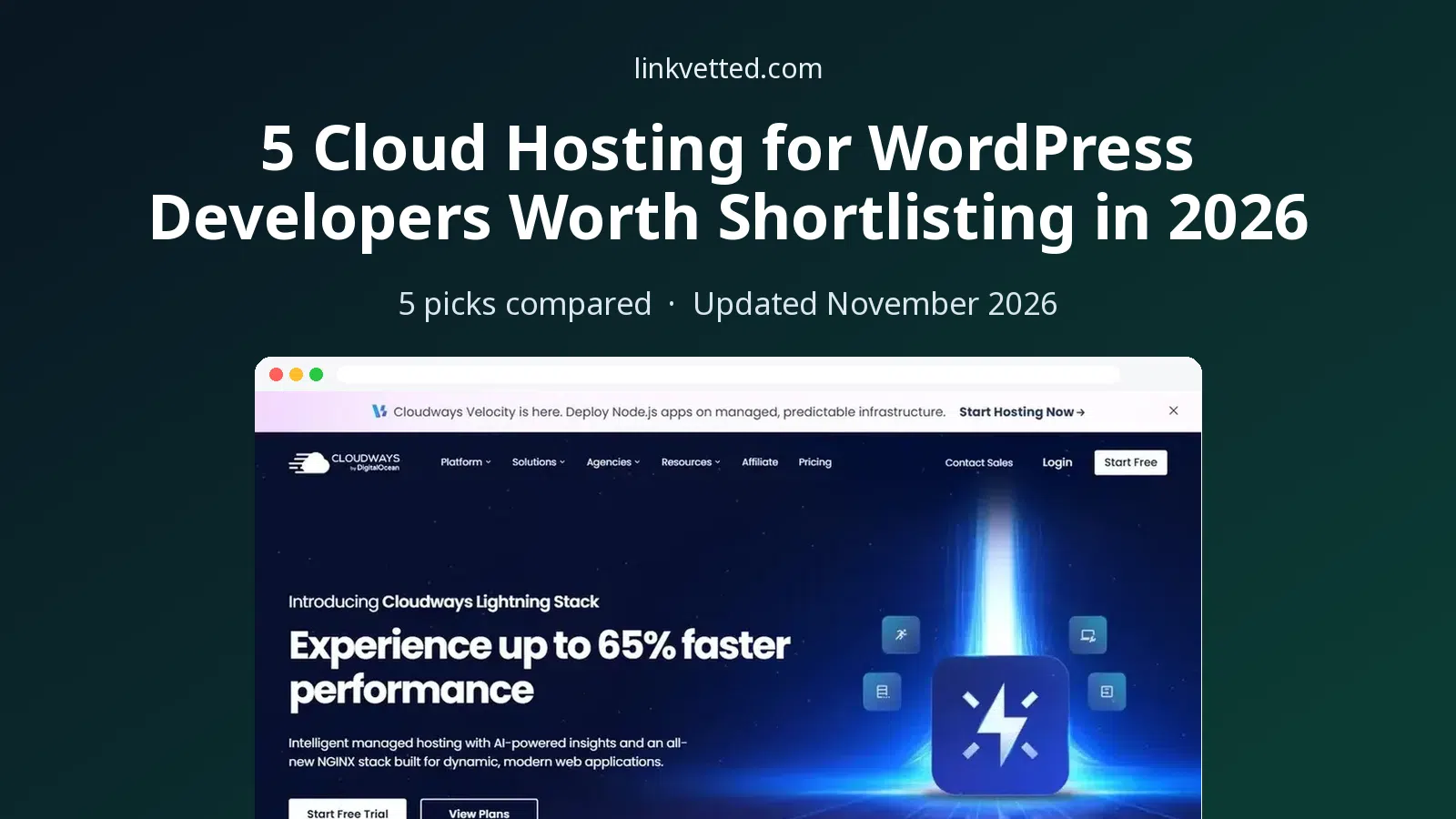
- Editor's choice
 Pantheon
WebOps across several frameworks
Starts atSee websiteVisit pantheon.ioFull review - Great alternative
 Cloudways
Adaptable managed cloud infrastructure
Starts at$20 a monthVisit cloudways.comFull review - Also consider
 WP Engine
Managed WordPress with solid support
Starts at$28.00 per monthVisit wpengine.comFull review
Direct answer
Pantheon comes first here, mainly for WebOps across several frameworks. Listed starting prices: Cloudways from $20 a month, WP Engine from $28.00 per month and Kinsta from $17.50 a month. Cloudways is the stronger choice for adaptable managed cloud infrastructure, while WP Engine suits managed WordPress with solid support. The remaining 2 options are covered below with prices and limits.
TL;DR:
- Pantheon takes the first slot, best suited to WebOps across several frameworks.
- Flywheel is the one to check for designers and creative agencies.
- Kinsta has the lowest monthly starting price in this list: $17.50 per month.
- Before buying WP Engine, weigh this: less raw server control.
Last checked November 2026. Prices and plan details were read from the vendors' own pages in November 2026; vendors change plans often, so confirm the current price on the vendor site before you buy.
Quick comparison
| Tool | Best for | Starts at | Free plan? | |
|---|---|---|---|---|
| Pantheon | WebOps across several frameworks | See website | Not stated | Visit |
| Cloudways | Adaptable managed cloud infrastructure | $20 a month | Free trial | Visit |
| WP Engine | Managed WordPress with solid support | $28.00 per month | Not stated | Visit |
 Kinsta | Performance-focused managed WordPress | $17.50 a month | Free trial | Visit |
 Flywheel | Designers and creative agencies | $25 per month | Not stated | Visit |
Our 5 cloud hosting for WordPress developers
Choosing cloud hosting for WordPress developers usually comes down to price, fit and limits. This LinkVetted guide sets 5 tools side by side on those three points, with the facts kept short and checkable.
Pantheon was built for WebOps across several frameworks. It fits development teams and agencies that work across several frameworks and want structured workflows for deploying and managing sites from a single system.
Pricing for Pantheon is not stated here, so ask the vendor for current figures. On free options: Not stated.
Trade-offs to know: WebOps model has a ramp-up time.
- WebOps workflow focus
- Build, host
- Broader scope than WordPress alone
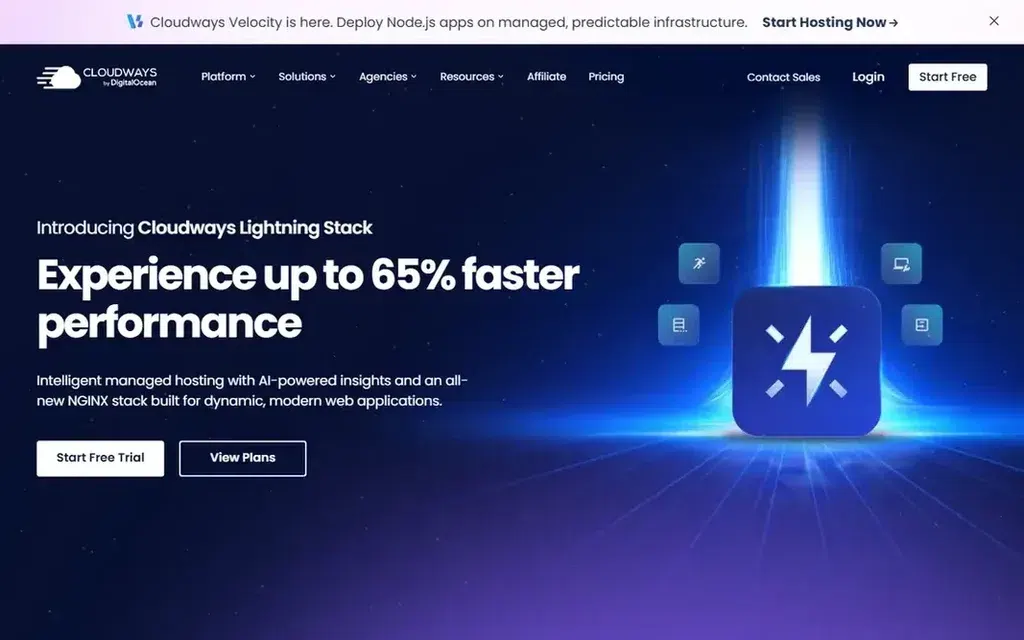
In short, Cloudways is for adaptable managed cloud infrastructure. Cloudways gives you a managed cloud hosting product that simplifies deploying sites on major cloud infrastructure providers.
What works well: Managed cloud hosting model.
The main drawbacks: Needs more setup decisions. Also, since it is infrastructure-oriented instead of WordPress-only, some WordPress-specific workflows and tooling may need more manual setup. More specifically, developers who want a completely managed WordPress experience with minimal configuration may prefer a dedicated managed WordPress host instead. What you pay to start with Cloudways: $20 per month. Free access: Free trial.
- Fits developers wanting control
- Choice of cloud infrastructure
- Less WordPress-specific tooling
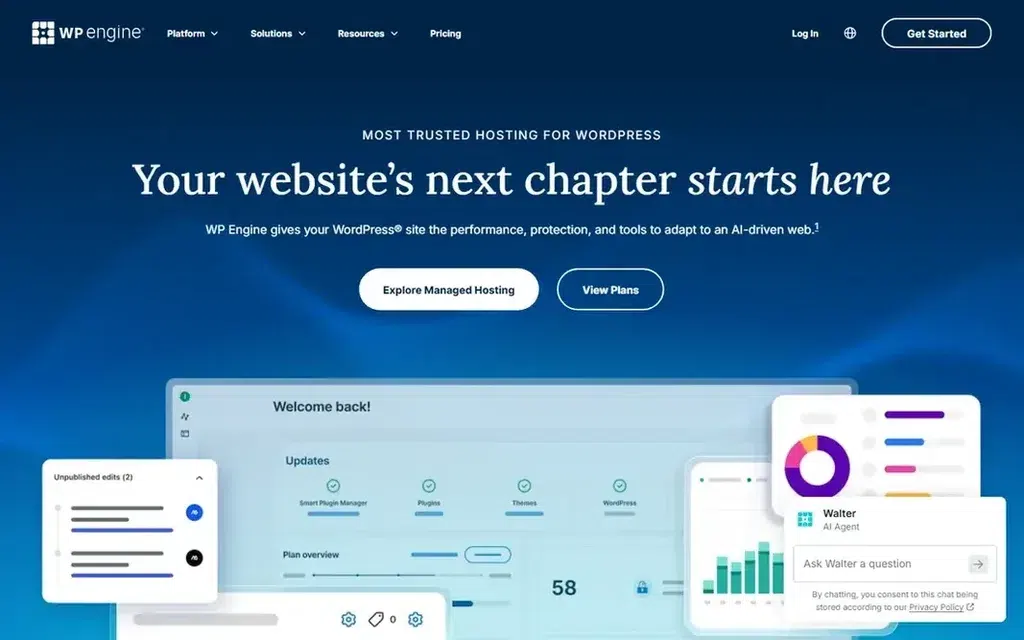
WP Engine makes the most sense for managed WordPress with solid support. WP Engine is a website hosting product built around WordPress, positioning itself as a trusted managed choice with support and security options. So they can focus on building sites instead of administering servers.
The main drawbacks: WordPress-centric scope.
As for the details, since it is a managed product, developers who require deep server-level customization or non-WordPress workloads may find it limiting. As for the details, consider a more infrastructure-oriented host when you need direct control over the server environment or want to run a broader mix of applications. Starting cost for WP Engine: $28.00 per month. Free access: Not stated.
- Managed WordPress focus
- Security solutions included
- Less raw server control

For performance-focused managed WordPress, Kinsta is a natural candidate. Kinsta presents itself as a managed WordPress host with an emphasis on enterprise-grade speed, security, and support.
Where it is weaker: WordPress-centered offering.
Worth adding: if your project relies on deep infrastructure customization or non-WordPress applications, a more adaptable cloud host may be the better fit. As for the details, the managed approach means less control over the underlying stack, which can matter for unusual configurations or custom server software. Entry price for Kinsta: $17.50 per month. On free options: Free trial.
Highlights: Security and support focus.
- Enterprise-grade speed emphasis
- Managed WordPress system
- Managed model limits server access
For designers and creative agencies, Flywheel is a natural candidate. It suits freelancers and studios that deal with client sites and want a managed WordPress environment with workflows oriented around agency work.
Honest limits: Agency-oriented focus.
On top of that, if you need raw server control or a multi-framework product, a more general cloud host is worth considering. Flywheel starts at: $25 per month. Trial and free access: Not stated.
- Handle plenty of WordPress sites
- Managed hosting model
- Less suited to custom server needs
Our selection method
We compared the tools on published pricing, free plan or trial availability, feature coverage for cloud hosting for WordPress developers, and the limits each vendor documents. Prices and plan limits come from vendor pages and can change, so confirm them on the vendor site before you buy. Position on the page reflects fit for a typical buyer first, with price clarity and free access breaking ties. Treat it as a guide, not a ruling.
What to check before you buy
- Ask Pantheon for a written quote, since no starting price is shown.
- Run a trial of Cloudways and Kinsta with real work before paying for a year; your own workflow is the best test.
- Read the limits listed for Pantheon first: broader scope than WordPress alone.
- Confirm you can export your data from Flywheel, so leaving later does not mean losing records.
- Test how quickly Cloudways answers a pre-sales question; it hints at how support will feel later.
FAQ
Can I host non-WordPress projects on these products?
Some products, for example Pantheon, explicitly support several frameworks including WordPress, Drupal, and Next.js. Others are WordPress-focused or general hosting providers. If you have to run a mix of applications, check each vendor's supported stacks.
Do these tools publish their prices?
Not all of them. Pantheon publishes no starting price, so expect a quote request for it. The rest, Cloudways included, show a starting price, though seats and billing terms still change the final cost. Each of the 5 options in this cloud hosting for WordPress developers guide has its own card above with the price, free plan and limits.
Which system is a good match for agencies managing plenty of WordPress sites?
Pantheon is the pick this page puts first, mainly for WebOps across several frameworks. If your situation differs, Cloudways suits adaptable managed cloud infrastructure, and WP Engine suits managed WordPress with capable support. Compare price and limits before you decide.
Is Pantheon the right pick for everyone comparing cloud hosting for WordPress developers?
No single tool suits every team. Pantheon comes first because it fits WebOps across multiple frameworks, while Cloudways suits flexible managed cloud infrastructure and WP Engine suits managed WordPress with strong support. Match the tool to your own size, budget and workflow before deciding.
How are the tools for cloud hosting for WordPress developers ordered?
The order follows typical fit for cloud hosting for WordPress developers, with Pantheon first and Flywheel last, then price clarity and free access. It is editorial judgement, not a score, so another team could rank the tools differently.
Does any tool for cloud hosting for WordPress developers here have a free plan?
No tool in this list, Pantheon and Flywheel included, has a permanent free plan. Cloudways, Kinsta offer a trial. Trials and quotes are the usual route, so plan a short evaluation period.
Sources
- https://pantheon.io
- https://www.cloudways.com
- https://wpengine.com
- https://kinsta.com
- https://getflywheel.com