6 Best WordPress Hosting for Developers for 2026, Vetted and Compared
Best WordPress hosting for developers in 2026: 6 contenders with entry costs and free tiers. Concise write-ups of every option. Updated November 2026.
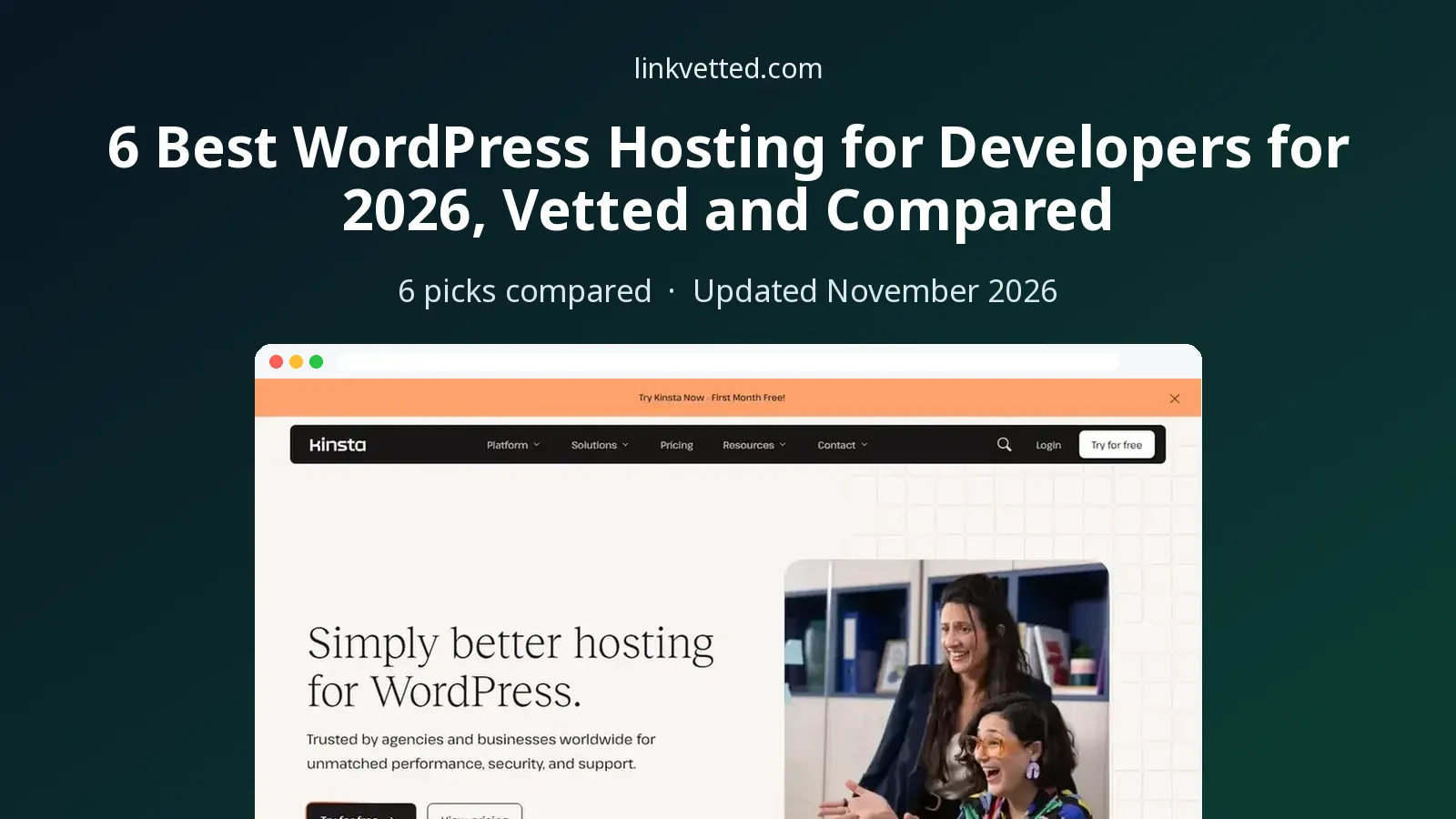
- Editor's choice
 Kinsta
Developers prioritizing speed and security
Starts at$17.50 a monthVisit kinsta.comFull review - Great alternative
 Cloudways
Developers wanting managed cloud adaptability
Starts at$20 per monthVisit cloudways.comFull review - Also consider
 Rocket.net
Agencies and creatives needing quick, secure hosting
Starts at$25 per monthVisit rocket.netFull review
Direct answer
If you need developers prioritizing speed and security, Kinsta is the first tool to look at here. Listed starting prices: Kinsta from $17.50 a month, Cloudways from $20 per month and Rocket.net from $25 per month. Cloudways fits developers wanting managed cloud adaptability; Rocket.net fits agencies and creatives needing quick, secure hosting. Prices, free plans and limits for all 6 tools follow.
TL;DR:
- Number one here is Kinsta, a fit for developers prioritizing speed and security.
- A permanent free plan is missing from all 6 tools, Kinsta and Pantheon included; plan for a trial or a premium start.
- Kinsta is the lowest-priced starter here at $17.50 per month.
- The main caution on Rocket.net: less known in the market.
Last checked November 2026. Prices and plan details were read from the vendors' own pages in November 2026; vendors change plans often, so confirm the current price on the vendor site before you buy.
Quick comparison
| Tool | Best for | Starts at | Free plan? | |
|---|---|---|---|---|
| Kinsta | Developers prioritizing speed and security | $17.50 a month | Free trial | Visit |
| Cloudways | Developers wanting managed cloud adaptability | $20 per month | Free trial | Visit |
| Rocket.net | Agencies and creatives needing quick, secure hosting | $25 per month | No | Visit |
 Liquid Web | Developers needing dependable and scalable infrastructure | See website | Not stated | Visit |
 WP Engine | Developers seeking a trusted managed product | $28.00 a month | Not stated | Visit |
 Pantheon | Developers needing advanced WebOps workflows | See website | Not stated | Visit |
Every option for WordPress hosting for developers explained
If you are comparing WordPress hosting for developers, this page covers 6 tools in one place: what each is best for, what it costs to start, whether it has a free plan, and the main limit to know about.

Think of Kinsta for developers prioritizing speed and security. Kinsta is a managed WordPress host that emphasizes speed and security, built on Google Cloud Platform.
Kinsta does not include email hosting, which may be a drawback for some. The product supplies features like staging environments and daily backups, catering to firms that need dependable uptime. Kinsta cost at the entry level: $17.50 per month. As for free access: Free trial.
Where it falls short: Restricted plugin restrictions.
- High-performance infrastructure
- Enterprise-grade security
- No email hosting included
Cloudways works best for developers wanting managed cloud adaptability. It is well suited to developers who want the adaptability of cloud hosting without the complexity of server management.
Watch-outs: Not WordPress-specific.
Since Cloudways is not WordPress-specific, it may lack some WordPress-optimized features found in specialized hosts. Entry price for Cloudways: $20 per month. Trial and free access: Free trial.
- Scalable resources
- Choice of cloud providers
- Needs some server knowledge
Rocket.net is built with agencies and creatives needing quick, secure hosting in mind. The system is built to help firms grow with dependable hosting. From a buyer's view, as a less established player, Rocket.net may have fewer integrations and community resources compared to bigger hosts.
Where it falls short: Less known in the market.
Worth adding: developers requiring broad customization or a proven track record might prefer more established choices like WP Engine or Kinsta. Rocket.net provides all-in-one WordPress hosting pitched at agencies and creatives, with a focus on lightning-fast performance and security. It gives you completely optimized websites with built-in caching and security measures. The starting price for Rocket.net: $25 per month. Rocket.net has no free plan.
Where it shines: All-in-one product.
- Optimized for speed
- Solid security features
- Restricted customization choices
Liquid Web is aimed squarely at developers needing steady and scalable infrastructure. It fits developers who require solid hosting for high-traffic or resource-intensive WordPress sites.
Liquid Web can be more expensive for small or straightforward sites, and its range of choices may overwhelm beginners. No starting price is listed for Liquid Web here; confirm pricing on the vendor site. As for free access: Not stated.
Limits to weigh: Complicated for beginners.
- High reliability and uptime
- Scalable dedicated servers
- More costly for small sites
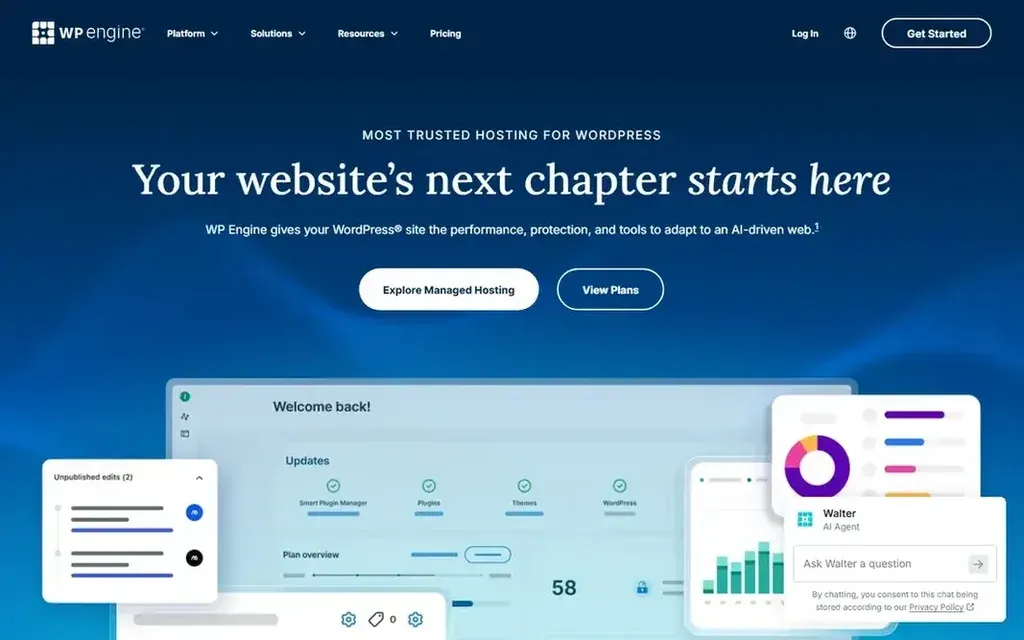
For developers seeking a trusted managed platform, WP Engine is a natural candidate. WP Engine is a managed WordPress hosting system known for its security and support. It is made for developers who want a steady environment without managing server infrastructure.
What to check first: Higher cost for entry-level needs.
The product contains features like staging environments and automatic updates, making it a good match for agencies and companies that require a dependable hosting option. Even so, WP Engine may not be well suited to developers who need deep server customization or root access. Its pricing can be higher than unmanaged choices, so those on a tight budget might consider alternatives like Cloudways for more control over cloud infrastructure. Starting cost for WP Engine: $28.00 per month. Free plan details: Not stated.
- Scalable for expanding sites
- Strong security and support
- Restricted low-level server access
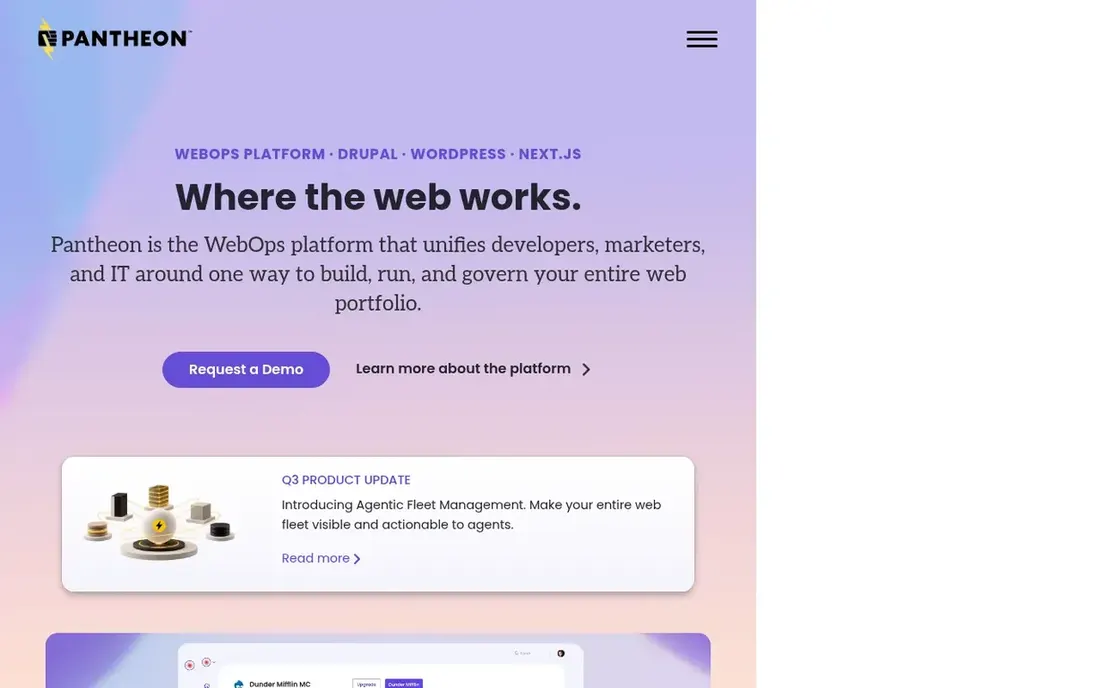
Pantheon works best for developers needing advanced WebOps workflows. Developers seeking a purely WordPress-focused environment might consider WP Engine or Kinsta instead.
Beyond that, Pantheon may have a steeper ramp-up time for those new to WebOps. Its WordPress-specific features are less deep than dedicated WordPress hosts. Pricing for Pantheon is not stated here, so ask the vendor for current figures. Free options: Not stated.
The main drawbacks: Restricted WordPress-specific features.
- Capable DevOps tools
- Scalable for high-traffic sites
- Steeper ramp-up time
How these tools were picked
For each of the 6 tools we noted price, free plan or trial, fit for WordPress hosting for developers and the main limit, using vendor pages and documentation. Where a price is missing, the vendor does not list one publicly or ties it to a quote. Always confirm before budgeting. The sequence is a judgement call: typical use case first, then pricing transparency, then free access. Use the profiles to check fit.
Before you commit
- Confirm the entry price on the vendor page. For Liquid Web and Pantheon that means a quote rather than a fixed price.
- Take the trial from Kinsta and Cloudways and push a live task through it before you pay.
- Read the limits listed for Kinsta first: no email hosting included.
- Confirm minimum seats and billing terms with Cloudways before you commit to an annual plan.
- Add up seats, add-ons and usage charges for Liquid Web before comparing it with cheaper entries.
FAQ
How does Cloudways differ from WP Engine?
Cloudways supplies managed cloud hosting with a choice of infrastructure providers, giving more adaptability and control. The choice relies on whether you need cloud adaptability or a simplified WordPress experience.
Do these tools publish their prices?
Not all of them. Liquid Web and Pantheon publish no starting price, so expect a quote request for those. The rest, Kinsta included, show a starting price, though seats and billing terms still change the final cost.
Can I try these tools before paying?
Often, yes. Kinsta and Cloudways offer a free trial. Use your own data and a real task during the test, and check what the free tier or trial limits before you rely on it. All 6 picks in this WordPress hosting for developers comparison list a starting price, free plan details and the main limits on their cards above.
What should developers look for in WordPress hosting?
Developers should prioritize features like staging environments, Git integration, SSH access, and scalability. Consider your workflow needs and whether you need managed or unmanaged services.
Does any tool for WordPress hosting for developers here have a free plan?
No tool in this list, Kinsta and Pantheon included, has a permanent free plan. Kinsta, Cloudways offer a trial. Trials and quotes are the usual route, so plan a short evaluation period.
Is Kinsta the right pick for everyone comparing WordPress hosting for developers?
No single tool suits every team. Kinsta comes first because it fits developers prioritizing speed and security, while Cloudways suits developers wanting managed cloud flexibility and Rocket.net suits agencies and creatives needing fast, secure hosting. Match the tool to your own size, budget and workflow before deciding.
Sources
- https://kinsta.com
- https://www.cloudways.com
- https://rocket.net
- https://www.liquidweb.com
- https://wpengine.com
- https://pantheon.io