6 Best Website Builder Software for Remote Teams for 2026, Vetted and Compared
Weighing the best website builder software for remote teams? We lined up 6 products by cost, free access and fit. The catches are listed up front. No filler.
- Editor's choice
 Duda
Agencies building client sites
Starts at$19 a monthVisit duda.coFull review - Great alternative
 Webflow
Design control and CMS-driven sites
Starts at$15 per monthVisit webflow.comFull review - Also consider
 WordPress.com
Content-heavy sites with familiar tooling
Starts at$4 per monthVisit wordpress.comFull review
Direct answer
This list puts Duda first for agencies building client sites. Listed starting prices: Duda from $19 a month, Webflow from $15 per month and WordPress.com from $4 per month. For a different need, Webflow covers design control and CMS-driven sites and WordPress.com covers content-heavy sites with familiar tooling. The full list of 6 tools follows, with prices and free plan facts.
TL;DR:
- This list starts with Duda, which is built for agencies building client sites.
- Wix is the one to check for all-in-one site building with hosting.
- Duda comes with a trade-off: oriented toward professional builders.
- Free plans exist at 2 of 6 tools (Webflow, WordPress.com).
Last checked November 2026. Prices and plan details were read from the vendors' own pages in November 2026; vendors change plans often, so confirm the current price on the vendor site before you buy.
Quick comparison
| Tool | Best for | Starts at | Free plan? | |
|---|---|---|---|---|
| Duda | Agencies building client sites | $19 a month | Free trial | Visit |
| Webflow | Design control and CMS-driven sites | $15 per month | Yes | Visit |
| WordPress.com | Content-heavy sites with familiar tooling | $4 per month | Yes | Visit |
 Shopify | Commerce-focused remote teams | $19 a month | Free trial | Visit |
 Squarespace | Refined templates and quick launches | $12 a month | Free trial | Visit |
 Wix | All-in-one site building with hosting | See website | Not stated | Visit |
Website Builder Software for Remote Teams compared in detail
Choosing website builder software for remote teams usually comes down to price, fit and limits. This LinkVetted guide sets 6 tools side by side on those three points, with the facts kept short and checkable.
Duda was built for agencies building client sites. Remote teams working across several client accounts, such as a distributed agency, can use a system designed around repeatable site production instead of one-off personal pages.
Beyond that, choose Duda when client work and repeatable production are the core use case. On cost, Duda starts like this: $19 per month. On free options: Free trial.
What to check first: Oriented toward professional builders.
- Focus on search visibility
- AI-powered product for building sites
- Less suited to straightforward internal sites
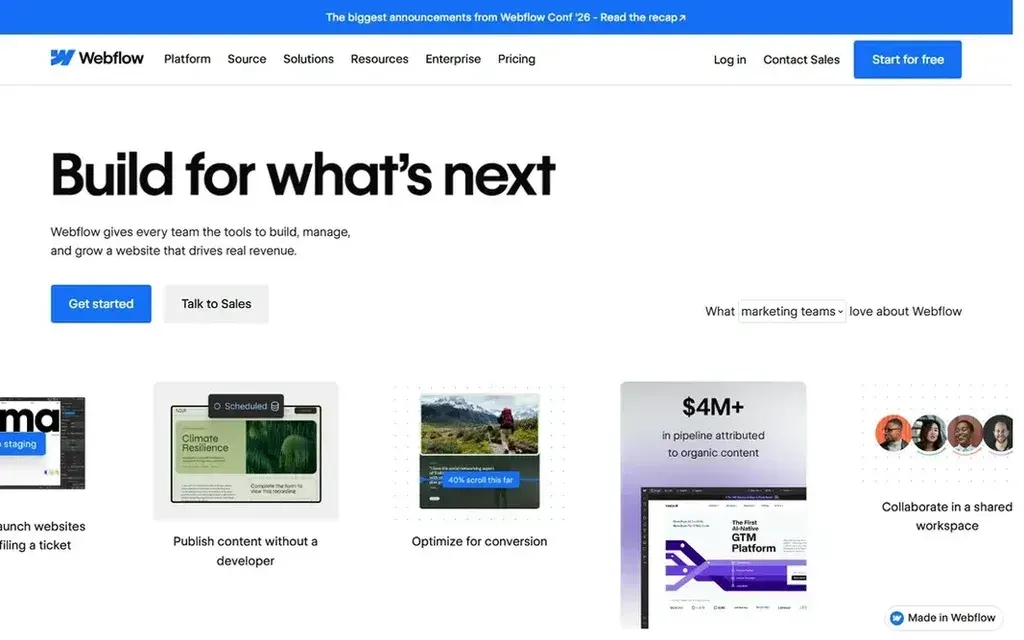
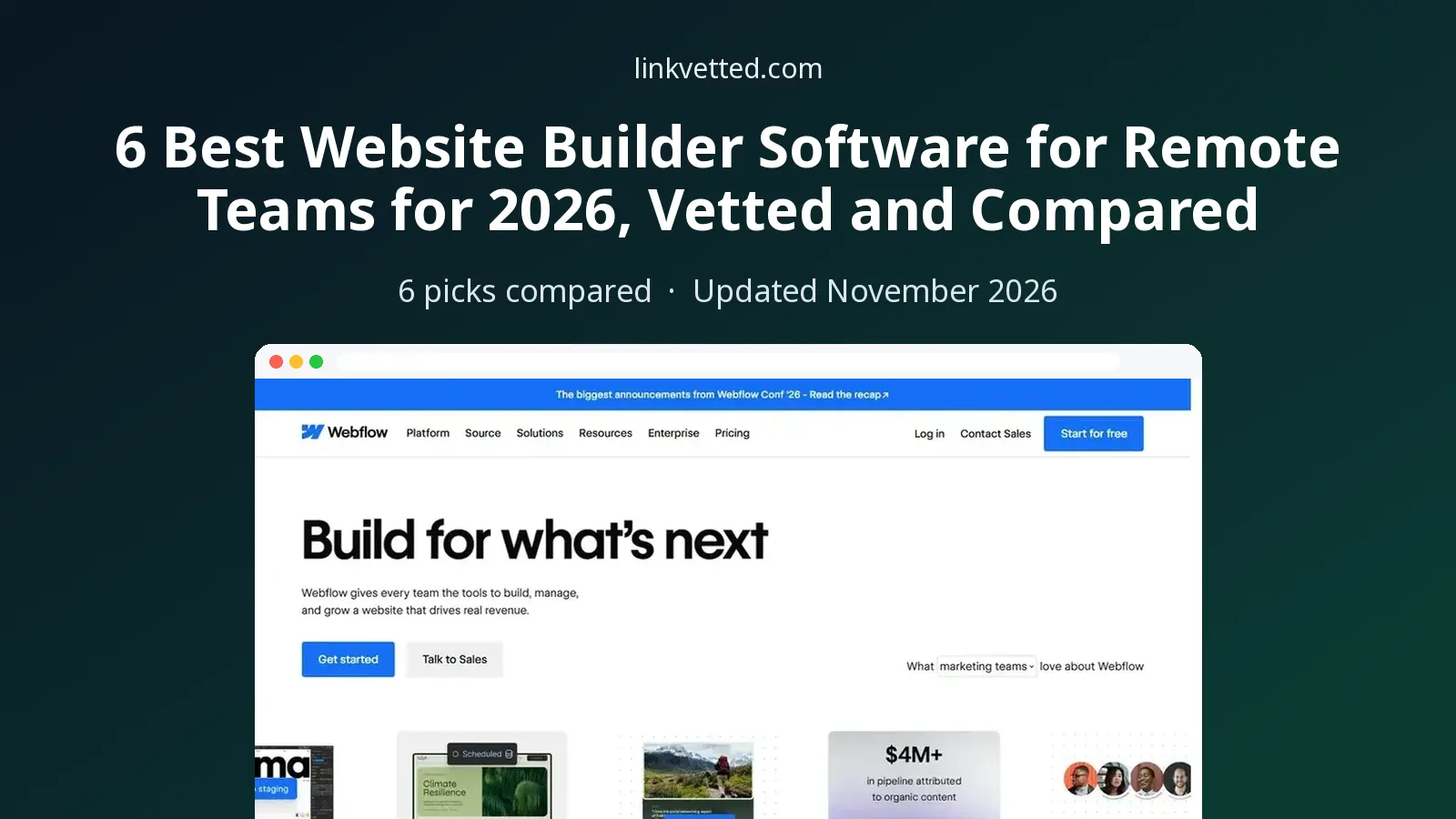
Webflow is designed for design control and CMS-driven sites. Webflow describes itself as a product for modern companies, including design, build, optimization and AI search visibility, with security, CMS and hosting built in. For everyday use, for remote teams with design or front-end skills, it provides close control over layout and content structure, which helps when a site has to scale across numerous pages and contributors.
Downsides: More setup effort upfront.
Choose Webflow when design precision and structured content are central to the site. Teams that want the simplest possible editing experience may prefer a template-led builder. What you pay to start with Webflow: $15 per month. Webflow offers a free plan.
- Security features included
- Build and optimize in one product
- Steeper ramp-up time for editors
WordPress.com serves content-heavy sites with familiar tooling. The hosted service is more constrained than self-hosted WordPress, so teams needing broad plugin customization may find it limiting. In daily use, choose WordPress.com when content publishing and familiar workflows matter most.
What to check first: Plugin-style adaptability is restricted compared to self-hosted.
Remote teams commonly already know the WordPress editing experience, which shortens onboarding for writers and editors who contribute from different locations. WordPress.com gives you a WordPress website with built-in hosting, premium themes and feature-rich tools, and states that no technical setup is required. If your plan relies on a specific plugin stack, check compatibility first. WordPress.com starts at: $4 per month. Free access exists with WordPress.com.
- Hosting built in
- No technical setup required
- Feature depth varies by setup
In short, Shopify is for commerce-focused remote teams. Shopify frames itself as an all-in-one commerce product, with tools to manage every part of a business and AI assistance for building or expanding rapidly.
Also, choose Shopify when selling is the core function of the website. What you pay to start with Shopify: $19 per month. Free access: Free trial.
Watch-outs: Commerce-first structure shapes the build.
- Tools beyond storefront software
- AI-assisted business setup
- Not geared toward non-commerce sites
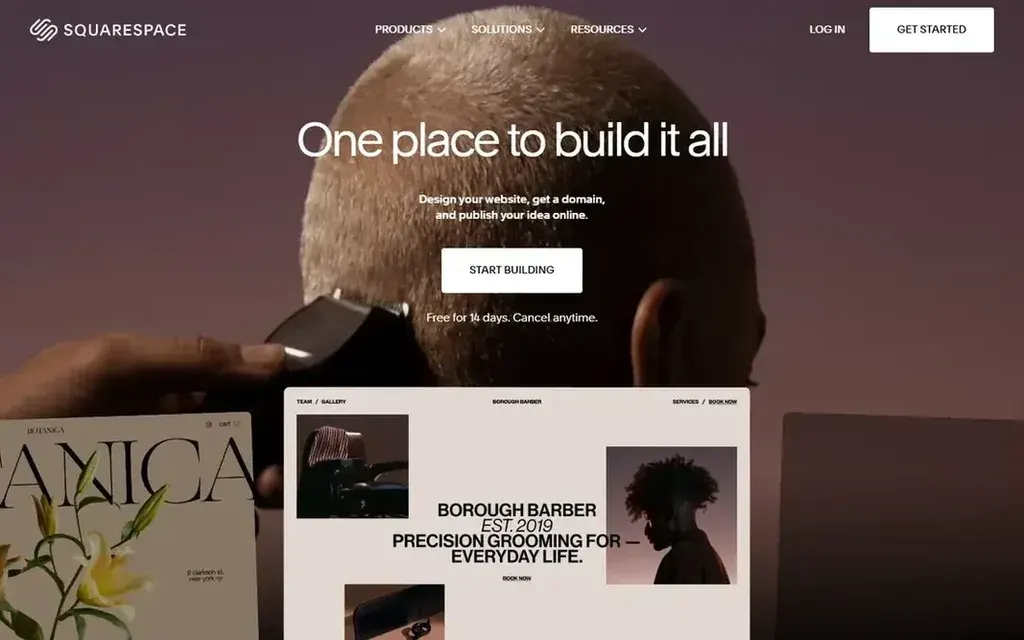
Squarespace targets refined templates and quick launches. Squarespace positions itself around creating a website and expanding a business, starting from configurable templates, AI website builder tools or a domain name.
Beyond that, teams needing complicated custom functionality or highly specific layouts may run into limits in template-driven editing. If your roadmap relies on bespoke components or advanced integrations, look at a product aimed at design control. Squarespace pricing: $12 per month. Trial and free access: Free trial.
Honest limits: Feature set skews to presentation.
- Configurable website templates
- Domain choices included
- Fewer deep customization paths
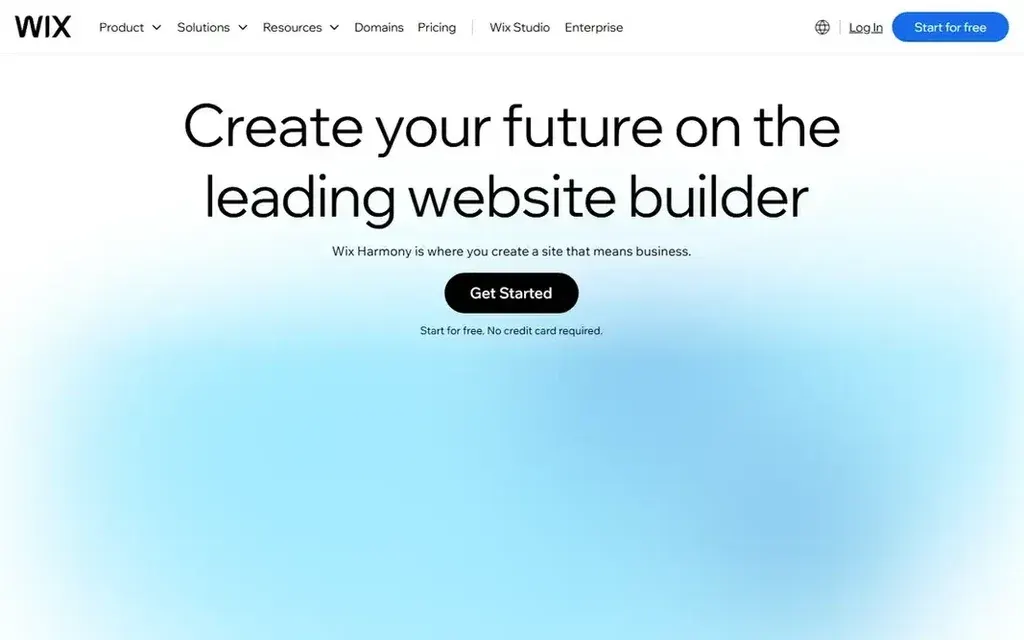
Pick Wix if this describes you: all-in-one site building with hosting. Wix presents itself as a system for building the business you have in mind, with hosting, business tools, domains and marketing built in.
Main advantages: Marketing features included.
What to check first: Less granular code control.
Beyond that, teams that need deep custom code or granular design control may prefer a more developer-oriented product. For everyday use, the breadth of features can make the editor feel dense for a small team with straightforward needs. No starting price is listed for Wix here; confirm pricing on the vendor site. Trial and free access: Not stated.
- Domains and business tools built in
- Hosting
- Large feature set can feel busy
Our selection method
What to check before you buy
- Confirm the entry price on the vendor page. For Wix that means a quote rather than a fixed price.
- Look at free plan limits closely: Webflow and WordPress.com have one, and the caps decide whether it is usable for real work.
- Take the trial from Duda, Shopify and Squarespace and push a live task through it before you pay.
- Read the limits listed for Duda first: oriented toward professional builders.
- Run a one or two week pilot of Duda with the people who will use it every day.
- The entry price of Webflow is only the starting point; model the full cost with seats and extras.
FAQ
Do these tools publish their prices?
Not all of them. Wix publishes no starting price, so expect a quote request for it. The rest, Duda included, show a starting price, though seats and billing terms still change the final cost. Each of the 6 options in this website builder software for remote teams guide has its own card above with the price, free plan and limits.
Do remote teams need a builder with a CMS?
Webflow bundles CMS and hosting built in, which fits teams with design skills. Smaller sites with few pages may not need one.
Which website builder is a good match for a remote team new to web projects?
Duda comes first here and is built for agencies building client sites. Buyers with other needs may prefer Webflow (for design control and CMS-driven sites) or WordPress.com (for content-heavy sites with familiar tooling). Compare costs and limits first.
What is the cheapest option for website builder software for remote teams in this list?
On published monthly entry prices, WordPress.com is the lowest here at $4 per month. Entry price is only part of the cost, because seats, add-ons and billing terms can change the total. All 6 picks in this website builder software for remote teams comparison list a starting price, free plan details and the main limits on their cards above.
Is Duda the right pick for everyone comparing website builder software for remote teams?
No single tool suits every team. Duda comes first because it fits agencies building client sites, while Webflow suits design control and CMS-driven sites and WordPress.com suits content-heavy sites with familiar tooling. Match the tool to your own size, budget and workflow before deciding.
Which options for website builder software for remote teams have a free plan?
On this list, Webflow and WordPress.com include a free plan. Caps on seats, usage or features are common, so test the free plan against your real workload. Several others offer a trial instead.
Sources
- https://www.duda.co
- https://webflow.com
- https://wordpress.com
- https://www.shopify.com
- https://www.squarespace.com
- https://www.wix.com