Church Website Builder Software for Donations in 2026: The 6 Best Options Side by Side
Need the best church website builder software for donations? We compare 6 tools on cost, free access and who each suits. The catches are listed up front.
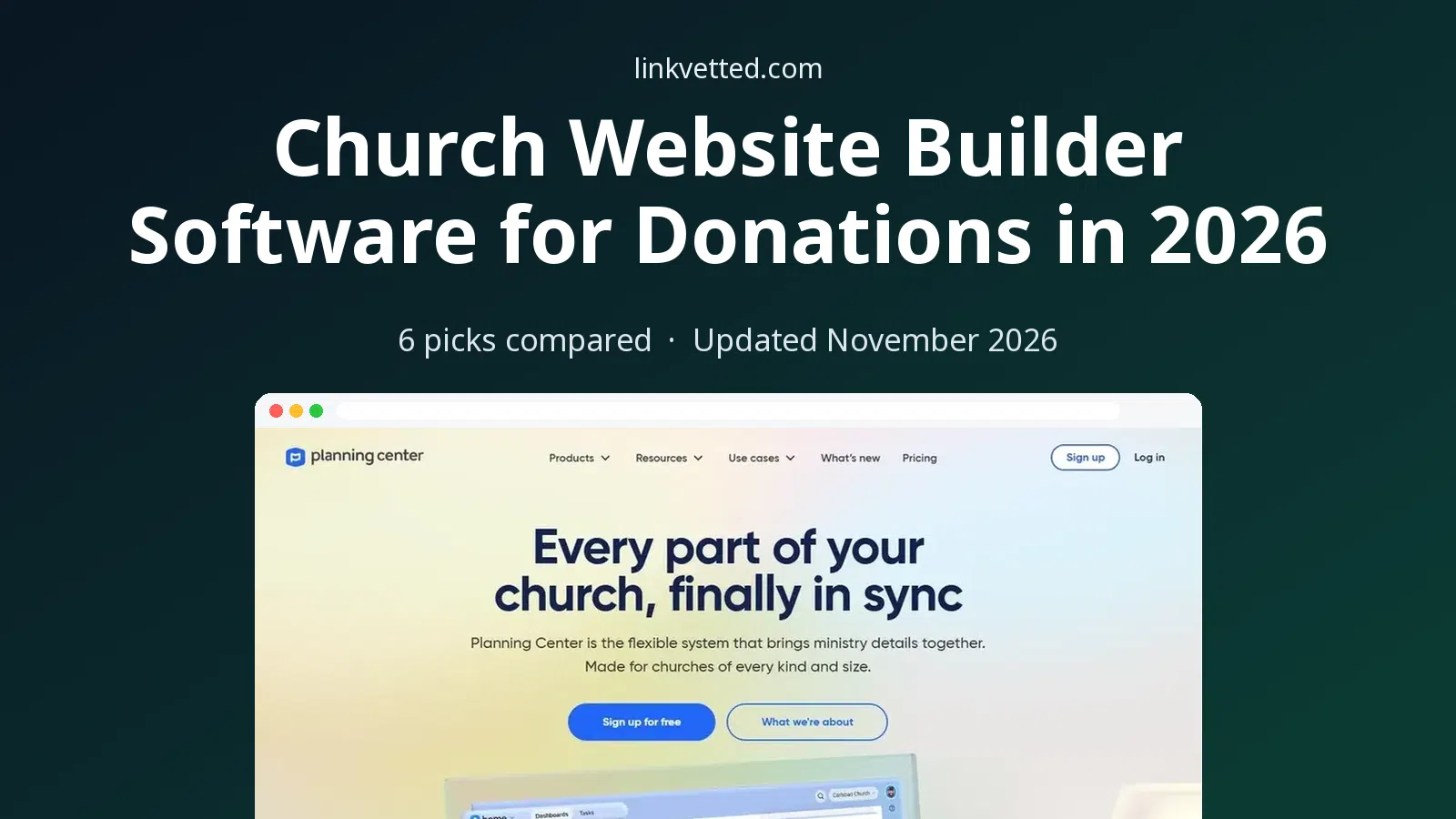
- Editor's choicePlanning Center
Ministry organization and service planning
Starts at$5 per monthVisit planningcenter.comFull review - Great alternativeChurch Community Builder
Churches within the Pushpay ecosystem
Starts atSee websiteVisit churchcommunitybuilder.comFull review - Also considerSubsplash
Websites, apps and giving together
Starts atSee websiteVisit subsplash.comFull review
Direct answer
Planning Center is the first pick on this list for ministry organization and service planning. Listed starting prices: Planning Center from $5 per month, Tithe.ly from $19 a month and Breeze ChMS from $72 per month. If your case is different, Church Community Builder suits churches within the Pushpay ecosystem and Subsplash suits websites, apps and giving together. The other 3 tools in the list cover narrower or pricier cases.
TL;DR:
- This list starts with Planning Center, which is built for ministry organization and service planning.
- One limit worth knowing about Church Community Builder: public information centers on the broader Pushpay system.
- Planning Center, Subsplash, Tithe.ly: these are the 3 tools out of 6 that offer a free plan.
- Pushpay suits giving, apps and engagement at scale.
- Planning Center is the lowest-priced starter here at $5 per month.
Last checked November 2026. Prices and plan details were read from the vendors' own pages in November 2026; vendors change plans often, so confirm the current price on the vendor site before you buy.
Quick comparison
| Tool | Best for | Starts at | Free plan? | |
|---|---|---|---|---|
| Planning Center | Ministry organization and service planning | $5 per month | Yes | Visit |
| Church Community Builder | Churches within the Pushpay ecosystem | See website | Free trial | Visit |
| Subsplash | Websites, apps and giving together | See website | Yes | Visit |
| Tithe.ly | All-in-one giving and church management | $19 a month | Yes | Visit |
| Breeze ChMS | Straightforward church management with giving | $72 per month | Free trial | Visit |
| Pushpay | Giving, apps and engagement at scale | See website | Free trial | Visit |
Every option for church website builder software for donations explained
LinkVetted compared 6 church website builder software for donations. The goal is a practical shortlist: published prices, free plan facts, best-fit use cases and honest limits for every entry.
Planning Center
Best for: Ministry organization and service planning
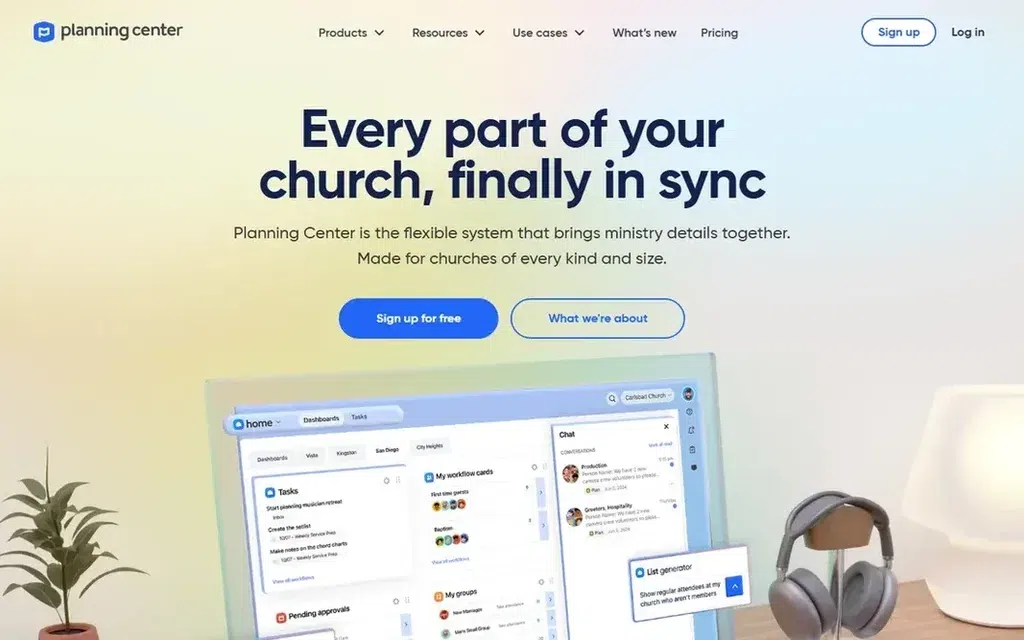
Planning Center targets ministry organization and service planning. Planning Center is church management software built around organizing ministries, coordinating events, planning services and communicating with teams and congregations. For everyday use, when paired with a giving tool, it can anchor the operational side of a church whereas a separate site deals with public-facing content and donations.
For everyday use, churches that run complicated weekly services and volunteer schedules commonly value that structure. Choose it when ministry coordination matters more than a one-stop website and giving package. Planning Center starts at: $5 per month. Planning Center includes a free tier.
Limits to weigh: Giving is one part of a management focus.
- Congregation communication features
- Organizes ministries and events
- Website building is not the core purpose
Church Community Builder
Best for: Churches within the Pushpay ecosystem
Church Community Builder is designed for churches within the Pushpay ecosystem. Churches evaluating it are generally looking for congregation management and giving capabilities connected to the Pushpay engagement tools.
It is not a general website builder, so a public site may still need another tool. Check the vendor site for Church Community Builder pricing; none is listed in this comparison. Trial and free access: Free trial.
Drawbacks to consider: Public information centers on the broader Pushpay system.
- Suits alongside Pushpay giving tools
- Suited to congregation-focused workflows
- Not a standalone website builder
Subsplash
Best for: Websites, apps and giving together
Subsplash was built for websites, apps and giving together. Subsplash presents a system that equips churches with mobile apps, church management software, websites and online giving.
Points against: Wide system to evaluate.
Very small churches may find the scope bigger than necessary. If you only need an entry-level informational site with a donation button, a more straightforward general builder could be the more practical choice. Subsplash shows no starting price here, so confirm the cost on the vendor site. Subsplash offers a free plan.
- Websites and mobile apps in one system
- Church management and engagement tools
- May exceed the needs of very small churches
Tithe.ly
Best for: All-in-one giving and church management
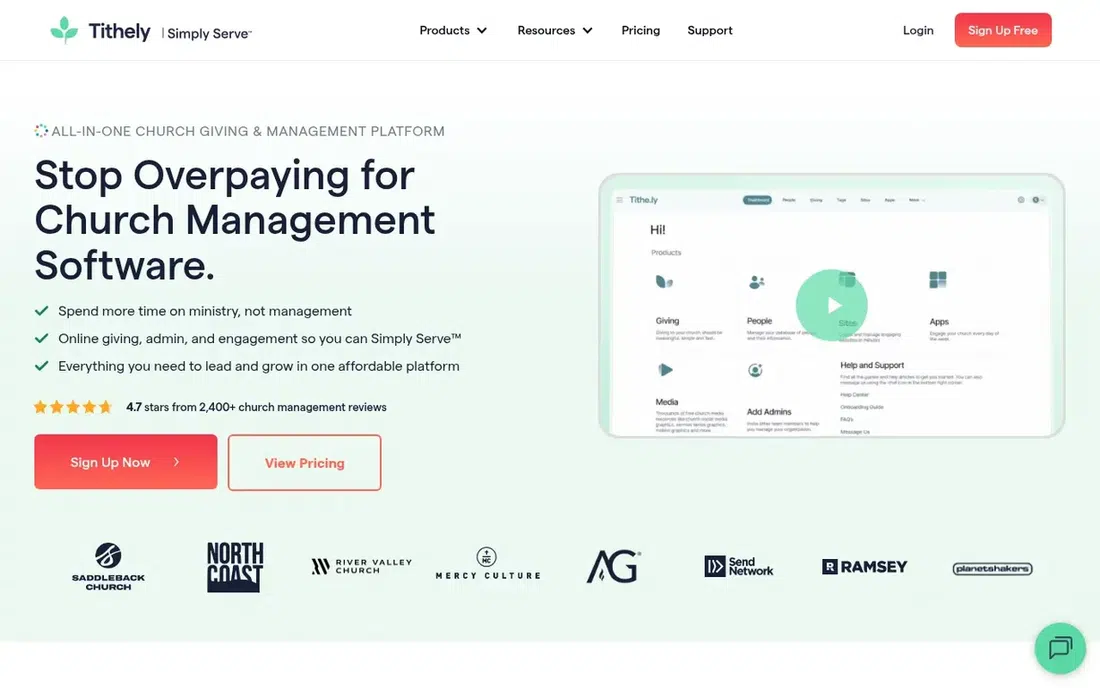
Tithe.ly works best for all-in-one giving and church management. Tithe.ly presents itself as a single system for online giving, church management and engagement, geared toward churches of every size.
The main drawbacks: Feature set may feel wide for small churches.
In practice, for a church that wants donations and member management connected to its web presence, the combined approach cuts the number of separate systems to maintain. More specifically, smaller churches should check that the included management features match how they actually operate. Tithe.ly cost at the entry level: $19 per month. Tithe.ly includes a free tier.
- Engagement tools for congregations
- Church management included
- Website building is one part of a broader suite
Breeze ChMS
Best for: Straightforward church management with giving
Where Breeze ChMS fits: simple church management with giving. Breeze ChMS markets itself as easy-to-use church management software for organizing data, managing events, offering online giving and tracking attendance. Breeze is intentionally straightforward, so churches needing advanced engagement, app building or streaming features may outgrow it.
It is also management-first instead of a dedicated website builder. If your central goal is a refined public site with donations embedded, look at a system that leads with web presence and giving together. Breeze ChMS starts at: $72 per month. Free access: Free trial.
Where it is weaker: More straightforward scope than bigger suites.
- Events and attendance tracking
- Emphasized simplicity
- Website building is not the central focus
Pushpay
Best for: Giving, apps and engagement at scale
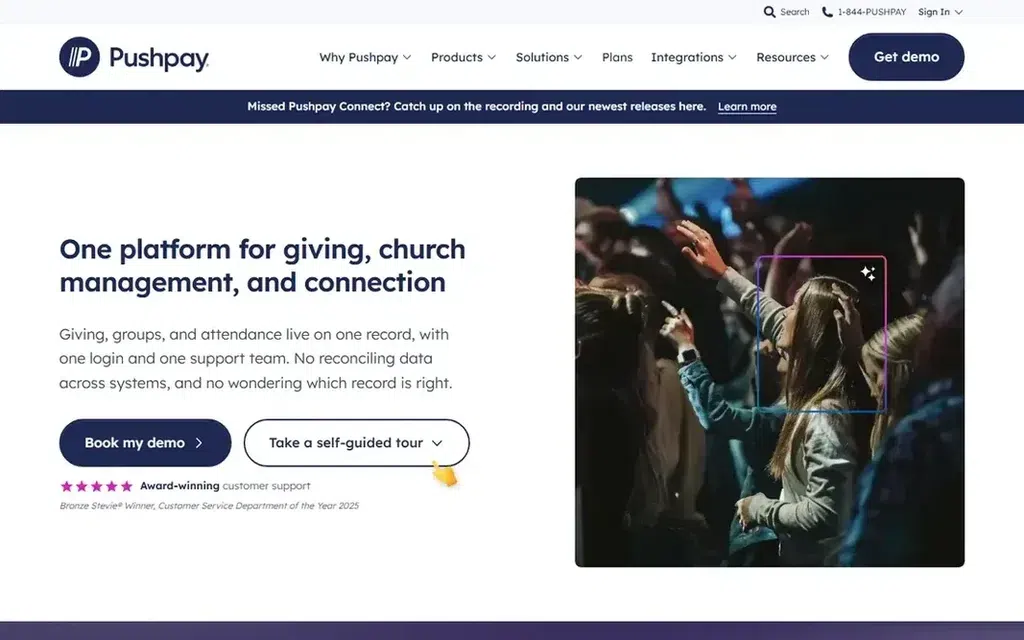
Pushpay works best for giving, apps and engagement at scale. That makes it a fit for churches that treat digital giving and engagement as a central part of ministry and want those capabilities connected instead of scattered.
Pricing for Pushpay is not stated here, so ask the vendor for current figures. Free options: Free trial.
Trade-offs to know: Positioned around demos and sales conversations.
- Giving and analytics in one product
- Live streaming support
- Heavier than a straightforward website builder
What went into this list
For each of the 6 tools we noted price, free plan or trial, fit for church website builder software for donations and the main limit, using vendor pages and documentation. Treat prices as a snapshot: vendors change plans often, so check the vendor site for the figure that applies today. Position on the page reflects fit for a typical buyer first, with price clarity and free access breaking ties. Treat it as a guide, not a ruling.
A buyer's checklist
- Confirm the entry price on the vendor page. For Church Community Builder, Subsplash and Pushpay that means a quote rather than a fixed price.
- Read the fine print on the free plans from Planning Center, Subsplash and Tithe.ly; seat, project and feature caps differ.
- Take the trial from Church Community Builder, Breeze ChMS and Pushpay and push a live task through it before you pay.
- Read the limits listed for Planning Center first: giving is one part of a management focus.
- Ask Church Community Builder whether prices are locked for the first term and what happens at renewal.
- Test how quickly Planning Center answers a pre-sales question; it hints at how support will feel later.
FAQ
Which church website builder software for donations have a free plan?
Planning Center, Subsplash and Tithe.ly offer a free plan in this list. Free plans usually cap users, projects or features, so check the limits on the vendor page. Several others offer a trial instead.
Can a church combine a website builder with separate church management software?
Yes, plenty of churches pair a general website builder with a management and giving system. This can work well when the site needs custom design whereas records and donations stay in a ministry-focused system.
How are the church website builder software for donations ordered?
Planning Center sits first and Pushpay last because the order follows typical fit for church website builder software for donations, then price clarity and free access. It is a judgement call, so read each profile for fit and limits.
Should a church use a church-specific system or a general website builder for donations?
Church-specific products usually link giving with member records, events and communication, which cuts duplicate work. General builders offer more design freedom but typically need separate giving and management tools.
What should a church check before choosing a giving system?
Confirm how donations are processed and deposited, whether recurring gifts are supported and how giving records tie into reporting. These details matter more than surface features when comparing systems.
Can I try these tools before paying?
Often, yes. Planning Center, Subsplash and Tithe.ly have a free plan and Church Community Builder, Breeze ChMS and Pushpay offer a free trial. Use your own data and a real task during the test, and check what the free tier or trial limits before you rely on it.
Sources
- https://www.planningcenter.com
- https://www.churchcommunitybuilder.com
- https://www.subsplash.com
- https://get.tithe.ly
- https://www.breezechms.com
- https://pushpay.com