Choosing WordPress Hosting for Education in 2026: 6 Options Compared
Best WordPress hosting for education, compared. 6 tools with published prices, free plans and limits. Each entry gets a plain verdict. Narrow your shortlist.
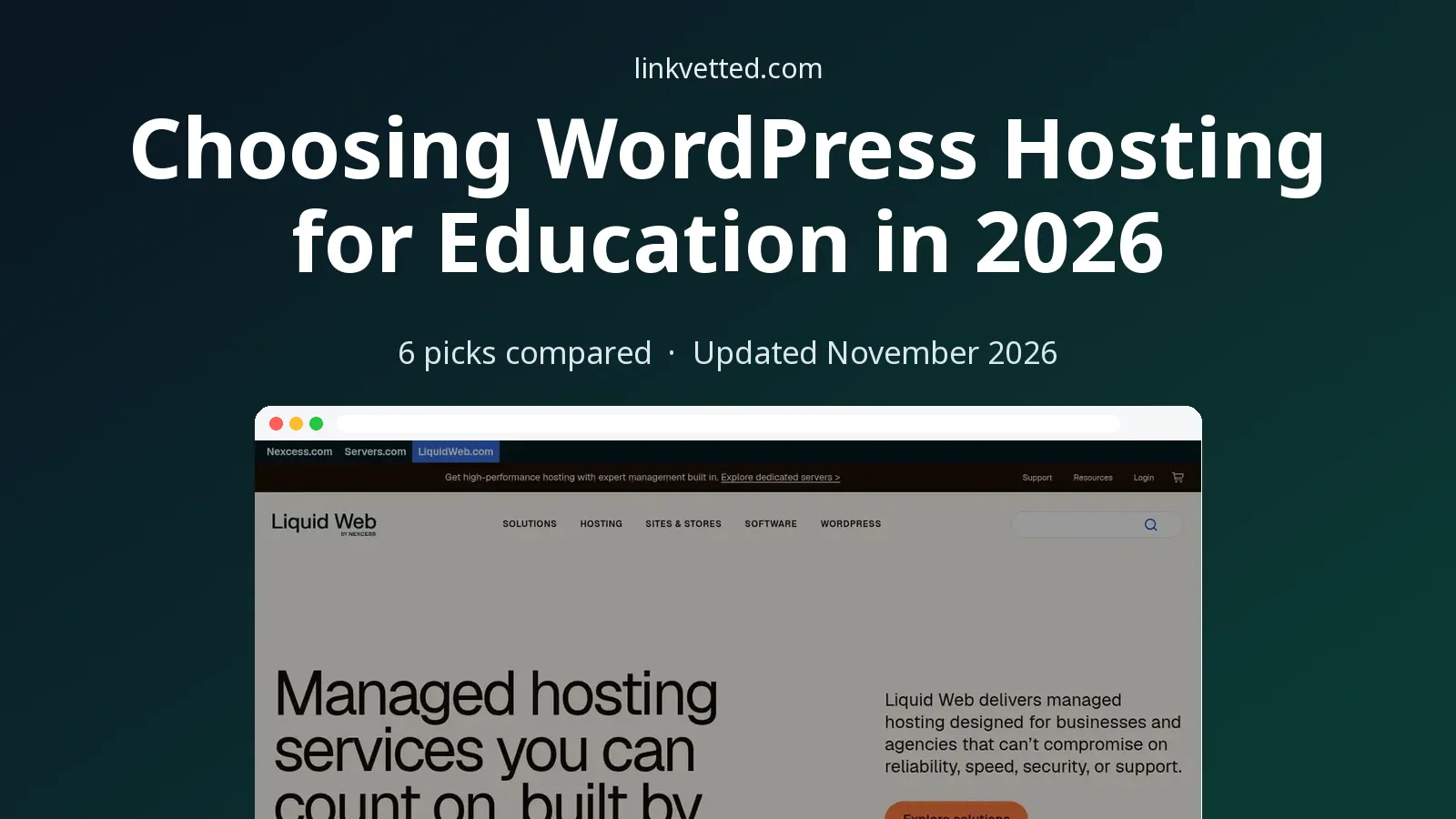
- Editor's choice
 Liquid Web
Reliability, speed and scalable infrastructure
Starts atSee websiteVisit liquidweb.comFull review - Great alternative
 Cloudways
Managed cloud hosting adaptability
Starts at$20 a monthVisit cloudways.comFull review - Also consider
 SiteGround
Smaller education sites needing speed and support
Starts atSee websiteVisit siteground.comFull review
Direct answer
This list puts Liquid Web first for reliability, speed and scalable infrastructure. Listed starting prices: Cloudways from $20 a month, Hostinger from $1.99 a month and WP Engine from $28.00 a month. Look at Cloudways for managed cloud hosting flexibility, and at SiteGround for smaller education sites needing speed and support. The other 3 tools in the list cover narrower or pricier cases.
TL;DR:
- Top of the list is Liquid Web, which targets reliability, speed and scalable infrastructure.
- Before buying Cloudways, weigh this: needs some technical comfort.
- For the cheapest start, look at Hostinger: $1.99 per month.
- For performance-focused WordPress hosting, Kinsta is worth a look.
- A permanent free plan is missing from all 6 tools, Liquid Web and Kinsta included; plan for a trial or a premium start.
Last checked November 2026. Prices and plan details were read from the vendors' own pages in November 2026; vendors change plans often, so confirm the current price on the vendor site before you buy.
Quick comparison
| Tool | Best for | Starts at | Free plan? | |
|---|---|---|---|---|
| Liquid Web | Reliability, speed and scalable infrastructure | See website | Not stated | Visit |
| Cloudways | Managed cloud hosting adaptability | $20 a month | Free trial | Visit |
| SiteGround | Smaller education sites needing speed and support | See website | Not stated | Visit |
 Hostinger | Entry-level hosting for straightforward education sites | $1.99 a month | Not stated | Visit |
 WP Engine | Managed WordPress with security and support | $28.00 a month | Not stated | Visit |
 Kinsta | Performance-focused WordPress hosting | $17.50 per month | Free trial | Visit |
The best WordPress hosting for education
If you are comparing WordPress hosting for education, this page covers 6 tools in one place: what each is best for, what it costs to start, whether it has a free plan, and the main limit to know about.

Choose Liquid Web for reliability, speed and scalable infrastructure. Liquid Web gives you managed hosting made for reliability, speed and scalability, including dedicated servers and compliant infrastructure.
Watch-outs: Can need more technical planning.
Its range goes beyond WordPress, so the WordPress-specific tooling may feel less specialized than a dedicated WordPress host. Liquid Web does not show a starting price in this comparison, so check the vendor site for current pricing. As for free access: Not stated.
- Managed hosting with dedicated servers
- Compliant infrastructure choices
- Broader focus than WordPress alone
Choose Cloudways for managed cloud hosting flexibility. Cloudways is a managed cloud hosting system that eases deploying and running sites on cloud infrastructure.
What works well: Managed cloud hosting system.
Drawbacks to consider: Not WordPress-only.
Cloudways is not a WordPress-only host, so WordPress-specific features may be less deep than with specialist providers. In practice, teams without any technical capacity may prefer a completely managed WordPress product instead. On cost, Cloudways starts like this: $20 per month. Free access: Free trial.
- Choice of cloud infrastructure
- Simplified server management
- Needs some technical comfort
SiteGround is a good fit for smaller education sites needing speed and support. It performs well for smaller education sites like department pages, course blogs or resource hubs that require dependable hosting without a complicated setup.
On top of that, shared hosting environments limit how much you can customize the server. Pricing for SiteGround is not stated here, so ask the vendor for current figures. Free access: Not stated.
Limits to weigh: Shared environment limits customization.
- WordPress-friendly hosting
- Focus on speed and security
- May need upgrades as traffic grows
Hostinger was built for entry-level hosting for simple education sites. Hostinger gives you shared hosting, VPS and cloud plans along with domains, making it a practical entry point for small education projects like classroom sites or student portfolios. It keeps setup straightforward for teams without dedicated technical staff.
Limits to weigh: Shared hosting has resource limits.
For large course catalogs or high-traffic enrollment periods, a managed WordPress or dedicated provider may serve you better. Shared plans come with resource limits that can matter as a site grows. What you pay to start with Hostinger: $1.99 per month. Free access: Not stated.
- VPS and cloud choices
- Shared
- Less WordPress-specific depth
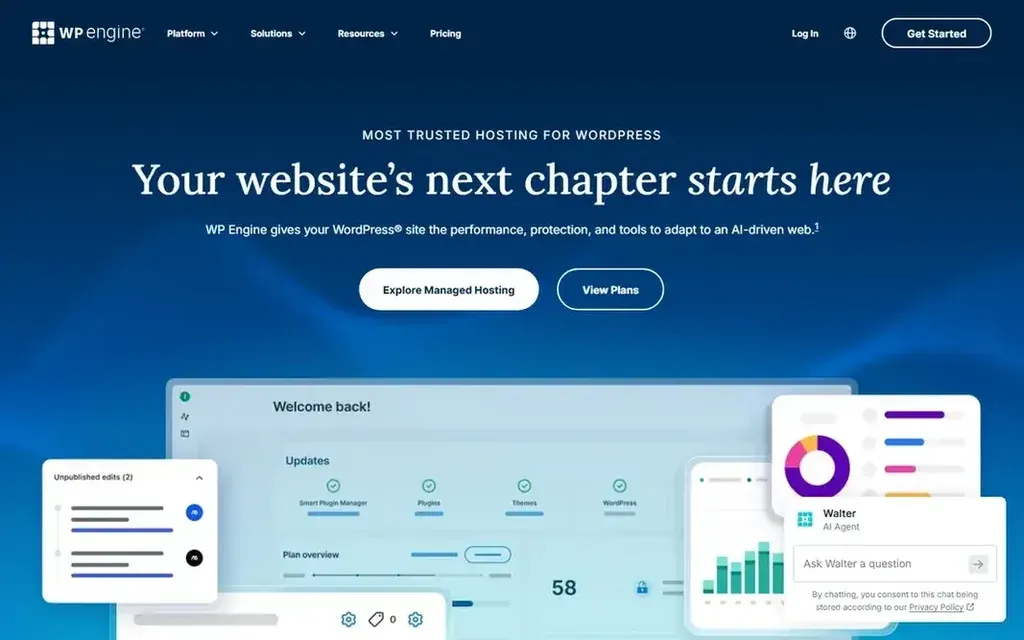
Think of WP Engine for managed WordPress with security and support. If your team needs deep infrastructure customization or a very straightforward low-cost setup, compare other providers before deciding.
What to check first: Less control over server stack.
The starting price for WP Engine: $28.00 per month. Trial and free access: Not stated.
- Managed WordPress product
- Security and support included
- May be more than small sites need

Where Kinsta fits: performance-focused WordPress hosting. It fits education sites that publish lots of pages, media and course materials and want a provider tuned specifically for WordPress performance.
Teams that require custom server stacks or non-WordPress workloads should look at broader hosting choices. Kinsta pricing: $17.50 per month. As for free access: Free trial.
Limits to weigh: Managed setup limits server control.
- WordPress-specific hosting
- Security and support emphasized
- May exceed needs of small sites
How we compared the tools
The comparison looks at four things: starting price, free access, how well the feature set matches WordPress hosting for education, and the main limit of each tool. Seat minimums, billing terms and add-ons can move the real cost, so the starting prices here are a guide and not a quote. Order on the page follows fit for the typical buyer first, then price transparency and free access. Your own requirements should decide the final pick.
What to check before you buy
- Get a written quote from Liquid Web and SiteGround; the list shows no starting price for them.
- Use real work to test the free trial from Cloudways and Kinsta, rather than a demo project.
- Before choosing Liquid Web, weigh its main limit: broader focus than WordPress alone.
- Run a one or two week pilot of Liquid Web with the people who will use it every day.
- Add up seats, add-ons and usage charges for Kinsta before comparing it with cheaper entries.
FAQ
How do I choose between WP Engine, Kinsta and Cloudways?
Cloudways provides managed cloud hosting with more infrastructure choice. Choose based on how much server control your team wants and how WordPress-specific your needs are.
Can these hosts manage course content and student resources?
Most of the providers listed support WordPress, which can run course pages, blogs and resource libraries. Check each host's stated limits if you expect large media files or plenty of concurrent users.
Can I try these tools before paying?
Often, yes. Cloudways and Kinsta offer a free trial. Use your own data and a real task during the test, and check what the free tier or trial limits before you rely on it. Each of the 6 options in this WordPress hosting for education guide has its own card above with the price, free plan and limits.
Do these tools publish their prices?
Not all of them. Liquid Web and SiteGround publish no starting price, so expect a quote request for those. The rest, Cloudways included, show a starting price, though seats and billing terms still change the final cost. All 6 picks in this WordPress hosting for education comparison list a starting price, free plan details and the main limits on their cards above.
How are the tools for WordPress hosting for education ordered?
The order follows typical fit for WordPress hosting for education, with Liquid Web first and Kinsta last, then price clarity and free access. It is editorial judgement, not a score, so another team could rank the tools differently.
What is the cheapest option for WordPress hosting for education in this list?
On published monthly entry prices, Hostinger is the lowest here at $1.99 per month. Entry price is only part of the cost, because seats, add-ons and billing terms can change the total. For the full picture, the cards above cover all 6 entries of this WordPress hosting for education list, including price, free plan and limits.
Sources
- https://www.liquidweb.com
- https://www.cloudways.com
- https://www.siteground.com
- https://www.hostinger.com
- https://wpengine.com
- https://kinsta.com