Top 5 Alternatives to WordPress for Websites for 2026 (Prices and Free Plans)
Alternatives to wordpress for websites: 5 tools compared on price, free plans and fit. Fit and flaws are laid out for each entry. Full profiles inside.

- Editor's choice
 Framer
Designers wanting a free, AI-assisted builder
Starts at$10 a monthVisit framer.comFull review - Great alternative
 Duda
Web professionals building client websites
Starts at$19 a monthVisit duda.coFull review - Also consider
 Wix
Beginners wanting an all-in-one website builder
Starts atSee websiteVisit wix.comFull review
Direct answer
This list puts Framer first for designers wanting a free, AI-assisted builder. Listed starting prices: Framer from $10 a month, Duda from $19 a month and Shopify from $19 per month. Look at Duda for web professionals building client websites, and at Wix for beginners wanting an all-in-one website builder. All 5 tools are compared below on price, free plan and limits.
TL;DR:
- Top of the list is Framer, which targets designers wanting a free, AI-assisted builder.
- Shopify comes with a trade-off: less suitable for non-ecommerce sites.
- For creatives and small companies needing refined templates, Squarespace is worth a look.
- Just one of the 5 tools, Framer, has a free plan.
- The lowest published monthly entry price here is $10 per month, from Framer.
Last checked November 2026. Prices and plan details were read from the vendors' own pages in November 2026; vendors change plans often, so confirm the current price on the vendor site before you buy.
Quick comparison
| Tool | Best for | Starts at | Free plan? | |
|---|---|---|---|---|
| Framer | Designers wanting a free, AI-assisted builder | $10 a month | Yes | Visit |
| Duda | Web professionals building client websites | $19 a month | Free trial | Visit |
| Wix | Beginners wanting an all-in-one website builder | See website | Not stated | Visit |
 Shopify | Online keeps and ecommerce companies | $19 per month | Free trial | Visit |
 Squarespace | Creatives and small firms needing refined templates | $12 a month | Free trial | Visit |
Every option for WordPress for Websites explained
Choosing WordPress for Websites usually comes down to price, fit and limits. This LinkVetted guide sets 5 tools side by side on those three points, with the facts kept short and checkable.
Framer is built with designers wanting a free, AI-assisted builder in mind. For online keeps, a dedicated commerce platform like Shopify is a better fit. Worth adding: Framer is design-oriented and may not cater to users who require broad ecommerce functionality or prefer a traditional content management system.
On top of that, Framer is a free website builder that bundles an AI design agent to help take a site from idea to launch. It supplies hosting, CMS, analytics, SEO, and AEO tools, with changes remaining editable after publishing. Entry price for Framer: $10 per month. Framer has a free plan.
Limits to weigh: Design-centric approach may overwhelm non-designers.
- Editable changes after launch
- Built-in hosting and CMS
- May be less suited for complicated ecommerce
Duda targets web professionals building client websites. For personal projects, a consumer-focused builder like Wix or Squarespace may be more straightforward.
Where it falls short: Less known for individual users.
More specifically, Duda is tailored to professionals, so individuals seeking a straightforward personal website might find it less easy-to-learn or feature-heavy. Its pricing and feature set are oriented toward those managing several client sites. Duda cost at the entry level: $19 per month. Free options: Free trial.
- Aimed at agencies and freelancers
- AI-powered site building
- May need familiarity with web design
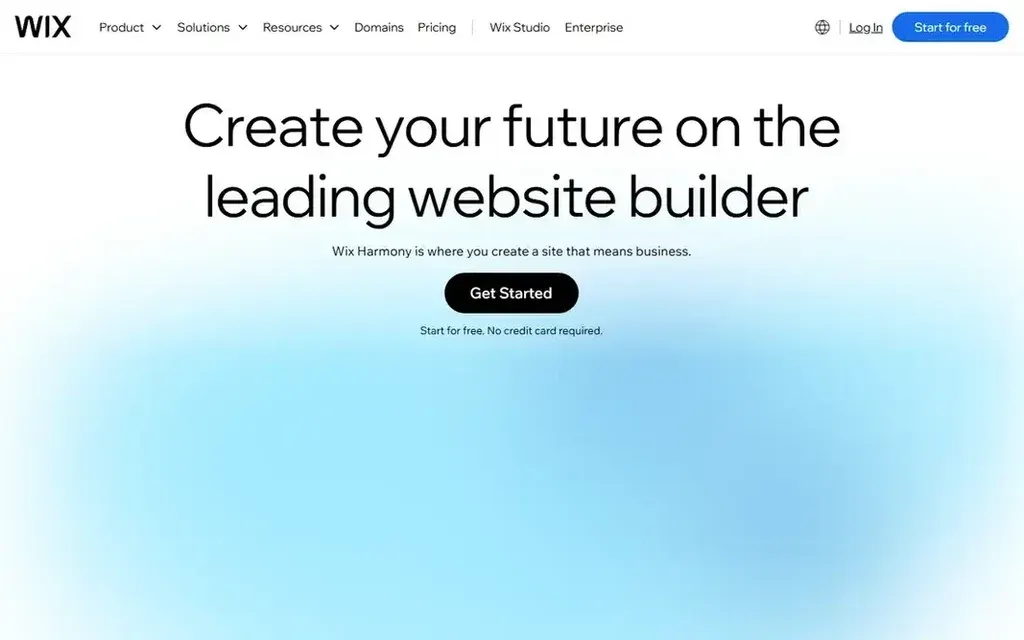
Wix is a good fit for beginners wanting an all-in-one website builder. It is targeted at small companies and individuals who want to build a site without technical expertise.
What to check first: Restricted code-level customization.
Worth adding: Wix supplies less adaptability for advanced developers who require full control over code or server configurations. Pricing for Wix is not stated here, so ask the vendor for current figures. Free options: Not stated.
- Built-in hosting and business tools
- Drag-and-drop editor
- Can be harder to switch systems later
Shopify serves online keeps and ecommerce firms. Shopify is an all-in-one commerce system made for building and expanding online keeps. It provides tools for managing products, orders, payments, and marketing, with AI features to simplify operations.
The main drawbacks: Less a good match for non-ecommerce sites.
The product is a strong match for retailers and entrepreneurs who want a dedicated ecommerce option without needing to integrate separate systems for sales and inventory. Some features need extra apps or higher-tier plans, and transaction fees can apply if you use external payment gateways. More specifically, Shopify is primarily centred on ecommerce, so it may not be the best fit for content-heavy or non-commercial websites. For blogs or portfolios, a more general website builder might be preferable. Shopify pricing: $19 per month. Free plan details: Free trial.
- Scalable for expanding keeps
- AI-powered business management
- Transaction fees may apply
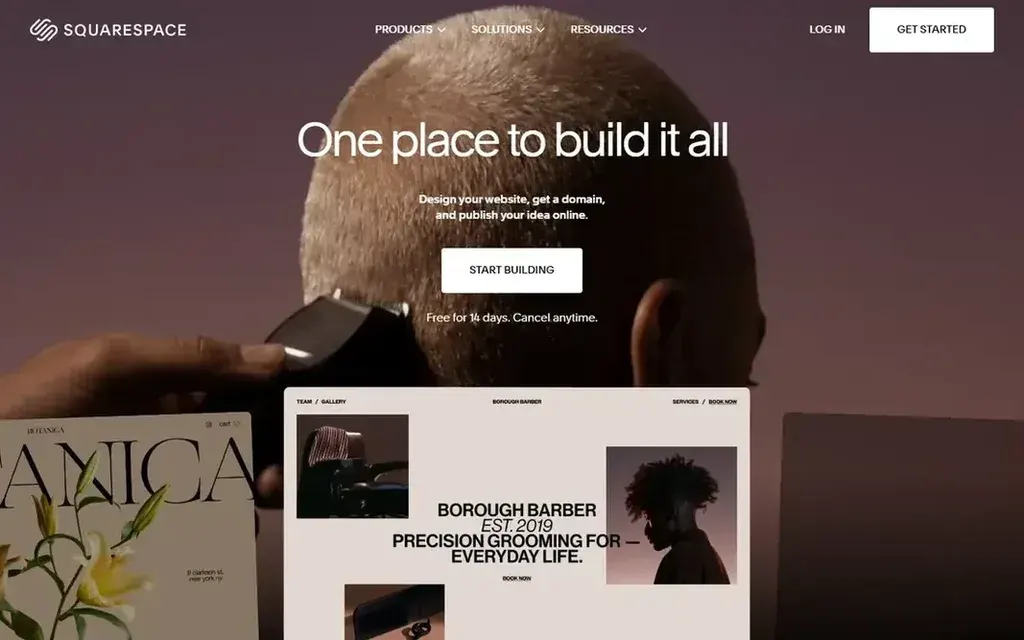
Think of Squarespace for creatives and small firms needing refined templates. Squarespace is a website builder known for its design-focused templates and integrated features. It gives you configurable templates, AI-assisted building tools, and domain registration, making it a good match for artists, photographers, and small firms that want a visually appealing site with minimal effort.
It may not be the best choice for users who require highly specialized functionality or deep technical control. Also, consider alternatives if you need advanced integrations or custom development. Squarespace cost at the entry level: $12 per month. As for free access: Free trial.
Where it is weaker: Restricted external app ecosystem.
- AI website builder tools
- High-quality configurable templates
- Less adaptable for complicated customizations
How the list was put together
We compared the tools on published pricing, free plan or trial availability, feature coverage for WordPress for Websites, and the limits each vendor documents. Plan names, prices and limits change often. Treat the figures here as a starting point and verify them with the vendor. Tools are placed by general fit for WordPress for Websites, with price clarity and free access as tie-breakers. A different team can reasonably rank them differently.
A buyer's checklist
- Get a written quote from Wix; the list shows no starting price for them.
- Test the free plan from Framer against your real workload before relying on it.
- Take the trial from Duda, Shopify and Squarespace and push a live task through it before you pay.
- Read the limits listed for Framer first: may be less suited for complicated ecommerce.
- Ask the daily users to test Duda on a live task before you roll it out to everyone.
- Check the integration list for Wix against the tools you run today, and note which ones need a higher plan.
FAQ
Is Framer the right pick for everyone comparing WordPress for Websites?
No single tool suits every team. Framer comes first because it fits designers wanting a free, AI-assisted builder, while Duda suits web professionals building client websites and Wix suits beginners wanting an all-in-one website builder. Match the tool to your own size, budget and workflow before deciding.
Which WordPress for Websites have a free plan?
Framer is the only tool in this list with a free plan. Free plans usually cap users, projects or features, so check the limits on the vendor page. Several others offer a trial instead.
Do these tools publish their prices?
Not all of them. Wix publishes no starting price, so expect a quote request for it. The rest, Framer included, show a starting price, though seats and billing terms still change the final cost.
Which alternative is a good match for an online store?
Framer comes first here and is built for designers wanting a free, AI-assisted builder. Buyers with other needs may prefer Duda (for web professionals building client websites) or Wix (for beginners wanting an all-in-one website builder). Compare costs and limits first.
How are the WordPress for Websites ordered?
Framer sits first and Squarespace last because the order follows typical fit for WordPress for Websites, then price clarity and free access. It is a judgement call, so read each profile for fit and limits.
Sources
- https://www.framer.com
- https://www.duda.co
- https://www.wix.com
- https://www.shopify.com
- https://www.squarespace.com