Top 5 Backup Hosting for Enterprise Sites for 2026 (Prices and Free Plans)
5 best backup hosting for enterprise sites, with entry costs, free tiers and the buyer each one serves. Pros and cons for every tool. Narrow your shortlist.
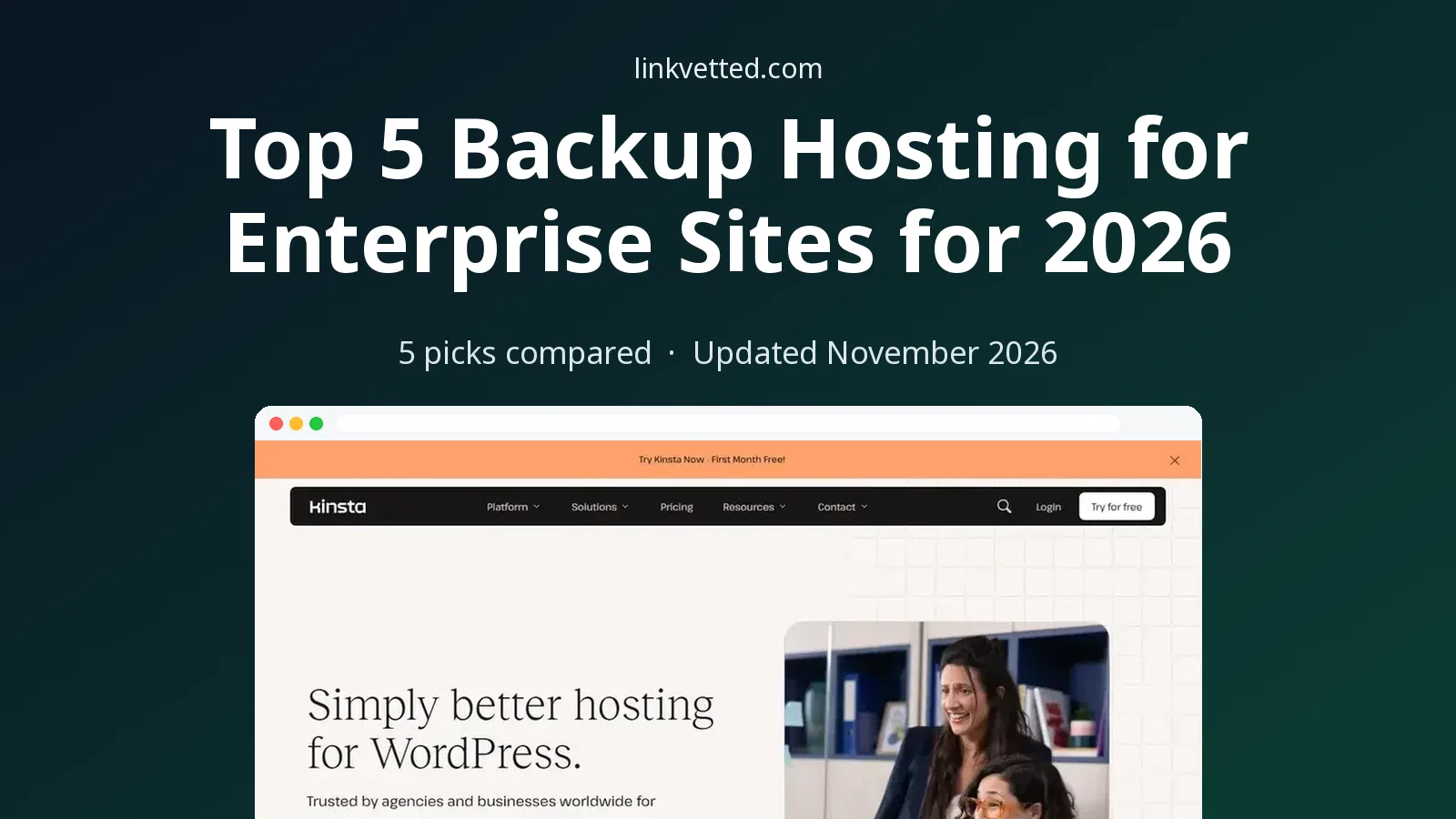
- Editor's choice
 SiteGround
Web hosting with backup and security features
Starts atSee websiteVisit siteground.comFull review - Great alternative
 Kinsta
Enterprise WordPress with backup and staging
Starts at$17.50 a monthVisit kinsta.comFull review - Also consider
 Acquia
Digital experience system with enterprise backups
Starts atSee websiteVisit acquia.comFull review
Direct answer
SiteGround is the first pick on this list for Web hosting with backup and security features. Listed starting prices: Kinsta from $17.50 a month, WP Engine from $28.00 a month and Cloudways from $20 a month. Alternatives: Kinsta for enterprise WordPress with backup and staging, and Acquia for digital experience system with enterprise backups. The full list of 5 tools follows, with prices and free plan facts.
TL;DR:
- SiteGround takes the first slot, best suited to Web hosting with backup and security features.
- None of the 5 tools, from SiteGround to Cloudways, has a free plan, so budget for a subscription or use a trial.
- Cloudways fits managed cloud hosting with adaptable backups.
- SiteGround comes with a trade-off: backup restoration may incur fees.
- Kinsta has the lowest monthly starting price in this list: $17.50 per month.
Last checked November 2026. Prices and plan details were read from the vendors' own pages in November 2026; vendors change plans often, so confirm the current price on the vendor site before you buy.
Quick comparison
| Tool | Best for | Starts at | Free plan? | |
|---|---|---|---|---|
| SiteGround | Web hosting with backup and security features | See website | Not stated | Visit |
| Kinsta | Enterprise WordPress with backup and staging | $17.50 a month | Free trial | Visit |
| Acquia | Digital experience system with enterprise backups | See website | Not stated | Visit |
 WP Engine | Managed WordPress with automatic backups | $28.00 a month | Not stated | Visit |
 Cloudways | Managed cloud hosting with adaptable backups | $20 a month | Free trial | Visit |
Our 5 backup hosting for enterprise sites
This LinkVetted guide covers 5 backup hosting for enterprise sites. Each profile lists a starting price, free plan details, strengths and drawbacks, so you can drop poor fits quickly.
In short, SiteGround is for Web hosting with backup and security features. Backup restoration and retention policies can vary, and some features may be restricted on lower-tier plans.
Beyond that, the product supports WordPress and other applications, making it a versatile choice for backup hosting. This comparison lists no price for SiteGround; ask the vendor. Free options: Not stated.
The main drawbacks: Less enterprise-focused.
- Supports several applications
- Security features included
- Backup restoration may incur fees

Choose Kinsta for enterprise WordPress with backup and staging. For non-WordPress sites or custom backup workflows, other products may be more appropriate. As for the details, Kinsta is restricted to WordPress, which may not suit mixed-technology environments.
Limits to weigh: Backup retention may vary by plan.
More specifically, the system is aimed at high-traffic WordPress sites requiring dependable backup infrastructure. Backup retention and frequency rely on the chosen configuration. On cost, Kinsta starts like this: $17.50 per month. Free access: Free trial.
- Enterprise-grade security
- Staging environments
- WordPress-only
Acquia is built with digital experience system with enterprise backups in mind. It is frequently used for Drupal-based enterprise sites and comes with backup and recovery capabilities as part of its managed infrastructure. On top of that, consider other choices if you need a more straightforward backup hosting setup or multi-CMS support.
Trade-offs to know: Primarily Drupal-focused.
As for the details, Acquia is heavily oriented toward Drupal and may not be well suited to WordPress or other CMS products. Its enterprise focus means it can be complicated and resource-intensive for smaller teams. This comparison lists no price for Acquia; ask the vendor. Free access: Not stated.
- Cloud system for digital experiences
- Made for content, community, commerce
- Complicated for small teams
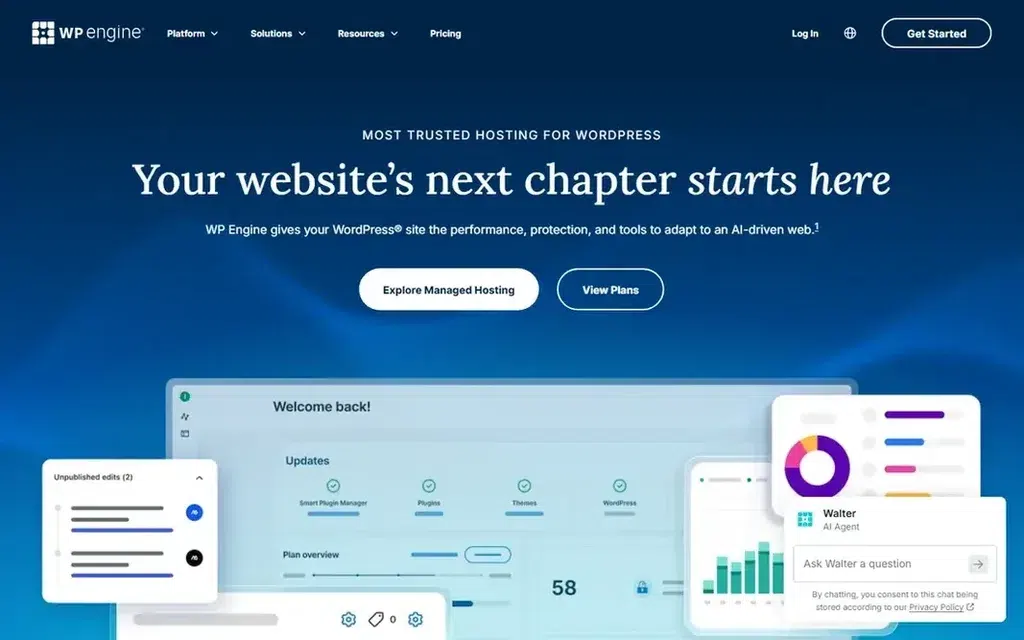
WP Engine serves managed WordPress with automated backups. Consider alternatives if you need multi-platform support or more granular control over backup schedules. Worth adding: WP Engine is a managed WordPress hosting product that emphasizes security and support.
It offers automatic backups and recovery tools built for business-critical sites. WP Engine focuses exclusively on WordPress, so it may not fit sites on other products. Its backup features are solid but tied to the WordPress ecosystem. What you pay to start with WP Engine: $28.00 per month. Free options: Not stated.
Limits to weigh: WordPress-specific.
- 24/7 support
- Security options included
- Restricted non-WordPress support
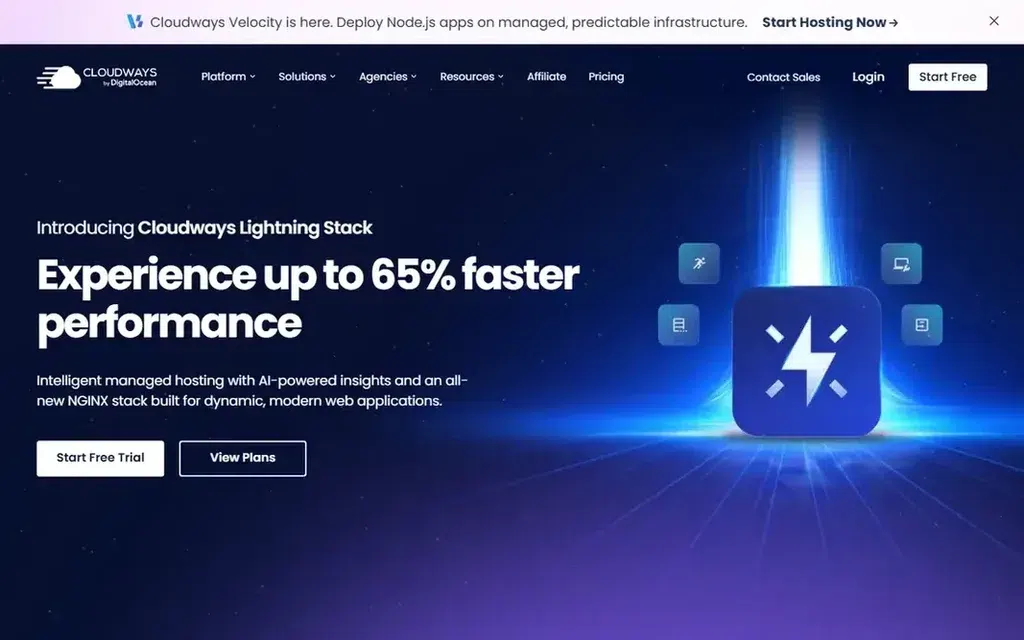
Cloudways was built for managed cloud hosting with adaptable backups. Cloudways gives you managed cloud hosting that supports several applications, including WordPress and custom PHP stacks. It provides automatic backups and the capacity to choose from multiple cloud infrastructure providers, giving enterprises adaptability in backup and recovery strategies.
Where it falls short: Backup features vary by provider.
Beyond that, Cloudways may need more technical knowledge to configure backups compared with completely managed WordPress hosts. It is a solid fit for teams that want cloud adaptability but have to verify backup details per provider. Starting cost for Cloudways: $20 per month. Free plan details: Free trial.
- Automatic backups
- Choice of cloud providers
- Less WordPress-specific optimization
Our selection method
Each tool was reviewed on what its vendor publishes: price, plan limits, core features and stated drawbacks. We did not run hands-on tests. Where a price is missing, the vendor does not list one publicly or ties it to a quote. Always confirm before budgeting. The order reflects how well each tool fits the most common buying scenario for backup hosting for enterprise sites, then price clarity, then free plan access. It is a starting point, not a verdict.
What to check before you buy
- Confirm the entry price on the vendor page. For SiteGround and Acquia that means a quote rather than a fixed price.
- Run a trial of Kinsta and Cloudways with real work before paying for a year; your own workflow is the best test.
- Before choosing SiteGround, weigh its main limit: backup restoration may incur fees.
- Test how quickly SiteGround answers a pre-sales question; it hints at how support will feel later.
- Ask Acquia whether prices are locked for the first term and what happens at renewal.
FAQ
What should I look for in enterprise backup hosting?
Look for automatic backups, steady recovery choices, and clear retention policies. Also consider support for your CMS and compliance requirements. Confirm these details straight with each vendor.
Is SiteGround the right pick for everyone comparing backup hosting for enterprise sites?
No single tool suits every team. SiteGround comes first because it fits Web hosting with backup and security features, while Kinsta suits enterprise WordPress with backup and staging and Acquia suits digital experience platform with enterprise backups. Match the tool to your own size, budget and workflow before deciding.
How are the tools for backup hosting for enterprise sites ordered?
SiteGround sits first and Cloudways last because the order follows typical fit for backup hosting for enterprise sites, then price clarity and free access. It is a judgement call, so read each profile for fit and limits.
Can I try these tools before paying?
Often, yes. Kinsta and Cloudways offer a free trial. Use your own data and a real task during the test, and check what the free tier or trial limits before you rely on it. For the full picture, the cards above cover all 5 entries of this backup hosting for enterprise sites list, including price, free plan and limits.
Do these tools publish their prices?
Not all of them. SiteGround and Acquia publish no starting price, so expect a quote request for those. The rest, Kinsta included, show a starting price, though seats and billing terms still change the final cost.
Sources
- https://www.siteground.com
- https://kinsta.com
- https://www.acquia.com
- https://wpengine.com
- https://www.cloudways.com