Best Enterprise CMS Platforms in 2026: 8 Platforms Compared
We compared the best enterprise CMS platforms, from Adobe Experience Manager to headless tools like Contentful, on editing, governance, and total cost.

- Editor's choice
 Adobe Experience Manager
Large Adobe stack enterprises
Starts atSee websiteVisit adobe.comFull review - Great alternative
 Sitecore
Personalization and headless delivery at scale
Starts atSee websiteVisit sitecore.comFull review - Also consider
 Optimizely
Content, commerce, and experimentation together
Starts atSee websiteVisit optimizely.comFull review
TL;DR:
- Adobe Experience Manager, Sitecore, and Optimizely suit large teams that want content, personalization, and commerce in one system.
- Contentful, Contentstack, and Sanity suit teams that want headless delivery to websites, apps, and other channels from one content hub.
- Storyblok and Acquia suit teams that want visual editing with more flexibility than a traditional CMS.
- Most enterprise CMS pricing is quote based, so implementation and hosting often cost more than the license itself.
- The best enterprise CMS platform matches your team's editing style and delivery channels, not just its feature list.
Quick comparison
| Tool | Best for | Starts at | Free plan? | |
|---|---|---|---|---|
| Adobe Experience Manager | Large Adobe stack enterprises | See website | No | Visit |
| Sitecore | Personalization and headless delivery at scale | See website | No | Visit |
| Optimizely | Content, commerce, and experimentation together | See website | No | Visit |
 Contentful | Headless content for many channels | $300 per month | Yes | Visit |
 Contentstack | Composable content operations | See website | No | Visit |
 Sanity | Developer-led custom editorial experiences | Free | Yes | Visit |
 Storyblok | Visual editing for marketing teams | See website | Yes | Visit |
 Acquia | Drupal at enterprise scale | See website | No | Visit |
The best enterprise CMS platforms
An enterprise CMS has to serve editors, developers, and marketers at once, with permissions, workflows, and delivery to more than one channel. We compared official product pages, pricing pages, and documentation for platforms that are actively sold to large organizations in October 2026.

Adobe Experience Manager, often called AEM, combines content management, digital asset management, and delivery across web and other channels. It fits organizations that already use Adobe Analytics, Adobe Target, or Adobe Commerce, because the shared ecosystem is where AEM pays off. Editors get component-based pages, and large teams get workflows, versioning, and multi-site management.
The honest cost is not just the license. AEM projects usually need certified developers and a systems integrator, and implementation can take months. If your team is not already invested in Adobe, a lighter headless or hybrid platform will likely ship faster and cost less to run.
- Deep Adobe ecosystem integration
- Strong personalization and asset management
- Proven on very large sites
- Quote based pricing
- Needs specialist developers and implementation partners
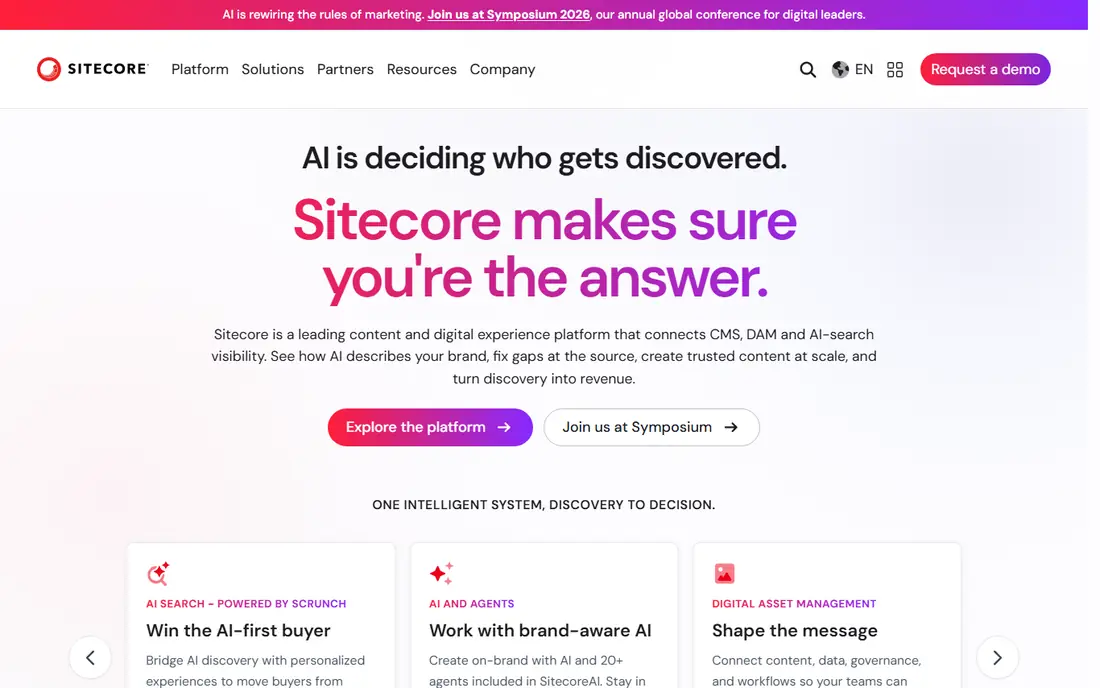
Sitecore has moved from a traditional CMS toward a composable digital experience platform, with content, search, personalization, and customer data products that can be bought together or separately. That flexibility helps large marketing teams that want tailored experiences without rebuilding their whole stack at once. Its personalization engine remains one of its strongest selling points.
The catch is scoping. Sitecore sells several products under one brand, so a shortlist conversation should pin down exactly which products, hosting model, and support tier are included in a quote. Teams that do that homework get a capable platform, while teams that skip it can end up with more product than they use.
- Mature personalization and analytics
- Headless and composable options
- Strong enterprise governance
- Quote based pricing
- The product family can be complex to scope
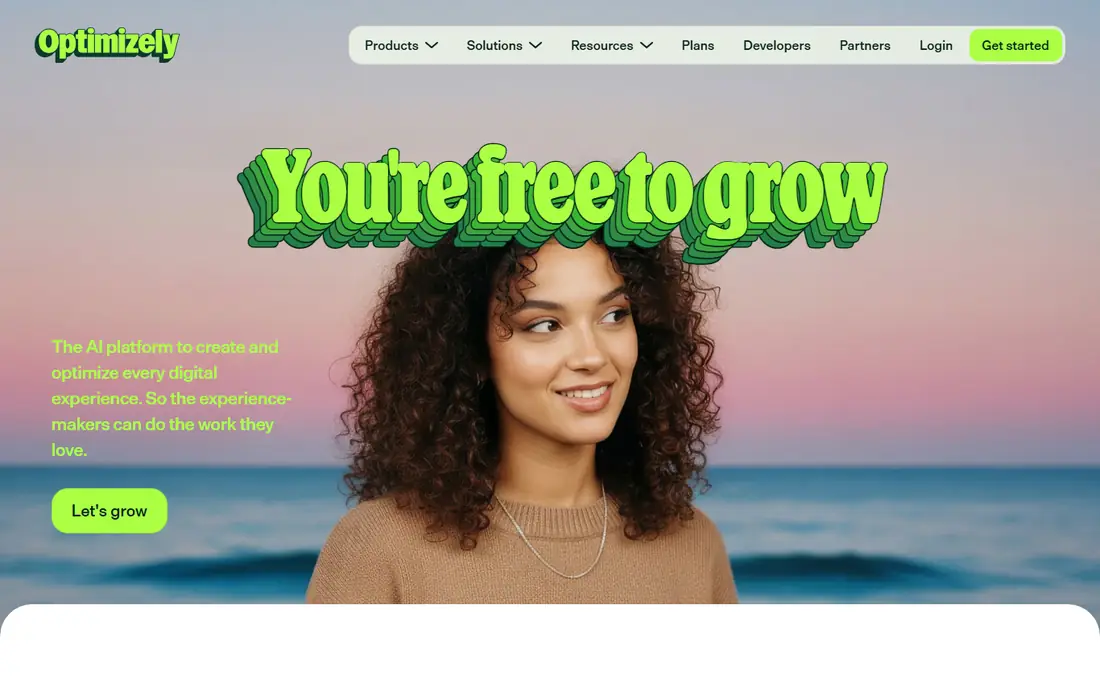
Optimizely pairs its content management system with experimentation, personalization, and commerce tools, which appeals to teams that test and optimize content as a core job. Editors can build pages visually, marketers can run tests without a separate tool, and developers get headless APIs when they need them. That combination reduces the number of vendors a marketing team has to manage.
Optimizely fits mid-market to enterprise teams that want marketing and product content in one place. The trade-off is that its best results come from using several Optimizely products together, so compare the full bundle price, not just the CMS line, before deciding.
- CMS plus experimentation and personalization
- Commerce options
- Usable editing experience
- Quote based pricing
- Full value needs commitment to the Optimizely stack
Contentful is the best-known headless CMS, and it earns that position with a clear content model: structured content entries delivered by API to websites, mobile apps, and other channels. Marketing and product teams share one content hub, and developers are not locked into one front-end framework. Localization, roles, and workflows cover the needs of multi-market teams.
The weakness is the editing experience for page-focused marketers. Contentful is structured first, so building a landing page can feel less visual than in a hybrid CMS. Teams that pair it with a front-end framework and a preview setup get the most from it, while teams that want drag-and-drop pages may prefer Storyblok or Optimizely.
- API-first content model
- Strong localization
- Large integration marketplace
- Editors used to page builders may miss visual editing
- Costs grow with usage
Contentstack positions itself as a composable content platform, with content management plus automation and AI-assisted operations for enterprise teams. It suits organizations that run many brands, regions, or channels from shared content, because its governance, roles, and workflow controls are built for that scale. Developers get REST and GraphQL APIs, and editors get a structured workspace.
Contentstack is a strong choice for product and engineering-led teams that treat content as data. The catch is price transparency and community size. Expect a sales-led quote, and check that your team's front-end and integration skills match a composable approach before signing.
- API-first with automation tools
- Enterprise governance
- Composable DXP options
- Quote based pricing
- Smaller community than some rivals
Sanity treats content as structured data stored in its Content Lake, with an open-source studio that developers can shape into exactly the editing experience a team wants. That makes it popular with engineering-led teams that have unusual content models or want editors and developers to share the same structured source. Real-time collaboration and a generous free tier help small teams start quickly.
The honest limit is that enterprise governance, such as advanced roles and audit features, depends on your plan and how much you build yourself. Sanity is our pick for teams that want control and customization, and a weaker pick for teams that want a ready-made enterprise governance package with no code.
- Content modeled as code
- Highly customizable studio
- Free tier for starting out
- Governance features depend on plan and custom build
- Needs developer time
Storyblok bridges headless flexibility and visual editing. Marketers build pages from reusable components and see a live preview, while developers get API delivery to any front end. That balance makes it popular with marketing-led teams that found pure headless tools too abstract, but still want to deliver content to more than one channel.
Storyblok fits mid-market teams and larger teams that prioritize editor happiness. The trade-off is governance depth. If you need the audit, compliance, and workflow controls of a full digital experience platform, compare Storyblok's enterprise tier carefully against Sitecore, Adobe, and Contentstack.
- Visual editor with component blocks
- Headless delivery
- Friendly for marketers
- Enterprise governance is lighter than the biggest DXP vendors
- Pricing varies by usage
Acquia provides the enterprise platform around Drupal, with managed hosting, security, content tools, and marketing products for organizations that run Drupal at scale. Governments, universities, and large enterprises use it for complex, multilingual, content-heavy sites. The Drupal ecosystem brings thousands of modules, and Acquia adds the hosting and support layer that large IT teams require.
Acquia only makes sense if Drupal is your chosen foundation. Teams that want a headless-first or Adobe-centered stack will find better fits elsewhere. For Drupal teams, though, Acquia removes much of the hosting and maintenance burden and adds governance that self-hosted Drupal lacks.
- Managed Drupal hosting and tools
- Strong security and compliance options
- Large Drupal ecosystem
- Quote based pricing
- Best value only for teams committed to Drupal
How we picked these
We compared official product pages, pricing pages, and documentation for CMS platforms sold to enterprises in October 2026. We kept traditional, headless, hybrid, and full digital experience platforms, because enterprise buyers choose across those categories. We excluded small blogging tools and platforms without enterprise governance, workflow, or multi-site features.
What to check before you buy
Start by naming your delivery channels and your editors. A headless CMS wins when content must reach a website, an app, and another channel from one hub, while a hybrid or traditional platform wins when marketers build pages visually every day. Run a pilot with real content, real roles, and a real approval workflow, because a demo with sample content hides most governance gaps.
Then price the whole project, not just the license. Ask for implementation estimates, hosting costs, migration effort, and the cost of the developers or partners you will need. A platform with a lower license but a six-month implementation can cost more in year one than a pricier platform your team can run itself.
FAQ
What is the best enterprise CMS platform?
The best enterprise CMS platform depends on your stack and team. Adobe Experience Manager and Sitecore suit large enterprises with complex personalization needs, while Contentful and Contentstack suit teams that want headless delivery. Storyblok suits marketing-led teams that want visual editing with headless flexibility.
What is a headless CMS?
A headless CMS stores and manages content without controlling how it looks, and delivers it through APIs to any front end. That lets one content hub feed a website, a mobile app, and other channels. The trade-off is that editors lose the built-in page building of a traditional CMS unless the team builds a preview and editing layer.
How much does an enterprise CMS cost?
Most enterprise CMS vendors quote pricing after a sales conversation, and total cost includes implementation, hosting, and maintenance. Headless tools with published entry prices start around a few hundred dollars per month, while full digital experience platforms can run into six figures per year before implementation. Always ask for a total cost estimate for year one.
Is WordPress an enterprise CMS?
WordPress can serve enterprises, especially with managed hosting and enterprise support, but this list focuses on platforms built and sold for enterprise content operations. Teams that already run WordPress at scale should compare its total cost and governance against the platforms here before migrating, because migration itself is a major project.
How long does an enterprise CMS migration take?
Timelines range from weeks for a small headless project to more than a year for a large digital experience platform migration. Content cleanup, redirects, integrations, and editor training usually take longer than the technical install. Plan a phased launch, with one site or channel live first, before moving everything.