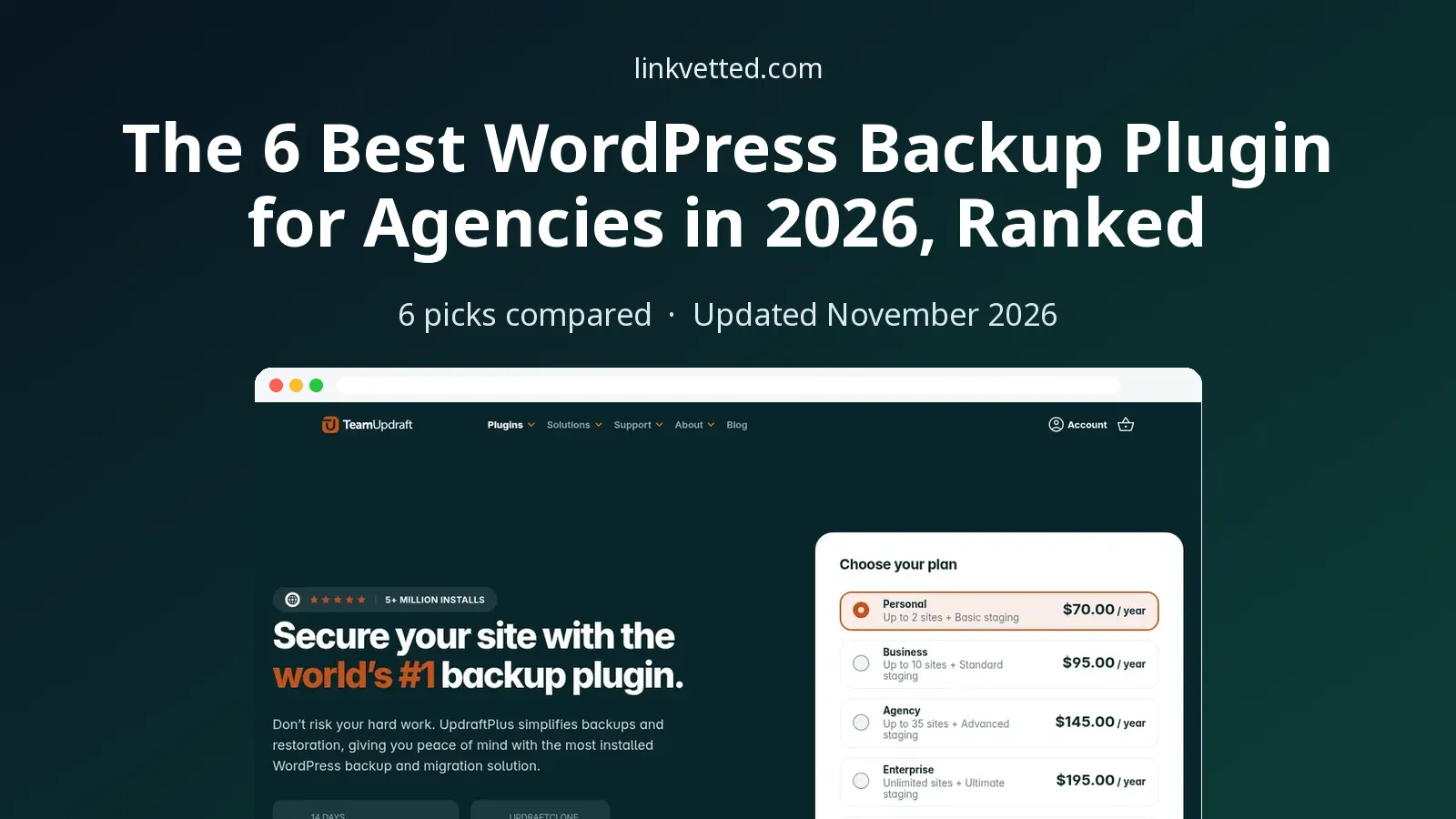
The 6 Best WordPress Backup Plugin for Agencies in 2026, Ranked
Need the best WordPress backup plugin for agencies? We compare 6 tools on cost, free access and who each suits. Short verdicts, no fluff. Budget notes included.
- Editor's choiceWP Engine Automated Migration
Migrations into WP Engine hosting
Starts at$28.00 a monthVisit wpengine.comFull review - Great alternativeAll-in-One WP Migration
One-click site transfers
Starts atSee websiteVisit servmask.comFull review - Also considerUpdraftPlus
Scheduled backups and site migration
Starts at$70.00 a yearVisit updraftplus.comFull review
Direct answer
Start with WP Engine Automated Migration if you need migrations into WP Engine hosting. Listed starting prices: WP Engine Automated Migration from $28.00 a month, UpdraftPlus from $70.00 a year and Jetpack Backup from $29.00 per month. All-in-One WP Migration is the stronger choice for one-click site transfers, while UpdraftPlus suits scheduled backups and site migration. The full list of 6 tools follows, with prices and free plan facts.
TL;DR:
- WP Engine Automated Migration takes the first slot, best suited to migrations into WP Engine hosting.
- Jetpack Backup is the only tool of the 6 with a free plan.
- What to know about WP Engine Automated Migration first: most handy within WP Engine hosting.
- Starting prices begin at $28.00 per month with WP Engine Automated Migration.
Last checked November 2026. Prices and plan details were read from the vendors' own pages in November 2026; vendors change plans often, so confirm the current price on the vendor site before you buy.
Quick comparison
| Tool | Best for | Starts at | Free plan? | |
|---|---|---|---|---|
| WP Engine Automated Migration | Migrations into WP Engine hosting | $28.00 a month | Not stated | Visit |
| All-in-One WP Migration | One-click site transfers | See website | Not stated | Visit |
| UpdraftPlus | Scheduled backups and site migration | $70.00 a year | No | Visit |
| Jetpack Backup | Live change capture | $29.00 per month | Yes | Visit |
| WPvivid Backup | All-in-one backup and migration | $49 a year | Not stated | Visit |
| BlogVault | Off-server automatic backups | $49.50 per site a year | No | Visit |
Every option for WordPress backup plugin for agencies explained
Choosing WordPress backup plugin for agencies usually comes down to price, fit and limits. This LinkVetted guide sets 6 tools side by side on those three points, with the facts kept short and checkable.
WP Engine Automated Migration
Best for: Migrations into WP Engine hosting
Choose WP Engine Automated Migration for migrations into WP Engine hosting. Choose it when consolidating client sites onto WP Engine.
Where it falls short: Not a general-purpose backup plugin.
From a buyer's view, WP Engine Automated Migration is migration tooling offered by WP Engine, a website hosting product with support and security services. Its value relies on using WP Engine hosting. WP Engine Automated Migration starts at: $28.00 per month. Free plan details: Not stated.
- Suits WP Engine hosting environments
- Migration tooling from a hosting product
- Most handy within WP Engine hosting
All-in-One WP Migration
Best for: One-click site transfers
Pick All-in-One WP Migration if this describes you: one-click site transfers. The vendor emphasizes fast and dependable site movement.
More specifically, large sites can also run into import constraints based on server configuration. This comparison lists no price for All-in-One WP Migration; ask the vendor. Trial and free access: Not stated.
The main drawbacks: Migration-first instead of backup-first.
- One-click migration and backup
- Straightforward for site moves
- Large sites may hit import limits
UpdraftPlus
Best for: Scheduled backups and site migration
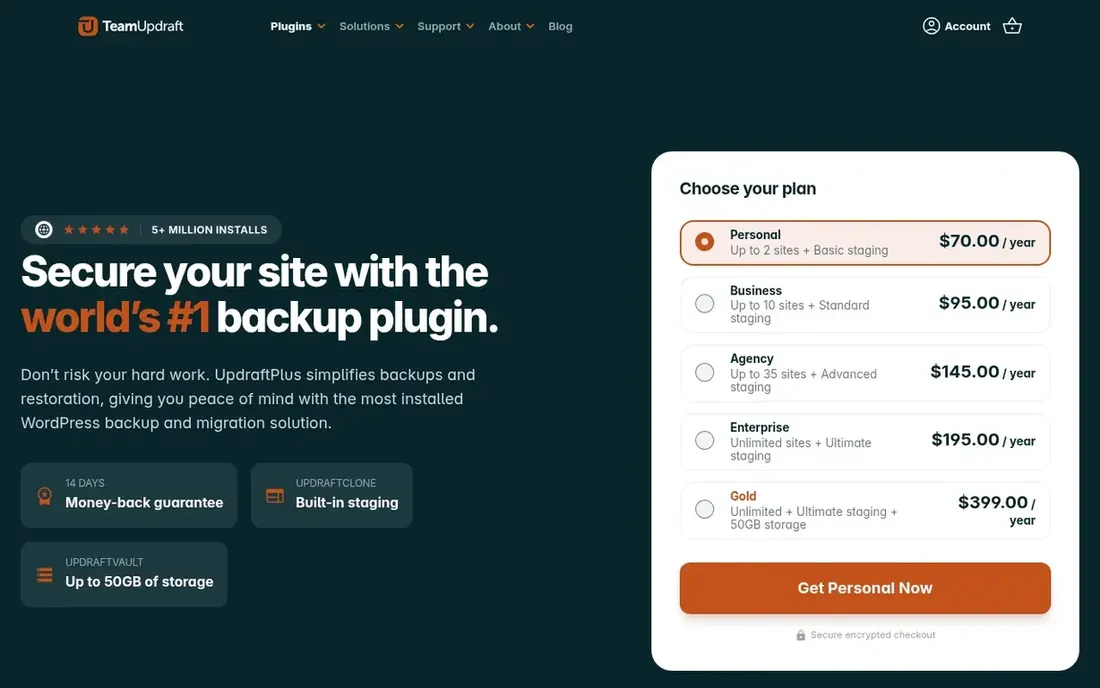
UpdraftPlus is aimed squarely at scheduled backups and site migration. UpdraftPlus is a WordPress backup and migration plugin positioned for teams that want scheduled backups and restore capability inside WordPress.
Entry price for UpdraftPlus: $70.00 per year. No free plan comes with UpdraftPlus.
Where it falls short: Feature depth may need extras.
- Widely deployed across WordPress sites
- Backup and migration in one plugin
- Interface can feel dense for beginners
Jetpack Backup
Best for: Live change capture
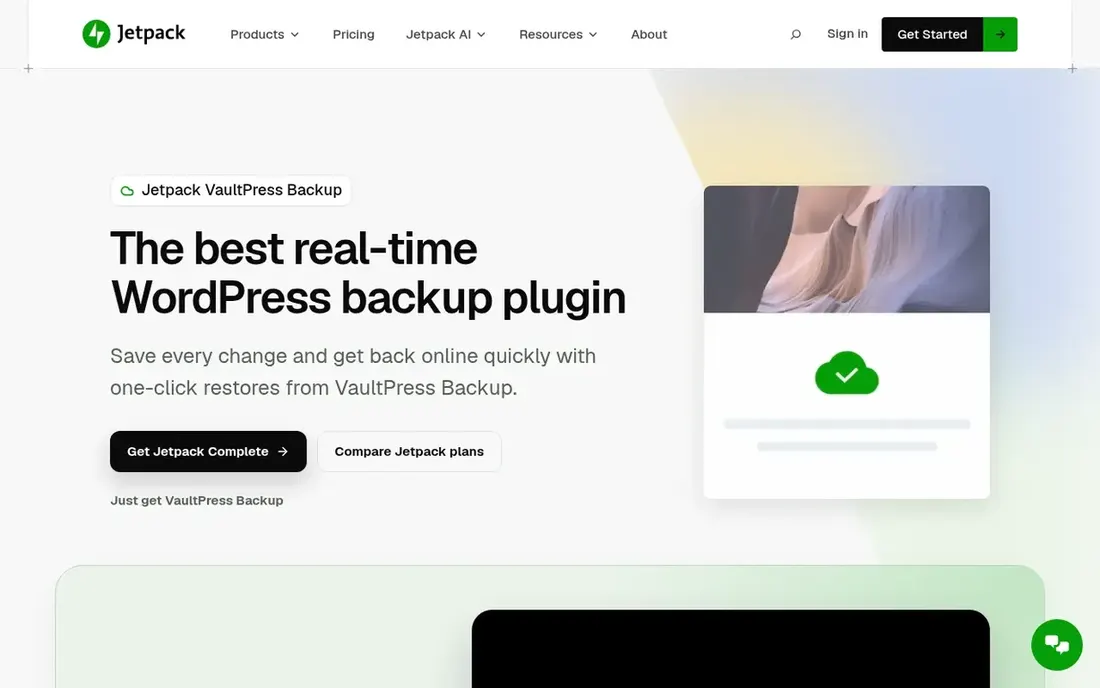
Jetpack Backup is a good fit for live change capture. Jetpack Backup offers live WordPress backups that save every change, with one-click restores and an activity log.
Limits to weigh: Live backup may be excessive for static sites.
On top of that, since it is part of Jetpack, agencies already standardized on other backup tools may see overlap. Beyond that, choose Jetpack Backup when change-level recovery matters. On cost, Jetpack Backup starts like this: $29.00 per month. You can start on Jetpack Backup without paying.
- Live backups of every change
- Activity log for site changes
- Tied to the Jetpack ecosystem
WPvivid Backup
Best for: All-in-one backup and migration
WPvivid Backup serves all-in-one backup and migration. WPvivid Backup is an all-in-one WordPress plugin for scheduled backup, restore, and migration.
Beyond that, choose WPvivid when scheduled backups and migration both matter and you want them in one plugin. WPvivid Backup starts at: $49 per year. Trial and free access: Not stated.
Honest limits: Feature breadth can complicate setup.
- Scheduled backup support
- Wide feature set
- Advanced choices may need documentation
BlogVault
Best for: Off-server automatic backups
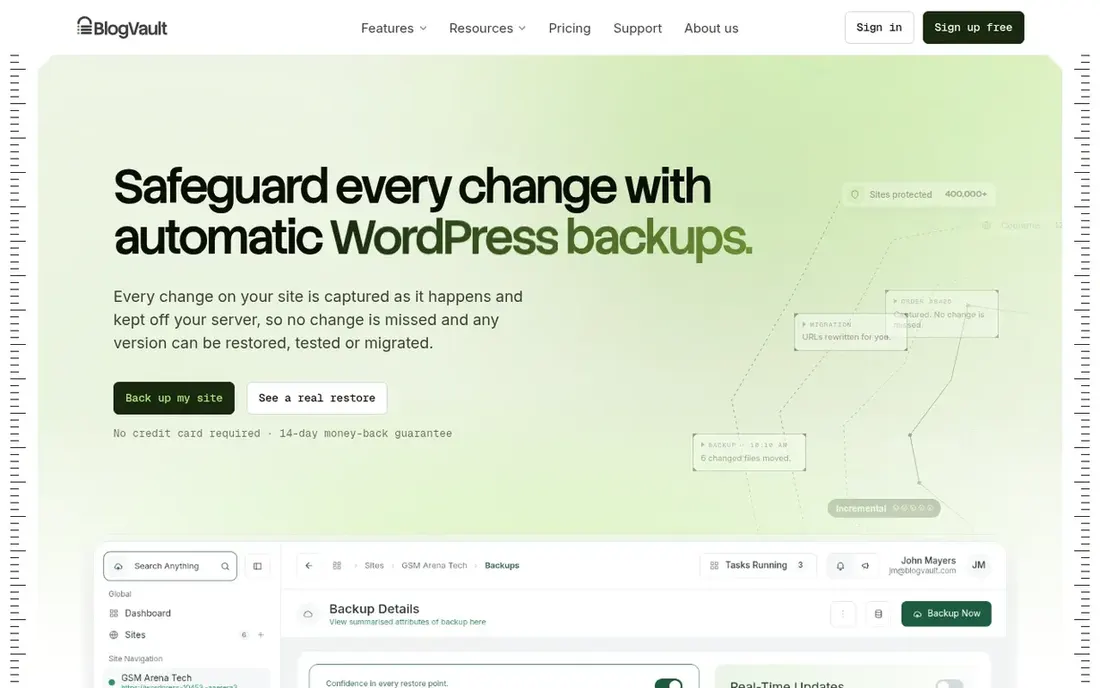
BlogVault is a good fit for off-server automated backups. The vendor emphasizes restorability instead of backup volume alone. In practice, agencies that need full control over storage location or want a purely plugin-based setup may prefer another choice.
Pick BlogVault when off-server isolation and restore confidence are priorities. In daily use, as an external service, BlogVault layers on a dependency outside WordPress and the host. BlogVault is an automatic WordPress backup service that runs off the server and keeps encrypted copies your host cannot alter. What you pay to start with BlogVault: $49.50 per site per year. There is no free plan with BlogVault.
Watch-outs: Less control over backup infrastructure.
- Keeps several encrypted copies
- Built around restore reliability
- External service dependency
How we built this list
What to check before you buy
- Confirm the entry price on the vendor page. For All-in-One WP Migration that means a quote rather than a fixed price.
- Look at the free plan from Jetpack Backup closely: its caps decide whether it is usable for real work.
- Read the limits listed for WP Engine Automated Migration first: most handy within WP Engine hosting.
- Get the contract term, renewal terms and any onboarding fees from All-in-One WP Migration in writing.
- Add up seats, add-ons and usage charges for BlogVault before comparing it with cheaper entries.
FAQ
Do these tools publish their prices?
Not all of them. All-in-One WP Migration publishes no starting price, so expect a quote request for it. The rest, WP Engine Automated Migration included, show a starting price, though seats and billing terms still change the final cost.
Which tool is a good match for live backups?
This list starts with WP Engine Automated Migration, which fits migrations into WP Engine hosting. For other needs, All-in-One WP Migration is aimed at one-click site transfers, and UpdraftPlus at scheduled backups and site migration. Check each tool's price and main limit first.
Which options for WordPress backup plugin for agencies have a free plan?
Jetpack Backup is the only tool in this list with a free plan. Free plans usually cap users, projects or features, so check the limits on the vendor page.
Can I try these tools before paying?
Often, yes. Jetpack Backup has a free plan. Use your own data and a real task during the test, and check what the free tier or trial limits before you rely on it.
What should agencies check before rolling out a backup tool?
Confirm where backups are stored, how restores work, and whether scheduling fits each client site. Also verify that the tool suits your hosting environment, notably if you use managed hosting.
How are the tools for WordPress backup plugin for agencies ordered?
The order follows typical fit for WordPress backup plugin for agencies, with WP Engine Automated Migration first and BlogVault last, then price clarity and free access. It is editorial judgement, not a score, so another team could rank the tools differently.
Sources
- https://wpengine.com
- https://servmask.com
- https://updraftplus.com
- https://jetpack.com/upgrade/backup
- https://wpvivid.com
- https://blogvault.net