Best WordPress Backup Service for Large Sites in 2026: Prices, Free Plans and 5 Picks
Need the best WordPress backup service for large sites? We compare 5 tools on cost, free access and who each suits. The catches are listed up front. Start here.
- Editor's choice
 WP Engine
Managed hosting with backups
Starts at$28.00 a monthVisit wpengine.comFull review - Great alternativeManageWP
Managing backups across several sites
Starts at$1 a monthVisit managewp.comFull review - Also considerUpdraftPlus
Adaptable plugin-based backups
Starts at$70.00 a yearVisit updraftplus.comFull review
Direct answer
Our first pick is WP Engine, best for managed hosting with backups. Listed starting prices: WP Engine from $28.00 a month, ManageWP from $1 a month and UpdraftPlus from $70.00 a year. Alternatives: ManageWP for managing backups across several sites, and UpdraftPlus for adaptable plugin-based backups. The remaining 2 options are covered below with prices and limits.
TL;DR:
- WP Engine sits first on this list: managed hosting with backups.
- VaultPress is the one to check for subscription backup and security.
- ManageWP stands alone as the one tool in this list with a free plan.
- ManageWP comes with a trade-off: backup is part of broader tool.
Last checked November 2026. Prices and plan details were read from the vendors' own pages in November 2026; vendors change plans often, so confirm the current price on the vendor site before you buy.
Quick comparison
| Tool | Best for | Starts at | Free plan? | |
|---|---|---|---|---|
| WP Engine | Managed hosting with backups | $28.00 a month | Not stated | Visit |
| ManageWP | Managing backups across several sites | $1 a month | Yes | Visit |
| UpdraftPlus | Adaptable plugin-based backups | $70.00 a year | No | Visit |
| BlogVault | Off-server backups for large sites | $49.50 per site per year | No | Visit |
| VaultPress | Subscription backup and security | See website | Not stated | Visit |
WordPress Backup Service for Large Sites profiles
LinkVetted put together this guide to WordPress backup service for large sites for readers who want a clear shortlist without reading every vendor page. It compares 5 tools on starting price, free plans, who each one suits and where each one falls short.
Where WP Engine fits: managed hosting with backups. For large sites hosted on WP Engine, backups are handled within the product, which can cut the need for separate backup tools.
Points against: Less adaptability for custom backup.
From a buyer's view, the company supplies support and security options alongside hosting. WP Engine pricing: $28.00 per month. Free access: Not stated.
- Managed system
- Security and support included
- Hosting required
ManageWP
Best for: Managing backups across several sites
ManageWP is aimed squarely at managing backups across several sites. For large sites that are part of a portfolio, this central view can ease backup management across numerous installations.
Price to start with ManageWP: $1 per month. ManageWP offers a free plan.
Honest limits: Backup is part of broader tool.
- Scheduled backups
- Also manages updates and monitoring
- May be overkill for single site
UpdraftPlus
Best for: Adaptable plugin-based backups
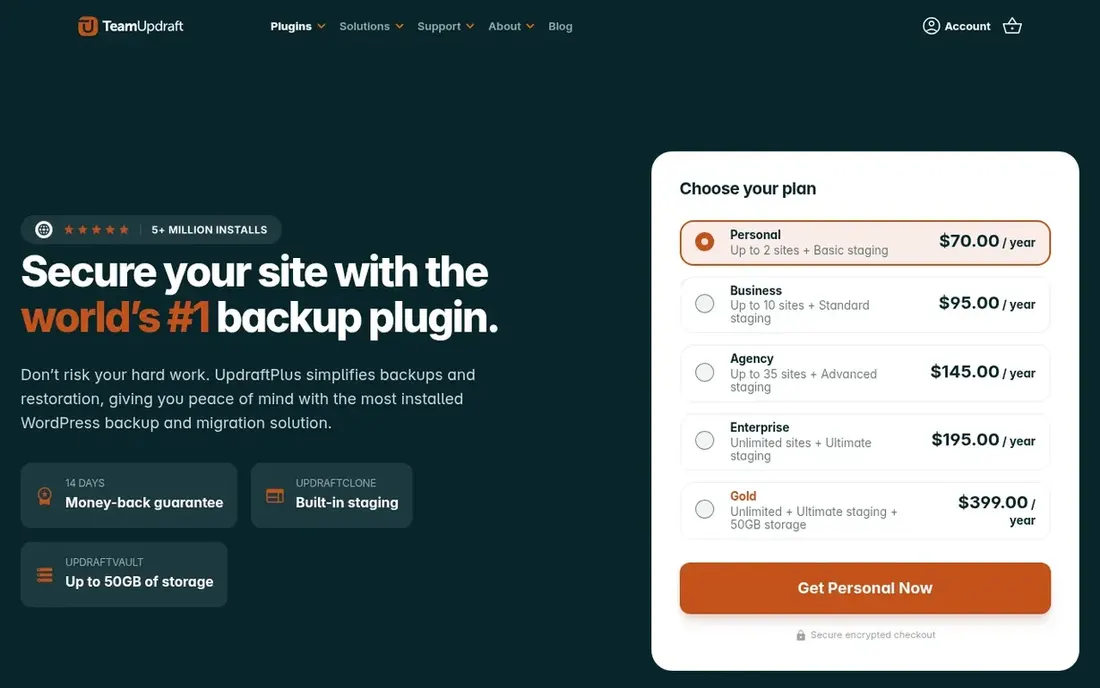
Choose UpdraftPlus for adaptable plugin-based backups. On very large sites, plugin-based backups can be resource-intensive, and you may need to adjust settings or server limits. In daily use, UpdraftPlus is a WordPress backup, restore, and migration plugin used on plenty of sites.
It lets you schedule backups and send them to remote storage, which can suit large sites that want control over where backups live. The plugin approach means you handle the backup process from your WordPress dashboard. UpdraftPlus starts at: $70.00 per year. There is no free plan with UpdraftPlus.
The main drawbacks: Storage costs rely on destination.
- Widely used plugin
- Backup and migration features
- Large sites may need tuning
BlogVault
Best for: Off-server backups for large sites
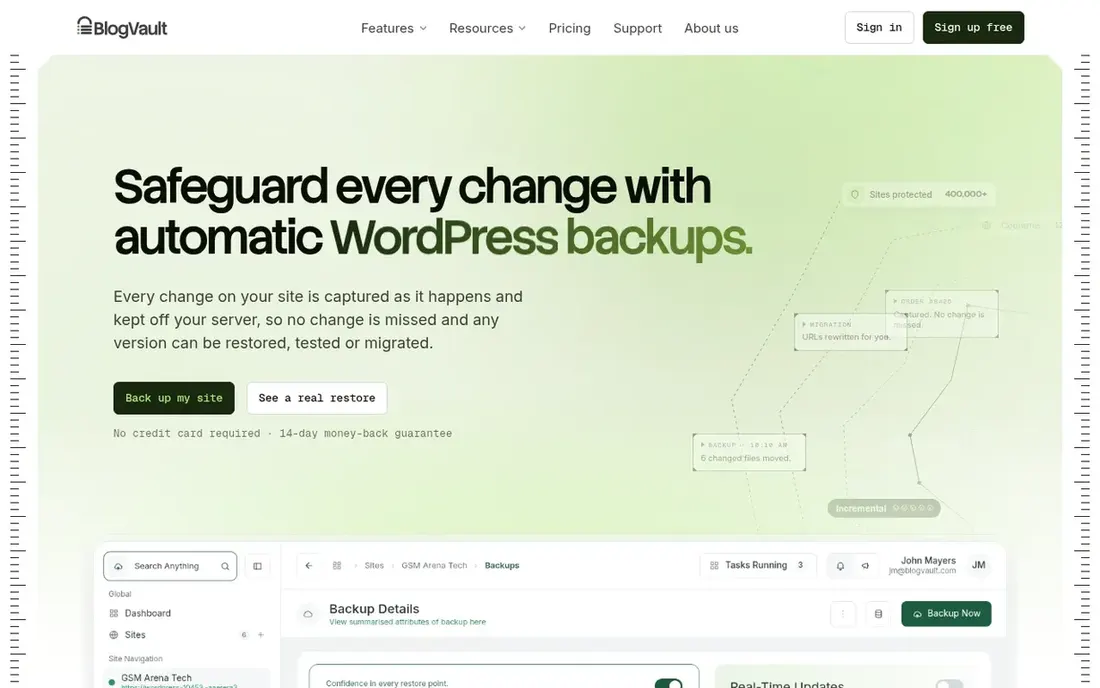
BlogVault makes the most sense for off-server backups for large sites. Since BlogVault is a hosted service, you depend on the vendor for storage and restore workflows instead of handling files straight.
Honest limits: Subscription service.
BlogVault cost at the entry level: $49.50 per site per year. No free plan comes with BlogVault.
- Focus on restorable backups
- Runs off your server
- Less control over backup files
VaultPress
Best for: Subscription backup and security
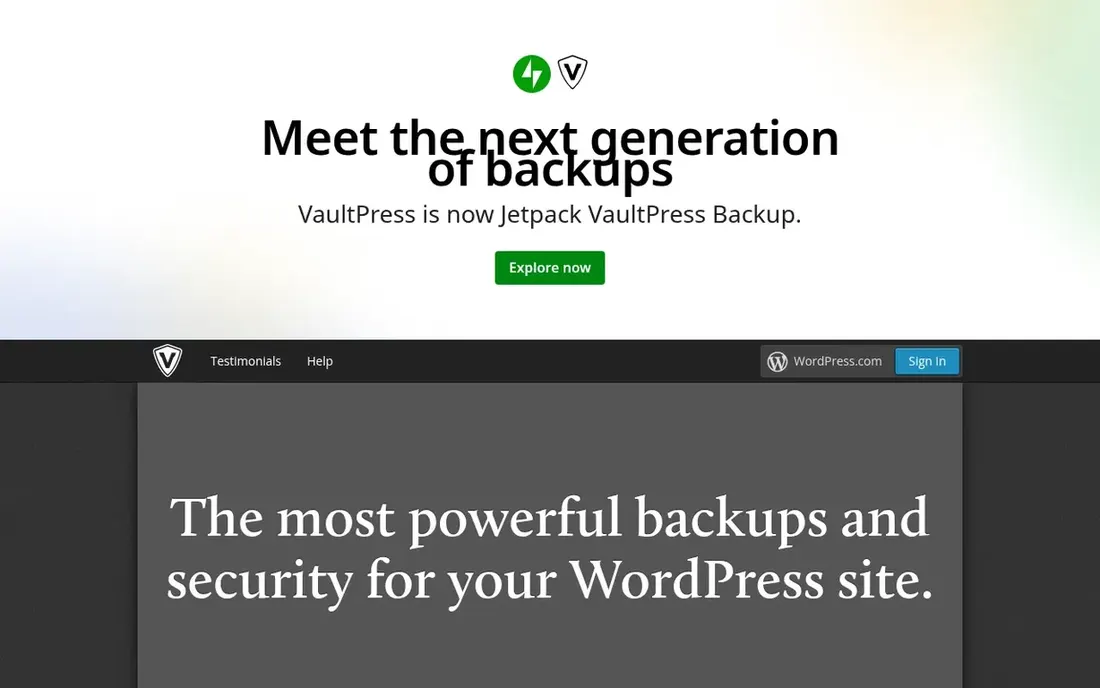
Pick VaultPress if this describes you: subscription backup and security. As a subscription service, VaultPress may offer less adaptability for custom backup workflows compared with plugin choices.
Where it falls short: Less adaptable for custom setups.
VaultPress shows no starting price here, so confirm the cost on the vendor site. As for free access: Not stated.
- Subscription-based service
- Built by Automattic
- Subscription required
How we built this list
We compared the tools on published pricing, free plan or trial availability, feature coverage for WordPress backup service for large sites, and the limits each vendor documents. Where a vendor does not publish a price, the entry says quote. Where a price depends on seats or billing term, the entry says so. The sequence is a judgement call: typical use case first, then pricing transparency, then free access. Use the profiles to check fit.
Pre-purchase checklist
- Ask VaultPress for a written quote, since no starting price is shown.
- Test the free plan from ManageWP against your real workload before relying on it.
- Read the limits listed for WP Engine first: hosting required.
- Ask the daily users to test ManageWP on a live task before you roll it out to everyone.
- Look at the help docs and support options for BlogVault before you commit.
FAQ
Which WordPress backup service for large sites have a free plan?
ManageWP is the only tool in this list with a free plan. Free plans usually cap users, projects or features, so check the limits on the vendor page.
Do these tools publish their prices?
Not all of them. VaultPress publishes no starting price, so expect a quote request for it. The rest, WP Engine included, show a starting price, though seats and billing terms still change the final cost.
Can I try these tools before paying?
Often, yes. ManageWP has a free plan. Use your own data and a real task during the test, and check what the free tier or trial limits before you rely on it.
Is WP Engine the right pick for everyone comparing WordPress backup service for large sites?
No single tool suits every team. WP Engine comes first because it fits managed hosting with backups, while ManageWP suits managing backups across multiple sites and UpdraftPlus suits flexible plugin-based backups. Match the tool to your own size, budget and workflow before deciding.
What is the difference between BlogVault and VaultPress?
BlogVault concentrates on off-server backups with several encrypted copies, whereas VaultPress merges backup with security features as a subscription service from Automattic.
Sources
- https://wpengine.com
- https://managewp.com
- https://updraftplus.com
- https://blogvault.net
- https://vaultpress.com