Best WordPress Accessibility Plugin for 2026: Our 6 Vetted Picks
Best WordPress accessibility plugin in 2026: 6 tools with starting prices, free plans and limits. Compare costs and catches in one place. Updated November 2026.
- Editor's choiceOne Click Accessibility
Fast front-end accessibility fixes
Starts atSee websiteVisit wordpress.orgFull review - Great alternativeWP Accessibility
Fixing typical WordPress theme issues
Starts atSee websiteVisit wordpress.orgFull review - Also considerEqual Access Toolkit
Audits and practical remediation help
Starts at$190 per yearVisit equalizedigital.comFull review
Direct answer
This list puts One Click Accessibility first for fast front-end accessibility fixes. Listed starting prices: Equal Access Toolkit from $190 per year, UserWay from $490 a year and Accessibility Checker from $190 a year. WP Accessibility is better for fixing common WordPress theme issues, and Equal Access Toolkit is better for audits and practical remediation help. The full list of 6 tools follows, with prices and free plan facts.
TL;DR:
- This list starts with One Click Accessibility, which is built for fast front-end accessibility fixes.
- For automatic fixes with compliance support, accessiBe is worth a look.
- Equal Access Toolkit, Accessibility Checker: these are the 2 tools out of 6 that offer a free plan.
- For the cheapest start, look at accessiBe: $59 per month.
- Equal Access Toolkit comes with a trade-off: service engagement instead of a plugin.
Last checked November 2026. Prices and plan details were read from the vendors' own pages in November 2026; vendors change plans often, so confirm the current price on the vendor site before you buy.
Quick comparison
| Tool | Best for | Starts at | Free plan? | |
|---|---|---|---|---|
| One Click Accessibility | Fast front-end accessibility fixes | See website | Not stated | Visit |
| WP Accessibility | Fixing typical WordPress theme issues | See website | Not stated | Visit |
| Equal Access Toolkit | Audits and practical remediation help | $190 per year | Yes | Visit |
 UserWay | Visitor-facing accessibility widget | $490 a year | Free trial | Visit |
| Accessibility Checker | In-editor accessibility testing and fixes | $190 a year | Yes | Visit |
 accessiBe | Automatic fixes with compliance support | $59 per month | Free trial | Visit |
The best WordPress accessibility plugin
Choosing WordPress accessibility plugin usually comes down to price, fit and limits. This LinkVetted guide sets 6 tools side by side on those three points, with the facts kept short and checkable.
One Click Accessibility
Best for: Fast front-end accessibility fixes
Choose One Click Accessibility for quick front-end accessibility fixes. One Click Accessibility is a WordPress plugin that layers on a set of front-end accessibility features, like contrast and font-size controls, to a site. As for the details, pick One Click Accessibility for straightforward front-end conveniences on smaller sites.
What to check first: Restricted to front-end enhancements.
The plugin is available from the WordPress plugin directory and is usually used as a small enhancement instead of a complete compliance option. Sites with strict compliance needs will need content remediation and manual testing. No starting price is listed for One Click Accessibility here; confirm pricing on the vendor site. Free access: Not stated.
- Layers on typical accessibility adjustments
- Straightforward to enable
- Does not audit content
WP Accessibility
Best for: Fixing typical WordPress theme issues
For fixing typical WordPress theme issues, WP Accessibility is a natural candidate. WP Accessibility is a WordPress plugin that fixes typical accessibility issues in WordPress themes, for example missing skip links, focus outlines, and label problems.
It is targeted at site owners who want practical improvements without changing themes. Also, choose WP Accessibility when you need targeted theme-level fixes and are prepared to test the results. WP Accessibility shows no starting price here, so confirm the cost on the vendor site. Free plan details: Not stated.
The main drawbacks: Not a full auditing tool.
- Layers on skip links and focus styles
- Addresses frequent theme accessibility gaps
- Theme-dependent results
Equal Access Toolkit
Best for: Audits and practical remediation help
In short, Equal Access Toolkit is for audits and practical remediation help. Budget and availability should be confirmed straight with the vendor.
In daily use, Equal Access Toolkit is the services side of Equalize Digital, offering website accessibility audits, remediation, and consulting. This is a service engagement, not a self-serve plugin, so timelines and scope are set per project. Entry price for Equal Access Toolkit: $190 per year. Equal Access Toolkit offers a free plan.
Honest limits: Scope relies on project needs.
- Audit and consulting services
- Focus on equal access outcomes
- Service engagement instead of a plugin
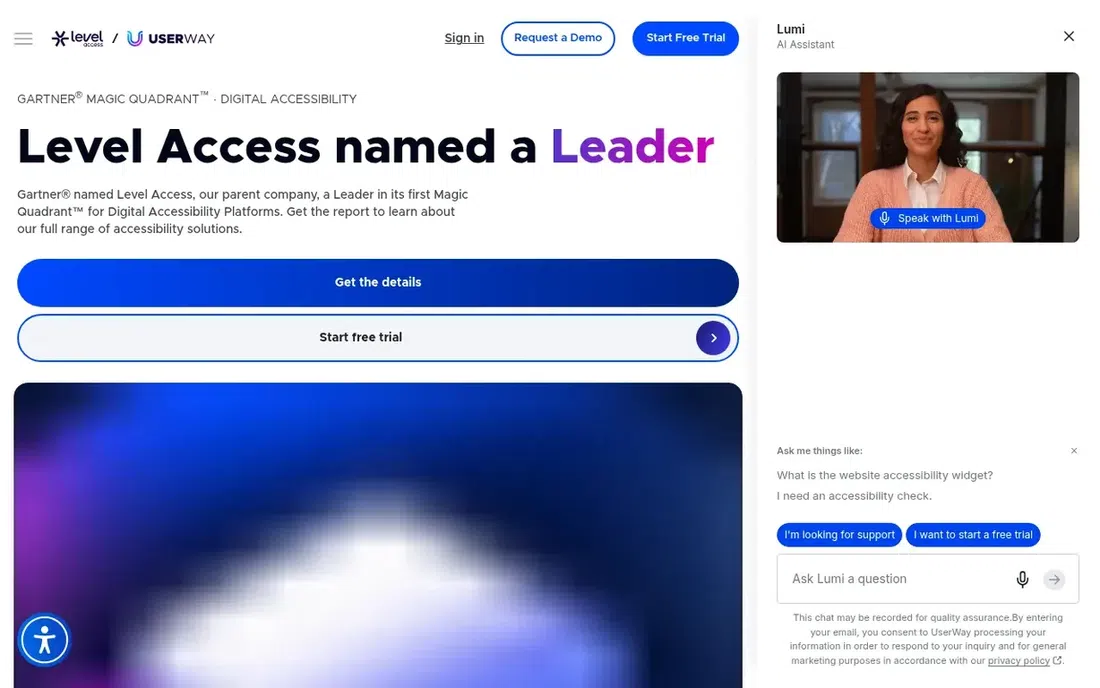
UserWay works best for visitor-facing accessibility widget. UserWay gives you a website accessibility widget that lets visitors adjust contrast, text size, and other display settings. It is geared toward organizations that want a visible accessibility menu and a way to support individual browsing preferences.
Sites with complicated templates or strict compliance goals should pair it with manual audits and content fixes. The widget can be added to WordPress and other products, and it is frequently used alongside content remediation efforts. The starting price for UserWay: $490 per year. Trial and free access: Free trial.
Limits to weigh: Widget does not replace content fixes.
- Gives you profile-based adjustments
- Works across numerous site systems
- Customization relies on site setup
Accessibility Checker
Best for: In-editor accessibility testing and fixes
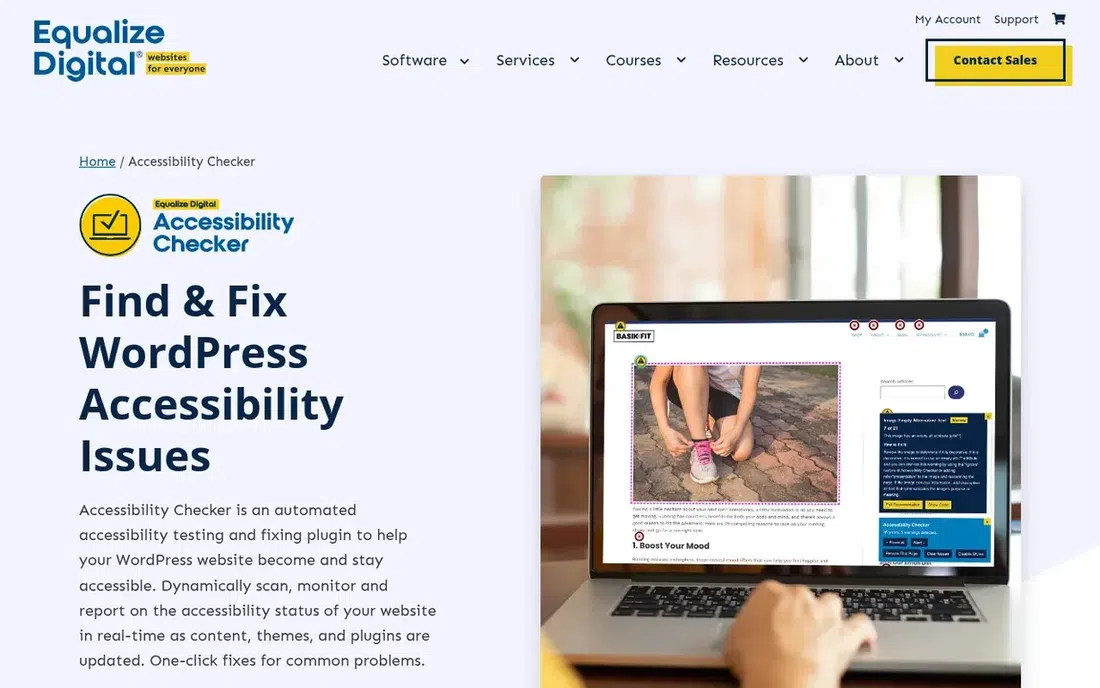
In short, Accessibility Checker is for in-editor accessibility testing and fixes. Accessibility Checker by Equalize Digital is a WordPress plugin that tests posts and pages for typical accessibility problems and points to fixes.
It is made for site owners and editors who want to catch issues whereas creating content instead of after publishing. Accessibility Checker cost at the entry level: $190 per year. Accessibility Checker includes a free tier.
Watch-outs: Full-site auditing may need additional steps.
- Flags typical WCAG issues
- Gives you remediation guidance
- Centred on content-level checks
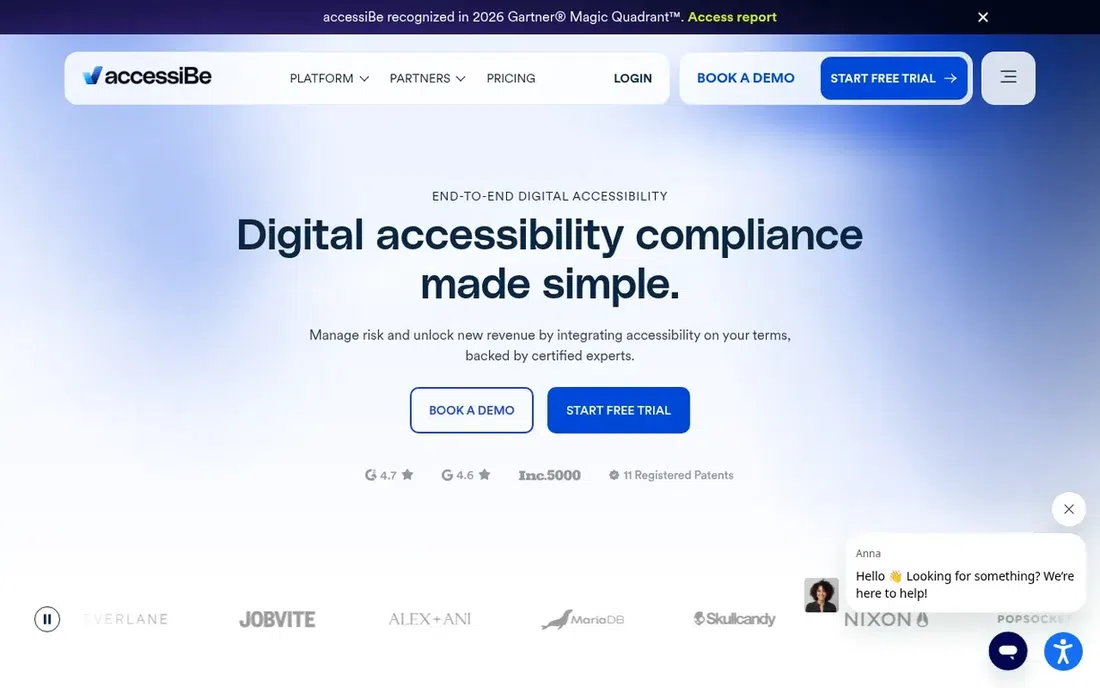
accessiBe makes the most sense for automatic fixes with compliance support. accessiBe is an accessibility system that merges automatic adjustments, a visitor widget, developer tools, and expert services. Sites with highly custom interfaces should validate results with expert review.
Where it falls short: Needs review of generated changes.
The product is commonly considered by teams that require a broader compliance workflow instead of a single plugin. On top of that, automatic remediation has limits, and some accessibility issues still need manual code or content changes. accessiBe cost at the entry level: $59 per month. On free options: Free trial.
- Merges AI-driven adjustments with a widget
- Provides developer tools and expert services
- Automation cannot catch every issue
How we built this list
A buyer's checklist
- Get a written quote from One Click Accessibility and WP Accessibility; the list shows no starting price for them.
- Read the fine print on the free plans from Equal Access Toolkit and Accessibility Checker; seat, project and feature caps differ.
- Run a trial of UserWay and accessiBe with real work before paying for a year; your own workflow is the best test.
- Read the limits listed for One Click Accessibility first: restricted to front-end enhancements.
- Ask WP Accessibility which support channels and response times come with the plan you would buy.
- Total up the real monthly cost of Equal Access Toolkit, including add-ons, extra users and usage-based fees.
FAQ
Can a WordPress plugin make my site fully WCAG compliant?
Plugins can catch typical issues and add visitor tools, but compliance also relies on content, design, and manual testing. Use plugins as part of a broader accessibility process.
Do these tools publish their prices?
Not all of them. One Click Accessibility and WP Accessibility publish no starting price, so expect a quote request for those. The rest, Equal Access Toolkit included, show a starting price, though seats and billing terms still change the final cost.
Which options for WordPress accessibility plugin have a free plan?
Equal Access Toolkit and Accessibility Checker offer a free plan in this list. Free plans usually cap users, projects or features, so check the limits on the vendor page. Several others offer a trial instead.
Is One Click Accessibility the right pick for everyone comparing WordPress accessibility plugin?
No single tool suits every team. One Click Accessibility comes first because it fits quick front-end accessibility fixes, while WP Accessibility suits fixing common WordPress theme issues and Equal Access Toolkit suits audits and hands-on remediation help. Match the tool to your own size, budget and workflow before deciding.
What is the difference between an accessibility checker and an overlay widget?
A checker scans content and flags issues for you to fix, whereas an overlay widget hands visitors controls to adjust the page display. Numerous sites benefit from both approaches.
Can I try these tools before paying?
Often, yes. Equal Access Toolkit and Accessibility Checker have a free plan and UserWay and accessiBe offer a free trial. Use your own data and a real task during the test, and check what the free tier or trial limits before you rely on it.
Sources
- https://wordpress.org/plugins/one-click-accessibility
- https://wordpress.org/plugins/wp-accessibility
- https://equalizedigital.com
- https://userway.org
- https://equalizedigital.com/accessibility-checker
- https://accessibe.com