Best App for Hosting Virtual Events in 2026: 9 Virtual Event Platforms Compared
Need the best app for hosting virtual events? We compared 9 platforms for hosting virtual events, from simple webinars to large hybrid conferences today.
- Editor's choice
 RingCentral Events
Large virtual conferences
Starts at$99 per organizer per monthVisit ringcentral.comFull review - Great alternative
 Zoom Events
Zoom-based conferences
Starts atSee websiteVisit zoom.usFull review - Also consider
 Airmeet
Interactive networking events
Starts at$199 per monthVisit airmeet.comFull review
TL;DR:
- RingCentral Events, formerly Hopin, is the most complete virtual venue, with stages, networking, and expo areas in one place.
- Zoom Events suits teams already using Zoom, since attendees and hosts need little new training.
- Airmeet and Remo lead on networking, with virtual tables and lounges that help small groups actually talk.
- vFairs and Bizzabo suit large expos and hybrid conferences, but both are priced by quote and need more setup time.
- Small events do not need a big platform: Livestorm and HeySummit cover webinars and ticketed talks at lower cost.
Quick comparison
| Tool | Best for | Starts at | Free plan? | |
|---|---|---|---|---|
| RingCentral Events | Large virtual conferences | $99 per organizer per month | No | Visit |
| Zoom Events | Zoom-based conferences | See website | No | Visit |
| Airmeet | Interactive networking events | $199 per month | No | Visit |
 vFairs | Virtual expos and trade shows | See website | No | Visit |
 Whova | Hybrid conferences | See website | No | Visit |
 BigMarker | Webinars and marketing events | $99 per month | No | Visit |
 Livestorm | Webinars and online events | Free | Yes | Visit |
 Remo | Networking-first events | See website | No | Visit |
 HeySummit | Small ticketed events | $29 per month | No | Visit |
The best apps for hosting virtual events
Virtual event platforms differ more than webinar tools do. Some recreate a conference venue with stages and expo halls, while others focus on networking or simple ticketed talks. We compared platforms for hosting virtual events on attendee experience, host controls, and pricing.
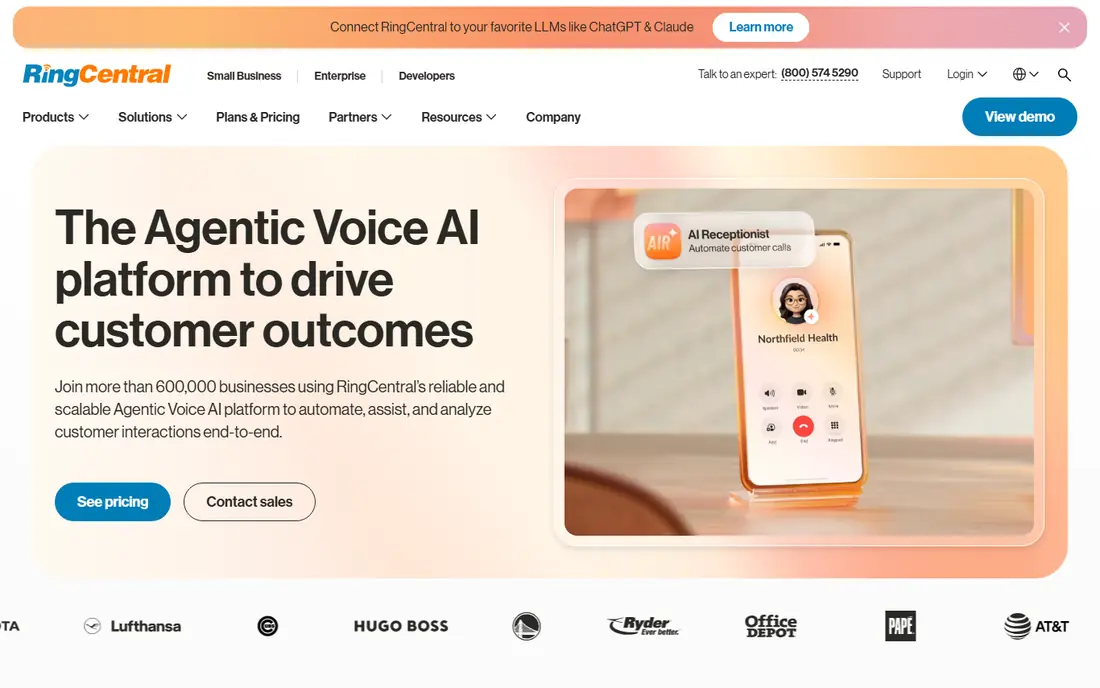
RingCentral Events, formerly Hopin, remains the closest thing to a virtual conference center. Attendees move between a reception area, main stages, networking rooms, and expo booths, which gives large events a structure that single-stream webinars lack. Hosts get a production studio, registration, and analytics in the same system.
Pricing is per organizer per month, starting at 99 dollars on annual billing for the Pro plan, with higher tiers adding hybrid tools and integrations. That model suits organizations running regular events, but it gets expensive if many staff need organizer seats. For a flagship virtual conference, the venue feel justifies the cost. For a single webinar, it is more platform than you need.
- Full virtual venue with stage, networking, and expo areas
- Unlimited events and registrations on paid plans
- Production studio tools
- Per-organizer pricing adds up for large teams
- Setup takes longer than simpler tools

Zoom Events builds multi-day conferences on top of the Zoom experience most attendees already know. Hosts can run multiple tracks, add an expo area, and manage registration without teaching attendees a new interface. That familiarity reduces no-shows and support questions, which matters for large professional audiences.
The trade-off is character: Zoom Events feels like a well-run Zoom meeting series rather than a virtual venue. Pricing also depends on your existing Zoom Workplace plan and the Events add-on, so confirm the total cost on the Zoom site before budgeting. If your audience already lives in Zoom, this is the lowest-friction choice.
- Familiar Zoom experience for attendees
- Multi-track sessions and expo features
- Strong reliability at scale
- Less distinctive venue design than dedicated platforms
- Pricing depends on your Zoom plan

Airmeet focuses on interaction. Its virtual tables let small groups sit together and talk, while lounges support open networking between sessions. Stages handle keynotes and panels with polls, Q and A, and chat, so attendees can move from listening to talking without leaving the platform.
Webinar plans start around 199 dollars a month, with larger events priced by quote. That puts Airmeet above basic webinar tools, but below enterprise expo platforms. It suits community events, workshops, and conferences where networking matters as much as content. If your event is mostly one-way presentations, a cheaper webinar tool may do.
- Virtual tables and lounges for real conversations
- Live stages with polls and Q and A
- Good attendee engagement tools
- Webinar plans start higher than simpler tools
- Sponsor features are stronger on higher tiers
vFairs builds immersive virtual venues with lobbies, auditoriums, and exhibition halls that sponsors can brand. Exhibitors get booths, chat, and lead capture, while attendees browse much as they would at a physical trade show. That structure suits job fairs, trade shows, and large sponsored events.
All pricing is by quote, so budget planning requires a sales conversation and a clear attendee estimate. Setup also takes longer than on simpler platforms, since 3D venues need design work. For a trade show with many sponsors, vFairs earns its complexity. For a straightforward conference, a simpler platform will launch faster.
- 3D virtual venues and exhibition halls
- Strong sponsor booth tools
- Hybrid event support
- Quote-only pricing
- Longer setup and learning curve
- More than small events need
Whova is best known as a conference app, and its virtual and hybrid tools extend that strength online. Attendees use one app for agendas, speaker profiles, networking, and live polls, while organizers manage registration and engagement from a single dashboard. That makes it a good fit for conferences with both room and remote audiences.
Pricing is generally quoted per event, with published comparisons placing many events in a range around 1,499 to 5,999 dollars depending on size and features. Confirm your quote directly, since attendee counts change the price. If your event is fully virtual and small, Whova may offer more than you need, but hybrid organizers will use most of it.
- Strong attendee app for agendas and networking
- Hybrid and in-person tools
- Engagement features such as polls and meetups
- Quote-based pricing for most events
- Virtual-only events may not need its full toolset
BigMarker suits marketing teams running webinars, product launches, and virtual summits that feed a sales pipeline. It offers automated and on-demand webinars, registration pages, and integrations with common CRMs and email tools. Attendees get a straightforward viewing experience with polls, Q and A, and chat.
Starting prices around 99 dollars a month cover basic webinar use, with higher tiers for larger events. BigMarker feels functional rather than flashy, which is fine for content-led events. If you need a virtual expo hall or complex networking, look at vFairs or Airmeet instead.
- Webinar automation and on-demand content
- CRM and email integrations
- Good for lead generation events
- Less venue-like than expo platforms
- Pricing rises with features and attendees
Livestorm is an all-in-one webinar and online event tool that runs in the browser, so attendees join without installing software. Hosts can run live, recorded, and automated events, add polls and Q and A, and review engagement analytics afterward. The free plan lets small teams test the platform before paying.
Pro pricing is per attendee in some plans, so check the current Livestorm pricing page for your event size. Livestorm suits webinars, training sessions, and small conferences far better than trade shows. If your event needs expo booths and multi-day venue navigation, choose a larger platform.
- Free plan for getting started
- Browser-based attendance with no downloads
- Polls, Q and A, and analytics
- Not a full expo platform
- Larger conferences need higher tiers
Remo puts networking first with a floor plan of virtual tables. Attendees join a table, talk by video, and move to another table when they want a new conversation. That design works well for workshops, community meetups, and networking sessions where small-group talk is the point.
Remo is less suited to large multi-track conferences with heavy sponsor needs, since its toolset is narrower than expo platforms. Pricing has varied over time, so confirm current plans on the Remo site. For events where attendees should meet each other, not just watch speakers, Remo is one of the most natural options.
- Virtual tables that make networking natural
- Simple floor-plan layout
- Good for workshops and social events
- Fewer large-conference features than RingCentral Events or vFairs
- Pricing varies by plan
HeySummit helps small organizers launch ticketed online summits and talk series without a large platform contract. You can build event pages, list speakers and talks, sell tickets, and run sessions with common video tools. Starting prices around 29 dollars a month make it accessible for niche events and first-time organizers.
The simplicity is also the limit. HeySummit does not offer the venue, expo, or networking depth of larger platforms, and production features are lighter. For a small summit, course launch, or community talk series, that trade is sensible. For a flagship conference, choose a platform built for scale.
- Easy setup for ticketed talks and summits
- Simple registration and speaker pages
- Low starting price
- Not built for large expos or complex networking
- Limited production tools
How we picked these
We compared official pricing pages, feature lists, and recent platform comparisons for virtual event hosting. We favored platforms that are actively sold in 2026, that cover distinct event types from webinars to expos, and that publish at least some pricing or clear quote guidance. We included both large venues and small tools, since a good pick depends on event size.
Matching the platform to your event
Start with your event format, not the feature list. A webinar needs reliable streaming and Q and A. A conference needs tracks, networking, and registration. An expo needs booths and sponsor tools. List your must-have features, your attendee count, and your budget, then shortlist two platforms and run a test event with real attendees before committing.
Rehearse, record, and support attendees
Run a full rehearsal with speakers, test screen sharing and breakout rooms, and record sessions for later viewing. Provide a simple attendee guide with join links, troubleshooting steps, and a contact for live help. Most virtual event complaints come from confusion, not technology, so clear instructions pay off fast.
FAQ
What is the best platform for hosting virtual events?
RingCentral Events is the most complete virtual venue for large conferences, while Zoom Events suits teams already using Zoom. Airmeet leads on networking, and vFairs leads on virtual expos. The best platform depends on your event size, format, and budget.
How much does a virtual event platform cost?
Costs range from free for basic webinar plans to thousands of dollars per event for large expo platforms. Small tools such as HeySummit start around 29 dollars a month, while RingCentral Events starts at 99 dollars per organizer per month. Quote-based platforms such as vFairs and Whova require a sales quote for exact pricing.
Can I host a virtual event for free?
Yes, for small events. Livestorm offers a free plan, and tools such as Zoom meetings can host small gatherings at low cost. Free plans usually limit attendees, duration, or features, so check limits before promoting a large event on a free tier.
What is the best virtual event hosting platform for networking?
Airmeet and Remo are the strongest networking choices, thanks to virtual tables and lounges that support small-group conversation. Whova also offers solid networking inside a conference app. If networking is your main goal, test the table and lounge experience with real attendees first.
Do virtual event platforms support hybrid events?
Many do, including RingCentral Events, Whova, and vFairs, with tools for in-person check-in, live streaming, and remote networking. Hybrid features often sit on higher tiers, so confirm which plan includes them. For simple hybrid setups, streaming an in-person event to remote viewers may be enough.
How do I choose between Zoom Events and a dedicated platform?
Choose Zoom Events if your audience already uses Zoom and your event is mainly sessions and panels. Choose a dedicated platform if you need a virtual venue, expo booths, or structured networking. Run a small test event on each if you have time, since attendee experience matters more than feature lists.