Best Cheap Web Hosting Service in 2026: 9 Hosts Compared
Compare the best cheap web hosting service plans for 2026, with intro prices, renewal prices, storage, support, and WordPress setup compared for new sites.
- Editor's choice
 Hostinger
Low-cost WordPress hosting
Starts at$2.99 per monthVisit hostinger.comFull review - Great alternative
 Bluehost
Guided WordPress setup
Starts atSee websiteVisit bluehost.comFull review - Also consider
 DreamHost
Month-to-month flexibility
Starts at$2.89 per monthVisit dreamhost.comFull review
TL;DR:
- The best cheap web hosting service is judged on renewal price, not just the first-term offer.
- Hostinger and InterServer stand out for low long-term cost, while Bluehost and SiteGround suit beginners who want guided setup.
- A cheap plan still needs free SSL, backups, and a clear refund window, so check those terms before paying.
- Long prepayments lower the monthly rate but lock you in, so start with a term you can afford to leave.
- For a small WordPress site, a basic shared plan is usually enough until traffic grows.
Quick comparison
| Tool | Best for | Starts at | Free plan? | |
|---|---|---|---|---|
| Hostinger | Low-cost WordPress hosting | $2.99 per month | No | Visit |
| Bluehost | Guided WordPress setup | See website | No | Visit |
| DreamHost | Month-to-month flexibility | $2.89 per month | No | Visit |
 IONOS | Lowest first-year headline price | $1 per month | No | Visit |
 InterServer | Price stability over time | $2.50 per month | No | Visit |
 Namecheap | Low-cost cPanel hosting | $2.28 per month | No | Visit |
 GreenGeeks | Eco-friendly shared hosting | $2.95 per month | No | Visit |
 SiteGround | Support and WordPress tools | $2.99 per month | No | Visit |
 HostGator | Simple shared hosting | $2.75 per month | No | Visit |
The best cheap web hosting services
We compared official pricing, renewal terms, and plan features for shared hosts that still sell low-cost plans in October 2026. Prices shown are intro rates where the vendor lists them, and the write-ups flag where renewal pricing changes the value.
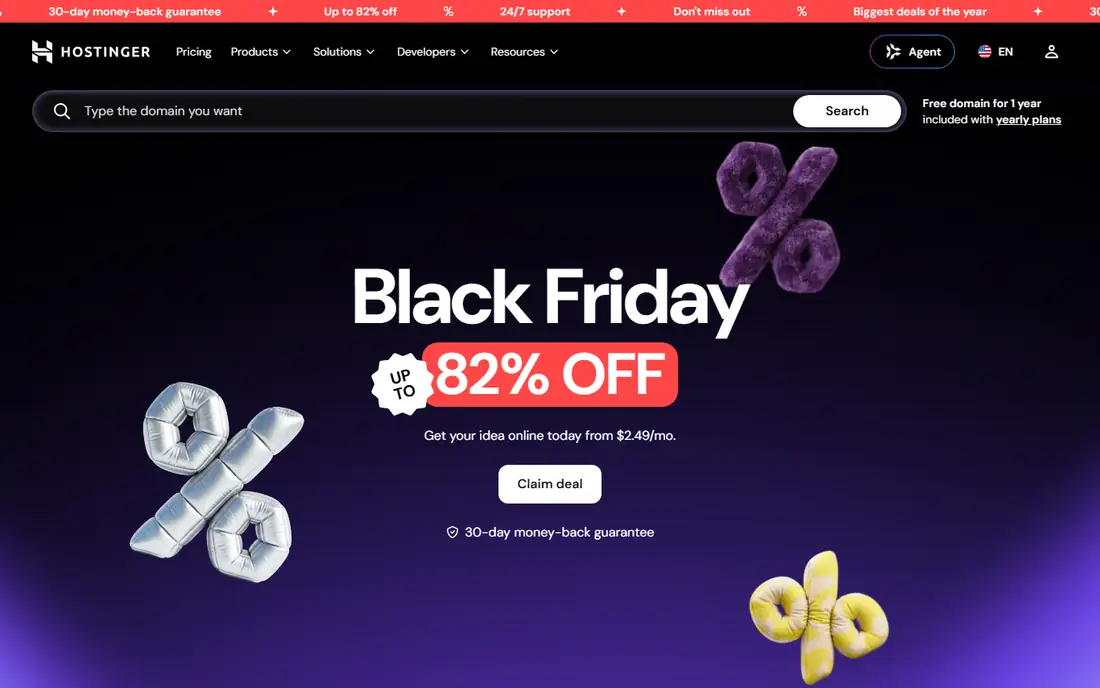
Hostinger is our pick for most new sites on a tight budget, because it pairs a low starting price with a control panel that makes WordPress setup simple. One-click installs, a free SSL certificate, and a website builder cover the basics for a blog, portfolio, or small business site. Performance on shared plans is solid for low-traffic pages.
The catch is renewal pricing. The low rate usually requires a long prepayment, and the renewal rate is much higher, so work out the three-year cost before you buy. If you plan to stay for years, compare that total with InterServer, which holds its price steadier over time.
- Low intro price
- Fast LiteSpeed setup
- Easy control panel for beginners
- Renewal price rises sharply
- Support is mainly chat-based
Bluehost suits a first-time site owner who wants help at each step, from choosing a domain to installing WordPress and picking a theme. Phone support is a real plus when chat help feels slow, and the setup flow is built for people who have never run a site before. It is a safe choice for a small business site that will not need advanced server settings.
The downside is cost over time and checkout extras. Read each add-on before you pay, and skip paid extras you do not need, such as premium backups if the plan already includes basic backups. Check the renewal rate for your term, because the first-year deal does not tell the full story.
- Guided onboarding for WordPress
- Phone support
- Free domain on many first terms
- Renewal pricing is higher than intro pricing
- Upsells appear during checkout

DreamHost stands out for buyers who do not want a long contract. Monthly billing lets you test a host without prepaying for years, and the refund window is longer than most rivals, which lowers the risk of a bad fit. WordPress plans include automatic updates and free SSL, so a small site can run with little upkeep.
The trade-off is that the panel takes a short learning curve if you are used to cPanel, and the renewal rate still rises after the first term. It is best for a project site, a test site, or a business that wants to keep options open while traffic is still small.
- Monthly billing option
- Long refund window
- Straightforward WordPress plans
- Renewal price is higher
- Control panel differs from standard cPanel
IONOS wins on first-year headline price alone, which makes it tempting for a brand-new site with almost no budget. The company is large, support includes phone help, and upgrading to a larger plan is simple when the site grows. For a simple brochure site, the entry plan can be enough to get online.
The catch is the renewal jump, which is one of the largest in this list. If you stay past year one, the total cost can pass cheaper long-term rivals. Treat IONOS as a low-cost trial year, and set a reminder to review renewal pricing before the term ends.
- Very low first-year price
- Phone support
- Large hosting company with many plan tiers
- Renewal price jumps sharply
- Cheapest tier has tight limits
InterServer is the pick for owners who hate renewal surprises. Its price-lock plan holds a set monthly rate, and even the standard plan renews at a rate that is easier to predict than many rivals. Unlimited storage, cPanel, and free daily backups on many plans make it a strong value for a long-lived site.
The limits are modest: no free domain on the standard plan, and US-only data centers, which may matter for a mainly overseas audience. Pair it with a free content delivery network if your visitors are global. For a US-focused site that will run for years, it is hard to beat on total cost.
- Price-lock option on some plans
- Unlimited storage on many plans
- CPanel included
- No free domain on standard plans
- Data centers are US-based only
Namecheap is a good fit if you already buy domains there and want hosting in the same account. The control panel is familiar cPanel, migration help is offered on many plans, and renewal pricing is gentler than several big-name rivals. That combination makes it a calm, low-cost choice for a blog or small business site.
The entry plan is limited, so check how many websites and how much storage it allows before you buy. A single small site fits fine, but a plan with several sites needs a higher tier. Watch storage limits if you host many images or videos.
- Low intro and renewal rates
- Standard cPanel
- Free website migration on many plans
- Support can be slower at peak times
- Cheapest plan limits websites and storage
GreenGeeks suits buyers who want a standard shared host with an environmental claim they can state plainly: the company matches energy use with renewable energy credits. Beyond that, it is a capable WordPress host with free migration, free SSL, and nightly backups on many plans. Setup is simple for a small site.
The catch is familiar in this category: the intro rate requires a long term, and renewal is higher. Also check resource limits on the entry plan if your site uses many plugins. For a small site with a green preference, it is a sound pick, but not the cheapest over three years.
- Renewable energy matching
- Free migration
- Solid WordPress features
- Renewal price rises
- Entry plan limits some resources
SiteGround is the pick when support quality matters more than the lowest price. Its WordPress tools, including staging, caching, and automatic updates, help a small team run a site safely without server skills. Support by chat, phone, and ticket is a reason many owners stay even after the intro term ends.
The downside is renewal cost, which is among the highest here, and storage caps that can bite a media-heavy site. It fits a business site where downtime costs money and good help is worth paying for. For a hobby blog, a cheaper host will do the same job.
- Strong support reputation
- WordPress staging and caching tools
- Daily backups
- Renewal price is high
- Storage limits are tighter than some rivals
HostGator remains a workable cheap host for a simple site, with straightforward shared plans and a long history in the market. Unmetered bandwidth on shared tiers helps a site with uneven traffic, and free migration lowers the cost of switching. It is easy to buy and easy to set up for WordPress.
The honest catch is renewal pricing and a panel that feels older than rivals such as Hostinger. Check the renewal rate, skip paid add-ons at checkout, and use the refund window to test speed and support. If the price after year one looks high, a cheaper long-term rival may suit you better.
- Simple plans
- Free migration on many plans
- Unmetered bandwidth on shared tiers
- Renewal pricing jumps
- Interface feels dated compared with newer panels
How we picked these
We compared official pricing pages, renewal terms, and plan features, plus public reviews of support and WordPress setup, for hosts that still sell low-cost shared plans in October 2026. We did not claim hands-on testing, and we did not invent speeds, uptime figures, or renewal rates. Where a price varies by term, we list the vendor intro rate and flag the renewal change in the write-up.
How to buy cheap hosting without regret
Start with the three-year total, not the monthly headline. Add the domain cost for year two, SSL if it is not free, and backup costs if they are paid extras. That total is the real price, and it often changes the ranking.
Match the plan to the site
A single WordPress blog needs far less than a store with many products. Check storage, website count, email accounts, and backup frequency before you pay. A plan that fits today but blocks growth in six months is not a bargain.
Test before the refund window ends
Install WordPress, add your theme and plugins, and test load time and support response while you can still get a refund. Keep a copy of your site files and database, so leaving later is simple if renewal pricing turns out too high.
FAQ
What is the best cheap web hosting service for beginners?
Hostinger and Bluehost are strong beginner picks, because both offer guided WordPress setup and low intro prices. DreamHost suits beginners who want monthly billing instead of a long prepayment. Pick the one whose renewal price you can live with.
What are the best and cheap web hosting services for WordPress?
Hostinger, Bluehost, DreamHost, SiteGround, and GreenGeeks all offer WordPress-focused shared plans with one-click installs and free SSL. SiteGround adds staging tools, while Hostinger and Namecheap keep long-term cost lower. Match the plan to your traffic and support needs.
Why does cheap hosting get more expensive after year one?
Most cheap hosts discount the first term to win new customers, then renew at a standard rate. The gap can be large, so always check the renewal price on the pricing page. A price-lock plan, such as one from InterServer, avoids that jump on that tier.
Is a $1 per month hosting plan worth it?
A $1 plan can be worth it for a first year on a simple site, but only if you accept the renewal price or plan to move. Check limits on storage, websites, and support, and set a reminder before renewal. For a long-term site, a stable low renewal rate often costs less overall.
Do cheap hosts include a free domain and SSL?
Many include a free domain for the first term and free SSL on all terms, but not every plan does. InterServer, for example, does not include a free domain on its standard plan. Check the plan details line by line before checkout, and do not assume an add-on is free.
Can I switch hosts later if the price rises?
Yes, most hosts offer free migration, and WordPress sites can also be moved with a backup plugin. Keep your domain registered separately if you want the easiest move, and test the new host before cancelling the old one. A monthly plan makes switching simpler.