Cloud Hosting for Web Developers in 2026: The 5 Best Options Side by Side
5 best cloud hosting for web developers, compared on pricing, free plans and best-fit use. Weaknesses are named for every tool. Current for November 2026.
- Editor's choice
 Cloudflare Pages
Serverless full-stack frontend delivery
Starts at$7 per monthVisit pages.cloudflare.comFull review - Great alternative
 Netlify
Prompt-to-production app workflows
Starts at$9 per monthVisit netlify.comFull review - Also consider
 Google Cloud Run
Containerized apps in any language
Starts atSee websiteVisit cloud.google.comFull review
Direct answer
For serverless full-stack frontend delivery, Cloudflare Pages is where this list starts. Listed starting prices: Cloudflare Pages from $7 per month, Netlify from $9 per month and Vercel from $20 per month. Netlify fits prompt-to-production app workflows; Google Cloud Run fits Containerized apps in any language. Details, prices and limits for the rest of the 5 tools are below.
TL;DR:
- Cloudflare Pages sits first on this list: serverless full-stack frontend delivery.
- Vercel fits Frontend frameworks and agent-ready deployments.
- Cloudflare Pages, Netlify, Vercel: these are the 3 tools out of 5 that offer a free plan.
- A fair warning about Microsoft Azure App Service: plenty of choices to navigate.
Last checked November 2026. Prices and plan details were read from the vendors' own pages in November 2026; vendors change plans often, so confirm the current price on the vendor site before you buy.
Quick comparison
| Tool | Best for | Starts at | Free plan? | |
|---|---|---|---|---|
| Cloudflare Pages | Serverless full-stack frontend delivery | $7 per month | Yes | Visit |
| Netlify | Prompt-to-production app workflows | $9 per month | Yes | Visit |
| Google Cloud Run | Containerized apps in any language | See website | Not stated | Visit |
| Microsoft Azure App Service | Managed PaaS for web apps and APIs | See website | Not stated | Visit |
 Vercel | Frontend frameworks and agent-ready deployments | $20 per month | Yes | Visit |
Cloud Hosting for Web Developers profiles
LinkVetted put together this guide to cloud hosting for web developers for readers who want a clear shortlist without reading every vendor page. It compares 5 tools on starting price, free plans, who each one suits and where each one falls short.
Cloudflare Pages was built for serverless full-stack frontend delivery. The serverless approach shapes how you write and structure backend logic, which can feel restrictive for teams used to traditional servers.
What you pay to start with Cloudflare Pages: $7 per month. Cloudflare Pages includes a free tier.
Trade-offs to know: Frontend-first orientation.
- Serverless full-stack system
- Quick build and delivery focus
- Serverless model has learning curve
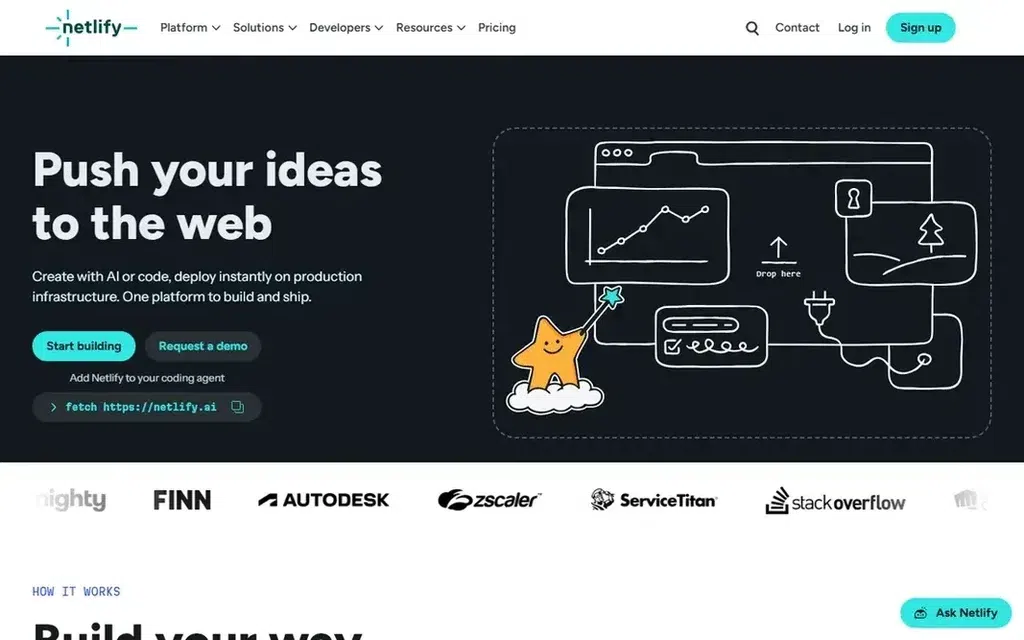
Choose Netlify for prompt-to-production app workflows. Since the product bundles plenty of capabilities, newcomers may need time to learn which features matter for their project.
From a buyer's view, developers who require raw server access or custom infrastructure should look at container or virtual machine choices instead. Price to start with Netlify: $9 per month. Free access exists with Netlify.
What to check first: Less control over underlying servers. What works well: share and run.
- Scales with the app
- Designed for build
- Wide feature set can overwhelm newcomers
Google Cloud Run serves Containerized apps in any language. It suits developers who already package work as containers and want the system to deal with scaling.
What to check first: Less turnkey for static sites.
In practice, teams with polyglot backends benefit most from this adaptability. Pricing for Google Cloud Run is not stated here, so ask the vendor for current figures. Trial and free access: Not stated.
- Runs containers in numerous languages
- Completely managed product
- Needs container knowledge
Microsoft Azure App Service
Best for: Managed PaaS for web apps and APIs
Microsoft Azure App Service makes the most sense for managed PaaS for web apps and APIs. Developers who want a narrow, frontend-only workflow may prefer a more straightforward product with fewer choices.
Also, Azure App Service is a completely managed system as a service for building, deploying and scaling AI-ready web apps and APIs globally. Worth adding: organizations already standardized on Microsoft tooling will find the environment familiar. Check the vendor site for Microsoft Azure App Service pricing; none is listed in this comparison. Free options: Not stated.
Trade-offs to know: Numerous choices to navigate.
- Build
- Deploy and scale globally
- Azure terminology takes learning
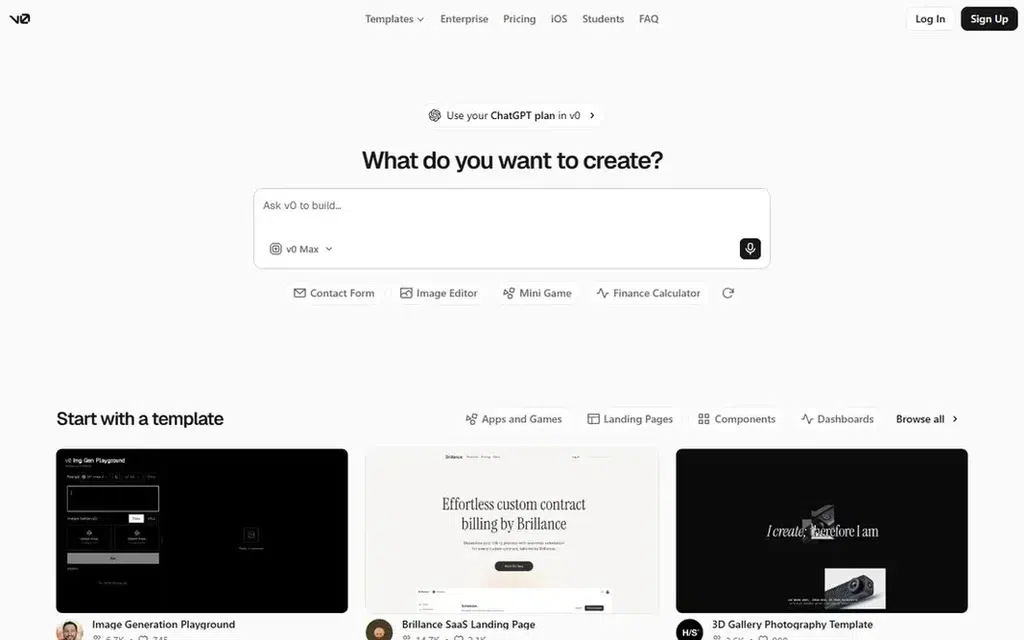
Pick Vercel if this describes you: Frontend frameworks and agent-ready deployments. If you want to run containers or low-level networking yourself, a container-first product or a general cloud provider is a better match.
In practice, the system leans toward its own conventions, so teams needing deep infrastructure control or unusual runtime requirements may find it constraining. For everyday use, developers building component-driven sites and apps get a workflow centered on shipping code rapidly instead of provisioning servers. The starting price for Vercel: $20 per month. You can start on Vercel without paying.
Where it falls short: Less suited to full infrastructure control.
- Solid frontend deployment focus
- Fits app and agent workloads
- Opinionated workflow to learn
What went into this list
A buyer's checklist
- Confirm the entry price on the vendor page. For Google Cloud Run and Microsoft Azure App Service that means a quote rather than a fixed price.
- Look at free plan limits closely: Cloudflare Pages, Netlify and Vercel have one, and the caps decide whether it is usable for real work.
- Before choosing Cloudflare Pages, weigh its main limit: Frontend-first orientation.
- Before rolling out Google Cloud Run, verify the integrations your workflow depends on.
- Check how data leaves Cloudflare Pages: formats, limits and whether exports are available on every plan.
FAQ
When should I choose a container product?
Google Cloud Run suits teams that already package applications as containers or work across multiple languages. Container products trade some turnkey simplicity for adaptability in how services are built and run.
How are the tools for cloud hosting for web developers ordered?
The order follows typical fit for cloud hosting for web developers, with Cloudflare Pages first and Vercel last, then price clarity and free access. It is editorial judgement, not a score, so another team could rank the tools differently.
Is Cloudflare Pages the right pick for everyone comparing cloud hosting for web developers?
No single tool suits every team. Cloudflare Pages comes first because it fits serverless full-stack frontend delivery, while Netlify suits prompt-to-production app workflows and Google Cloud Run suits Containerized apps in any language. Match the tool to your own size, budget and workflow before deciding.
What is the cheapest option for cloud hosting for web developers in this list?
On published monthly entry prices, Cloudflare Pages is the lowest here at $7 per month. Entry price is only part of the cost, because seats, add-ons and billing terms can change the total. Each of the 5 options in this cloud hosting for web developers guide has its own card above with the price, free plan and limits.
Can I try these tools before paying?
Often, yes. Cloudflare Pages, Netlify and Vercel have a free plan. Use your own data and a real task during the test, and check what the free tier or trial limits before you rely on it.
How should I compare these platforms fairly?
Start from your stack, deployment workflow and scaling needs, then check each vendor's documented limits. Testing a small project on two shortlisted systems reveals more than feature lists alone.
Sources
- https://pages.cloudflare.com
- https://www.netlify.com
- https://cloud.google.com/run
- https://azure.microsoft.com/en-us/products/app-service
- https://vercel.com