6 Best Cloud Hosting for Web Development for 2026, Vetted and Compared
Comparing the best cloud hosting for web development? 6 contenders, each with entry cost, free tier and best-fit buyer. Fit, price and catches for every tool.
- Editor's choice
 DigitalOcean App Platform
Straightforward code-to-production deployment
Starts atSee websiteVisit digitalocean.comFull review - Great alternative
 AWS Amplify
Full-stack web and mobile apps on AWS
Starts atSee websiteVisit aws.amazon.comFull review - Also consider
 Google Cloud Run
Containerized apps in any language
Starts atSee websiteVisit cloud.google.comFull review
Direct answer
If you need straightforward code-to-production deployment, DigitalOcean App Platform is the first tool to look at here. Listed starting prices: Vercel from $20 a month, Netlify from $9 per month and Cloudflare Pages from $7 a month. Alternatives: AWS Amplify for full-stack web and mobile apps on AWS, and Google Cloud Run for Containerized apps in any language. Prices, free plans and limits for all 6 tools follow.
TL;DR:
- The list opens with DigitalOcean App Platform, aimed at straightforward code-to-production deployment.
- Cloudflare Pages is the lowest-priced starter here at $7 per month.
- One limit worth knowing about AWS Amplify: can become complicated as services grow.
- Cloudflare Pages fits serverless full-stack frontend delivery.
Last checked November 2026. Prices and plan details were read from the vendors' own pages in November 2026; vendors change plans often, so confirm the current price on the vendor site before you buy.
Quick comparison
| Tool | Best for | Starts at | Free plan? | |
|---|---|---|---|---|
| DigitalOcean App Platform | Straightforward code-to-production deployment | See website | Not stated | Visit |
| AWS Amplify | Full-stack web and mobile apps on AWS | See website | Yes | Visit |
| Google Cloud Run | Containerized apps in any language | See website | Not stated | Visit |
 Vercel | Frontend and agentic app deployment | $20 a month | Yes | Visit |
 Netlify | Prompt-to-app and code-based projects | $9 per month | Yes | Visit |
 Cloudflare Pages | Serverless full-stack frontend delivery | $7 a month | Yes | Visit |
Every option for cloud hosting for web development explained
LinkVetted put together this guide to cloud hosting for web development for readers who want a clear shortlist without reading every vendor page. It compares 6 tools on starting price, free plans, who each one suits and where each one falls short.
DigitalOcean App Platform
Best for: Straightforward code-to-production deployment
For simple code-to-production deployment, DigitalOcean App Platform is a natural candidate. It suits developers and small teams who want a straightforward platform without broad cloud expertise, particularly those already familiar with DigitalOcean's developer-friendly approach.
Watch-outs: May lack some niche enterprise features.
DigitalOcean App Platform does not show a starting price in this comparison, so check the vendor site for current pricing. Free access: Not stated.
- Scale apps
- Build, deploy
- Less specialized for advanced AI workflows
AWS Amplify is aimed squarely at full-stack web and mobile apps on AWS. It fits teams that want to build full-stack applications and are comfortable operating within the broader AWS ecosystem, using managed services to accelerate development.
Drawbacks to consider: Tied to the AWS ecosystem.
This comparison lists no price for AWS Amplify; ask the vendor. AWS Amplify includes a free tier. Reasons to shortlist it: No cloud expertise needed.
- Simple to scale
- Simple to start
- Can become complicated as services grow
Google Cloud Run makes the most sense for Containerized apps in any language. Google Cloud Run lets you build and deploy scalable containerized apps written in any language, like Go, Python, Java, Node.js,.NET, and Ruby, on a completely managed product.
Google Cloud Run does not show a starting price in this comparison, so check the vendor site for current pricing. Free plan details: Not stated.
The main drawbacks: Less centred on frontend-only workflows.
- Deploy containerized apps in any language
- Supports Go, Python, Java, Node.js,.NET, Ruby
- Needs container knowledge
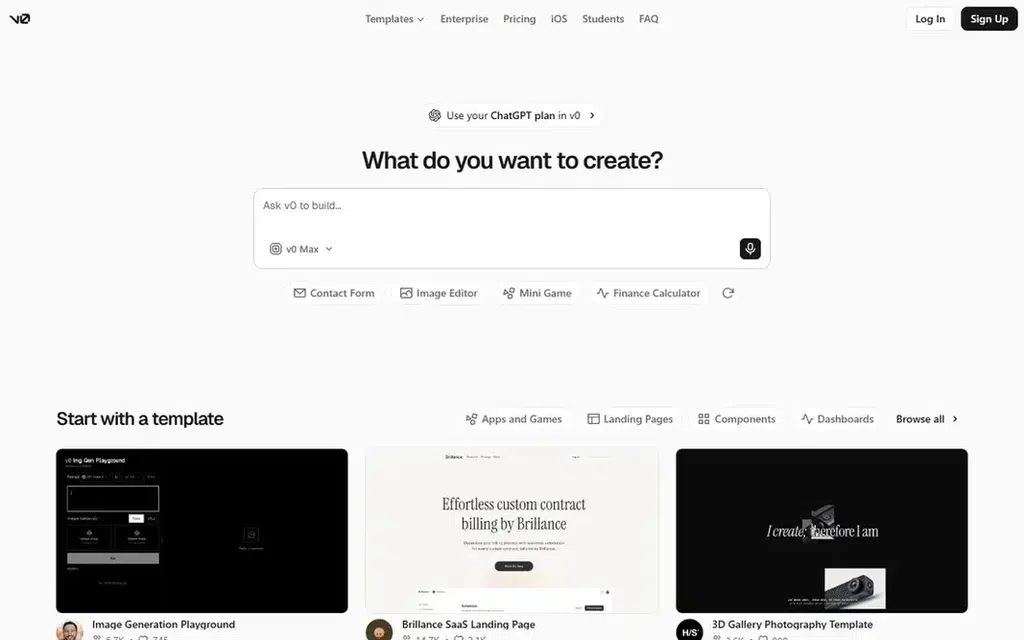
Vercel targets Frontend and agentic app deployment. Vercel describes itself as agentic infrastructure and the autonomous stack for every app and agent. It is made for teams building modern web frontends and AI-assisted applications who want a simplified path from code to deployment.
From a buyer's view, if your project is primarily a frontend or agent-driven app, Vercel is a solid candidate. Otherwise, consider a system with broader backend support. Vercel is less oriented toward traditional monolithic or container-heavy backends, so teams with complicated server architectures may need extra services. In practice, developers who work with component-based frameworks and want tight integration between build, preview, and production will find it a natural fit. Entry price for Vercel: $20 per month. Vercel has a free plan.
What works well: Straightforward deployment from code.
Points against: Best value for frontend-centric projects.
- Solid focus on modern frontend workflows
- Autonomous stack for apps and agents
- Less suited to traditional server-based apps
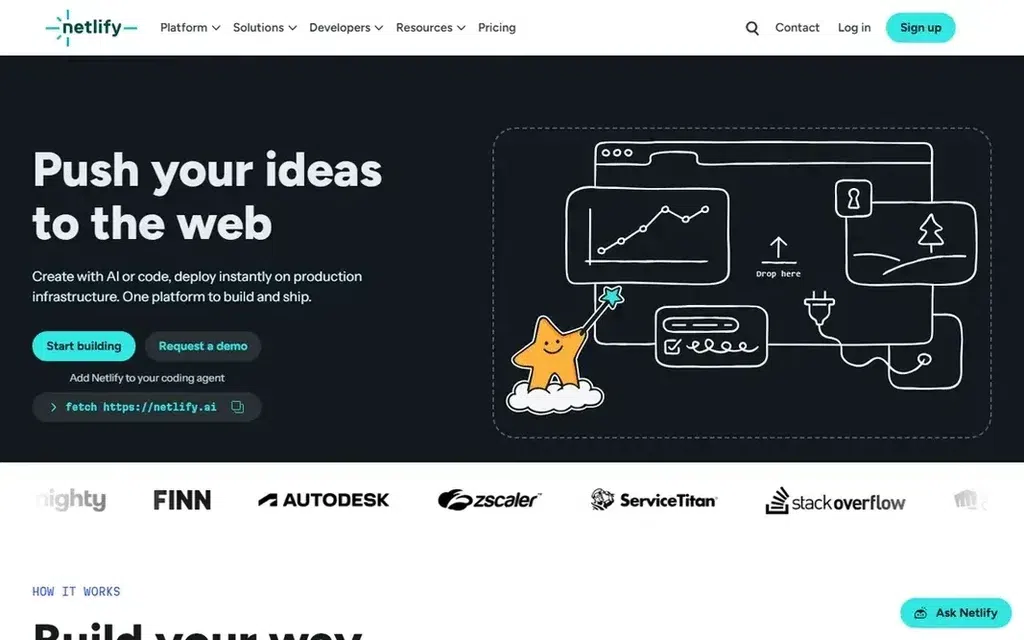
Netlify was built for prompt-to-app and code-based projects. Netlify presents itself as the place where apps come to life, letting you start with a prompt, an agent, or code and giving you what you have to produce, share, and run your app at any scale.
More specifically, choose it when speed of iteration and a smooth developer experience matter more than deep infrastructure customization. For highly specialized backend requirements or strict infrastructure control, Netlify may not include every need without extra services. The starting price for Netlify: $9 per month. You can start on Netlify without paying.
Best features of Netlify: run apps at any scale. Watch-outs: May need extras for complicated backends.
- Produce, share
- A decent match for rapid prototyping
- Feature depth varies by use case
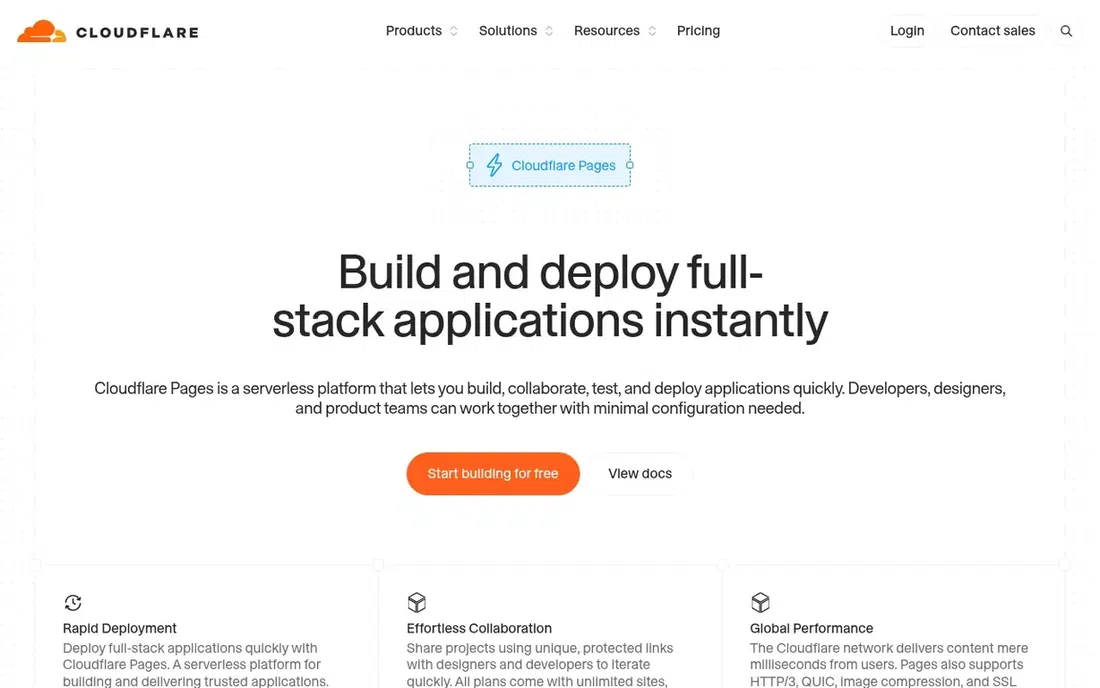
Think of Cloudflare Pages for serverless full-stack frontend delivery. It is positioned for frontend developers who want a serverless approach and quick delivery, making it a decent match for static sites, frontend frameworks, and serverless functions that complement the frontend.
Points against: May need other Cloudflare services for advanced needs.
Starting cost for Cloudflare Pages: $7 per month. You can start on Cloudflare Pages without paying.
- Fast build and deploy workflow
- Serverless full-stack product
- Concentrated on frontend and serverless patterns
How these tools were picked
The comparison looks at four things: starting price, free access, how well the feature set matches cloud hosting for web development, and the main limit of each tool. Where a price is missing, the vendor does not list one publicly or ties it to a quote. Always confirm before budgeting. Position on the page reflects fit for a typical buyer first, with price clarity and free access breaking ties. Treat it as a guide, not a ruling.
Things to verify first
- Get a written quote from DigitalOcean App Platform, AWS Amplify and Google Cloud Run; the list shows no starting price for them.
- Look at free plan limits closely: AWS Amplify, Vercel, Netlify and Cloudflare Pages have one, and the caps decide whether it is usable for real work.
- Before choosing DigitalOcean App Platform, weigh its main limit: less specialized for advanced AI workflows.
- Find out what support Google Cloud Run includes on your plan, and whether onboarding help costs extra.
- A short pilot of Cloudflare Pages with your real workflow tells you more than a feature table.
FAQ
Which options for cloud hosting for web development have a free plan?
On this list, AWS Amplify, Vercel, Netlify and Cloudflare Pages include a free plan. Caps on seats, usage or features are common, so test the free plan against your real workload.
Is DigitalOcean App Platform the right pick for everyone comparing cloud hosting for web development?
No single tool suits every team. DigitalOcean App Platform comes first because it fits simple code-to-production deployment, while AWS Amplify suits full-stack web and mobile apps on AWS and Google Cloud Run suits Containerized apps in any language. Match the tool to your own size, budget and workflow before deciding.
What is the cheapest option for cloud hosting for web development in this list?
On published monthly entry prices, Cloudflare Pages is the lowest here at $7 per month. Entry price is only part of the cost, because seats, add-ons and billing terms can change the total. All 6 picks in this cloud hosting for web development comparison list a starting price, free plan details and the main limits on their cards above.
Can I try these tools before paying?
Often, yes. AWS Amplify, Vercel, Netlify and Cloudflare Pages have a free plan. Use your own data and a real task during the test, and check what the free tier or trial limits before you rely on it.
Which option fits teams that want a fully managed PaaS?
Azure App Service is described as a completely managed PaaS option for building, deploying, and scaling web apps and APIs globally. AWS Amplify and DigitalOcean App Platform also emphasize managed, easy-to-start deployment. Compare their language support and ecosystem fit before deciding.
Which cloud hosting platform is a good match for frontend-heavy web development?
DigitalOcean App Platform comes first here and is built for straightforward code-to-production deployment. Buyers with other needs may prefer AWS Amplify (for full-stack web and mobile apps on AWS) or Google Cloud Run (for Containerized apps in any language). Compare costs and limits first.
Sources
- https://www.digitalocean.com/products/app-platform
- https://aws.amazon.com/amplify
- https://cloud.google.com/run
- https://vercel.com
- https://www.netlify.com
- https://pages.cloudflare.com