Best Cloud Hosting for Developers (2026): 6 Picks Checked on Vendor Pages
Best cloud hosting for developers: 6 contenders ranked by fit, with entry costs and free tiers. Caveats come with every verdict. Pick with confidence.
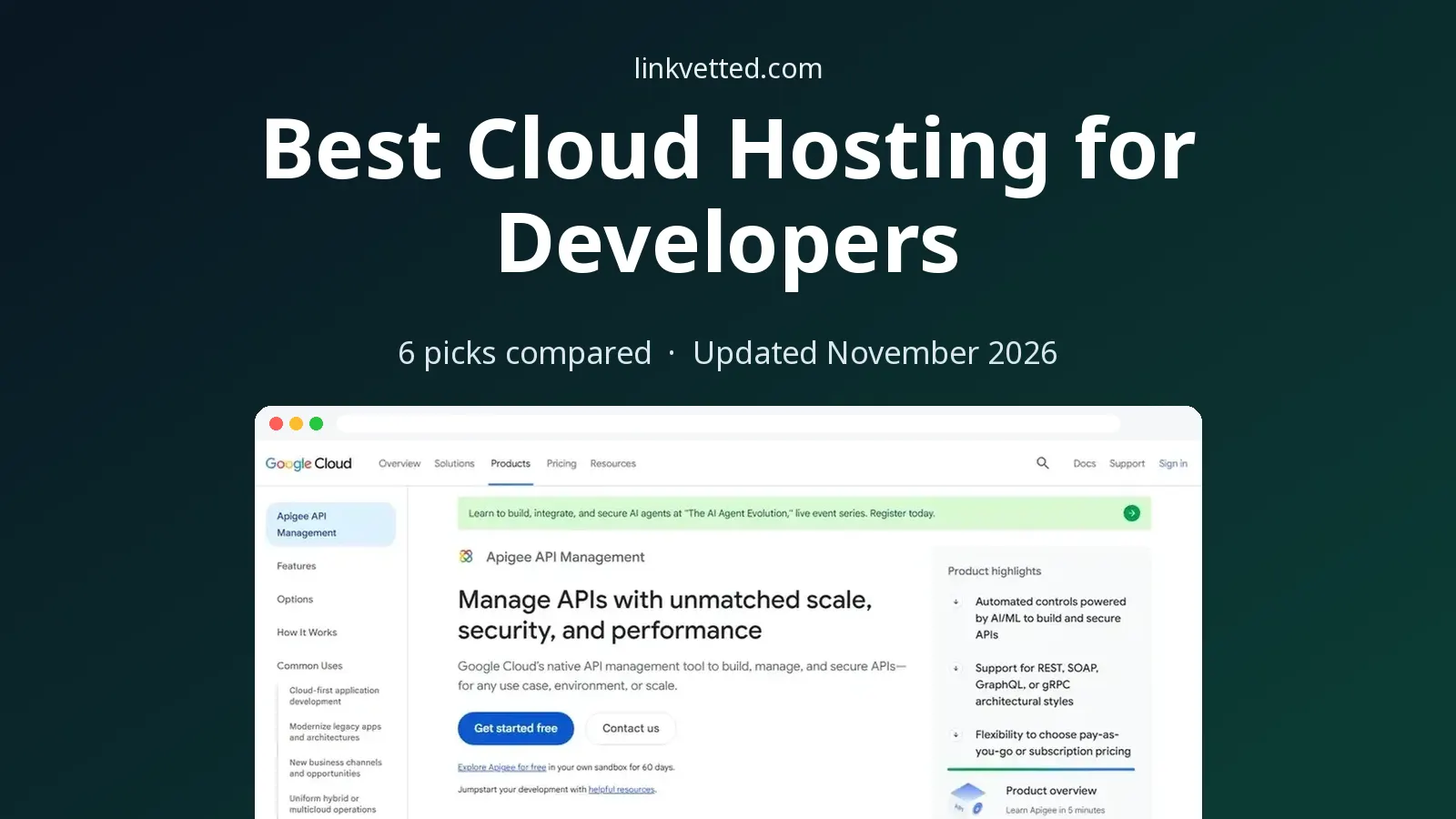
- Editor's choiceGoogle Cloud Platform
AI, security, and multi-cloud
Starts atSee websiteVisit cloud.google.comFull review - Great alternative
 Amazon Web Services
Wide, steady cloud at scale
Starts atSee websiteVisit aws.amazon.comFull review - Also consider
 Heroku
Completely managed app hosting
Starts at$5 per monthVisit heroku.comFull review
Direct answer
Google Cloud Platform comes first here, mainly for AI, security, and multi-cloud. Listed starting prices: Heroku from $5 per month, DigitalOcean from $4 a month and Render from $25 a month. If your case is different, Amazon Web Services suits wide, dependable cloud at scale and Heroku suits completely managed app hosting. All 6 tools are compared below on price, free plan and limits.
TL;DR:
- Number one here is Google Cloud Platform, a fit for AI, security, and multi-cloud.
- DigitalOcean is the lowest-priced starter here at $4 per month.
- One limit worth knowing about Google Cloud Platform: service naming can confuse beginners.
- Render fits intuitive cloud for modern web apps.
- 3 of 6 tools offer a free plan: Amazon Web Services, DigitalOcean, Render.
Last checked November 2026. Prices and plan details were read from the vendors' own pages in November 2026; vendors change plans often, so confirm the current price on the vendor site before you buy.
Quick comparison
| Tool | Best for | Starts at | Free plan? | |
|---|---|---|---|---|
| Google Cloud Platform | AI, security, and multi-cloud | See website | Not stated | Visit |
| Amazon Web Services | Wide, steady cloud at scale | See website | Yes | Visit |
| Heroku | Completely managed app hosting | $5 per month | No | Visit |
 DigitalOcean | Developer-friendly cloud with AI stack | $4 a month | Yes | Visit |
 Microsoft Azure | Open, adaptable enterprise cloud | See website | Free trial | Visit |
 Render | Easy-to-learn cloud for modern web apps | $25 a month | Yes | Visit |
Our 6 cloud hosting for developers
LinkVetted put together this guide to cloud hosting for developers for readers who want a clear shortlist without reading every vendor page. It compares 6 tools on starting price, free plans, who each one suits and where each one falls short.
Google Cloud Platform
Best for: AI, security, and multi-cloud
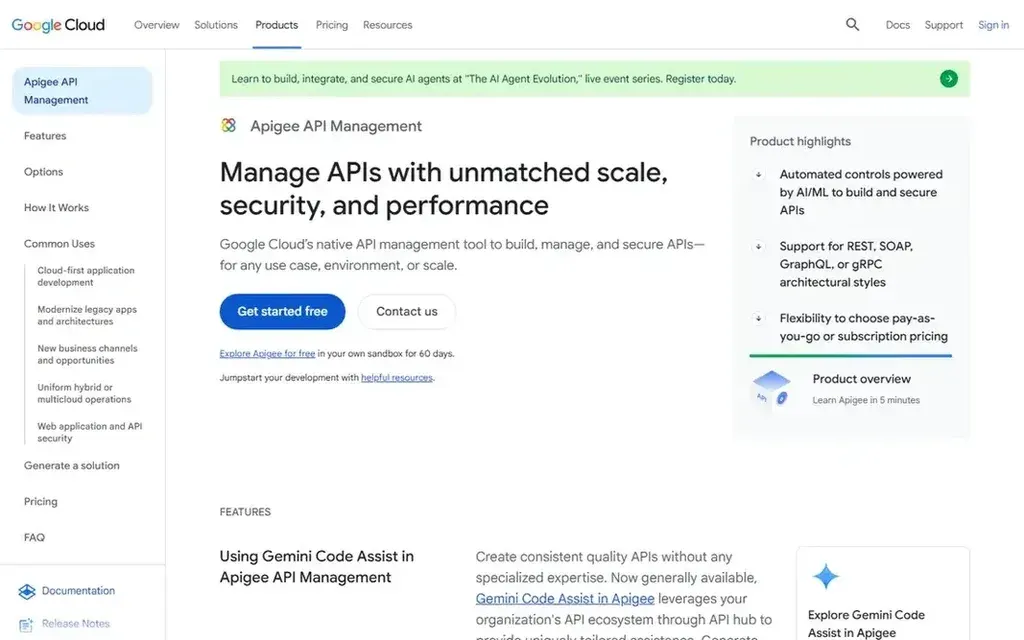
Google Cloud Platform makes the most sense for AI, security, and multi-cloud. Google Cloud Platform positions itself around AI and cloud computing services, including security, data management, and hybrid and multi-cloud capabilities.
The main drawbacks: Service naming can confuse beginners.
In practice, like other hyperscalers, Google Cloud has a wide catalog that can overwhelm new users and complicate cost tracking. For everyday use, choose Google Cloud when AI integration and multi-cloud strategy are central to your plans. Google Cloud Platform shows no starting price here, so confirm the cost on the vendor site. On free options: Not stated.
- Security and hybrid focus
- Multi-cloud management
- Cost optimization needs attention
Amazon Web Services works best for wide, dependable cloud at scale. AWS remains a solid choice when you need deep service coverage and are prepared to invest in architecture decisions.
Where it falls short: Complicated pricing and service sprawl.
The breadth of AWS can translate into a steep ramp-up time and complicated cost management. Amazon Web Services does not show a starting price in this comparison, so check the vendor site for current pricing. Amazon Web Services offers a free plan.
- Pay-as-you-go model
- Steady and scalable infrastructure
- Steep ramp-up time for newcomers
Think of Heroku for completely managed app hosting. Heroku is a cloud application system for developers, offering completely managed app hosting that just works. It lets teams build, deploy, and scale on a battle-tested product that defines the industry, based on its homepage.
Strengths: Straightforward scaling workflow.
Drawbacks to consider: Less infrastructure control. In daily use, the managed model means less control over underlying infrastructure and runtime details. Also, Heroku is a capable pick when speed of delivery and reduced operational overhead matter most. As for the details, if you need custom networking or specialized compute, a raw cloud provider may be better. Price to start with Heroku: $5 per month. Heroku has no free tier.
- Managed build and deploy
- Battle-tested system
- Opinionated runtime environment
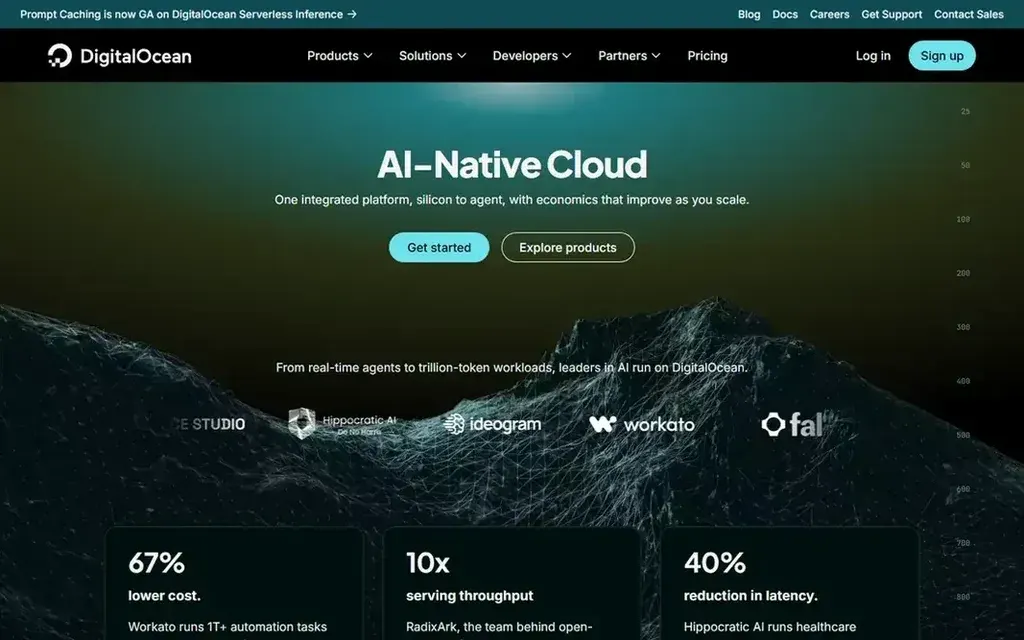
DigitalOcean is aimed squarely at developer-friendly cloud with AI stack. It targets developers who want control, performance, and economics at scale without navigating a sprawling service catalog. Also, the product fits teams building AI products in production or running general cloud applications that value a more straightforward operational model.
Honest limits: Fewer enterprise extras than hyperscalers.
Its focus on AI and core cloud may mean fewer specialized enterprise services compared to bigger providers. From a buyer's view, if you need deep compliance certifications or deeply integrated hybrid tooling, a hyperscaler might be a better fit. Starting cost for DigitalOcean: $4 per month. DigitalOcean offers a free plan.
- Unified stack for agents and inference
- Predictable performance focus
- AI features may need learning curve
Microsoft Azure serves open, adaptable enterprise cloud. Microsoft Azure describes itself as an open and adaptable cloud computing system for inventing with purpose, realizing cost savings, and improving organizational efficiency.
Honest limits: Plenty of services need careful configuration.
Worth adding: Azure is commonly chosen when integration with existing Microsoft tooling matters. As for the details, pick Azure when you need enterprise-grade adaptability and are ready to handle its configuration depth. Pricing for Microsoft Azure is not stated here, so ask the vendor for current figures. Free plan details: Free trial.
- Solid Microsoft ecosystem integration
- Enterprise cost and efficiency focus
- Portal complexity for straightforward projects
Think of Render for easy-to-learn cloud for modern web apps. Render describes itself as the cloud for builders, letting you deploy and scale any app or agent from your first user to your billionth. Developers needing deep infrastructure customization might look elsewhere.
In practice, Render fits modern web applications and teams that prefer simplicity over sprawling service menus. In daily use, pick Render when you want an easy-to-learn system that scales with your application without heavy operational burden. Render cost at the entry level: $25 per month. You can start on Render without paying.
Trade-offs to know: Advanced networking may need workarounds.
- Scales from first user
- Easy-to-learn infrastructure
- Smaller service catalog than hyperscalers
How we compared the tools
Questions to settle before buying
- Get a written quote from Google Cloud Platform, Amazon Web Services and Microsoft Azure; the list shows no starting price for them.
- Read the fine print on the free plans from Amazon Web Services, DigitalOcean and Render; seat, project and feature caps differ.
- Take the trial from Microsoft Azure and push a live task through it before you pay.
- Before choosing Google Cloud Platform, weigh its main limit: service naming can confuse beginners.
- Check how data leaves Google Cloud Platform: formats, limits and whether exports are available on every plan.
- Ask whether DigitalOcean integrates with your current software, and whether that comes standard or as an add-on.
FAQ
Which options for cloud hosting for developers have a free plan?
On this list, Amazon Web Services, DigitalOcean and Render include a free plan. Caps on seats, usage or features are common, so test the free plan against your real workload. One other tool offers a trial instead.
What is the cheapest option for cloud hosting for developers in this list?
On published monthly entry prices, DigitalOcean is the lowest here at $4 per month. Entry price is only part of the cost, because seats, add-ons and billing terms can change the total. Prices, free plan details and limits for all 6 tools in this cloud hosting for developers roundup sit on the individual cards above.
Is Google Cloud Platform the right pick for everyone comparing cloud hosting for developers?
No single tool suits every team. Google Cloud Platform comes first because it fits AI, security, and multi-cloud, while Amazon Web Services suits broad, reliable cloud at scale and Heroku suits fully managed app hosting. Match the tool to your own size, budget and workflow before deciding.
Which cloud hosting is a good match for AI-focused developers?
Google Cloud Platform is the pick this page puts first, mainly for AI, security, and multi-cloud. If your situation differs, Amazon Web Services suits wide, dependable cloud at scale, and Heroku suits completely managed app hosting. Compare price and limits before you decide.
Do these tools publish their prices?
Not all of them. Google Cloud Platform, Amazon Web Services and Microsoft Azure publish no starting price, so expect a quote request for those. The rest, Heroku included, show a starting price, though seats and billing terms still change the final cost.
Sources
- https://cloud.google.com
- https://aws.amazon.com
- https://www.heroku.com
- https://www.digitalocean.com
- https://azure.microsoft.com
- https://render.com