Best Church Website Builder Software for Startups (2026): 6 Picks Checked on Vendor Pages
Best church website builder software for startups in 2026: 6 tools with starting prices, free plans and limits. Each entry gets a plain verdict. Numbers first.
- Editor's choice
 Squarespace
Refined templates and design
Starts at$12 a monthVisit squarespace.comFull review - Great alternative
 Wix
Adaptable design on a budget
Starts atSee websiteVisit wix.comFull review - Also consider
 WordPress.com
Content adaptability and growth
Starts at$4 per monthVisit wordpress.comFull review
Direct answer
Start with Squarespace if you need refined templates and design. Listed starting prices: Squarespace from $12 a month, WordPress.com from $4 per month and Planning Center from $5 per month. If your case is different, Wix suits adaptable design on a budget and WordPress.com suits content adaptability and growth. All 6 tools are compared below on price, free plan and limits.
TL;DR:
- This list starts with Squarespace, which is built for refined templates and design.
- A free plan is available from 3 of the 6 tools: WordPress.com, Planning Center, Tithe.ly.
- WordPress.com has the lowest monthly starting price in this list: $4 per month.
- What to know about WordPress.com first: Church-specific features not native.
- For giving and engagement analytics, Pushpay is worth a look.
Last checked November 2026. Prices and plan details were read from the vendors' own pages in November 2026; vendors change plans often, so confirm the current price on the vendor site before you buy.
Quick comparison
| Tool | Best for | Starts at | Free plan? | |
|---|---|---|---|---|
| Squarespace | Refined templates and design | $12 a month | Free trial | Visit |
| Wix | Adaptable design on a budget | See website | Not stated | Visit |
| WordPress.com | Content adaptability and growth | $4 per month | Yes | Visit |
| Planning Center | Ministry and service organization | $5 per month | Yes | Visit |
| Tithe.ly | All-in-one giving and church management | $19 a month | Yes | Visit |
| Pushpay | Giving and engagement analytics | See website | Free trial | Visit |
The best church website builder software for startups
Choosing church website builder software for startups usually comes down to price, fit and limits. This LinkVetted guide sets 6 tools side by side on those three points, with the facts kept short and checkable.
Choose Squarespace for refined templates and design. Churches that want integrated church operations from the start should look at church-focused products.
In daily use, a startup church can achieve a refined look with design-forward templates and minimal technical effort. Starting cost for Squarespace: $12 per month. Free plan details: Free trial.
Limits to weigh: Needs separate giving setup.
- Domain name choices
- AI website builder tools
- Church-specific features not included
For adaptable design on a budget, Wix is a natural candidate. Wix gives you a product for building a website with hosting, business tools, domains, and marketing built in.
On top of that, a startup church can design a custom site without technical setup and add features as needs grow. More specifically, Wix is a general website builder, so church-specific tools like giving and member management are not native and must be added separately. Check the vendor site for Wix pricing; none is listed in this comparison. Free plan details: Not stated.
Honest limits: Church-specific features not built in.
- Drag-and-drop website building
- Business and marketing tools included
- Needs setup for giving and management
WordPress.com was built for content adaptability and growth. WordPress.com gives you built-in hosting, premium themes, and feature-rich tools for creating a website without technical setup.
Drawbacks to consider: May need plugins or extras.
More specifically, WordPress.com is a general publishing system, so church-specific features like giving and event management are not included by default. A startup church can publish content, run pages, and expand over time with an adaptable foundation. WordPress.com cost at the entry level: $4 per month. A free plan is available with WordPress.com.
- Premium themes available
- Built-in hosting
- Church-specific features not native
Planning Center
Best for: Ministry and service organization
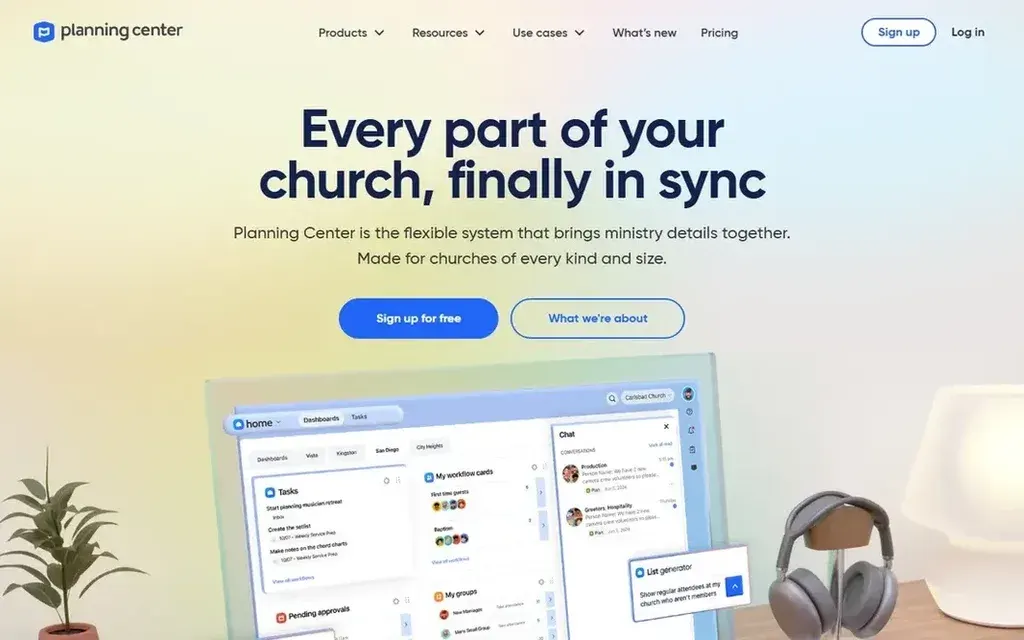
Think of Planning Center for ministry and service organization. Planning Center concentrates on organizing ministries, coordinating events, planning services, and communicating with teams and congregations.
Also, a startup church can use it to bring structure to weekly operations whereas connecting people through integrated church management. The system is centered on church management instead of website creation, so startups needing a full site builder may have to pair it with another tool. What you pay to start with Planning Center: $5 per month. Planning Center offers a free plan.
What to check first: May need extras for full web presence.
- Organizes ministries and events
- Coordinates service planning
- Website building not the primary focus
Tithe.ly
Best for: All-in-one giving and church management
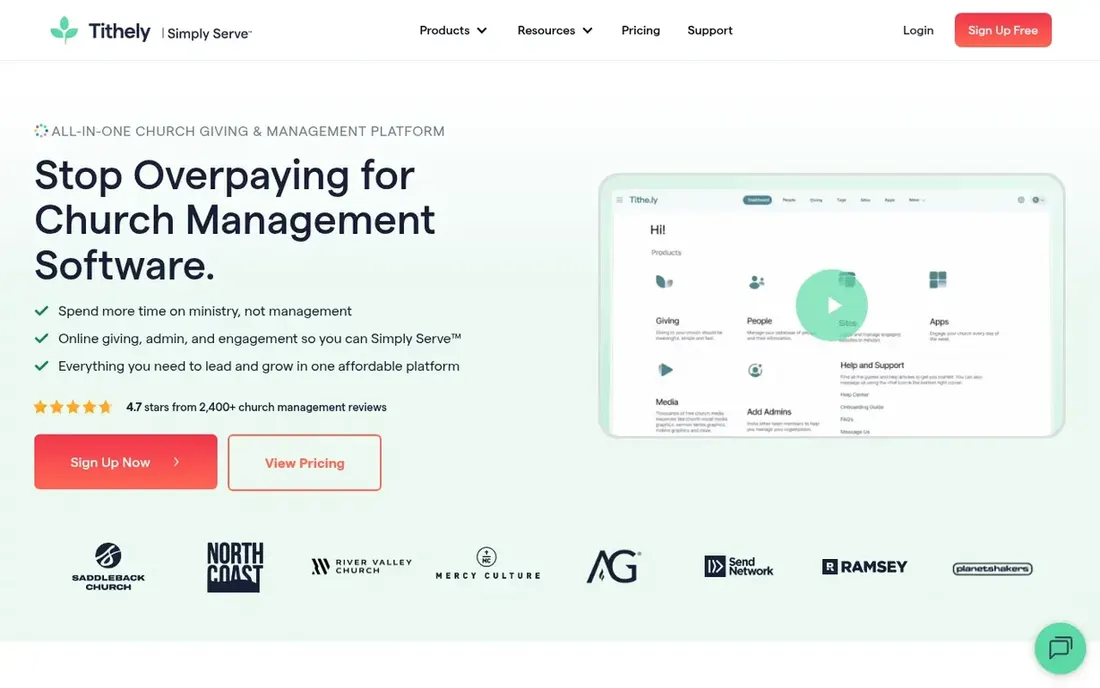
Pick Tithe.ly if this describes you: all-in-one giving and church management. For a startup church, that means a website can link straight to donation and member management instead of requiring separate services.
It suits congregations that want giving and administration handled alongside their web presence from the beginning. Price to start with Tithe.ly: $19 per month. Tithe.ly has a free plan.
Where it is weaker: May be more than a straightforward site needs.
- Engagement tools for congregations
- Online giving built in
- Website features tied to broader product
Pushpay
Best for: Giving and engagement analytics
Where Pushpay fits: giving and engagement analytics. Pushpay describes itself as a church engagement system for giving, custom apps, analytics, and live streaming. Churches that want a single product for website design and content management should consider a general builder.
Where it is weaker: May suit bigger engagement goals.
A startup church concentrated on digital giving and engagement can use it to support those priorities. Website creation is not the central offering. In practice, Pushpay is oriented toward engagement and giving instead of being a dedicated website builder, so startups needing a full site may need an extra tool. Pricing for Pushpay is not stated here, so ask the vendor for current figures. On free options: Free trial.
- Giving system focus
- Custom apps offered
- Website building not the central emphasis
How we built this list
LinkVetted looked at what each vendor publishes: pricing, plan limits, feature coverage for church website builder software for startups and stated drawbacks. No hands-on testing is claimed. Where a vendor does not publish a price, the entry says quote. Where a price depends on seats or billing term, the entry says so. The ranking is editorial: typical fit first, then clear pricing, then free access. If your needs are unusual, read the profiles rather than relying on position.
What to confirm before you sign up
- Confirm the entry price on the vendor page. For Wix and Pushpay that means a quote rather than a fixed price.
- Check what the free option really includes: WordPress.com, Planning Center and Tithe.ly offer a free plan, and usage caps differ.
- Run a trial of Squarespace and Pushpay with real work before paying for a year; your own workflow is the best test.
- Before choosing Squarespace, weigh its main limit: Church-specific features not included.
- Add up seats, add-ons and usage charges for Planning Center before comparing it with cheaper entries.
- A short pilot of WordPress.com with your real workflow tells you more than a feature table.
FAQ
What should a startup church look for in a website builder?
A startup church should consider whether the builder contains giving tools, member management, and room to grow. Also, Church-focused products commonly bundle these features, whereas general builders may need separate services.
Is Squarespace the right pick for everyone comparing church website builder software for startups?
No single tool suits every team. Squarespace comes first because it fits polished templates and design, while Wix suits flexible design on a budget and WordPress.com suits content flexibility and growth. Match the tool to your own size, budget and workflow before deciding.
Can I try these tools before paying?
Often, yes. WordPress.com, Planning Center and Tithe.ly have a free plan and Squarespace and Pushpay offer a free trial. Use your own data and a real task during the test, and check what the free tier or trial limits before you rely on it.
How are the tools for church website builder software for startups ordered?
The order follows typical fit for church website builder software for startups, with Squarespace first and Pushpay last, then price clarity and free access. It is editorial judgement, not a score, so another team could rank the tools differently.
Do these tools publish their prices?
Not all of them. Wix and Pushpay publish no starting price, so expect a quote request for those. The rest, Squarespace included, show a starting price, though seats and billing terms still change the final cost.
Sources
- https://www.squarespace.com
- https://www.wix.com
- https://wordpress.com
- https://www.planningcenter.com
- https://get.tithe.ly
- https://pushpay.com