Top 6 AI Church Website Builder Software for 2026 (Prices and Free Plans)
6 tools for the best AI church website builder software, compared on pricing, free plans and best-fit use. Honest caveats for every entry. Facts only.
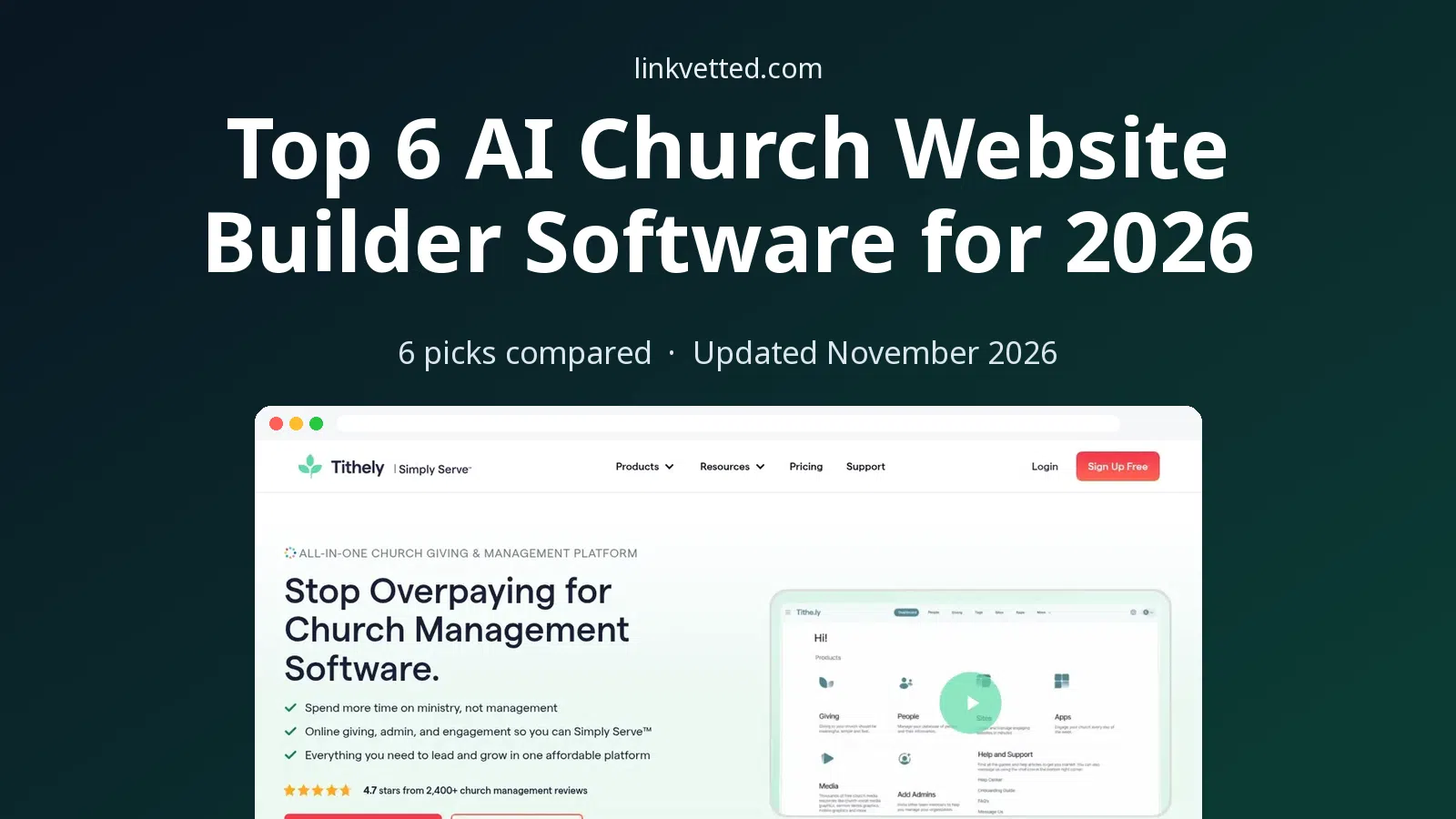
- Editor's choiceTithe.ly
Giving and engagement in one system
Starts at$19 a monthVisit get.tithe.lyFull review - Great alternativeSubsplash
Mobile apps plus websites and giving
Starts atSee websiteVisit subsplash.comFull review - Also considerPushpay
Giving, custom apps and live streaming
Starts atSee websiteVisit pushpay.comFull review
Direct answer
If you need giving and engagement in one system, Tithe.ly is the first tool to look at here. Listed starting prices: Tithe.ly from $19 a month, Planning Center from $5 per month and Squarespace from $12 a month. If your case is different, Subsplash suits mobile apps plus websites and giving and Pushpay suits giving, custom apps and live streaming. The full list of 6 tools follows, with prices and free plan facts.
TL;DR:
- Top of the list is Tithe.ly, which targets giving and engagement in one product.
- For template-driven design with AI builder tools, Squarespace is worth a look.
- Planning Center is the lowest-priced starter here at $5 per month.
- One limit worth knowing about Pushpay: website building is not the central focus.
- Free plans exist at 3 of 6 tools (Tithe.ly, Subsplash, Planning Center).
Last checked November 2026. Prices and plan details were read from the vendors' own pages in November 2026; vendors change plans often, so confirm the current price on the vendor site before you buy.
Quick comparison
| Tool | Best for | Starts at | Free plan? | |
|---|---|---|---|---|
| Tithe.ly | Giving and engagement in one system | $19 a month | Yes | Visit |
| Subsplash | Mobile apps plus websites and giving | See website | Yes | Visit |
| Pushpay | Giving, custom apps and live streaming | See website | Free trial | Visit |
 Wix | AI-assisted site building with hosting included | See website | Not stated | Visit |
| Planning Center | Organizing ministries and service planning | $5 per month | Yes | Visit |
 Squarespace | Template-driven design with AI builder tools | $12 a month | Free trial | Visit |
The best AI church website builder software
Short on time? The summary and table above give the quick view of 6 tools for AI church website builder software, and the profiles that follow give the detail behind each entry.
Tithe.ly
Best for: Giving and engagement in one system
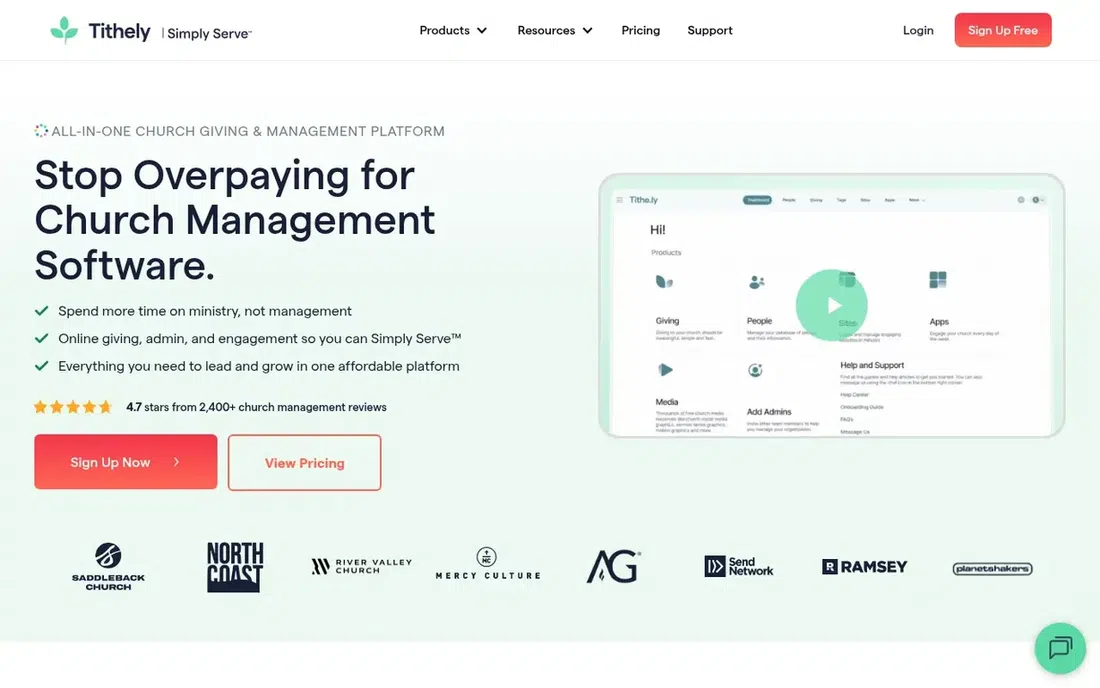
Tithe.ly targets giving and engagement in one product. That combination makes it a practical choice for congregations that want donations, member records and communication handled together instead of pieced together from separate services. Its website capabilities are secondary to giving and management, so design-focused churches may find general builders more adaptable.
The main drawbacks: Best value when using its giving tools.
Tithe.ly is the more solid pick when integrated giving and engagement matter most. From a buyer's view, teams wanting advanced creative control over layout and branding should weigh alternatives. On cost, Tithe.ly starts like this: $19 per month. Tithe.ly offers a free plan.
- Engagement features for congregations
- Church management tools
- Website design less adaptable than general builders
Subsplash
Best for: Mobile apps plus websites and giving
Subsplash is designed for mobile apps plus websites and giving. In daily use, Subsplash describes a system that equips churches with mobile apps, church management software, websites and online giving to engage and grow audiences.
Where it is weaker: Less emphasis on open design adaptability.
The all-in-one structure may exceed what a small congregation needs, and design adaptability is narrower than open website builders. In practice, churches wanting only a straightforward informational site could start elsewhere. Pricing for Subsplash is not stated here, so ask the vendor for current figures. Subsplash offers a free plan.
- Church management included
- Mobile app choices for churches
- Bundled product can be more than small churches need
Pushpay
Best for: Giving, custom apps and live streaming
Pushpay was built for giving, custom apps and live streaming. Pushpay is not primarily a website builder, so a church site may still need a separate tool.
Congregations seeking design-led site creation should compare general builders first. Pricing for Pushpay is not stated here, so ask the vendor for current figures. Free options: Free trial.
Watch-outs: Website building is not the primary focus.
- Analytics and live streaming features
- Giving and engagement tools
- Oriented toward engagement instead of design

Wix is a good fit for AI-assisted site building with hosting included. Choose Wix when design adaptability and AI building assistance matter more than bundled church administration. Because Wix is not church-specific, giving, member management and service planning need separate services or integrations.
Limits to weigh: Church-specific tools are restricted.
Wix is a general website system that pairs site building with hosting, business tools, domains and marketing in one place. Its AI-assisted setup helps churches without a designer get a site started rapidly. The built-in hosting and domain choices keep the stack straightforward. Pricing for Wix is not stated here, so ask the vendor for current figures. As for free access: Not stated.
- AI website builder tools
- Wide template range
- Feature depth can overwhelm beginners
Planning Center
Best for: Organizing ministries and service planning
Think of Planning Center for organizing ministries and service planning. Planning Center is church management software built around organizing ministries, coordinating events, planning services and communicating with teams. From a buyer's view, smaller churches may find the breadth of modules more than they need.
Worth adding: website building is not the core of Planning Center, so a separate site tool is normally needed for the public-facing pages. Churches with busy volunteer schedules and several services commonly depend on it to keep everyone aligned. Starting cost for Planning Center: $5 per month. You can start on Planning Center without paying.
Downsides: Numerous separate modules to learn.
- Ministry and event coordination
- Congregation connection features
- Website building is not its focus
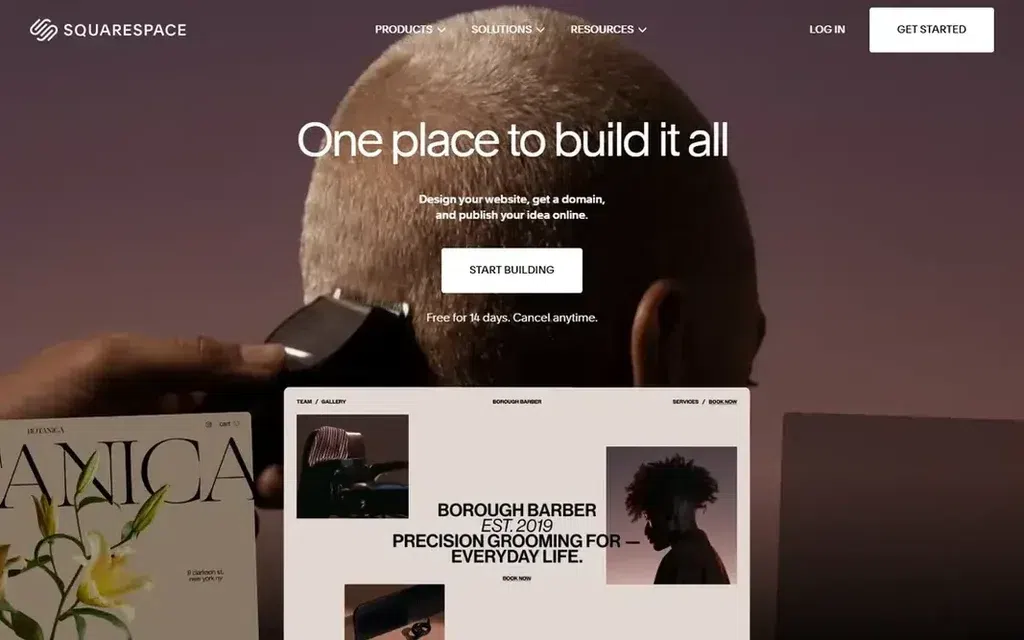
Squarespace is aimed squarely at template-driven design with AI builder tools. Congregations needing those features in one place should look at church-specific products.
What to check first: Giving and management need add-ons.
Beyond that, pick Squarespace when visual design and template adaptability are the central priorities. Squarespace is a website builder centered on configurable templates and AI website builder tools, with domain name setup as part of the process. Starting cost for Squarespace: $12 per month. On free options: Free trial.
- Configurable website templates
- Domain name setup included
- Less church-specific functionality
What went into this list
LinkVetted used vendor pricing pages and product documentation as the base, then compared plans, free access and documented limits for 6 tools. Where a vendor does not publish a price, the entry says quote. Where a price depends on seats or billing term, the entry says so. Tools are placed by general fit for AI church website builder software, with price clarity and free access as tie-breakers. A different team can reasonably rank them differently.
What to confirm before you sign up
- Get a written quote from Subsplash, Pushpay and Wix; the list shows no starting price for them.
- Look at free plan limits closely: Tithe.ly, Subsplash and Planning Center have one, and the caps decide whether it is usable for real work.
- Use real work to test the free trial from Pushpay and Squarespace, rather than a demo project.
- Read the limits listed for Tithe.ly first: website design less adaptable than general builders.
- Before rolling out Pushpay, verify the integrations your workflow depends on.
- Before you load data into Wix, check what an export looks like and who can run it.
FAQ
Can church management software also build a website?
Several systems list websites among their features, whereas others concentrate on operations. In daily use, confirm website capabilities on the vendor site before committing.
Can I try these options before paying?
Often, yes. Tithe.ly, Subsplash and Planning Center have a free plan and Pushpay and Squarespace offer a free trial. Use your own data and a real task during the test, and check what the free tier or trial limits before you rely on it.
Do church website builders bundle AI tools?
Some general builders, including Wix and Squarespace, describe AI website builder tools on their homepages. Church-specific products tend to focus on giving and management instead. Check each vendor page for current AI features.
Should a church use a general builder or church-specific software?
General builders offer more design adaptability and AI assistance for the public site. Church-specific systems bundle giving, member management and planning. Plenty of congregations combine one of each instead of choosing only one.
What is the cheapest option for AI church website builder software in this list?
On published monthly entry prices, Planning Center is the lowest here at $5 per month. Entry price is only part of the cost, because seats, add-ons and billing terms can change the total. All 6 picks in this AI Church website builder software comparison list a starting price, free plan details and the main limits on their cards above.
Which options for AI church website builder software have a free plan?
Tithe.ly, Subsplash and Planning Center offer a free plan in this list. Free plans usually cap users, projects or features, so check the limits on the vendor page. Several others offer a trial instead.
Sources
- https://get.tithe.ly
- https://www.subsplash.com
- https://pushpay.com
- https://www.wix.com
- https://www.planningcenter.com
- https://www.squarespace.com