Best Website Builder Software in 2026: 10 Builders Compared
Find the best website builder software in 2026, comparing prices, free plans, templates, ecommerce tools and limits for small business for most readers today.
- Editor's choice
 Squarespace
Polished small business sites
Starts at$16 per monthVisit squarespace.comFull review - Great alternative
 Wix
Flexible all rounder
Starts at$17 per monthVisit wix.comFull review - Also consider
 WordPress.com
Blogging and flexibility
Starts at$4 per monthVisit wordpress.comFull review
TL;DR:
- Squarespace is our pick for most small businesses, with polished templates and booking, scheduling and selling tools in one price.
- Wix is the most flexible all rounder, with a large app market and an AI tool that builds a first draft quickly.
- WordPress.com is best for blogging and long term flexibility, with a free plan and a huge plugin ecosystem on higher plans.
- Shopify is the clear pick for a serious online store, while other builders suit a store as a secondary feature.
Quick comparison
| Tool | Best for | Starts at | Free plan? | |
|---|---|---|---|---|
| Squarespace | Polished small business sites | $16 per month | Free trial | Visit |
| Wix | Flexible all rounder | $17 per month | Yes | Visit |
| WordPress.com | Blogging and flexibility | $4 per month | Yes | Visit |
 Shopify | Serious online stores | $29 per month | Free trial | Visit |
 Webflow | Design led marketing sites | $14 per month | Yes | Visit |
 Weebly | Simple small sites | See website | Yes | Visit |
 GoDaddy | Fast setup with a domain | $9.99 per month | Yes | Visit |
 Hostinger | Lowest cost hosting bundle | $2.99 per month | Free trial | Visit |
 Framer | Modern portfolios and startups | $5 per month | Yes | Visit |
 Duda | Agencies and client sites | $19 per month | Free trial | Visit |
The best website builder software
A website builder should let you publish a fast, mobile friendly site without learning to code, and it should still let you grow. We compared official pricing pages, feature lists and public reviews, focusing on templates, editor ease, blogging, ecommerce, search tools, pricing clarity and support. Prices below are entry paid plans, usually billed yearly, and they can vary by region and offer, so check the live pricing page before you buy.
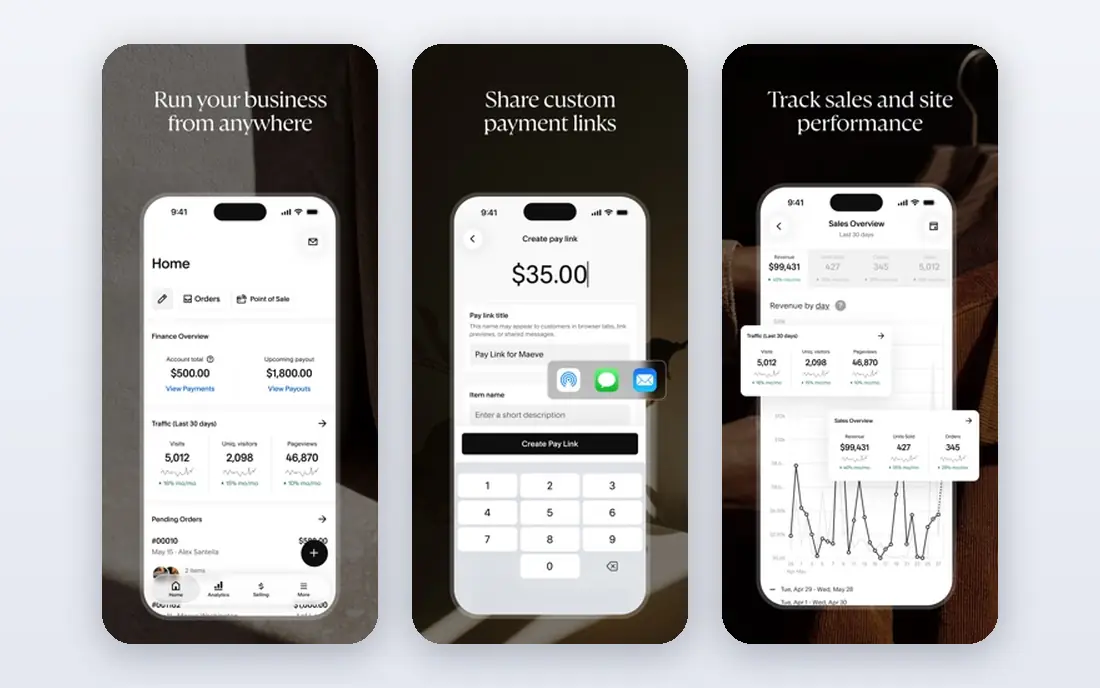
Squarespace is our pick for most small businesses because its templates are consistently polished, and it is hard to publish an ugly site. Hosting, SSL, analytics and basic search tools are included, and service businesses get scheduling, booking and client tools without adding many plugins. Portfolios, restaurants, salons and consultants all fit well here.
The main limits are freedom and price. There is no free plan, only a 14 day trial, and design control is more limited than Webflow. A store with a very large catalogue or complex shipping rules will also be better on Shopify. For a business that wants a professional site quickly, with little fuss, Squarespace is hard to beat.
- Excellent templates
- Booking, scheduling and selling tools included
- Hosting and security in one price
- No free plan, only a trial
- Less design freedom than Webflow
- Large stores suit Shopify better
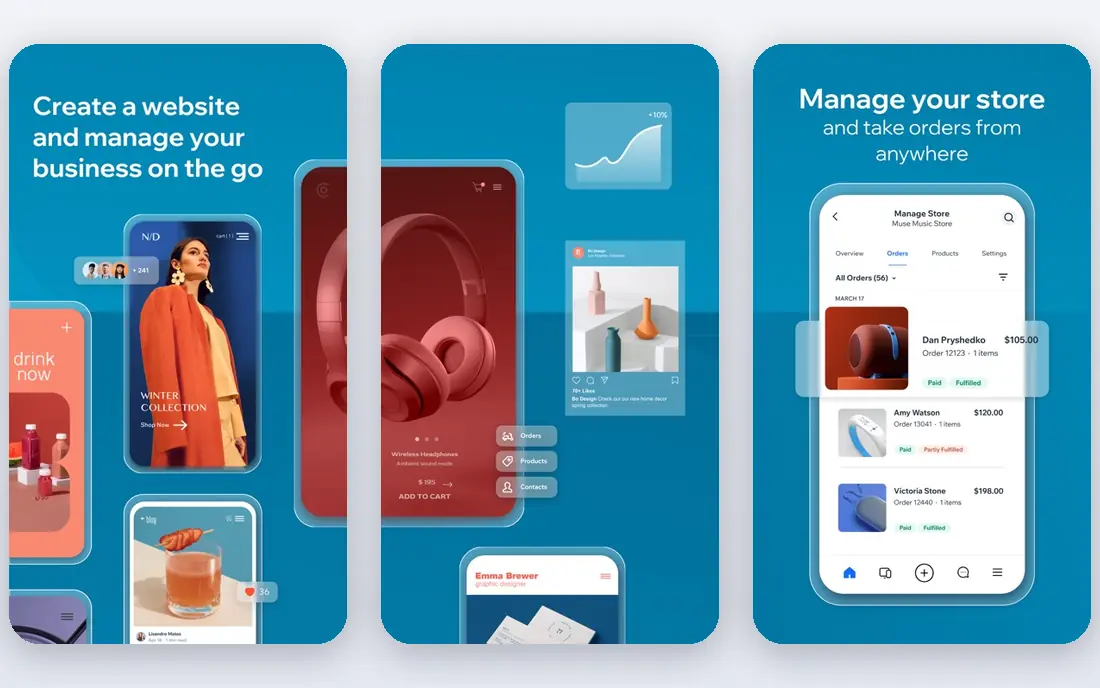
Wix gives you more freedom than Squarespace, with a drag and drop editor that lets you place elements almost anywhere, plus a large app market for bookings, forms, chat, stores and more. Its AI generator can build a first draft from a few answers, which helps a beginner who stares at a blank page. Paid plans start at $17 per month in the sources we checked, with a free plan that shows Wix branding.
Freedom has a cost. It is easy to build a cluttered page, and you cannot switch templates after publishing without rebuilding the site, so choose carefully at the start. Wix also charges for many premium apps, which can raise the total cost. For a user who wants control, many features and a free starting point, Wix is the most flexible all rounder.
- Very flexible drag and drop editor
- Large app market
- AI site generator for a first draft
- Cannot change template after publishing without rebuilding
- Easy to overcomplicate a site
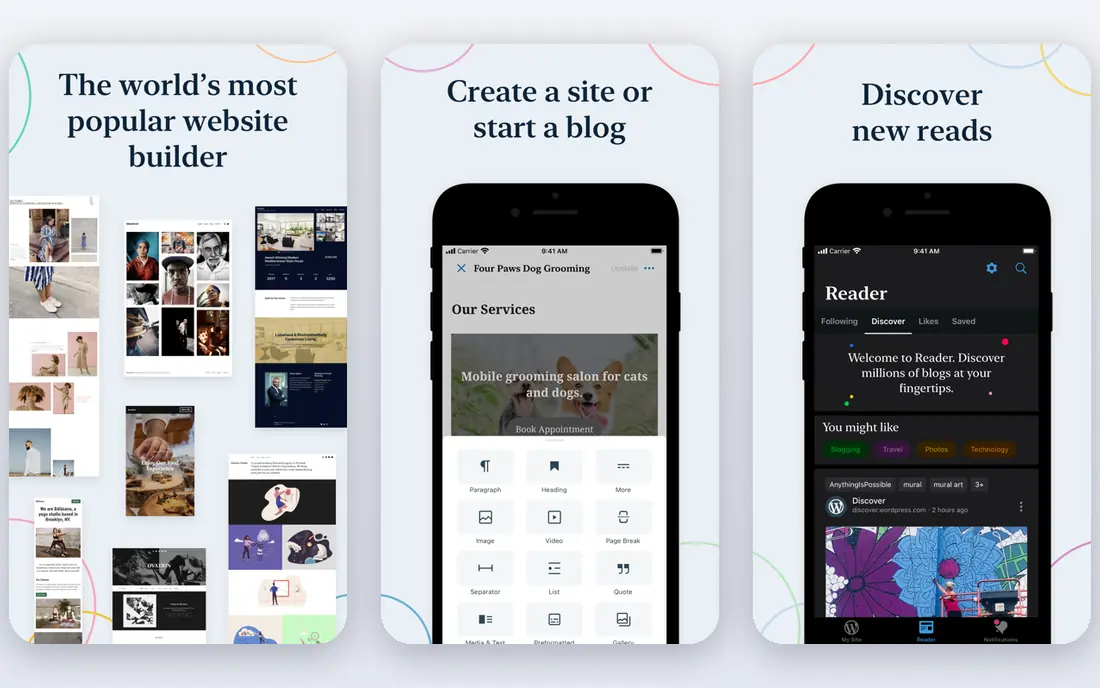
WordPress.com is the hosted version of WordPress, and it is the best builder for blogging and content led sites. The editor, categories, tags, scheduling and search tools are mature, and the free plan lets you start with a WordPress.com address and ads. Paid plans start at $4 per month for a Personal plan in the sources we checked, with higher plans adding plugins, themes and ecommerce.
The catch is that the most powerful WordPress features, such as installing any plugin, sit on Business and Commerce plans, which cost more. Beginners may also find the dashboard busier than Squarespace or Wix. If you plan to publish often, grow a content library and keep control of your site long term, WordPress.com is a strong, flexible choice.
- Strong blogging tools
- Free plan available
- Huge plugin and theme options on higher plans
- Plugins and full customisation need higher plans
- Interface can feel complex for beginners
Shopify is not just a website builder with a store added on. It is a full ecommerce platform, with product management, inventory, discounts, shipping, taxes, payments and a large app store for marketing, fulfilment and accounting. For a business whose main goal is selling online, that depth matters, and it scales from a first product to a large catalogue.
Shopify is overkill for a brochure site, and the Basic plan at $29 per month in the sources we checked is only the start if you add paid apps and themes. Non store pages, such as a blog or a portfolio, are serviceable but not as polished as Squarespace out of the box. If selling is your main business, choose Shopify first and build content pages around the store.
- Best ecommerce tools in this list
- Large app store
- Strong payments, shipping and inventory features
- Overkill for a simple brochure site
- Monthly cost plus apps can add up
- Design needs work for non store pages
Webflow gives designers and marketing teams control that other builders do not. You can build custom layouts, interactions and animations visually, manage a CMS for blog posts and case studies, and publish clean code. Site plans start at $14 per month in the sources we checked, with a free Starter plan for building on a Webflow address.
That power comes with a learning curve. Beginners who just want a simple site will find Squarespace or Wix faster, and Webflow pricing, with separate site plans, workspace plans and ecommerce plans, needs careful reading. For a design led startup, agency or marketing team that wants a distinctive site and is willing to learn the tool, Webflow is the best choice in this list.
- Near total design control
- Clean code output
- Strong CMS for blogs and marketing pages
- Steep learning curve
- Pricing structure can confuse beginners
- Ecommerce is separate
Weebly, now part of Square, is one of the simplest builders here. Its drag and drop editor is easy to learn, the free plan lets you publish a basic site, and small businesses can add a Square Online store for selling. For a first site, a club page or a simple local business page, Weebly gets the job done with little learning time.
Weebly has fewer modern templates and fewer advanced features than Wix, Squarespace or Webflow, and its development pace has been slower in recent years. Users who expect frequent new features or a large app market may be disappointed. If simplicity and a low cost start matter more than cutting edge design, Weebly is still a reasonable, low stress pick.
- Simple drag and drop editor
- Free plan available
- Easy for a first site
- Fewer templates and features than Wix or Squarespace
- Development has slowed compared with rivals
GoDaddy Website Builder suits a business owner who wants to get online today, with a domain, email and a site from one provider. Its AI tools can draft text and suggest images, and paid plans start at $9.99 per month in the sources we checked. For a tradesperson, a local service or a side business, that speed and single account convenience are real benefits.
Design quality is less distinctive than Squarespace, and blogging and ecommerce tools are basic next to WordPress.com and Shopify. GoDaddy is best for a simple, fast site, not for a content heavy blog or a large store. If you already buy a domain from GoDaddy, building the site there keeps billing and support in one place.
- Very fast setup
- Domain, email and site in one account
- AI tools for content and images
- Templates are less distinctive
- Ecommerce and blogging are basic compared with specialists
Hostinger Website Builder, bundled with Hostinger hosting, is the cheapest route to a hosted site in this list, with introductory plans at $2.99 per month in the sources we checked. That price usually requires a multi year commitment, and renewal prices are higher, so read the full term cost, not just the headline monthly figure. The builder includes AI generation, templates, ecommerce on higher plans and hosting in one bill.
Feature depth trails Squarespace and Shopify, and support quality can vary. Hostinger is best for a budget conscious user who is comfortable with a longer commitment and who wants hosting plus a builder for one low price. For a business site that must look premium from day one, Squarespace is worth the extra cost.
- Very low introductory price
- Hosting and builder in one plan
- AI site generator
- Lowest price needs a long term commitment
- Renewal prices are higher
- Fewer premium features
Framer started as a design tool and has grown into a website builder that suits startups, designers and portfolios. Its templates look modern, pages load fast, and animation tools let you build a site that feels current without code. Paid plans start at $5 per month in the sources we checked, with a free plan for a basic site on a Framer address.
Framer is less suited to a large online store or a complex blog, where Shopify and WordPress.com are stronger, and its app ecosystem is smaller than Wix. For a landing page, a portfolio, a startup site or a personal brand page, Framer offers a fresh look and a fast result. Designers in particular will feel at home with its layout tools.
- Modern, fast templates
- Good animation and design tools
- Free plan for a basic site
- Less suited to large stores or complex blogs
- Smaller app ecosystem than Wix or Shopify
Duda is built for agencies, freelancers and teams that build sites for clients. It offers client management, team roles, white label branding, content collection tools and templates designed for local businesses, which save an agency hours per project. Plans start at $19 per month in the sources we checked, with a trial for testing.
A single business owner who only needs one site may find Duda's agency features unnecessary, and its price higher than Hostinger or GoDaddy for that use. Its store tools are solid but do not match Shopify for a large catalogue. For an agency or a freelancer building many client sites, Duda is the most efficient builder in this list.
- Built for agencies with client management
- Team collaboration and white label options
- Good templates
- Less known to end users
- Higher price than a single personal site builder
- Store tools are solid but not Shopify level
How we picked these
We compared official pricing pages, feature lists, template quality and public reviews, focusing on builders that are actively maintained, offer a clear free or trial path, and serve a distinct user type. We favoured a mix of all rounders, store specialists, design tools and agency platforms, so readers can match a builder to their goal. We left out builders that had shut down, hid pricing, or offered only a single page with no growth path.
How to choose a website builder for your goal
Match the builder to your main goal, not to a feature list. A service business should pick Squarespace or Wix for a polished site with booking. A store should pick Shopify. A blogger should pick WordPress.com. A designer should pick Webflow or Framer. An agency should pick Duda. A budget site should pick Hostinger or GoDaddy, with eyes open about renewal prices.
Before you pay, build a draft on the free plan or trial, using your real text and photos, not demo content. Check the site on a phone, test the contact form, check page speed, and confirm that you can connect your own domain. Also check export options, because moving a site later is easier from WordPress.com than from a closed builder. Own your domain separately if you can, so a builder change never risks your web address.
Cost traps to watch
Watch for renewal prices, app costs, transaction fees and domain renewal fees, which can double the first year price. A builder that looks cheap at $2.99 per month for four years may cost more at renewal than a $16 per month plan with no extra apps. Add up the full year cost, including your domain, email, apps and any store fees, before you compare builders.
FAQ
What is the best website builder software for a small business?
Squarespace is our best website builder for most small businesses, with polished templates and booking and selling tools included. Wix is a close second for flexibility, while GoDaddy is fastest for a simple local site. Try the free trial or free plan of two builders with your real content before you pay.
What is the best website platform for an online store?
Shopify is the best website platform for a serious online store, with inventory, payments, shipping and a large app store. Squarespace and Wix suit a small store as part of a broader site, while Duda suits an agency building stores for clients. Choose Shopify if selling is your main goal.
What is the best free website builder?
Wix, WordPress.com, Webflow, Framer and GoDaddy all offer free plans, with Wix and WordPress.com offering the most complete free starting points. Free plans show builder branding or use a builder subdomain, so pay for a plan when you want your own domain and no ads.
Is WordPress.com or Wix better?
WordPress.com is better for blogging, content growth and long term flexibility, especially on higher plans with plugins. Wix is better for a flexible drag and drop editor, a large app market and a quick visual build. Pick WordPress.com for content, and Wix for visual freedom and simplicity.
What is the best website builder app for a portfolio?
Squarespace and Framer are best for portfolios, with Squarespace offering the most polished templates for photographers and designers, and Framer offering a more modern, animated look. Webflow suits a designer who wants full control. Test each template with your own photos before you commit.
Can I change website builders later?
Yes, but moving a site takes work, especially from a closed builder such as Squarespace or Wix, where design and some content do not export cleanly. WordPress.com sites are easier to move, and owning your domain separately makes any move safer. Keep copies of your text, photos and product data outside the builder, so a future move is not a rebuild from scratch.