Best AI Website Builder Tools in 2026: 8 Tools Compared
Best AI website builder tools in 2026: we compared 8 builders for prompt-to-site generation, editing, SEO, ecommerce, pricing, export options and hosting.

- Editor's choice
 Wix
All-round small business sites
Starts atFreeVisit wix.comFull review - Great alternative
 Squarespace
Design-led brands
Starts at$19 per monthVisit squarespace.comFull review - Also consider
 Framer
Design-led marketing sites
Starts atFreeVisit framer.comFull review
TL;DR:
- Wix is our pick for most small businesses because its AI builder pairs prompt-to-site generation with a full editor, apps and room to grow.
- Durable is fastest for a simple service business site, while Framer suits design-led marketing sites and Hostinger suits tight budgets.
- Renewal prices, not headline promo prices, decide the real cost, so check annual and renewal rates before you commit.
- Most AI builders lock your site to their platform, so check export, domain and ecommerce terms before you build a large site.
Quick comparison
| Tool | Best for | Starts at | Free plan? | |
|---|---|---|---|---|
| Wix | All-round small business sites | Free | Yes | Visit |
| Squarespace | Design-led brands | $19 per month | No | Visit |
| Framer | Design-led marketing sites | Free | Yes | Visit |
 Hostinger | Lowest cost with hosting | $2.99 per month | No | Visit |
 Durable | Fastest service business site | Free | Yes | Visit |
 10Web | AI-built WordPress sites | $10 per month | No | Visit |
 Webflow | Designer-grade sites | Free | Yes | Visit |
 GoDaddy | Simple setup in one ecosystem | $9.99 per month | Yes | Visit |
The best AI website builder tools
AI website builders turn a short description of your business into a draft site, with pages, copy, images and a contact form, which you then edit. We compared official feature pages, pricing, AI features, editing control, SEO tools and export terms, and we note where a free plan is a trial rather than ongoing free use.
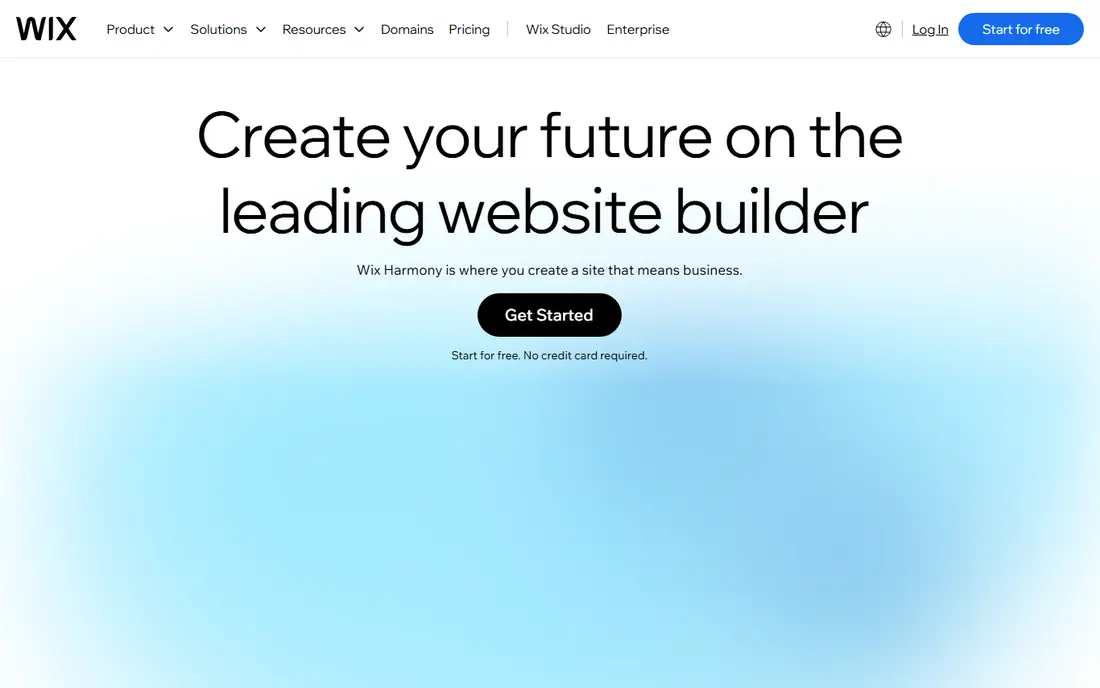
Wix is our pick for most small businesses because the AI draft is only the start. Its AI builder generates a site from prompts, then you can edit anything in the drag-and-drop editor, add apps, bookings, ecommerce and email marketing as the business grows. That breadth means a site built today can still fit in two years without migrating platforms.
The free plan is useful for testing the AI builder, but it shows Wix ads and blocks a custom domain, so a paid plan is needed for a professional site. Light plans are listed at about $17 per month in recent comparisons, with higher tiers for commerce. The main limit is lock-in: you cannot move a Wix site to another host, so be sure the platform fits before you build a large site.
- Prompt-to-site AI plus full editor
- Large app market
- Ecommerce and bookings
- Site cannot move to another host
- Pricing tiers take time to compare

Squarespace suits brands, portfolios, restaurants and creatives where visual polish matters most. Its Blueprint AI tool generates a multi-page site from your answers, and the template range is consistently strong for photography, food, fashion and service brands. Built-in commerce, scheduling and email tools keep a small business site in one system.
There is no ongoing free plan, only a 14-day trial, and Basic plans start at about $19 per month when billed annually in recent comparisons. A 2 percent transaction fee on the Basic store plan is also worth noting if you sell online. If design quality is your top priority and you are willing to pay for it, Squarespace is a strong choice.
- Polished templates
- Blueprint AI multi-page generation
- Built-in commerce
- No free plan, trial only
- Transaction fee on Basic store plan
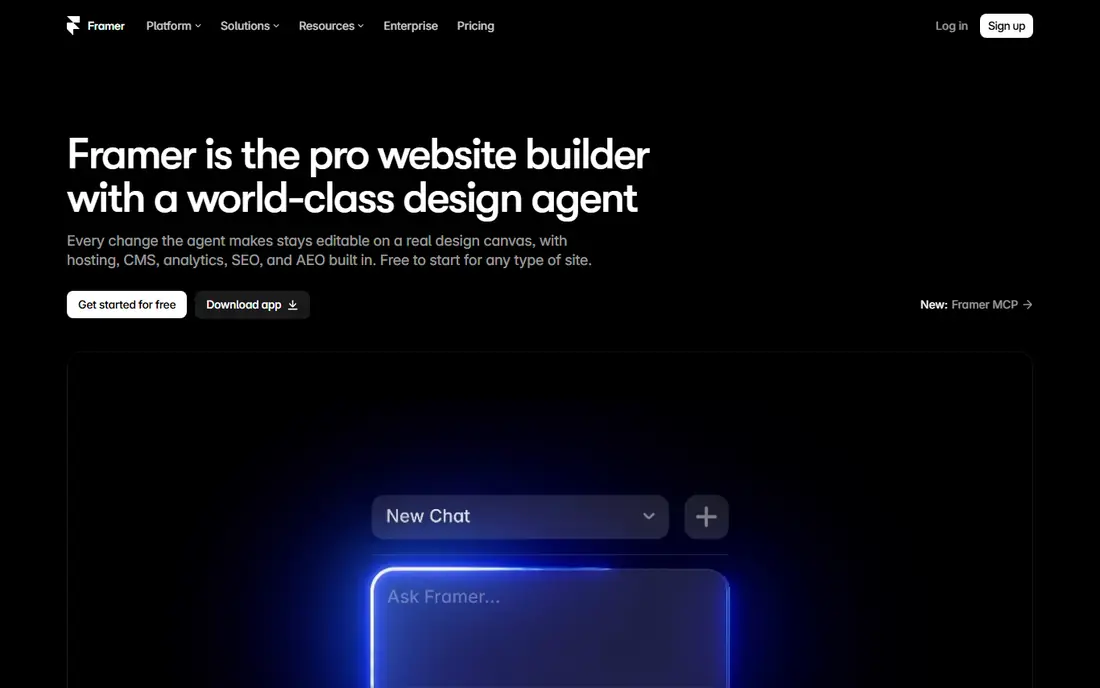
Framer suits designers, startups and marketing teams who care about how a site looks and moves. Its AI agent can build pages and CMS content from prompts, and the visual canvas gives precise control over layout, animation and interaction. Sites built in Framer often look like they came from a design studio, which helps a startup make a strong first impression.
The free tier includes AI credits and a Framer subdomain, with Basic at about $10 per month when billed annually in recent comparisons. There is no native full ecommerce store, so a shop should look at Wix, Squarespace or Shopify instead. For a marketing site, portfolio or landing page, Framer offers the best design control in this group.
- Free tier with AI credits
- High-polish design and animation
- CMS on higher tiers
- No native full ecommerce store
- Learning curve for advanced design
Hostinger is the budget pick, bundling hosting, a domain offer and an AI website builder in one low bill. Its AI tools generate a site from a prompt, and the visual editor is simple enough for a first-time site owner. For a local business that needs a basic site, contact form and business info online quickly, the value is hard to beat.
The headline price needs care. Recent listings put Premium at about $2.99 per month on a 48-month term, renewing at about $10.99 per month, so the long-term cost is higher than the promo suggests. There is no free plan, only a money-back period, and export options are limited. If price decides, Hostinger wins, but check the renewal rate and term before you commit.
- Very low entry price
- Hosting, domain and AI builder in one bill
- Simple editor
- Headline price needs a long term
- Renewal rate is higher
- Export is limited
Durable is the fastest route to a live business site. Type a business name and location, and it generates a site, logo and basic pages in about 30 seconds, with a CRM, bookings and invoicing on paid plans. AI agents can also write articles and reply to leads within monthly limits, which helps a busy service business stay visible without a marketing team.
The free plan is useful for testing, with Launch at about $25 per month, or $22 when billed annually, in recent comparisons. Design flexibility is lower than Framer or Webflow, and CRM, invoicing and AI marketing sit on higher tiers. For a plumber, cleaner, tutor or consultant who needs to be online today, Durable is the most practical choice here.
- Site in about 30 seconds
- Built-in CRM and bookings
- AI agents for content
- Less design flexibility than canvas tools
- CRM and AI marketing need higher tiers
10Web suits people who want WordPress power without WordPress setup. It builds a real WordPress site from a prompt, an existing URL or a file, with managed hosting, speed optimisation and AI tools for editing and content. Unlike Wix or Squarespace, you own a WordPress site you can move, extend with plugins and customise deeply.
AI Starter plans start at about $10 per month when billed annually in recent comparisons, with a short trial and AI credits that run out, after which usage fees may apply. Monthly billing costs about twice as much, so annual billing is the sensible route if you commit. For a business that wants WordPress control with AI speed, 10Web is a strong middle ground.
- Real WordPress sites you own
- AI generation from prompt, URL or file
- Managed hosting
- Trial is short
- Monthly billing costs more
- AI credits run out
Webflow suits designers and teams who want precise control without writing code for every element. Its visual builder, CMS, interactions and hosting give a professional result, and AI tools now help with site generation and content, though they are newer than Wix or Durable AI features. The free plan is useful for learning and testing a draft.
Site plans start at about $15 per month when billed annually in recent comparisons, with higher tiers for CMS and ecommerce. The learning curve is steeper than Wix or Hostinger, so beginners should expect a few hours of learning. If design precision and a scalable CMS matter more than the fastest setup, Webflow is worth the effort.
- Precise design control
- CMS and interactions
- Free plan for testing
- Steeper learning curve
- AI features are newer
- Ecommerce needs higher tiers
GoDaddy suits small businesses already using GoDaddy for domains, email or hosting, since the website builder sits in the same account. Its AI-assisted draft creates a starter site from your business details, and the editor is simple enough for a first site, with bookings, payments and marketing tools on higher plans. That one-account convenience saves time for busy owners.
Design flexibility is lower than Framer or Webflow, and full features need higher tiers, with Basic listed at about $9.99 per month on annual plans in some official captures. If you already manage a domain with GoDaddy, the builder is a convenient next step. If design control is the priority, Framer or Webflow will give you more room.
- AI-assisted draft
- Domain, email and hosting in one place
- Simple editor
- Less design flexibility
- Higher tiers needed for full features
How we picked these
We compared official feature pages, pricing pages, AI generation features, editing control, SEO and ecommerce tools, and export terms. We favoured builders that are still offered in October 2026, that generate a usable draft from a prompt, and that state their pricing and renewal terms clearly. We left out tools that only offer templates with no AI generation, and tools whose current AI features we could not verify.
What to check before you build with AI
Start with the job the site must do, not the AI demo. A brochure site, a booking site and a store need different tools, and the cheapest builder may lack the booking, payment or product features you need later. Check domain connection, email, SEO controls, page speed on mobile, and whether you can add forms, bookings or a store without migrating.
Read the renewal price, not only the promo price, and check what happens to your site, domain and content if you cancel. Most AI builders do not allow a clean export to another host, so a large site is a long-term commitment to that platform. Build a small test site first, check it on a phone, and rewrite AI copy in your own voice before you publish.
FAQ
What is the best AI website builder tool?
Wix is our pick for most small businesses, Durable is fastest for service businesses, Framer is best for design-led marketing sites, and Hostinger is best on a tight budget. The right choice depends on your site's job, not only the AI demo.
Can AI build a whole website for me?
AI can generate a draft site with pages, copy and images in minutes, but you should still edit the copy, check facts, add real photos and test forms, bookings and payments before you publish. A draft is a starting point, not a finished site.
How much does an AI website builder cost?
Free plans cover testing on Wix, Framer, Durable and Webflow, while paid plans here start at about $2.99 per month for Hostinger on a long term, $10 for Framer and 10Web, $15 for Webflow, $17 to $19 for Wix and Squarespace, and $22 to $25 for Durable. Check renewal rates, since they are often higher.
Can I move my AI-built site to another host?
Usually not, with Wix, Squarespace, Framer and Hostinger sites tied to their platforms. 10Web builds real WordPress sites you can move, which is a key advantage if long-term ownership matters to you.
Is an AI website builder good for SEO?
It can be, if it offers custom titles, meta descriptions, clean URLs, mobile speed and structured content. AI copy alone will not rank a site, so add real, useful content, local details and genuine customer information after the draft is generated.