Top 6 Drag and Drop Website Builder for Beginners for 2026 (Prices and Free Plans)
Compare 6 best drag and drop website builder for beginners, with prices, free plans and who each fits. Hidden costs and gaps are flagged. Straight answers.
- Editor's choice
 Squarespace
Template-led visual websites
Starts at$12 per monthVisit squarespace.comFull review - Great alternative
 Weebly
Straightforward sites, blogs, and small keeps
Starts at$13 a monthVisit weebly.comFull review - Also consider
 Wix
All-around beginner site building
Starts atSee websiteVisit wix.comFull review
Direct answer
Our first pick is Squarespace, best for template-led visual websites. Listed starting prices: Squarespace from $12 per month, Weebly from $13 a month and Duda from $19 a month. For a different need, Weebly covers straightforward sites, blogs, and small keeps and Wix covers all-around beginner site building. All 6 tools are compared below on price, free plan and limits.
TL;DR:
- Squarespace is the opening pick, best for template-led visual websites.
- For beginners building an online store, Shopify is worth a look.
- A free plan is available from 2 of the 6 tools: Weebly, Webflow.
- Starting prices begin at $12 per month with Squarespace.
- The main caution on Squarespace: less free-form layout control.
Last checked November 2026. Prices and plan details were read from the vendors' own pages in November 2026; vendors change plans often, so confirm the current price on the vendor site before you buy.
Quick comparison
| Tool | Best for | Starts at | Free plan? | |
|---|---|---|---|---|
| Squarespace | Template-led visual websites | $12 per month | Free trial | Visit |
| Weebly | Straightforward sites, blogs, and small keeps | $13 a month | Yes | Visit |
| Wix | All-around beginner site building | See website | Not stated | Visit |
 Duda | Pros building client websites | $19 a month | Free trial | Visit |
 Webflow | Beginners who want design control | $15 a month | Yes | Visit |
 Shopify | Beginners building an online store | $19 a month | Free trial | Visit |
Tool-by-tool breakdown
Choosing drag and drop website builder for beginners usually comes down to price, fit and limits. This LinkVetted guide sets 6 tools side by side on those three points, with the facts kept short and checkable.
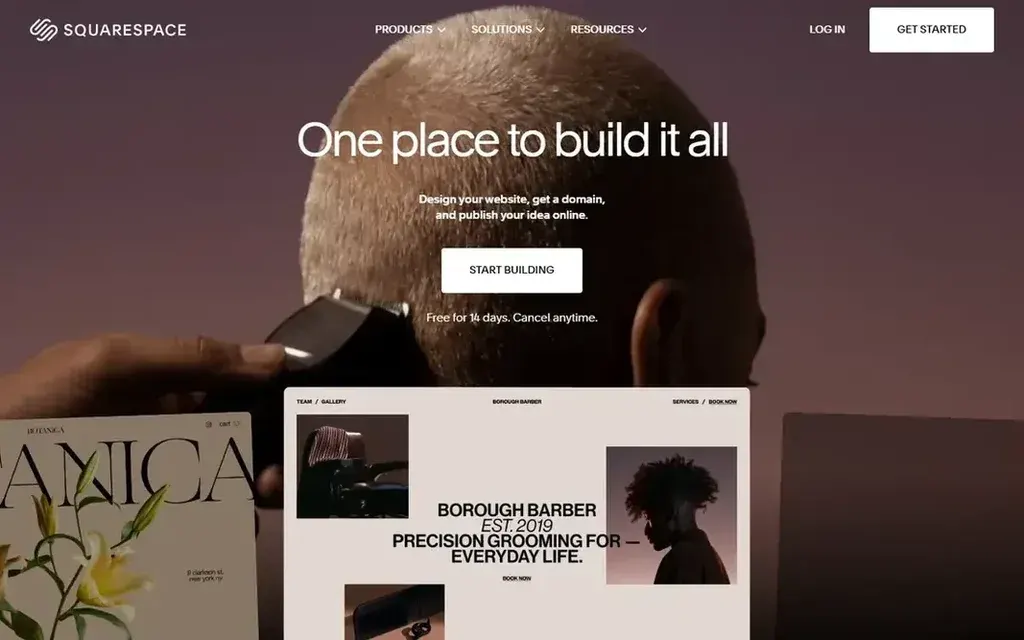
Where Squarespace fits: template-led visual websites. Squarespace describes itself as a website builder for creating a site and expanding a business, starting from configurable templates, AI website builder tools, or a domain name. Since templates shape the layout, people who want to move every element freely may feel constrained.
It is a weaker fit if your priority is unrestricted drag-and-drop placement. In practice, the template-first approach hands a clear starting structure. Price to start with Squarespace: $12 per month. On free options: Free trial.
Trade-offs to know: Template structure guides edits.
- Domain name setup
- Configurable templates
- Less free-form layout control

Weebly is designed for straightforward sites, blogs, and small keeps. Weebly markets a free website builder for creating a website, blog, or online store, with configurable templates, domains, and easy-to-use tools for business sites.
Drawbacks to consider: Fewer advanced design choices.
Its pitch centers on simplicity, which fits beginners who want to publish rapidly. The simplicity includes fewer advanced design controls, so growth into a complicated site may push you elsewhere. Weebly cost at the entry level: $13 per month. Weebly has a free plan.
- Easy-to-use tools
- Configurable templates
- Entry-level feature depth
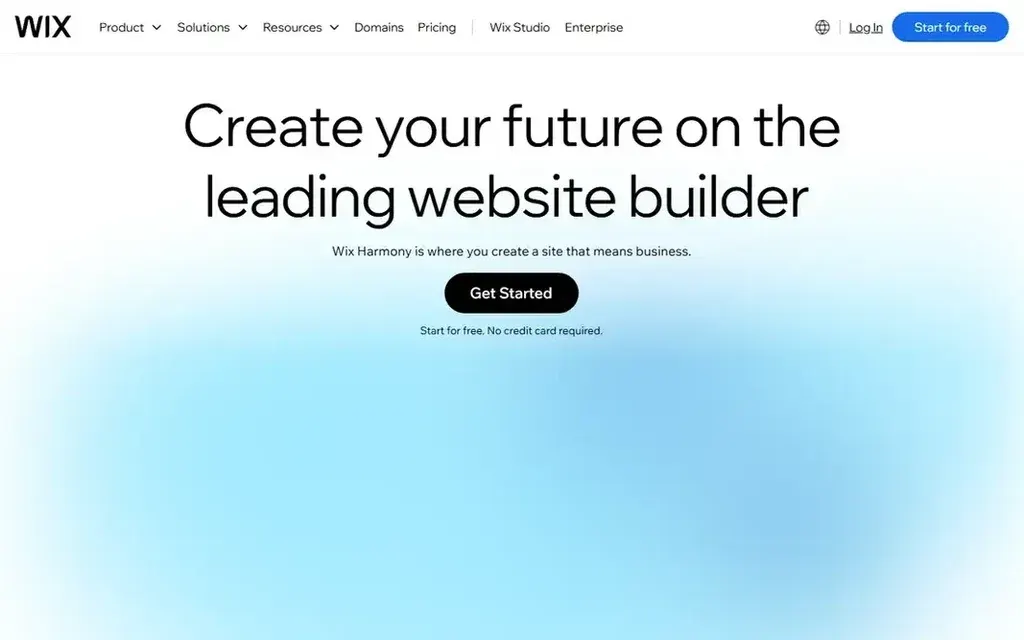
Wix is built with all-around beginner site building in mind. Wix presents itself as a product for building a business online, with hosting, business tools, domains, and marketing built in. The breadth of choices can slow down a first-time user, and the editor takes some practice to feel natural.
Limits to weigh: Plenty of features can feel busy.
More specifically, if you want the simplest possible canvas, a leaner builder may suit you better. In practice, for beginners, that means one place to assemble a site and the surrounding essentials. This comparison lists no price for Wix; ask the vendor. Free options: Not stated.
- Drag-and-drop editor
- Hosting and business tools built in
- Editor has a ramp-up time
Duda targets pros building client websites. If you want a personal site with minimal setup, other choices fit better. In practice, the professional focus means a true beginner working alone may find it less at once approachable than consumer builders.
Where it falls short: Less beginner-oriented.
Beyond that, Duda describes itself as an AI web presence product for pros, made for creating client websites that drive results. Its orientation is professional web work instead of first-time personal sites. Duda cost at the entry level: $19 per month. Free access: Free trial.
- Designed for professional workflows
- AI-powered system
- Pitched at professionals
Think of Webflow for beginners who want design control. Choose Webflow when design control and long-term adaptability outweigh ease of first setup.
From a buyer's view, Webflow presents an agentic web product for modern companies, including design, build, optimization, and search visibility with CMS, hosting, and security built in. Also, the capability includes a steeper ramp-up time than a straightforward drag-and-drop builder, and there are more concepts to absorb early. Price to start with Webflow: $15 per month. Webflow includes a free tier.
Trade-offs to know: More concepts to learn.
- Design and build in one system
- Optimization tools included
- Steeper ramp-up time
Shopify was built for beginners building an online store. For beginners whose central goal is selling, that commerce focus is the point.
Where it falls short: More setup than a straightforward page.
For everyday use, the setup also involves more commerce decisions than a straightforward page builder. On top of that, if you only need a brochure site or a blog, Shopify's commerce orientation is more than required. Starting cost for Shopify: $19 per month. Trial and free access: Free trial.
- AI-assisted building and growth
- Commerce-focused product
- Commerce-first, not general sites
How these tools were picked
What to confirm before you sign up
- Confirm the entry price on the vendor page. For Wix that means a quote rather than a fixed price.
- Check what the free option really includes: Weebly and Webflow offer a free plan, and usage caps differ.
- Run a trial of Squarespace, Duda and Shopify with real work before paying for a year; your own workflow is the best test.
- Before choosing Squarespace, weigh its main limit: less free-form layout control.
- Involve the people who will use Weebly daily; a short pilot beats a long feature checklist.
- List the apps you already depend on and check that Wix supports each one on the plan you would buy.
FAQ
Can I try these tools before paying?
Often, yes. Weebly and Webflow have a free plan and Squarespace, Duda and Shopify offer a free trial. Use your own data and a real task during the test, and check what the free tier or trial limits before you rely on it.
What should I check before choosing a builder?
Confirm the editing adaptability, the hosting and domain arrangement, and whether the features you need are supported. Also review mobile display and available support. Since details change, verify current information on each vendor's site before you commit.
Which options for drag and drop website builder for beginners have a free plan?
Weebly and Webflow offer a free plan in this list. Free plans usually cap users, projects or features, so check the limits on the vendor page. Several others offer a trial instead.
How are the tools for drag and drop website builder for beginners ordered?
Squarespace sits first and Shopify last because the order follows typical fit for drag and drop website builder for beginners, then price clarity and free access. It is a judgement call, so read each profile for fit and limits.
Is Squarespace the right pick for everyone comparing drag and drop website builder for beginners?
No single tool suits every team. Squarespace comes first because it fits template-led visual websites, while Weebly suits simple sites, blogs, and small stores and Wix suits all-around beginner site building. Match the tool to your own size, budget and workflow before deciding.
Sources
- https://www.squarespace.com
- https://www.weebly.com
- https://www.wix.com
- https://www.duda.co
- https://webflow.com
- https://www.shopify.com