Top 5 Church Website Builder Software for Remote Teams for 2026 (Prices and Free Plans)
Best church website builder software for remote teams: 5 contenders ranked by fit, with entry costs and free tiers. Caveats come with every verdict. Facts only.

- Editor's choiceSubsplash
Churches wanting app and site together
Starts atSee websiteVisit subsplash.comFull review - Great alternative
 Webflow
Teams with design and development skill
Starts at$15 per monthVisit webflow.comFull review - Also considerPlanning Center
Coordinating services and ministry teams
Starts at$5 a monthVisit planningcenter.comFull review
Direct answer
If you need churches wanting app and site together, Subsplash is the first tool to look at here. Listed starting prices: Webflow from $15 per month, Planning Center from $5 a month and Squarespace from $12 a month. For a different need, Webflow covers teams with design and development skill and Planning Center covers coordinating services and ministry teams. The remaining 2 options are covered below with prices and limits.
TL;DR:
- Subsplash sits first on this list: churches wanting app and site together.
- Free plans exist at 4 of 5 tools (Subsplash, Webflow, Planning Center, Tithe.ly).
- Starting prices begin at $5 per month with Planning Center.
- For all-in-one church giving and engagement, Tithe.ly is worth a look.
- What to know about Webflow first: steeper ramp-up time for volunteers.
Last checked November 2026. Prices and plan details were read from the vendors' own pages in November 2026; vendors change plans often, so confirm the current price on the vendor site before you buy.
Quick comparison
| Tool | Best for | Starts at | Free plan? | |
|---|---|---|---|---|
| Subsplash | Churches wanting app and site together | See website | Yes | Visit |
| Webflow | Teams with design and development skill | $15 per month | Yes | Visit |
| Planning Center | Coordinating services and ministry teams | $5 a month | Yes | Visit |
 Squarespace | Design-led church websites | $12 a month | Free trial | Visit |
| Tithe.ly | All-in-one church giving and engagement | $19 a month | Yes | Visit |
The best church website builder software for remote teams
LinkVetted put together this guide to church website builder software for remote teams for readers who want a clear shortlist without reading every vendor page. It compares 5 tools on starting price, free plans, who each one suits and where each one falls short.
Subsplash
Best for: Churches wanting app and site together
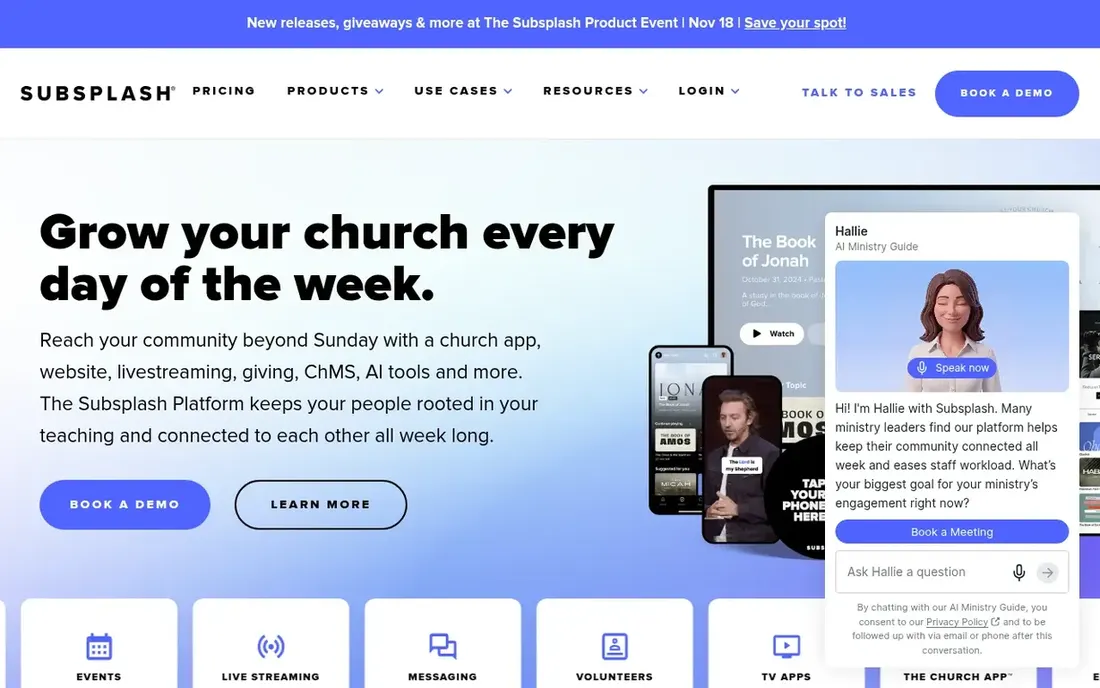
Pick Subsplash if this describes you: churches wanting app and site together. Subsplash positions its system as a way to equip churches with mobile apps, church management software, websites and online giving in one place.
In daily use, the breadth of the system can be more than a small team needs if you only want a straightforward website. Consider a general builder when app development and integrated management are not on your roadmap. Check the vendor site for Subsplash pricing; none is listed in this comparison. Subsplash includes a free tier.
Where it is weaker: System scope may exceed small church needs.
- Online giving supported
- Mobile apps alongside websites
- Design adaptability tied to the system approach
For teams with design and development skill, Webflow is a natural candidate. Webflow describes itself as a platform for designing, building, optimizing and ranking sites, with CMS, hosting and security built in.
Trade-offs to know: Steeper ramp-up time for volunteers.
Webflow assumes design and development comfort, which can be a barrier for volunteer-led teams. Webflow starts at: $15 per month. Webflow has a free plan.
- CMS and hosting built in
- Design and build in one product
- No church-specific features
Planning Center
Best for: Coordinating services and ministry teams
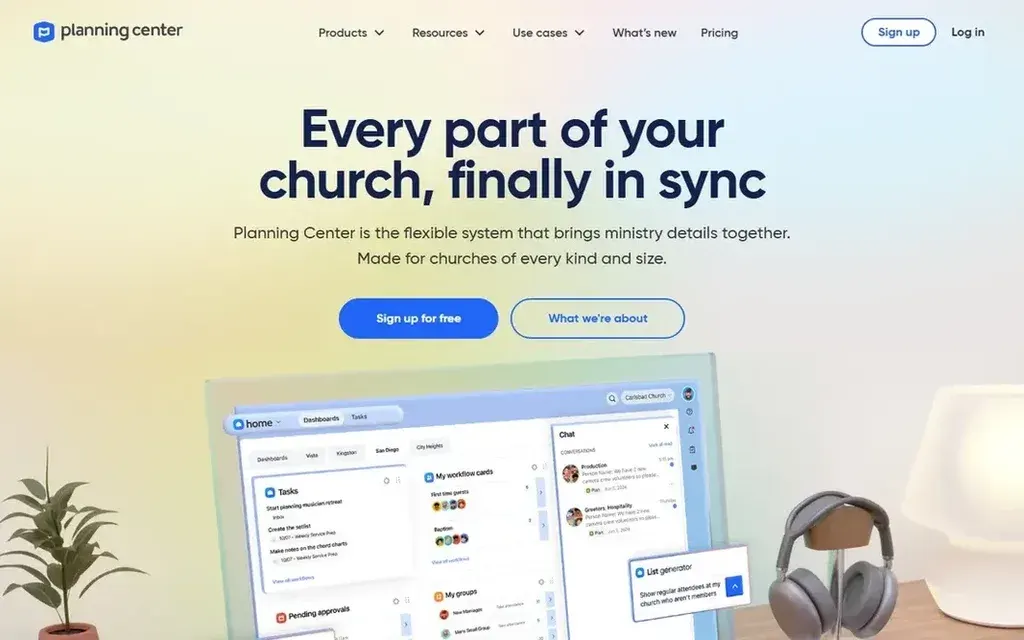
Where Planning Center fits: coordinating services and ministry teams. Planning Center describes itself as church management software for organizing ministries, coordinating events, planning services and communicating with teams, whereas connecting the congregation.
Where it falls short: Suited to planning workflows rather than design.
More specifically, choose a dedicated site builder when design and content publishing matter more than internal coordination. Remote teams that run services across locations benefit from shared schedules and clear assignments. Planning Center pricing: $5 per month. Free access exists with Planning Center.
- Service and event planning
- Team communication features
- Website building is not the core focus
Pick Squarespace if this describes you: design-led church websites. Squarespace centres on creating websites with configurable templates, AI website builder tools and domain choices.
Downsides: Giving and planning need outside tools.
From a buyer's view, remote teams that care about a clean, consistent visual presence can maintain pages and updates together. Squarespace is a website product instead of church software, so ministry workflows and giving are not part of it. Squarespace cost at the entry level: $12 per month. Trial and free access: Free trial.
- Domain name options
- AI website builder tools
- No built-in church management
Tithe.ly
Best for: All-in-one church giving and engagement
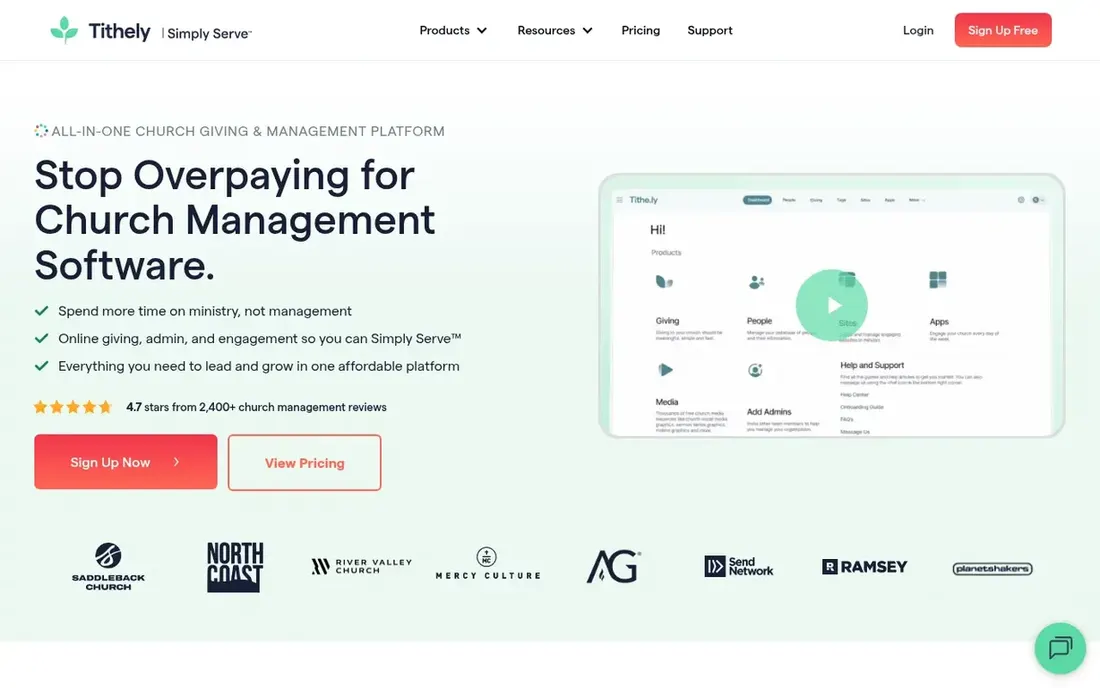
Tithe.ly works best for all-in-one church giving and engagement. For remote teams, that means giving records, member information and communication can sit alongside the website instead of in separate systems.
Since Tithe.ly is a wide church system, teams wanting deep design control or unusual site layouts may find a general website builder more adaptable. Also, Tithe.ly presents itself as a single product for online giving, church management and engagement, pitched at churches of every size. What you pay to start with Tithe.ly: $19 per month. A free plan is available with Tithe.ly.
Honest limits: Best value comes from using multiple modules.
- Online giving built in
- Church management tools included
- Website building is one part of a broader suite
What went into this list
What to check before you buy
- Get a written quote from Subsplash; the list shows no starting price for them.
- Check what the free option really includes: Subsplash, Webflow, Planning Center and Tithe.ly offer a free plan, and usage caps differ.
- Run a trial of Squarespace with real work before paying for a year; your own workflow is the best test.
- Read the limits listed for Subsplash first: platform scope may exceed small church needs.
- Make sure Tithe.ly lets you export your data in a format another tool can read.
- Find out what support Subsplash includes on your plan, and whether onboarding help costs extra.
FAQ
What should we check before committing to a system?
Also review export choices so you are not locked in. On top of that, ask vendors straight about support for teams working across locations.
Is Subsplash the right pick for everyone comparing church website builder software for remote teams?
No single tool suits every team. Subsplash comes first because it fits churches wanting app and site together, while Webflow suits teams with design and development skill and Planning Center suits coordinating services and ministry teams. Match the tool to your own size, budget and workflow before deciding.
Do these tools publish their prices?
Not all of them. Subsplash publishes no starting price, so expect a quote request for it. The rest, Webflow included, show a starting price, though seats and billing terms still change the final cost.
Which church website builder software for remote teams have a free plan?
Subsplash, Webflow, Planning Center and Tithe.ly offer a free plan in this list. Free plans usually cap users, projects or features, so check the limits on the vendor page. One other tool offers a trial instead.
Can I try these tools before paying?
Often, yes. Subsplash, Webflow, Planning Center and Tithe.ly have a free plan and Squarespace offers a free trial. Use your own data and a real task during the test, and check what the free tier or trial limits before you rely on it.
Sources
- https://www.subsplash.com
- https://webflow.com
- https://www.planningcenter.com
- https://www.squarespace.com
- https://tithe.ly