6 Best Website Builder for Government Contractors for 2026, Vetted and Compared
Compare 6 best website builder for government contractors, with prices, free plans and who each fits. The catches are listed up front. Refreshed for 2026.
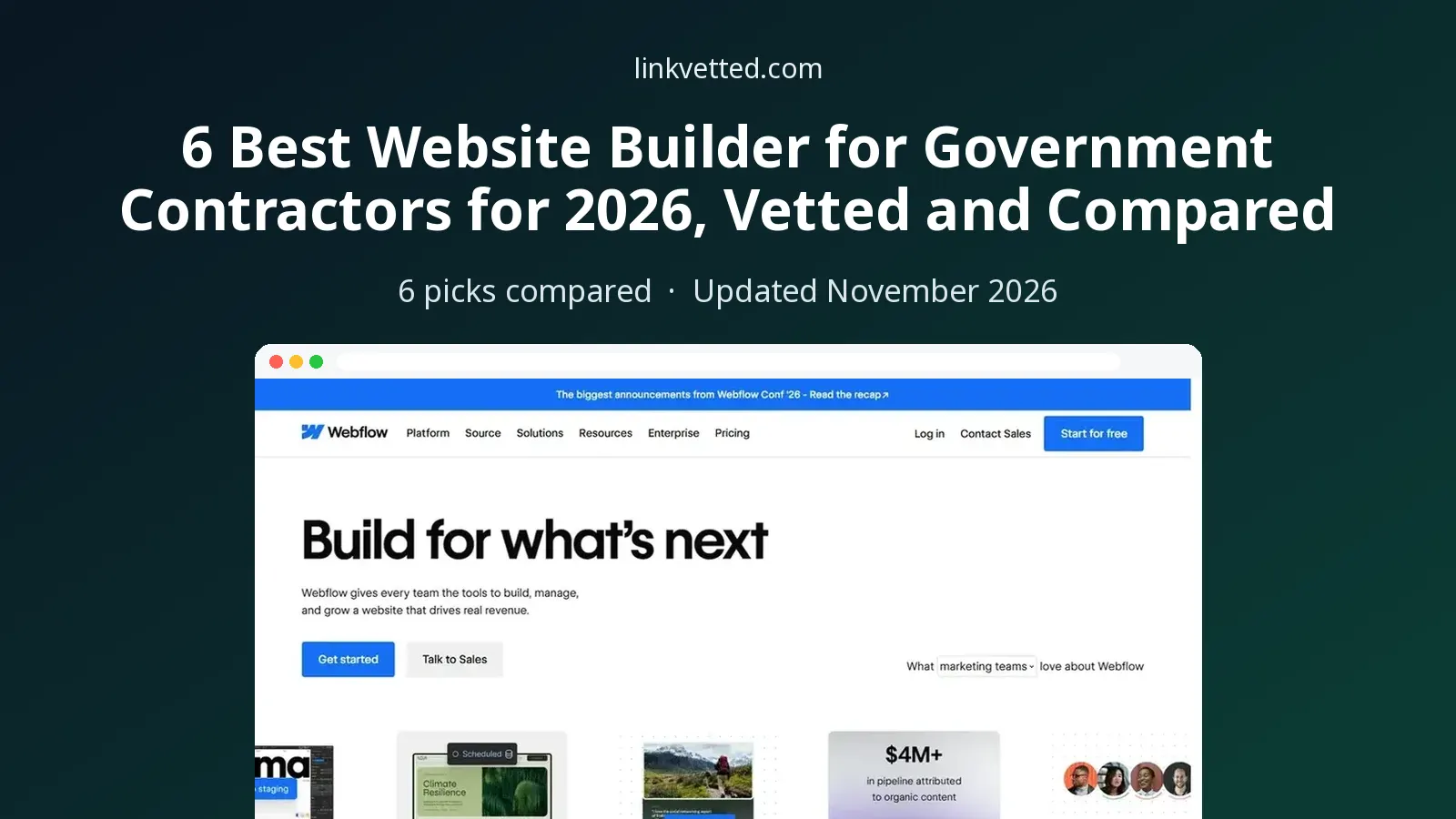
- Editor's choiceGoDaddy Website Builder
Fast and straightforward site setup
Starts atSee websiteVisit godaddy.comFull review - Great alternative
 Webflow
Advanced security and CMS needs
Starts at$15 a monthVisit webflow.comFull review - Also consider
 Weebly
Straightforward sites with e-commerce
Starts at$13 per monthVisit weebly.comFull review
Direct answer
GoDaddy Website Builder comes first here, mainly for fast and straightforward site setup. Listed starting prices: Webflow from $15 a month, Weebly from $13 per month and Squarespace from $12 a month. Webflow fits advanced security and CMS needs; Weebly fits simple sites with e-commerce. Prices, free plans and limits for all 6 tools follow.
TL;DR:
- GoDaddy Website Builder is the opening pick, best for fast and simple site setup.
- The cheapest monthly starting price in the list is $12 per month, offered by Squarespace.
- Wix suits all-in-one ease for new contractors.
- Webflow, Weebly: these are the 2 tools out of 6 that offer a free plan.
Last checked November 2026. Prices and plan details were read from the vendors' own pages in November 2026; vendors change plans often, so confirm the current price on the vendor site before you buy.
Quick comparison
| Tool | Best for | Starts at | Free plan? | |
|---|---|---|---|---|
| GoDaddy Website Builder | Fast and straightforward site setup | See website | Not stated | Visit |
| Webflow | Advanced security and CMS needs | $15 a month | Yes | Visit |
| Weebly | Straightforward sites with e-commerce | $13 per month | Yes | Visit |
 Squarespace | Design-focused contractor websites | $12 a month | Free trial | Visit |
 Duda | AI-powered client site building | $19 a month | Free trial | Visit |
 Wix | All-in-one ease for new contractors | See website | Not stated | Visit |
The full website builder for government contractors list
LinkVetted put together this guide to website builder for government contractors for readers who want a clear shortlist without reading every vendor page. It compares 6 tools on starting price, free plans, who each one suits and where each one falls short.
GoDaddy Website Builder
Best for: Fast and straightforward site setup
GoDaddy Website Builder works best for fast and straightforward site setup. The product is straightforward and centres on simplicity.
What to check first: Entry-level feature set compared with others.
Also, choose GoDaddy for speed and simplicity when an entry-level site suffices. This comparison lists no price for GoDaddy Website Builder; ask the vendor. As for free access: Not stated.
- Quick setup with modern templates
- 24/7 customer support
- Restricted customization choices
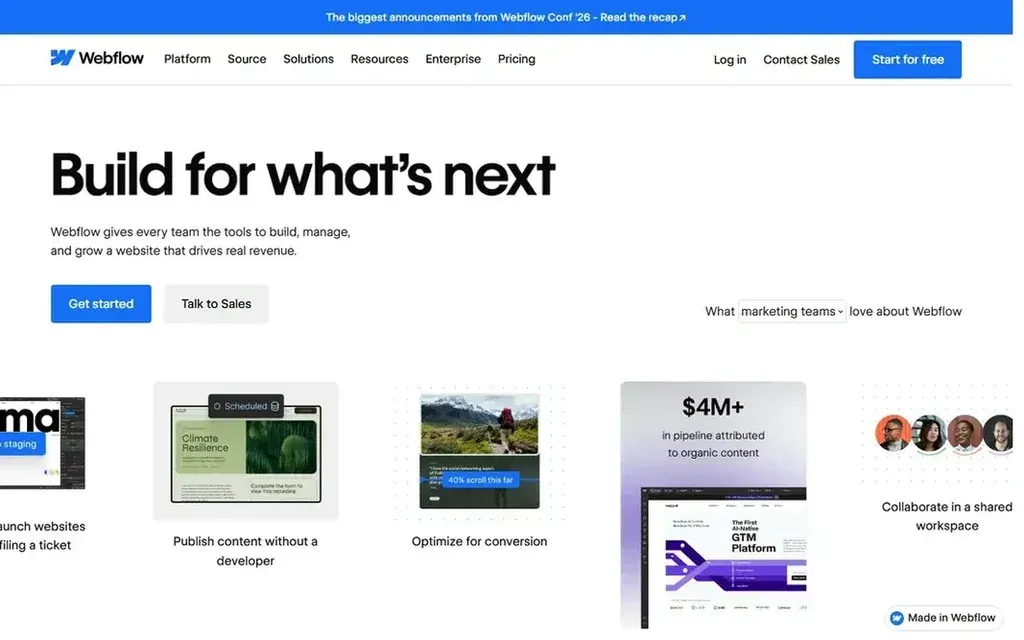
Webflow targets advanced security and CMS needs. Webflow is a product for modern firms that require design control, security, and performance.
As for the details, government contractors with complicated requirements, for example managing sensitive information or needing solid content structures, may find Webflow's advanced features well-suited to their needs. For everyday use, if you need a straightforward site and have restricted technical resources, a more entry-level builder might suffice. On cost, Webflow starts like this: $15 per month. Webflow offers a free plan.
The main drawbacks: Steeper ramp-up time.
- Enterprise-grade security features
- AI search optimization tools
- Higher cost for advanced features
Weebly makes the most sense for straightforward sites with e-commerce. Pick Weebly for straightforward, budget-friendly sites with minimal complexity.
As for the details, contractors with strict compliance requirements should look elsewhere. Weebly is a website builder that makes it simple to produce a website, blog, or online store with configurable templates and an intuitive drag-and-drop editor. Entry price for Weebly: $13 per month. You can start on Weebly without paying.
Where it is weaker: Restricted advanced features.
- Built-in e-commerce tools
- Free domain and hosting choices
- Less a good match for complicated security needs

Think of Squarespace for design-focused contractor websites. It supplies configurable templates, AI tools, and domain services, making it a good match for contractors who want a modern, professional look.
Worth adding: if you need deep customization or specific compliance tools, other products might be better. The product is a strong match for those who value aesthetics and need a site that reflects a high-quality brand image. Entry price for Squarespace: $12 per month. As for free access: Free trial.
What to check first: Restricted backend customization. What works well: Integrated e-commerce choices.
- Refined
- Configurable templates
- Fewer external integrations
Duda was built for AI-powered client site building. Duda is an AI web presence system built for professionals who build and run websites for clients. It bundles tools to build, get found, and convert, with a focus on high-ranking client sites.
Also, government contractors who handle several projects or have to build sites for different divisions may appreciate Duda's scalable approach and AI features. The AI tools might also need some learning to use effectively. More specifically, consider Duda if you have to efficiently handle several professional websites with AI assistance. For everyday use, as a less widely known system, Duda may have a smaller community for support and fewer off-the-shelf integrations. On cost, Duda starts like this: $19 per month. Free access: Free trial.
Where it falls short: May need training to use effectively.
- AI-driven design and SEO tools
- Purpose-built for professionals
- Less brand recognition
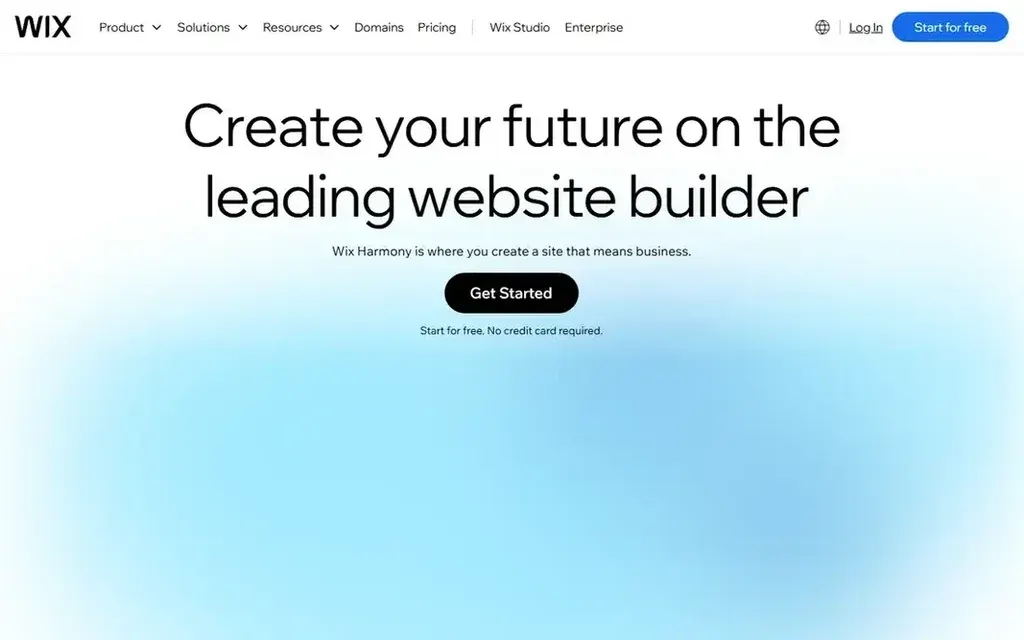
Wix was built for all-in-one ease for new contractors. It is aimed at users who want to build a professional site without technical expertise. Contractors with strict data handling or customization needs might find the system limiting.
For government contractors who require a straightforward online presence to showcase capabilities and past performance, Wix gives you an approachable option with numerous templates and built-in features. Even so, Wix may not supply the advanced security and compliance controls that some government contracts need. From a buyer's view, consider Wix if you prioritize simplicity and fast setup over deep technical control. This comparison lists no price for Wix; ask the vendor. As for free access: Not stated.
Where it falls short: Restricted custom code access.
- Integrated marketing features
- Built-in hosting and business tools
- Less control over security configurations
What went into this list
For each of the 6 tools we noted price, free plan or trial, fit for website builder for government contractors and the main limit, using vendor pages and documentation. Where a vendor does not publish a price, the entry says quote. Where a price depends on seats or billing term, the entry says so. The sequence is a judgement call: typical use case first, then pricing transparency, then free access. Use the profiles to check fit.
What to check before you buy
- Ask GoDaddy Website Builder and Wix for a written quote, since no starting price is shown.
- Look at free plan limits closely: Webflow and Weebly have one, and the caps decide whether it is usable for real work.
- Take the trial from Squarespace and Duda and push a live task through it before you pay.
- Read the limits listed for GoDaddy Website Builder first: restricted customization choices.
- Ask Weebly whether prices are locked for the first term and what happens at renewal.
- Add up seats, add-ons and usage charges for Wix before comparing it with cheaper entries.
FAQ
Do these tools publish their prices?
Not all of them. GoDaddy Website Builder and Wix publish no starting price, so expect a quote request for those. The rest, Webflow included, show a starting price, though seats and billing terms still change the final cost.
What is the cheapest option for website builder for government contractors in this list?
On published monthly entry prices, Squarespace is the lowest here at $12 per month. Entry price is only part of the cost, because seats, add-ons and billing terms can change the total. Each of the 6 options in this website builder for government contractors guide has its own card above with the price, free plan and limits.
How are the website builder for government contractors ordered?
GoDaddy Website Builder sits first and Wix last because the order follows typical fit for website builder for government contractors, then price clarity and free access. It is a judgement call, so read each profile for fit and limits.
Which website builder for government contractors have a free plan?
Webflow and Weebly offer a free plan in this list. Free plans usually cap users, projects or features, so check the limits on the vendor page. Several others offer a trial instead.
What security features should government contractors look for in a website builder?
Government contractors should prioritize features like SSL certificates, regular security updates, and compliance with standards for example FISMA or FedRAMP if applicable. Products like Webflow offer enterprise-grade security, but always verify specific certifications.
Sources
- https://www.godaddy.com/websites/website-builder
- https://webflow.com
- https://www.weebly.com
- https://www.squarespace.com
- https://www.duda.co
- https://www.wix.com