Staging Environment Tool for WordPress Developers in 2026: The 6 Best Options Side by Side
Best staging environment tool for WordPress developers in 2026: 6 contenders with entry costs and free tiers. Read the caveats before you buy. Facts only.
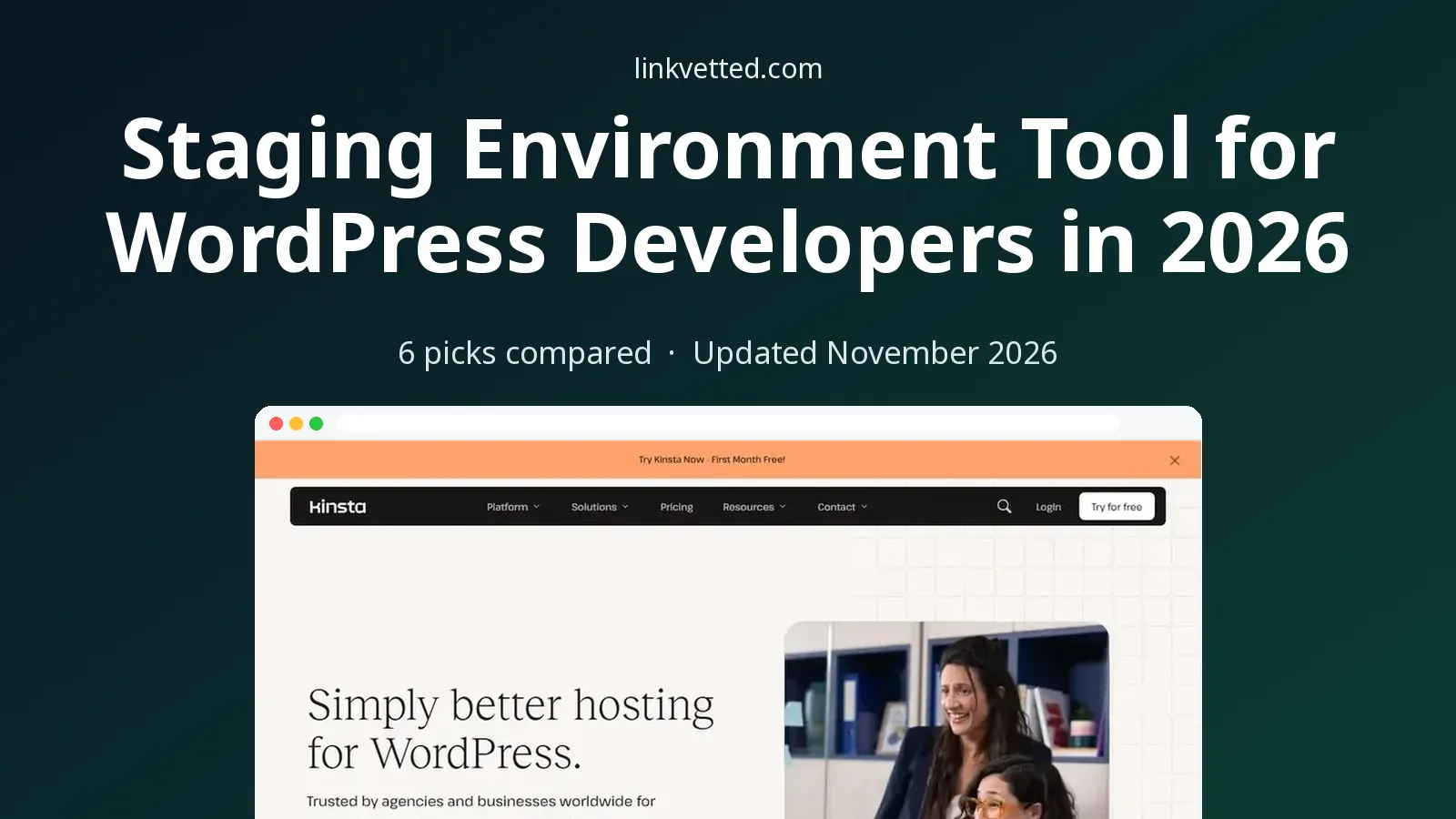
- Editor's choice
 DreamHost
Straightforward hosting with WordPress support
Starts at$1.49 per mailbox per monthVisit dreamhost.comFull review - Great alternative
 Flywheel
Agencies managing numerous WordPress sites
Starts at$25 a monthVisit getflywheel.comFull review - Also consider
 Kinsta
Refined managed WordPress staging
Starts at$17.50 a monthVisit kinsta.comFull review
Direct answer
DreamHost leads the list, best for straightforward hosting with WordPress support. Listed starting prices: DreamHost from $1.49 per mailbox per month, Flywheel from $25 a month and Kinsta from $17.50 a month. Alternatives: Flywheel for agencies managing numerous WordPress sites, and Kinsta for refined managed WordPress staging. The other 3 tools in the list cover narrower or pricier cases.
TL;DR:
- The list opens with DreamHost, aimed at straightforward hosting with WordPress support.
- None of the 6 tools, from DreamHost to SiteGround, has a free plan, so budget for a subscription or use a trial.
- DreamHost is the lowest-priced starter here at $1.49 per mailbox per month.
- Cloudways comes with a trade-off: staging setup relies on the application and plan.
Last checked November 2026. Prices and plan details were read from the vendors' own pages in November 2026; vendors change plans often, so confirm the current price on the vendor site before you buy.
Quick comparison
| Tool | Best for | Starts at | Free plan? | |
|---|---|---|---|---|
| DreamHost | Straightforward hosting with WordPress support | $1.49 per mailbox per month | Not stated | Visit |
| Flywheel | Agencies managing numerous WordPress sites | $25 a month | Not stated | Visit |
| Kinsta | Refined managed WordPress staging | $17.50 a month | Free trial | Visit |
 Cloudways | Managed cloud hosting adaptability | $20 a month | Free trial | Visit |
 WP Engine | Managed WordPress hosting with staging | $28.00 a month | Not stated | Visit |
 SiteGround | General hosting with staging choices | See website | Not stated | Visit |
The best staging environment tool for WordPress developers
LinkVetted compared 6 staging environment tool for WordPress developers. The goal is a practical shortlist: published prices, free plan facts, best-fit use cases and honest limits for every entry.
DreamHost is built with straightforward hosting with WordPress support in mind. DreamHost provides domain names, web hosting, managed WordPress hosting and business email.
The main drawbacks: Staging specifics rely on the hosting product.
Worth adding: DreamHost spans plenty of services, so its staging features are not as tightly focused as those of a WordPress-only system. In daily use, for WordPress developers, the managed WordPress choice is the relevant piece, and staging can be part of the workflow based on the product chosen. DreamHost starts at: $1.49 per mailbox per month. Free options: Not stated.
- Email and hosting in one place
- Provides managed WordPress hosting among other services
- Wide service range instead of WordPress-only focus
Flywheel is a good fit for agencies managing numerous WordPress sites. It is meant to help teams build, scale and run numerous WordPress sites, which makes staging per client project a natural fit. Flywheel leans toward agency workflows, so solo developers may not need its multi-site management emphasis.
It is also WordPress-only, so mixed-framework projects need another product. Also, developers who hand off sites to clients or maintain a portfolio of builds can use it to test changes in a controlled environment before publishing. What you pay to start with Flywheel: $25 per month. Free plan details: Not stated.
The main drawbacks: WordPress-only scope.
- Designed for designers and creative agencies
- Built to handle numerous WordPress sites
- Agency focus may be more than solo developers need

Kinsta is a good fit for refined managed WordPress staging. Kinsta is a managed WordPress hosting provider that positions itself on speed, security and support. Its dashboard contains staging features that let developers produce a copy of a site, test changes and push them back to production.
The number of staging environments and related choices can rely on the plan you choose. Kinsta focuses solely on WordPress, so it is not the choice for mixed-framework projects. Kinsta cost at the entry level: $17.50 per month. On free options: Free trial.
Downsides: WordPress-only scope.
- Managed WordPress product with a clean dashboard
- Enterprise-oriented speed and security focus
- Environment options vary by plan
Cloudways is designed for managed cloud hosting adaptability. Cloudways is a managed cloud hosting system that eases running sites on cloud infrastructure. It is geared toward small and mid-size firms and agencies that want cloud adaptability without handling servers straight.
In daily use, teams that want a single-click staging clone tightly integrated with WordPress may find a specialist host more straightforward. On top of that, for WordPress developers, it can host staging and production sites. The exact staging workflow relies on how the application is configured and which choices are enabled. On cost, Cloudways starts like this: $20 per month. As for free access: Free trial.
Honest limits: Staging setup relies on the application and plan.
- Server-level control choices
- Fits agencies and small firms
- Cloud hosting needs some technical comfort
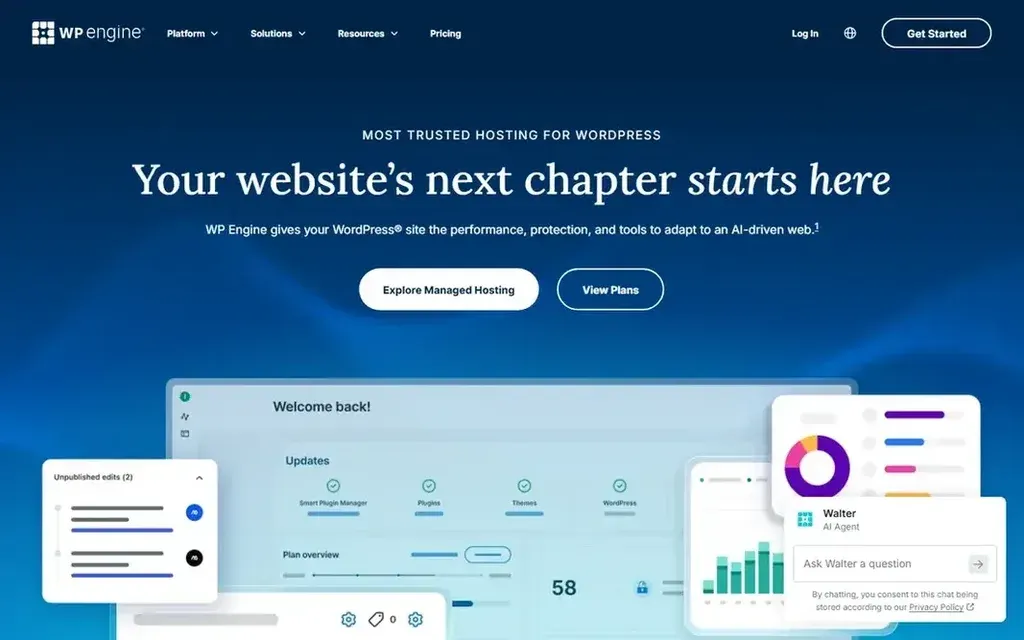
WP Engine is designed for managed WordPress hosting with staging. WP Engine is a website hosting system built around WordPress, with managed infrastructure, security tooling and support. Staging capabilities and environment counts can also vary by plan, so check the specifics for your level before committing.
If you need staging for Drupal or Next.js too, look at a broader WebOps choice instead. In practice, for developers, the appeal is that staging lives inside the same environment as production, so you can test plugin updates, theme changes and core upgrades before pushing them live. WP Engine cost at the entry level: $28.00 per month. Free access: Not stated.
Honest limits: Staging depth depends on the hosting plan.
- Built around WordPress workflows
- Staging is part of a managed WordPress system
- Centred on WordPress instead of other stacks
Pick SiteGround if this describes you: general hosting with staging choices. SiteGround is a web hosting company offering services pitched at speed, security and support.
Where it is weaker: Staging features vary by plan.
SiteGround is a general host instead of a WordPress-only product, so staging depth and available features can differ by plan level. SiteGround does not show a starting price in this comparison, so check the vendor site for current pricing. As for free access: Not stated.
- Support available around the clock
- Serves many different site owners
- Not positioned as a WordPress-only product
How these tools were picked
LinkVetted used vendor pricing pages and product documentation as the base, then compared plans, free access and documented limits for 6 tools. Figures are shown as the vendors publish them. Billing terms, seat minimums and add-ons can change the real cost. The order reflects how well each tool fits the most common buying scenario for staging environment tool for WordPress developers, then price clarity, then free plan access. It is a starting point, not a verdict.
Questions to settle before buying
- Ask SiteGround for a written quote, since no starting price is shown.
- Take the trial from Kinsta and Cloudways and push a live task through it before you pay.
- Before choosing DreamHost, weigh its main limit: staging specifics depend on the hosting product.
- Look at the renewal terms for Cloudways: auto-renewal, notice periods and price changes can matter more than the first-year price.
- Find out whether the entry plan of Kinsta covers your must-haves or only a trimmed-down version.
FAQ
What is the cheapest option for staging environment tool for WordPress developers in this list?
On published monthly entry prices, DreamHost is the lowest here at $1.49 per mailbox per month. Entry price is only part of the cost, because seats, add-ons and billing terms can change the total. Prices, free plan details and limits for all 6 tools in this staging environment tool for WordPress developers roundup sit on the individual cards above.
Does any tool for staging environment tool for WordPress developers here have a free plan?
No tool in this list, DreamHost and SiteGround included, has a permanent free plan. Kinsta, Cloudways offer a trial. Trials and quotes are the usual route, so plan a short evaluation period.
Can I try these tools before paying?
Often, yes. Kinsta and Cloudways offer a free trial. Use your own data and a real task during the test, and check what the free tier or trial limits before you rely on it. Each of the 6 options in this staging environment tool for WordPress developers guide has its own card above with the price, free plan and limits.
Do these tools publish their prices?
Not all of them. SiteGround publishes no starting price, so expect a quote request for it. The rest, DreamHost included, show a starting price, though seats and billing terms still change the final cost. All 6 picks in this staging environment tool for WordPress developers comparison list a starting price, free plan details and the main limits on their cards above.
Do I need managed WordPress hosting for staging?
General hosts may offer staging too, though features vary by plan. Match the tool to how much control and automation you need.
Sources
- https://www.dreamhost.com
- https://getflywheel.com
- https://kinsta.com
- https://www.cloudways.com
- https://wpengine.com
- https://www.siteground.com