Best WordPress Staging Tool for Developers (2026): 5 Picks Checked on Vendor Pages
Weighing the best WordPress staging tool for developers? We lined up 5 products by cost, free access and fit. Every entry states what it lacks. No hype.
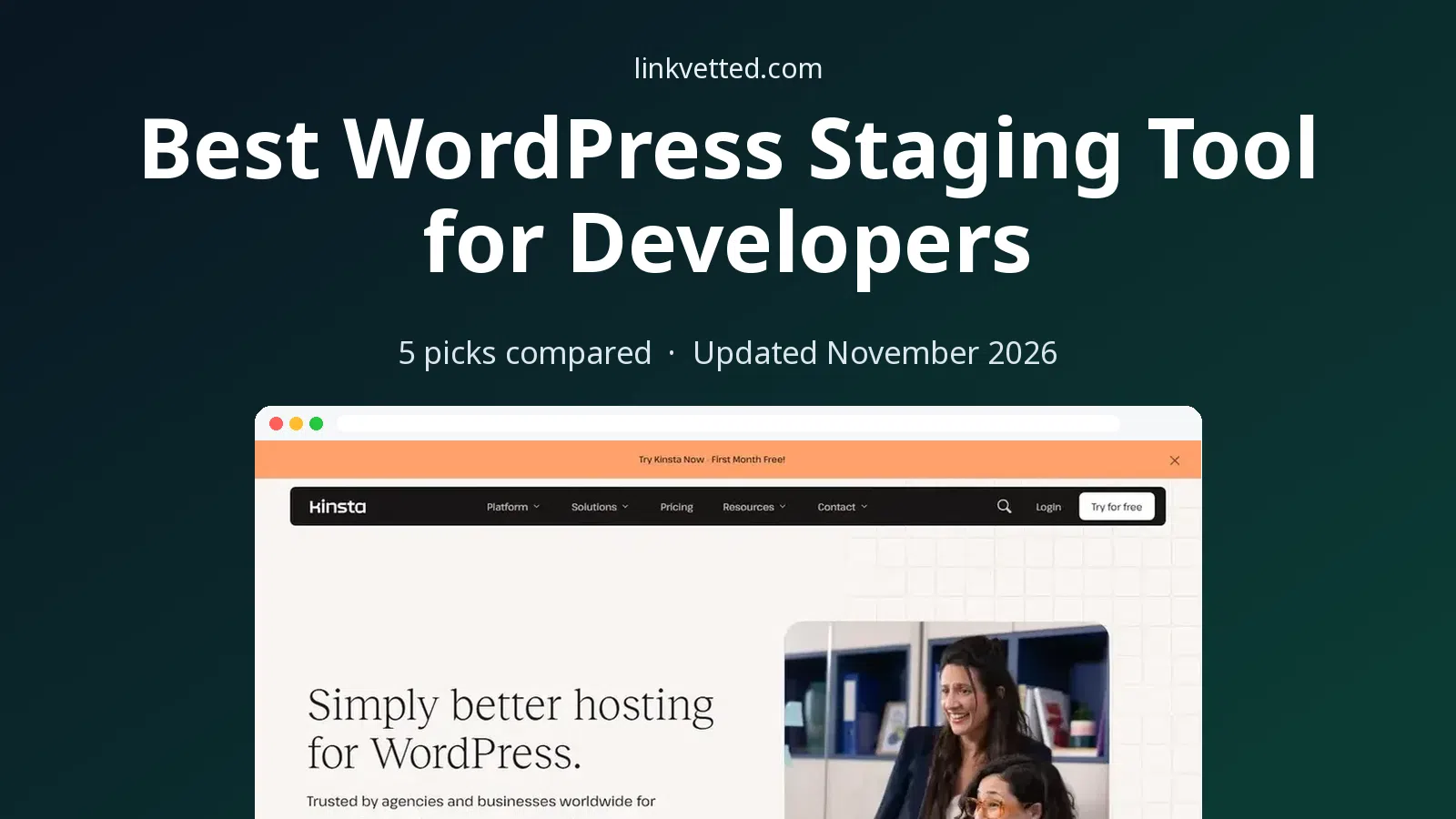
- Editor's choice
 Kinsta
Dedicated staging environment for WordPress
Starts at$17.50 per monthVisit kinsta.comFull review - Great alternative
 Liquid Web
Managed hosting with staging for developers
Starts atSee websiteVisit liquidweb.comFull review - Also consider
 Pantheon
WebOps system with dev workflows
Starts atSee websiteVisit pantheon.ioFull review
Direct answer
This list puts Kinsta first for dedicated staging environment for WordPress. Listed starting prices: Kinsta from $17.50 per month, Cloudways from $20 a month and WP Engine from $28.00 a month. Liquid Web fits managed hosting with staging for developers; Pantheon fits WebOps system with dev workflows. The other 2 tools in the list cover narrower or pricier cases.
TL;DR:
- Kinsta is the opening pick, best for dedicated staging environment for WordPress.
- The lowest published monthly entry price here is $17.50 per month, from Kinsta.
- WP Engine suits integrated staging on managed WordPress hosting.
- Neither Kinsta nor WP Engine, nor any of the other 3 tools, has a permanent free plan; trials and quotes are the norm.
Last checked November 2026. Prices and plan details were read from the vendors' own pages in November 2026; vendors change plans often, so confirm the current price on the vendor site before you buy.
Quick comparison
| Tool | Best for | Starts at | Free plan? | |
|---|---|---|---|---|
| Kinsta | Dedicated staging environment for WordPress | $17.50 per month | Free trial | Visit |
| Liquid Web | Managed hosting with staging for developers | See website | Not stated | Visit |
| Pantheon | WebOps system with dev workflows | See website | Not stated | Visit |
 Cloudways | Managed cloud hosting with staging | $20 a month | Free trial | Visit |
 WP Engine | Integrated staging on managed WordPress hosting | $28.00 a month | Not stated | Visit |
WordPress Staging Tool for Developers compared in detail
If you are comparing WordPress staging tool for developers, this page covers 5 tools in one place: what each is best for, what it costs to start, whether it has a free plan, and the main limit to know about.

Think of Kinsta for dedicated staging environment for WordPress. If you need staging for sites on several hosts or a more framework-agnostic workflow, you may have to look elsewhere.
Drawbacks to consider: Staging restricted to hosted sites.
Choose Kinsta when you want a straightforward staging environment tied to managed WordPress hosting. Price to start with Kinsta: $17.50 per month. As for free access: Free trial.
- Enterprise-grade infrastructure
- Separate staging environment
- No standalone staging choice

Liquid Web targets managed hosting with staging for developers. Consider Liquid Web when you need managed hosting with staging across different workloads. From a buyer's view, staging features can rely on the specific hosting product, so it is worth confirming the details for your setup.
Where it falls short: Not WordPress-specific.
On top of that, Liquid Web is not exclusively WordPress-focused, so teams wanting a WordPress-only staging tool may prefer a specialized host. In practice, the product is aimed at uptime, performance, and security, which fits developers who require a stable environment for testing before deployment. Liquid Web does not show a starting price in this comparison, so check the vendor site for current pricing. Free options: Not stated.
- Scalable infrastructure
- Managed hosting with staging
- Staging details vary by plan
Pantheon is aimed squarely at WebOps product with dev workflows. Pantheon is a WebOps product for building high-impact websites, supporting WordPress, Drupal, and Next.js. It provides development and staging workflows that help developers test changes before deployment.
The main drawbacks: Broader focus than WordPress alone.
From a buyer's view, consider Pantheon when you want staging within a multi-framework WebOps system. Beyond that, developers wanting a straightforward WordPress-only staging tool may find it more complicated than needed. Pantheon is not WordPress-specific, so its staging features are part of a broader product. Pricing for Pantheon is not stated here, so ask the vendor for current figures. Trial and free access: Not stated.
- Supports WordPress and other frameworks
- Development and staging workflows
- Staging tied to product
For managed cloud hosting with staging, Cloudways is a natural candidate. Cloudways is a managed cloud hosting product that supports WordPress and other applications. It supplies staging capabilities for developers who want to test changes in a cloud environment.
Trade-offs to know: Not WordPress-only.
The product is built to ease managed cloud hosting, making it accessible for teams that require scalable infrastructure with staging. In daily use, staging on Cloudways may involve extra configuration compared with WordPress-specific hosts. What you pay to start with Cloudways: $20 per month. Free plan details: Free trial.
- Managed cloud hosting
- Staging for WordPress sites
- Staging may need setup
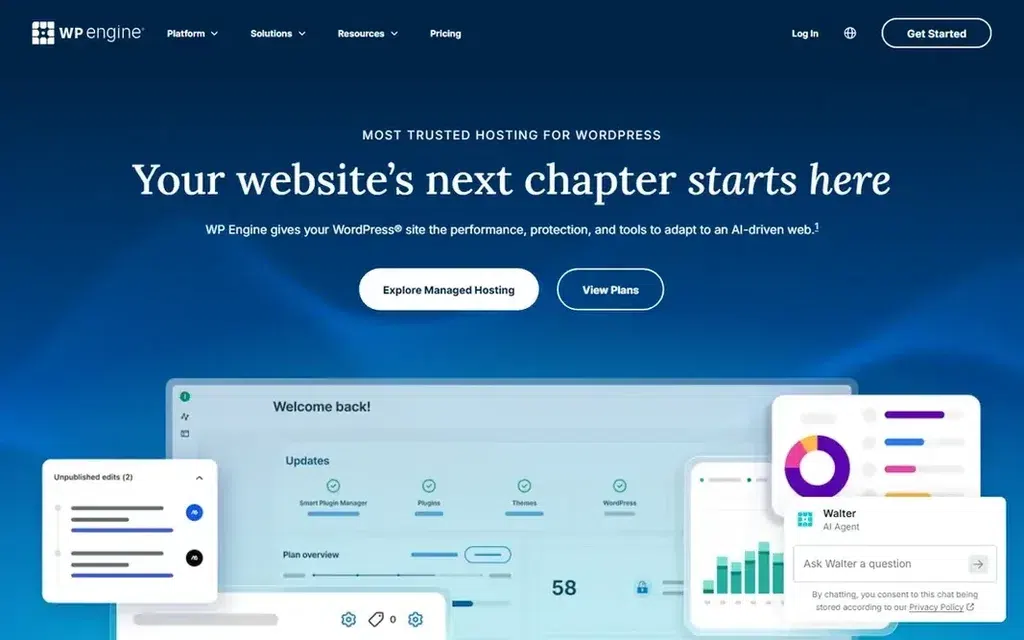
WP Engine works best for integrated staging on managed WordPress hosting. WP Engine is a managed WordPress hosting system with staging environments built in.
Honest limits: Less adaptable for non-WordPress stacks.
Staging is part of the hosting environment, so you have to be on WP Engine to use it. Price to start with WP Engine: $28.00 per month. As for free access: Not stated.
- Managed security and support
- Developer-friendly workflows
- Staging tied to hosting plan
How we chose
We compared the tools on published pricing, free plan or trial availability, feature coverage for WordPress staging tool for developers, and the limits each vendor documents. Treat prices as a snapshot: vendors change plans often, so check the vendor site for the figure that applies today. We ordered the tools by general fit, then by how clearly pricing is shown, then by free access. A buyer with unusual needs may reorder them.
Pre-purchase checklist
- Confirm the entry price on the vendor page. For Liquid Web and Pantheon that means a quote rather than a fixed price.
- Run a trial of Kinsta and Cloudways with real work before paying for a year; your own workflow is the best test.
- Before choosing Kinsta, weigh its main limit: staging restricted to hosted sites.
- Before rolling out Liquid Web, verify the integrations your workflow depends on.
- Find out what support Kinsta includes on your plan, and whether onboarding help costs extra.
FAQ
What is a WordPress staging tool?
A WordPress staging tool lets you build a copy of your site to test changes without affecting the live site. It is usually part of a managed hosting product, allowing developers to try plugin updates, theme changes, and code deployments safely.
How are the WordPress staging tool for developers ordered?
Kinsta sits first and WP Engine last because the order follows typical fit for WordPress staging tool for developers, then price clarity and free access. It is a judgement call, so read each profile for fit and limits.
How do I choose the best staging tool for my team?
For most readers this guide would start with Kinsta, built for dedicated staging environment for WordPress. Liquid Web is the alternative for managed hosting with staging for developers, and Pantheon for WebOps system with dev workflows. The right answer depends on budget and workflow.
Does any tool for WordPress staging tool for developers here have a free plan?
No tool in this list, Kinsta and WP Engine included, has a permanent free plan. Kinsta, Cloudways offer a trial. Trials and quotes are the usual route, so plan a short evaluation period.
Do I need a separate staging tool if my host provides staging?
Not necessarily. Numerous managed WordPress hosts contain staging, which can be sufficient for usual development workflows. On top of that, a separate tool may be handy if you need staging across several hosts or more advanced version control.
Is Kinsta the right pick for everyone comparing WordPress staging tool for developers?
No single tool suits every team. Kinsta comes first because it fits dedicated staging environment for WordPress, while Liquid Web suits managed hosting with staging for developers and Pantheon suits WebOps platform with dev workflows. Match the tool to your own size, budget and workflow before deciding.
Sources
- https://kinsta.com
- https://www.liquidweb.com
- https://pantheon.io
- https://www.cloudways.com
- https://wpengine.com