Best WordPress Management Tools for Startups in 2026: Prices, Free Plans and 5 Picks
Best WordPress management tools for startups: 5 contenders ranked by fit, with entry costs and free tiers. Verdicts stay brief and factual. Straight answers.
- Editor's choice
 Yoast SEO
On-page SEO guidance for content teams
Starts at$5 a monthVisit yoast.comFull review - Great alternative
 Cloudflare
Network-level performance and protection
Starts at$7 a monthVisit cloudflare.comFull review - Also considerManageWP
Running multiple WordPress sites from one dashboard
Starts at$1 per monthVisit managewp.comFull review
Direct answer
For on-page SEO guidance for content teams, Yoast SEO is where this list starts. Listed starting prices: Yoast SEO from $5 a month, Cloudflare from $7 a month and ManageWP from $1 per month. Cloudflare fits network-level performance and protection; ManageWP fits running multiple WordPress sites from one dashboard. Details, prices and limits for the rest of the 5 tools are below.
TL;DR:
- Yoast SEO is the opening pick, best for on-page SEO guidance for content teams.
- Cloudflare, ManageWP, Jetpack: these are the 3 tools out of 5 that offer a free plan.
- Kinsta suits startups wanting managed WordPress hosting.
- Starting prices begin at $1 per month with ManageWP.
- Check the limits for Jetpack before you commit: wide feature set can feel sprawling.
Last checked November 2026. Prices and plan details were read from the vendors' own pages in November 2026; vendors change plans often, so confirm the current price on the vendor site before you buy.
Quick comparison
| Tool | Best for | Starts at | Free plan? | |
|---|---|---|---|---|
| Yoast SEO | On-page SEO guidance for content teams | $5 a month | Free trial | Visit |
| Cloudflare | Network-level performance and protection | $7 a month | Yes | Visit |
| ManageWP | Running multiple WordPress sites from one dashboard | $1 per month | Yes | Visit |
| Jetpack | Security, backups and site speed in one plugin | $29.00 per month | Yes | Visit |
 Kinsta | Startups wanting managed WordPress hosting | $17.50 per month | Free trial | Visit |
Tool-by-tool breakdown
LinkVetted compared 5 WordPress management tools for startups. The goal is a practical shortlist: published prices, free plan facts, best-fit use cases and honest limits for every entry.
Yoast SEO makes the most sense for on-page SEO guidance for content teams. Startups with very small content operations may find a lighter approach sufficient until publishing volume grows.
Where it is weaker: not hosting or backups.
From a buyer's view, Yoast deals with on-page SEO but not hosting, backups, security or caching, so it sits alongside those tools instead of replacing them. Yoast SEO cost at the entry level: $5 per month. On free options: Free trial.
- Online SEO courses available
- SEO software for WordPress
- SEO only
In short, Cloudflare is for network-level performance and protection. Cloudflare describes itself as a system for building and powering applications, and it is widely used as a network layer in front of websites for performance and protection.
On cost, Cloudflare starts like this: $7 per month. A free plan is available with Cloudflare.
Honest limits: Configuration can need technical care.
- Performance and protection layer
- Works alongside WordPress
- Not WordPress-specific
ManageWP
Best for: Running multiple WordPress sites from one dashboard
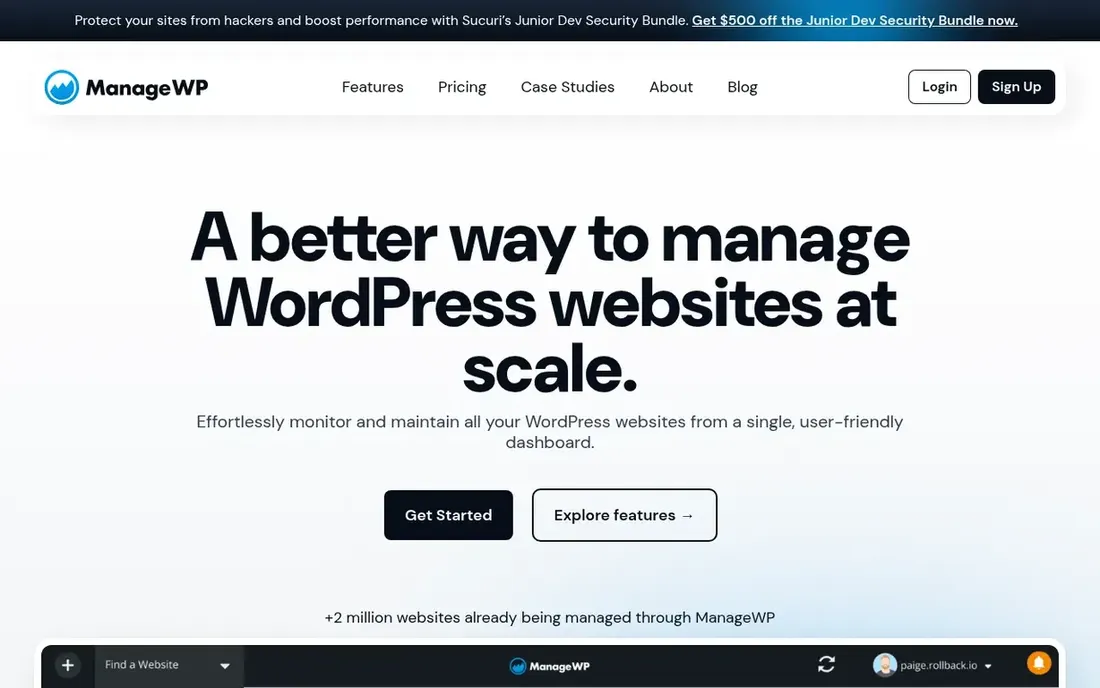
ManageWP is designed for running multiple WordPress sites from one dashboard. The value relies on having multiple sites to run; a startup with a single site may find the dashboard surplus to requirements.
Trade-offs to know: Single-site startups may not need it.
It also does not replace a host or an SEO plugin, so treat it as the control layer alongside those tools. What you pay to start with ManageWP: $1 per month. You can start on ManageWP without paying.
- Scheduled backups and migrations
- Automatic updates and monitoring
- Geared toward multi-site users
Jetpack
Best for: Security, backups and site speed in one plugin
For security, backups and site speed in one plugin, Jetpack is a natural candidate. If you already run a caching plugin and an SEO plugin, review which Jetpack features you actually need before adding it.
Where it is weaker: Some features overlap with other plugins.
Jetpack starts at: $29.00 per month. Jetpack includes a free tier.
- Speed tools included
- Live backups and malware scanning
- Wide feature set can feel sprawling

Kinsta makes the most sense for startups wanting managed WordPress hosting. Kinsta presents itself as managed WordPress hosting built around enterprise-grade speed, security and support.
For a startup without in-house server expertise, that means the hosting layer is handled for you, leaving your team to focus on the site itself. More specifically, since Kinsta is a hosting provider, it does not replace plugins for SEO, caching control or multi-site dashboards. Starting cost for Kinsta: $17.50 per month. Free plan details: Free trial.
Where it falls short: Less suited to self-managed stacks.
- Emphasis on speed and security
- Support included
- Not a plugin suite
What went into this list
What to confirm before you sign up
- Check the vendor page for the current price: ManageWP starts at $1 per month here, and seats or billing terms can move it.
- Look at free plan limits closely: Cloudflare, ManageWP and Jetpack have one, and the caps decide whether it is usable for real work.
- Take the trial from Yoast SEO and Kinsta and push a live task through it before you pay.
- Read the limits listed for Yoast SEO first: SEO only, not hosting or backups.
- Confirm minimum seats and billing terms with Cloudflare before you commit to an annual plan.
- Work out what Kinsta costs with your real seat count, add-ons and usage, not just the entry price.
FAQ
Can I try these tools before paying?
Often, yes. Cloudflare, ManageWP and Jetpack have a free plan and Yoast SEO and Kinsta offer a free trial. Use your own data and a real task during the test, and check what the free tier or trial limits before you rely on it.
Which options for WordPress management tools for startups have a free plan?
On this list, Cloudflare, ManageWP and Jetpack include a free plan. Caps on seats, usage or features are common, so test the free plan against your real workload. Several others offer a trial instead.
What is the cheapest option for WordPress management tools for startups in this list?
On published monthly entry prices, ManageWP is the lowest here at $1 per month. Entry price is only part of the cost, because seats, add-ons and billing terms can change the total. Prices, free plan details and limits for all 5 tools in this WordPress management tools for startups roundup sit on the individual cards above.
Is Yoast SEO the right pick for everyone comparing WordPress management tools for startups?
No single tool suits every team. Yoast SEO comes first because it fits on-page SEO guidance for content teams, while Cloudflare suits network-level performance and protection and ManageWP suits running several WordPress sites from one dashboard. Match the tool to your own size, budget and workflow before deciding.
Which tool should a single-site startup start with?
Start with hosting and a security and backup layer, then add SEO guidance once you publish content on a regular basis. A multi-site dashboard like ManageWP becomes more valuable after you operate more than one WordPress property.
Sources
- https://yoast.com
- https://www.cloudflare.com
- https://managewp.com
- https://jetpack.com
- https://kinsta.com