Best WordPress Management Tools for Small Business (2026): 5 Picks Checked on Vendor Pages
Best WordPress management tools for small business in 2026: 5 contenders with entry costs and free tiers. Real limits included. Narrow your shortlist.
- Editor's choiceUpdraftPlus
Steady backups and migration
Starts at$70.00 per yearVisit updraftplus.comFull review - Great alternative
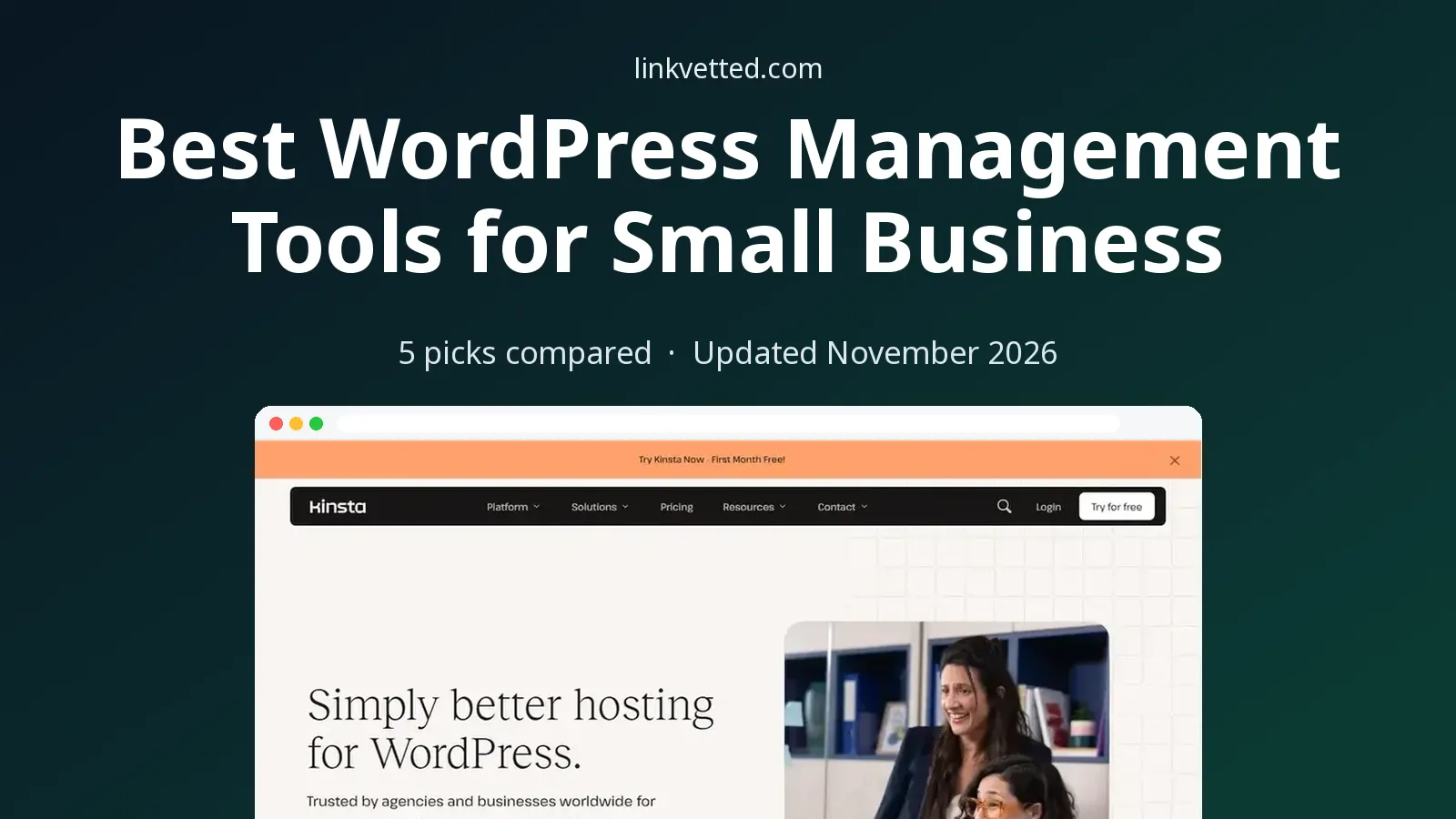
 Kinsta
Speed and support focused hosting
Starts at$17.50 a monthVisit kinsta.comFull review - Also consider
 WP Engine
Hands-off managed WordPress hosting
Starts at$28.00 a monthVisit wpengine.comFull review
Direct answer
UpdraftPlus is the first pick on this list for steady backups and migration. Listed starting prices: UpdraftPlus from $70.00 per year, Kinsta from $17.50 a month and WP Engine from $28.00 a month. Kinsta is the stronger choice for speed and support focused hosting, while WP Engine suits hands-off managed WordPress hosting. Details, prices and limits for the rest of the 5 tools are below.
TL;DR:
- Top of the list is UpdraftPlus, which targets dependable backups and migration.
- Before buying UpdraftPlus, weigh this: backup-focused, not full management.
- ManageWP is the lowest-priced starter here at $1 per month.
- For all-in-one security and performance, Jetpack is worth a look.
Last checked November 2026. Prices and plan details were read from the vendors' own pages in November 2026; vendors change plans often, so confirm the current price on the vendor site before you buy.
Quick comparison
| Tool | Best for | Starts at | Free plan? | |
|---|---|---|---|---|
| UpdraftPlus | Steady backups and migration | $70.00 per year | No | Visit |
| Kinsta | Speed and support focused hosting | $17.50 a month | Free trial | Visit |
| WP Engine | Hands-off managed WordPress hosting | $28.00 a month | Not stated | Visit |
| ManageWP | Managing multiple sites at once | $1 a month | Yes | Visit |
| Jetpack | All-in-one security and performance | $29.00 per month | Yes | Visit |
Our 5 picks for WordPress management tools for small business
This LinkVetted guide covers 5 options for WordPress management tools for small business. Each profile lists a starting price, free plan details, strengths and drawbacks, so you can drop poor fits quickly.
UpdraftPlus
Best for: Steady backups and migration
Where UpdraftPlus fits: dependable backups and migration. Choose it when protecting and moving site data is the priority and you are comfortable pairing it with other plugins.
UpdraftPlus is a WordPress backup, restore and migration plugin used across plenty of WordPress sites. Companies wanting one dashboard for everything may prefer a broader manager. UpdraftPlus pricing: $70.00 per year. No free plan comes with UpdraftPlus.
Where it shines: Widely used on WordPress sites. The main drawbacks: Backup-focused, not full management.
- Straightforward backup workflow
- Backup
- Other tasks need separate tools

Kinsta targets speed and support focused hosting. The platform positions support as a central part of the service, which helps teams without in-house WordPress expertise. Like other managed hosts, Kinsta is not a substitute for dedicated SEO, backup or caching plugins, and firms already happy with their host may find it redundant.
Where it is weaker: not a plugin toolkit; Hosting-first.
It is best chosen when performance and managed support are priorities and you are willing to move hosting to get them. For everyday use, Kinsta presents itself as hosting for WordPress with enterprise-grade speed, security and support. What you pay to start with Kinsta: $17.50 per month. On free options: Free trial.
Best features of Kinsta: Managed WordPress environment.
- Emphasis on enterprise-grade speed
- Security and support highlighted
- Overlaps with tools you may already run
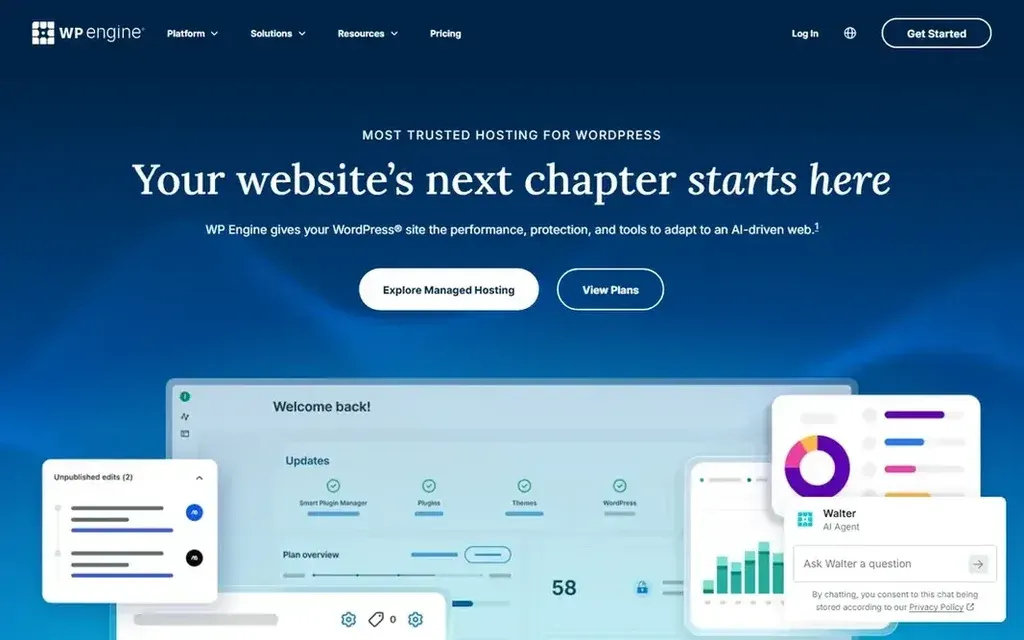
Pick WP Engine if this describes you: hands-off managed WordPress hosting. For a small business that wants the foundation of its site handled by someone else, it removes much of the server maintenance burden. In practice, since it is primarily a hosting system, WP Engine does not replace specialized plugins for SEO, caching or granular backups.
Points against: Hosting-centric instead of a full plugin suite.
Consider it when hosting and baseline security are the core needs. On top of that, firms already committed to another host, or those wanting to assemble their own stack of plugins, may prefer a standalone management tool instead. The starting price for WP Engine: $28.00 per month. Trial and free access: Not stated.
- Round-the-clock support
- Suited to owners without technical staff
- Less handy if you already have hosting
ManageWP
Best for: Managing multiple sites at once
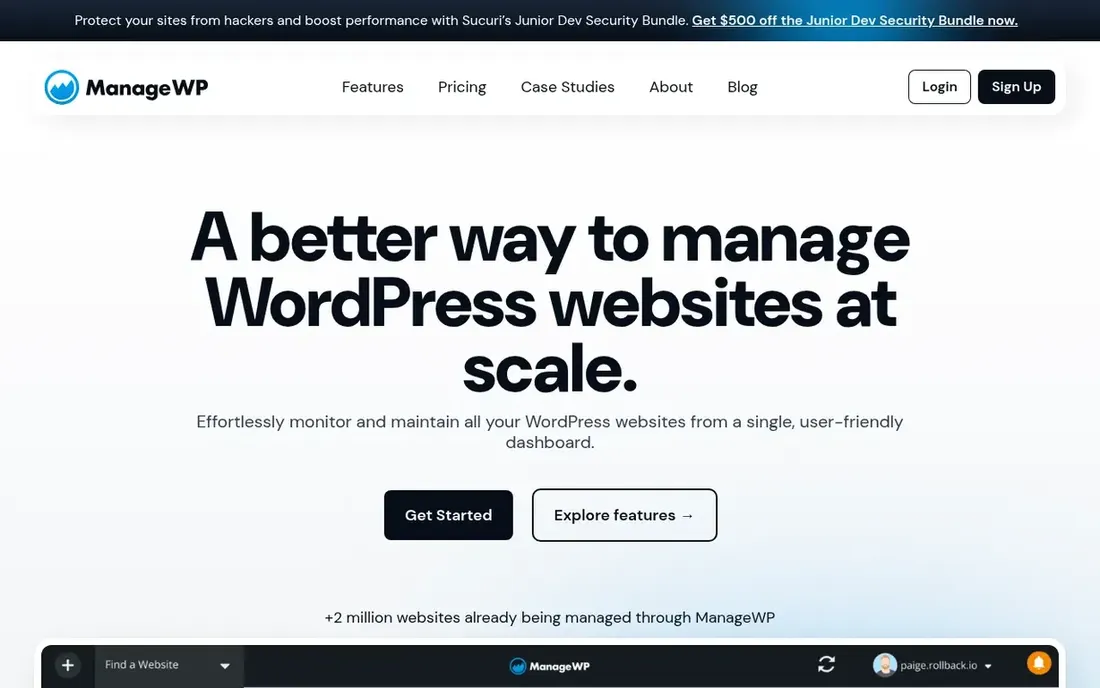
ManageWP is a good fit for managing multiple sites at once. Beyond that, the value scales with the number of sites you run. So a business with a single site may find it more than needed.
Where it falls short: Geared toward multi-site owners.
It also complements instead of replaces hosting and security decisions. On top of that, choose it when consolidating updates, backups and monitoring across multiple properties is the central goal. Entry price for ManageWP: $1 per month. A free plan is available with ManageWP.
- Scheduled backups and migrations
- Automatic updates plus traffic and SEO monitoring
- Single-site users gain less
Jetpack
Best for: All-in-one security and performance
Pick Jetpack if this describes you: all-in-one security and performance. Jetpack keeps a WordPress site secure, quick and expanding, offering live backups, malware scanning, speed tools and AI features that operate on your site.
Its breadth can also mean features you do not use. Pick it when a single connected toolkit for security, backups and speed is more appealing than a patchwork of separate plugins. What you pay to start with Jetpack: $29.00 per month. You can start on Jetpack without paying.
Where it is weaker: Some overlap with specialist plugins.
- Live backups and malware scanning
- Speed tools included
- Feature set can feel wide
How we compared the tools
The comparison looks at four things: starting price, free access, how well the feature set matches WordPress management tools for small business, and the main limit of each tool. Prices and plan limits come from vendor pages and can change, so confirm them on the vendor site before you buy. The ranking is editorial: typical fit first, then clear pricing, then free access. If your needs are unusual, read the profiles rather than relying on position.
Pre-purchase checklist
- Prices are a starting point; ManageWP shows $1 per month to start, so verify what your seat count would cost.
- Check what the free option really includes: ManageWP and Jetpack offer a free plan, and usage caps differ.
- Use real work to test the free trial from Kinsta, rather than a demo project.
- Read the limits listed for UpdraftPlus first: backup-focused, not full management.
- Verify that exporting from Jetpack is possible on your plan and covers all your records.
- List the apps you already depend on and check that UpdraftPlus supports each one on the plan you would buy.
FAQ
Which options for WordPress management tools for small business have a free plan?
ManageWP and Jetpack offer a free plan in this list. Free plans usually cap users, projects or features, so check the limits on the vendor page. One other tool offers a trial instead.
What is the cheapest option for WordPress management tools for small business in this list?
On published monthly entry prices, ManageWP is the lowest here at $1 per month. Entry price is only part of the cost, because seats, add-ons and billing terms can change the total. All 5 picks in this WordPress management tools for small business comparison list a starting price, free plan details and the main limits on their cards above.
How are the tools for WordPress management tools for small business ordered?
The order follows typical fit for WordPress management tools for small business, with UpdraftPlus first and Jetpack last, then price clarity and free access. It is editorial judgement, not a score, so another team could rank the tools differently.
Is UpdraftPlus the right pick for everyone comparing WordPress management tools for small business?
No single tool suits every team. UpdraftPlus comes first because it fits reliable backups and migration, while Kinsta suits speed and support focused hosting and WP Engine suits hands-off managed WordPress hosting. Match the tool to your own size, budget and workflow before deciding.
What should a small business set up first?
Start with steady hosting and a backup routine, since those protect your site and content. Then add performance and SEO tools as your needs grow.
Sources
- https://updraftplus.com
- https://kinsta.com
- https://wpengine.com
- https://managewp.com
- https://jetpack.com