Best WordPress Management Tools for Enterprise in 2026: Prices, Free Plans and 5 Picks
Searching for the best WordPress management tools for enterprise? Here are 5 options with prices and free plans. Every profile names its biggest catch. No hype.
- Editor's choiceMainWP
Self-hosted management for several WordPress sites
Starts at$29 a monthVisit mainwp.comFull review - Great alternativeManageWP
Managing several WordPress sites from one dashboard
Starts at$1 per monthVisit managewp.comFull review - Also consider
 WP Engine
Managed WordPress hosting with security and support
Starts at$28.00 a monthVisit wpengine.comFull review
Direct answer
MainWP comes first here, mainly for self-hosted management for several WordPress sites. Listed starting prices: MainWP from $29 a month, ManageWP from $1 per month and WP Engine from $28.00 a month. For a different need, ManageWP covers managing several WordPress sites from one dashboard and WP Engine covers managed WordPress hosting with security and support. The full list of 5 tools follows, with prices and free plan facts.
TL;DR:
- Number one here is MainWP, a fit for self-hosted management for several WordPress sites.
- For enterprise-grade managed WordPress hosting, Kinsta is worth a look.
- Just one of the 5 tools, ManageWP, has a free plan.
- ManageWP is the lowest-priced starter here at $1 per month.
Last checked November 2026. Prices and plan details were read from the vendors' own pages in November 2026; vendors change plans often, so confirm the current price on the vendor site before you buy.
Quick comparison
| Tool | Best for | Starts at | Free plan? | |
|---|---|---|---|---|
| MainWP | Self-hosted management for several WordPress sites | $29 a month | Not stated | Visit |
| ManageWP | Managing several WordPress sites from one dashboard | $1 per month | Yes | Visit |
| WP Engine | Managed WordPress hosting with security and support | $28.00 a month | Not stated | Visit |
 Pantheon | WebOps system for building and managing websites | See website | Not stated | Visit |
 Kinsta | Enterprise-grade managed WordPress hosting | $17.50 per month | Free trial | Visit |
Our 5 picks for WordPress management tools for enterprise
Short on time? The summary and table above give the quick view of 5 tools for WordPress management tools for enterprise, and the profiles that follow give the detail behind each entry.
MainWP
Best for: Self-hosted management for several WordPress sites
MainWP was built for self-hosted management for several WordPress sites. MainWP is a self-hosted, open-source tool for managing several WordPress sites from your own dashboard. It provides unlimited site management without per-site fees, making it economical for large portfolios.
What to check first: Needs own hosting.
It is well suited to enterprises that prefer full control over their management infrastructure. MainWP needs you to host the dashboard and run updates yourself, which layers on technical overhead. It may not bundle built-in hosting or advanced security features. Starting cost for MainWP: $29 per month. On free options: Not stated.
- Unlimited sites
- Self-hosted and open source
- Technical setup needed
ManageWP
Best for: Managing several WordPress sites from one dashboard
ManageWP was built for managing several WordPress sites from one dashboard. ManageWP centres on management and does not offer hosting, so it must be paired with a hosting option. It may lack advanced enterprise features like compliance certifications.
Limits to weigh: Not a hosting provider.
In daily use, ManageWP is a tool for managing several WordPress websites from a single dashboard. It lets users to schedule backups, migrate sites, automate updates, and monitor traffic and SEO. As for the details, consider integrated products if you need hosting and management in one. Starting cost for ManageWP: $1 per month. ManageWP has a free plan.
- Centralized dashboard
- Automatic updates
- Restricted to management features
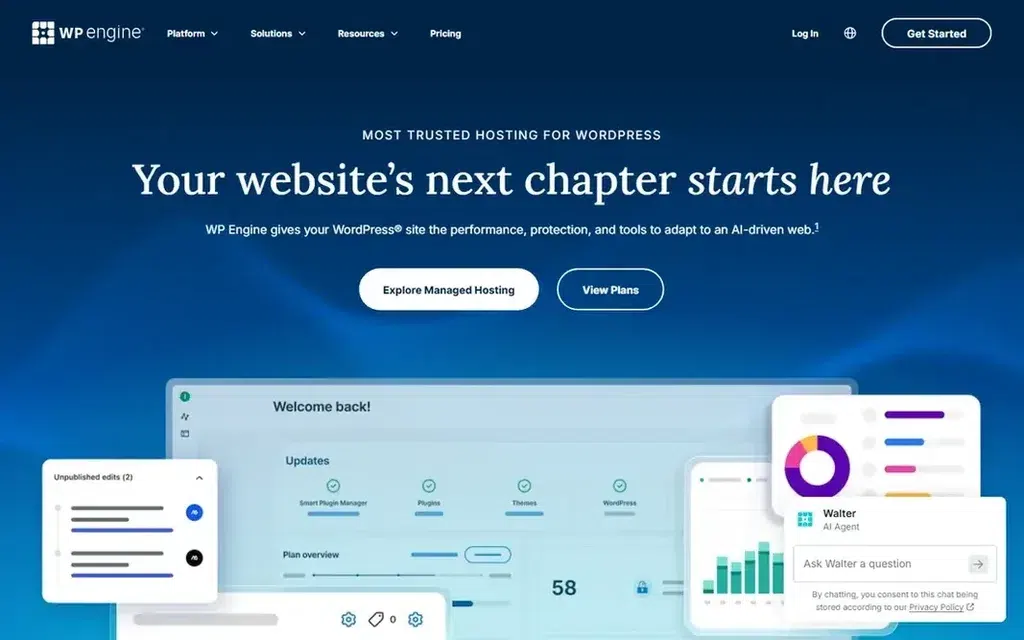
Think of WP Engine for managed WordPress hosting with security and support. WP Engine is a managed WordPress hosting product that emphasizes security, performance, and support.
It is aimed at companies that want a hands-off hosting experience with built-in safeguards. Worth adding: the product is right for enterprises that prefer to outsource infrastructure management and focus on content and development. On cost, WP Engine starts like this: $28.00 per month. On free options: Not stated.
Watch-outs: Restricted to WordPress.
- Security options included
- Managed hosting platform
- No self-hosted option
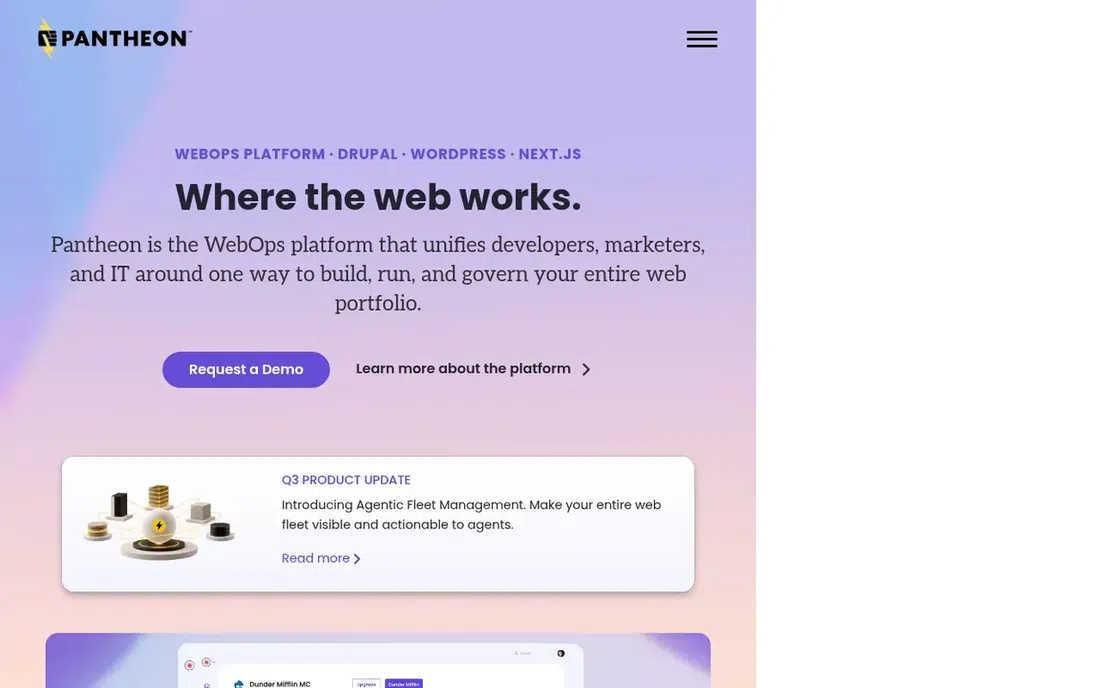
Where Pantheon fits: WebOps product for building and managing websites. Consider more straightforward managed hosting if you do not need multi-framework support or advanced workflows. In practice, the product emphasizes DevOps practices for digital experiences.
What to check first: May need technical expertise.
Pantheon's feature set may be overkill for smaller or less technical teams. It needs familiarity with WebOps concepts, which can steepen the ramp-up time. It is suited for enterprises with development workflows that need collaboration and version control. Pantheon does not show a starting price in this comparison, so check the vendor site for current pricing. Trial and free access: Not stated.
- Digital speed and agility
- Supports WordPress, Drupal, Next.js
- Complicated for straightforward sites

Kinsta serves enterprise-grade managed WordPress hosting. The system comes with features tailored for high-traffic and mission-critical sites. Also, as a managed host, Kinsta limits server-level customization and may not fit organizations requiring full infrastructure control.
Trade-offs to know: Managed service only.
It is WordPress-specific, so multi-platform environments may need supplementary tools. Evaluate if you need self-hosted or multi-site management beyond hosting. Kinsta cost at the entry level: $17.50 per month. Free options: Free trial.
- Support included
- Security features
- No self-hosting
How we chose
Each tool was reviewed on what its vendor publishes: price, plan limits, core features and stated drawbacks. We did not run hands-on tests. Prices and plan limits come from vendor pages and can change, so confirm them on the vendor site before you buy. Tools are placed by general fit for WordPress management tools for enterprise, with price clarity and free access as tie-breakers. A different team can reasonably rank them differently.
Things to verify first
- Ask Pantheon for a written quote, since no starting price is shown.
- Look at the free plan from ManageWP closely: its caps decide whether it is usable for real work.
- Take the trial from Kinsta and push a live task through it before you pay.
- Read the limits listed for MainWP first: needs own hosting.
- The entry price of Pantheon is only the starting point; model the full cost with seats and extras.
- Look at the help docs and support options for WP Engine before you commit.
FAQ
Is MainWP the right pick for everyone comparing WordPress management tools for enterprise?
No single tool suits every team. MainWP comes first because it fits self-hosted management for multiple WordPress sites, while ManageWP suits managing multiple WordPress sites from one dashboard and WP Engine suits managed WordPress hosting with security and support. Match the tool to your own size, budget and workflow before deciding.
How are the tools for WordPress management tools for enterprise ordered?
MainWP sits first and Kinsta last because the order follows typical fit for WordPress management tools for enterprise, then price clarity and free access. It is a judgement call, so read each profile for fit and limits.
Do these tools publish their prices?
Not all of them. Pantheon publishes no starting price, so expect a quote request for it. The rest, MainWP included, show a starting price, though seats and billing terms still change the final cost.
Can I try these tools before paying?
Often, yes. ManageWP has a free plan and Kinsta offers a free trial. Use your own data and a real task during the test, and check what the free tier or trial limits before you rely on it.
Is self-hosted management more economical for plenty of sites?
MainWP is self-hosted and open source, with no per-site fees, which can be economical for large numbers of sites. That said, it needs you to host and maintain the dashboard.
Can I handle WordPress sites across different hosts?
Yes, tools like ManageWP and MainWP can handle WordPress sites regardless of where they are hosted. They connect via plugins to offer updates, backups, and monitoring. This is handy for enterprises with diverse hosting environments.