Best WordPress Management Tools for Remote Teams in 2026: 5 Tools Compared
Weighing the best WordPress management tools for remote teams? We lined up 5 products by cost, free access and fit. Each entry gets a plain verdict. No hype.
- Editor's choiceMainWP
Self-hosted control of several sites
Starts at$29 a monthVisit mainwp.comFull review - Great alternativeManageWP
One dashboard for numerous WordPress sites
Starts at$1 a monthVisit managewp.comFull review - Also consider
 WP Engine
Managed hosting with built-in support
Starts at$28.00 a monthVisit wpengine.comFull review
Direct answer
For self-hosted control of several sites, MainWP is where this list starts. Listed starting prices: MainWP from $29 a month, ManageWP from $1 a month and WP Engine from $28.00 a month. Look at ManageWP for one dashboard for plenty of WordPress sites, and at WP Engine for managed hosting with built-in support. Details, prices and limits for the rest of the 5 tools are below.
TL;DR:
- Top of the list is MainWP, which targets self-hosted control of several sites.
- The main caution on WP Engine: less handy if you already host elsewhere.
- A free plan is available from 2 of the 5 tools: ManageWP, Jetpack.
- Jetpack fits security and performance inside WordPress.
Last checked November 2026. Prices and plan details were read from the vendors' own pages in November 2026; vendors change plans often, so confirm the current price on the vendor site before you buy.
Quick comparison
| Tool | Best for | Starts at | Free plan? | |
|---|---|---|---|---|
| MainWP | Self-hosted control of several sites | $29 a month | Not stated | Visit |
| ManageWP | One dashboard for numerous WordPress sites | $1 a month | Yes | Visit |
| WP Engine | Managed hosting with built-in support | $28.00 a month | Not stated | Visit |
 Kinsta | Performance-focused managed WordPress hosting | $17.50 a month | Free trial | Visit |
| Jetpack | Security and performance inside WordPress | $29.00 a month | Yes | Visit |
WordPress Management Tools for Remote Teams, one by one
Short on time? The summary and table above give the quick view of 5 WordPress management tools for remote teams, and the profiles that follow give the detail behind each entry.
MainWP
Best for: Self-hosted control of several sites
MainWP targets self-hosted control of several sites. Groups without the appetite for that maintenance, or those who want a vendor-managed console, should weigh a hosted dashboard instead.
Watch-outs: You maintain the dashboard yourself.
In practice, MainWP lets you run several WordPress sites from your own self-hosted dashboard. Price to start with MainWP: $29 per month. On free options: Not stated.
- Unlimited sites without per-site fees
- Dashboard lives on your own install
- Needs more technical comfort
ManageWP
Best for: One dashboard for numerous WordPress sites
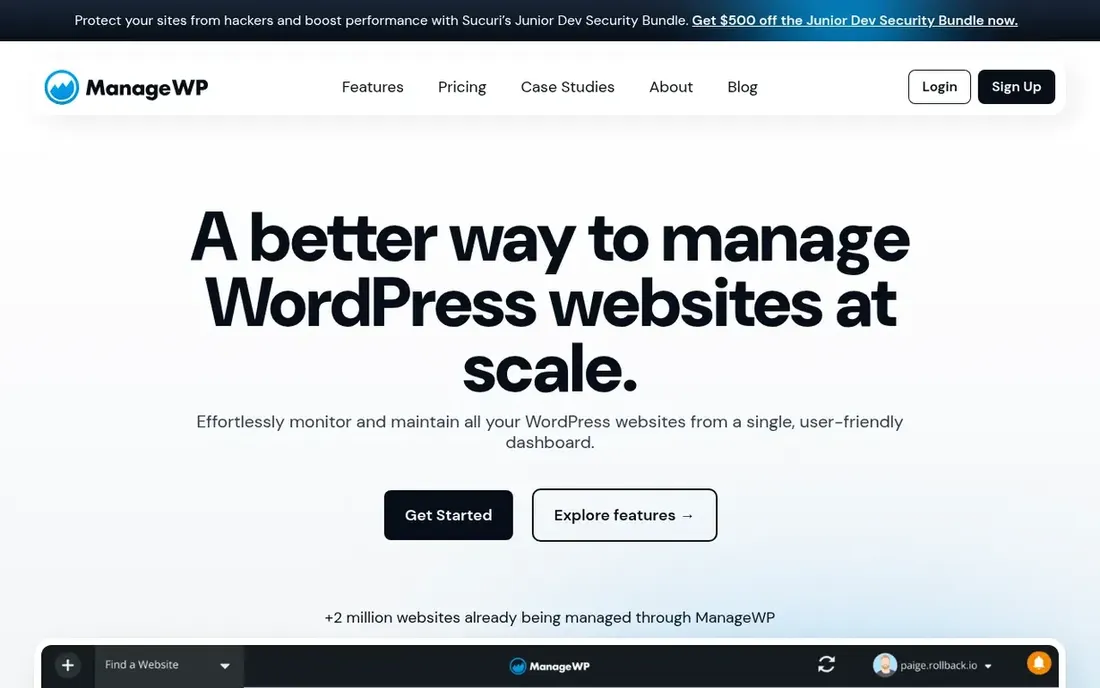
Choose ManageWP for one dashboard for plenty of WordPress sites. ManageWP is built around managing several WordPress websites from a single dashboard.
Points against: Feature depth varies by what you enable.
Its stated capabilities contain scheduled backups, site migration, automatic updates, and monitoring for traffic and SEO. The dashboard model means your management layer lives outside the individual sites, which some teams find layers on an additional dependency. What you pay to start with ManageWP: $1 per month. ManageWP offers a free plan.
- Scheduled backups and migrations
- Automated updates plus traffic and SEO monitoring
- Brings another account layer to run
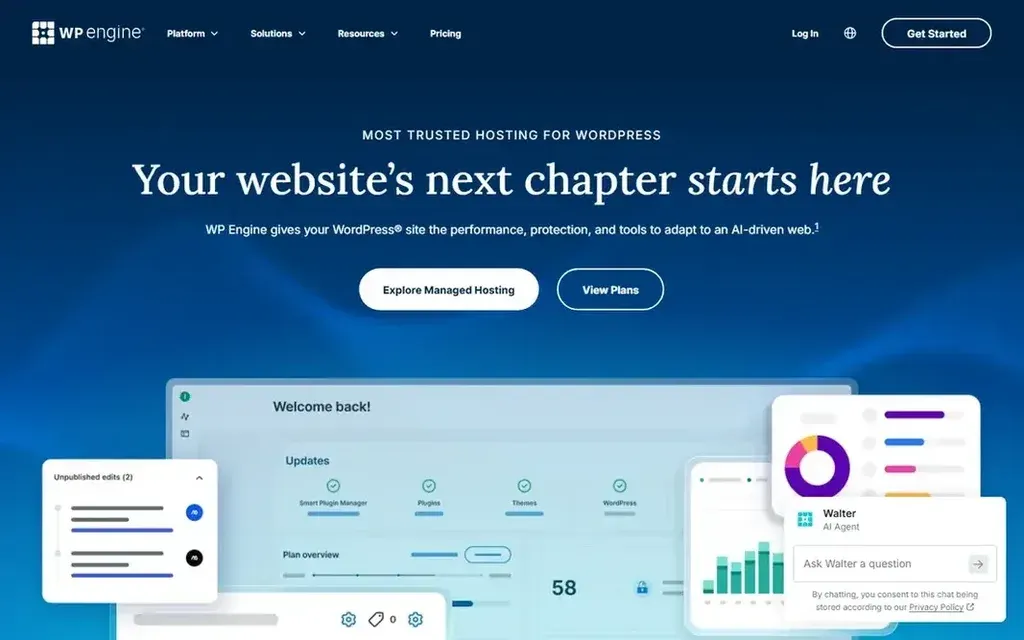
WP Engine is designed for managed hosting with built-in support. Since it is a hosting product first, it is not the tool to choose if your sites already live with another provider and you only need a management dashboard.
Drawbacks to consider: Less handy if you already host elsewhere.
For everyday use, teams with existing hosting contracts should look at dashboard-style tools instead, and keep WP Engine in mind when a hosting migration is on the table. Starting cost for WP Engine: $28.00 per month. Free plan details: Not stated.
- Security and support included
- Managed hosting product for WordPress
- Hosting-led instead of a multi-site dashboard

Kinsta is aimed squarely at performance-focused managed WordPress hosting. For remote teams, that means infrastructure concerns sit with the vendor whereas staff work on the site itself.
Where it falls short: not a site dashboard.
Consider alternatives if your priority is centralized updates and backups across numerous unrelated installs instead of hosting quality. Kinsta cost at the entry level: $17.50 per month. Free options: Free trial.
- Managed WordPress hosting emphasis
- Speed and security positioning
- Overlaps with other managed hosts
Jetpack
Best for: Security and performance inside WordPress
For security and performance inside WordPress, Jetpack is a natural candidate. Teams that require a single overview of dozens of sites should pair it with a multi-site manager or choose one instead.
Trade-offs to know: Feature set is site-level, not fleet-level.
Beyond that, Jetpack keeps a WordPress site secure, quick and expanding, based on its own description, with live backups, malware scanning, speed tools and AI features that work on the site. What you pay to start with Jetpack: $29.00 per month. Jetpack has a free plan.
- Live backups and malware scanning
- Speed tools built in
- Some capabilities rely on connected services
How these tools were picked
For each of the 5 tools we noted price, free plan or trial, fit for WordPress management tools for remote teams and the main limit, using vendor pages and documentation. Plan names, prices and limits change often. Treat the figures here as a starting point and verify them with the vendor. The sequence is a judgement call: typical use case first, then pricing transparency, then free access. Use the profiles to check fit.
What to confirm before you sign up
- Check the vendor page for the current price: ManageWP starts at $1 per month here, and seats or billing terms can move it.
- Check what the free option really includes: ManageWP and Jetpack offer a free plan, and usage caps differ.
- Use real work to test the free trial from Kinsta, rather than a demo project.
- Read the limits listed for MainWP first: you maintain the dashboard yourself.
- Before you load data into MainWP, check what an export looks like and who can run it.
- Price Jetpack for your actual team size; headline prices rarely include add-ons or overage.
FAQ
Is a self-hosted dashboard like MainWP worth the maintenance?
It can be if your team wants to own the management layer and avoid per-site arrangements. You have the technical capacity to keep the dashboard patched and backed up.
Do these tools publish their prices?
Yes. Every tool from MainWP to Jetpack shows a starting price, though seats, add-ons and billing terms still change the final cost.
Is MainWP the right pick for everyone comparing WordPress management tools for remote teams?
No single tool suits every team. MainWP comes first because it fits self-hosted control of multiple sites, while ManageWP suits one dashboard for many WordPress sites and WP Engine suits managed hosting with built-in support. Match the tool to your own size, budget and workflow before deciding.
Which options for WordPress management tools for remote teams have a free plan?
On this list, ManageWP and Jetpack include a free plan. Caps on seats, usage or features are common, so test the free plan against your real workload. One other tool offers a trial instead.
What is the cheapest option for WordPress management tools for remote teams in this list?
On published monthly entry prices, ManageWP is the lowest here at $1 per month. Entry price is only part of the cost, because seats, add-ons and billing terms can change the total.