WordPress Management Services for Updates in 2026: The 5 Best Options Side by Side
Compare 5 best WordPress management services for updates, with prices, free plans and who each fits. Notes on cost and gaps for each tool. Checked this month.
- Editor's choiceInfiniteWP
Free self-hosted management
Starts at$147 a yearVisit infinitewp.comFull review - Great alternativeBlogVault
Steady backups and restore
Starts at$49.50 per site per yearVisit blogvault.netFull review - Also considerWP Remote
Agency updates with client reports
Starts at$1.99 per site per monthVisit wpremote.comFull review
Direct answer
This list puts InfiniteWP first for free self-hosted management. Listed starting prices: InfiniteWP from $147 a year, BlogVault from $49.50 per site per year and WP Remote from $1.99 per site per month. BlogVault is better for dependable backups and restore, and WP Remote is better for agency updates with client reports. The remaining 2 options are covered below with prices and limits.
TL;DR:
- InfiniteWP sits first on this list: free self-hosted management.
- The cheapest monthly starting price in the list is $1 per month, offered by ManageWP.
- Jetpack is the one to check for security and backups for single sites.
- Before buying BlogVault, weigh this: less emphasis on update automation.
Last checked November 2026. Prices and plan details were read from the vendors' own pages in November 2026; vendors change plans often, so confirm the current price on the vendor site before you buy.
Quick comparison
| Tool | Best for | Starts at | Free plan? | |
|---|---|---|---|---|
| InfiniteWP | Free self-hosted management | $147 a year | Yes | Visit |
| BlogVault | Steady backups and restore | $49.50 per site per year | No | Visit |
| WP Remote | Agency updates with client reports | $1.99 per site per month | Yes | Visit |
| ManageWP | Hosted dashboard for update automation | $1 a month | Yes | Visit |
| Jetpack | Security and backups for single sites | $29.00 per month | Yes | Visit |
Tool-by-tool breakdown
This LinkVetted guide covers 5 WordPress management services for updates. Each profile lists a starting price, free plan details, strengths and drawbacks, so you can drop poor fits quickly.
InfiniteWP
Best for: Free self-hosted management
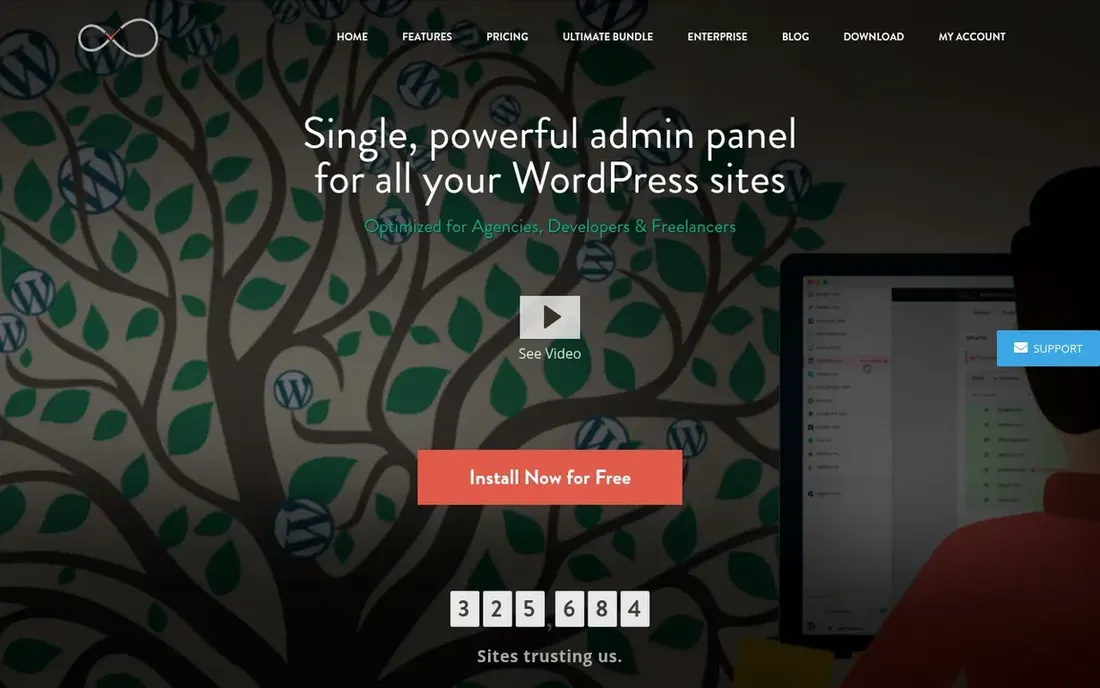
Where InfiniteWP fits: free self-hosted management. Consider a premium or hosted alternative if you need more solid update scheduling or client reporting. More specifically, as a free self-hosted option, InfiniteWP may lack some of the advanced automation and reporting features found in premium services.
It also needs you to host and maintain the dashboard. InfiniteWP is a free self-hosted tool that lets you run several WordPress sites from a single dashboard. It eases taking backups, securing sites, and performing management tasks with one click. The starting price for InfiniteWP: $147 per year. InfiniteWP includes a free tier.
Limits to weigh: Restricted advanced features compared with premium tools.
- One-click backups and security
- Eases site management
- Needs self-hosting setup
BlogVault
Best for: Steady backups and restore
BlogVault is aimed squarely at dependable backups and restore. BlogVault supplies automatic WordPress backups that run off your server, keeping several encrypted copies that your host cannot access.
It emphasizes dependable restoration, making it a decent choice for site owners who prioritize backup integrity and fast recovery. Starting cost for BlogVault: $49.50 per site per year. BlogVault has no free plan.
Drawbacks to consider: Less emphasis on update automation.
- Off-server backups
- Several encrypted copies
- May be restricted for full site management
WP Remote
Best for: Agency updates with client reports
Pick WP Remote if this describes you: agency updates with client reports. WP Remote is a management dashboard that brings backups, security, updates, monitoring, and client reports together for every WordPress site you handle. It is built with agencies in mind, helping you scale operations and keep clients informed.
The main drawbacks: Pricing scales with sites.
For individuals managing just one or two sites, WP Remote may offer more features than needed. Its pricing structure scales with the number of sites, which can add up for bigger portfolios. The starting price for WP Remote: $1.99 per site per month. Free access exists with WP Remote.
- Made for agencies
- Merges backups, security, updates
- May be overkill for single-site owners
ManageWP
Best for: Hosted dashboard for update automation
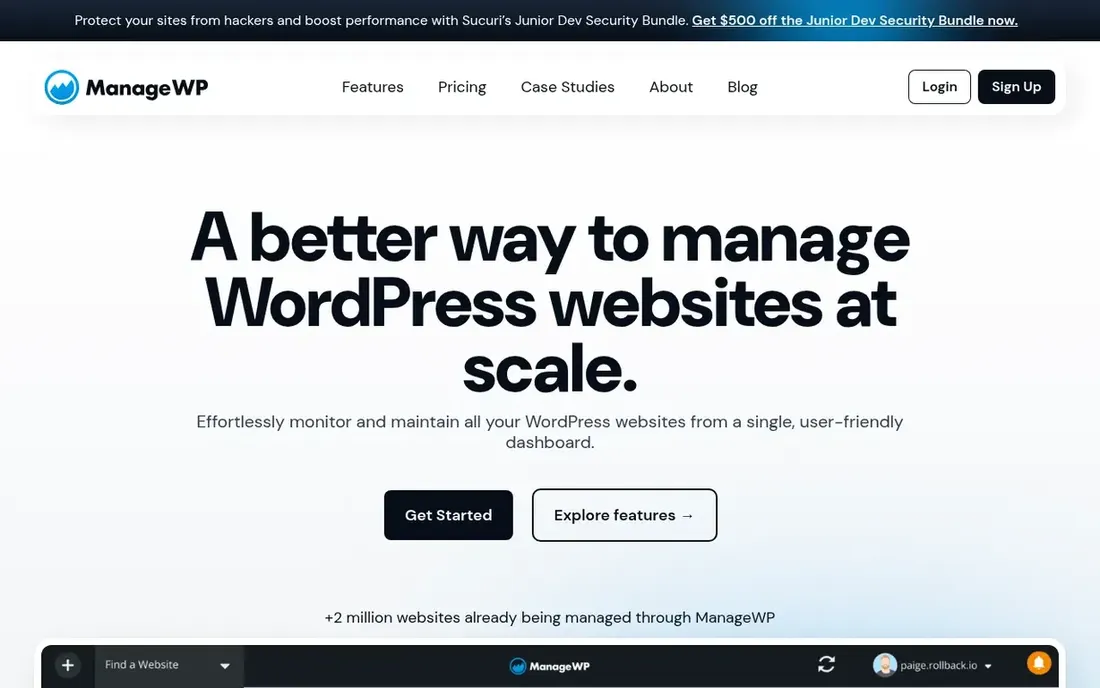
In short, ManageWP is for hosted dashboard for update automation. ManageWP is a hosted service that lets you run several WordPress websites from one dashboard.
Drawbacks to consider: Some features may need extras.
Beyond that, because ManageWP is hosted, you rely on its product for access and uptime. What you pay to start with ManageWP: $1 per month. You can start on ManageWP without paying.
- Automates updates across several sites
- Contains backups and migration tools
- Depends on an external hosted service
Jetpack
Best for: Security and backups for single sites
Jetpack targets security and backups for single sites. Jetpack is a suite of tools that keeps a WordPress site secure, quick, and expanding. It gives you live backups, malware scanning, speed optimization, and AI features that work straight on your site.
What to check first: Centred on individual sites instead of bulk management.
Some advanced features need a premium plan. On top of that, Jetpack is not primarily aimed at managing several sites from a single dashboard. So it may not fit agencies needing bulk update automation. What you pay to start with Jetpack: $29.00 per month. Jetpack offers a free plan.
- Speed and AI tools
- Live backups and malware scanning
- Some features need a premium plan
Our selection method
For each of the 5 tools we noted price, free plan or trial, fit for WordPress management services for updates and the main limit, using vendor pages and documentation. Figures are shown as the vendors publish them. Billing terms, seat minimums and add-ons can change the real cost. Position on the page reflects fit for a typical buyer first, with price clarity and free access breaking ties. Treat it as a guide, not a ruling.
What to confirm before you sign up
- Prices are a starting point; ManageWP shows $1 per month to start, so verify what your seat count would cost.
- Check what the free option really includes: InfiniteWP, WP Remote, ManageWP and Jetpack offer a free plan, and usage caps differ.
- Before choosing InfiniteWP, weigh its main limit: restricted advanced features compared with premium tools.
- Total up the real monthly cost of ManageWP, including add-ons, extra users and usage-based fees.
- Ask WP Remote about contract length, onboarding fees and user minimums before you sign.
FAQ
Can I try these tools before paying?
Often, yes. InfiniteWP, WP Remote, ManageWP and Jetpack have a free plan. Use your own data and a real task during the test, and check what the free tier or trial limits before you rely on it.
Which options for WordPress management services for updates have a free plan?
On this list, InfiniteWP, WP Remote, ManageWP and Jetpack include a free plan. Caps on seats, usage or features are common, so test the free plan against your real workload.
How are the tools for WordPress management services for updates ordered?
The order follows typical fit for WordPress management services for updates, with InfiniteWP first and Jetpack last, then price clarity and free access. It is editorial judgement, not a score, so another team could rank the tools differently.
Is InfiniteWP the right pick for everyone comparing WordPress management services for updates?
No single tool suits every team. InfiniteWP comes first because it fits free self-hosted management, while BlogVault suits reliable backups and restore and WP Remote suits agency updates with client reports. Match the tool to your own size, budget and workflow before deciding.
Sources
- https://infinitewp.com
- https://blogvault.net
- https://wpremote.com
- https://managewp.com
- https://jetpack.com