WordPress Hosting with Auto-Scaling in 2026: The 6 Best Options Side by Side
6 tools for the best WordPress hosting with Auto-Scaling, compared on pricing, free plans and best-fit use. Honest caveats for every entry. Pick by budget.
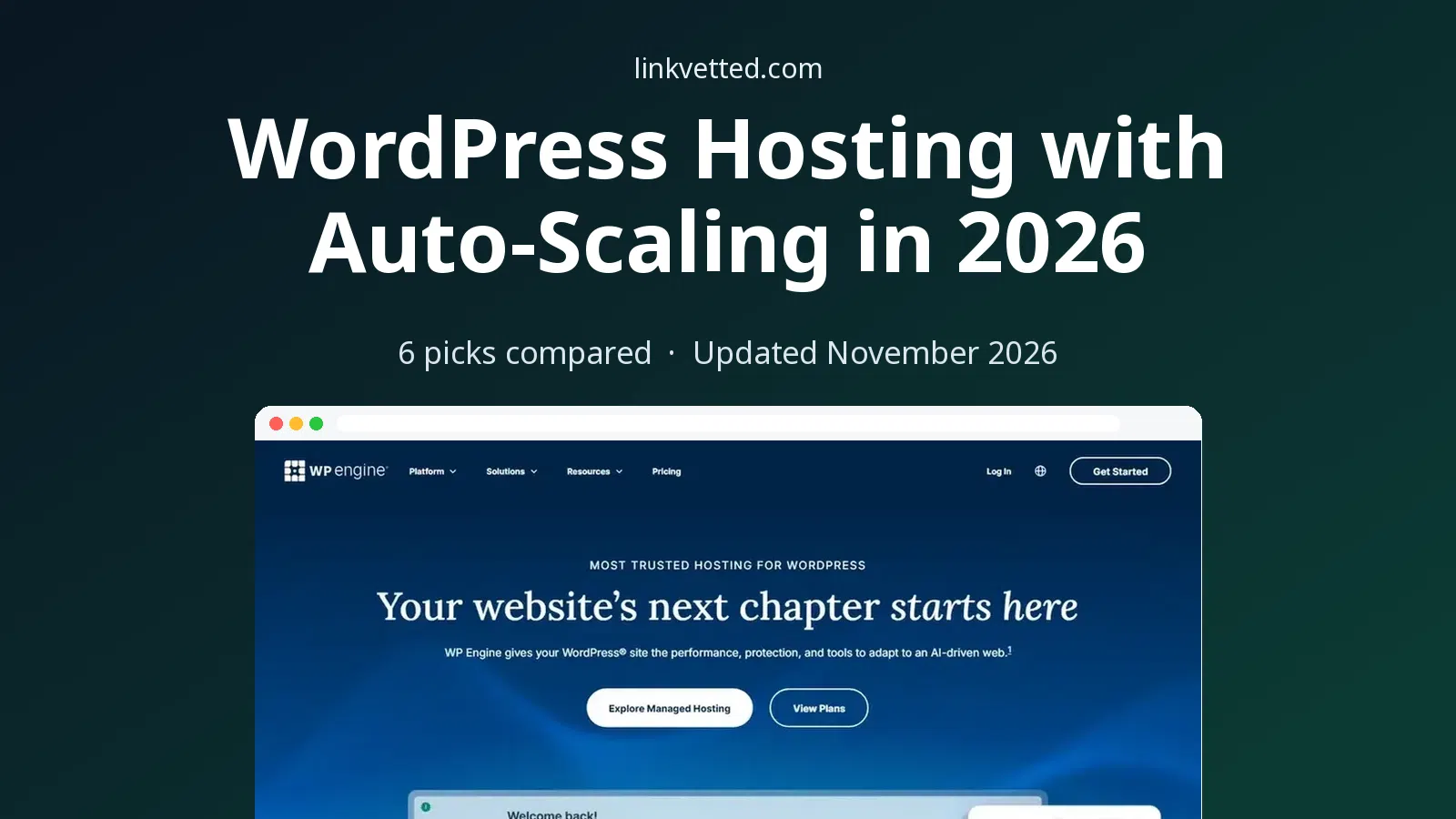
- Editor's choice
 WP Engine
Managed WordPress with solid support
Starts at$28.00 a monthVisit wpengine.comFull review - Great alternative
 Cloudways
Managed cloud hosting adaptability
Starts at$20 per monthVisit cloudways.comFull review - Also consider
 Nexcess
Completely managed hosting for several systems
Starts atSee websiteVisit nexcess.netFull review
Direct answer
If you need managed WordPress with capable support, WP Engine is the first tool to look at here. Listed starting prices: WP Engine from $28.00 a month, Cloudways from $20 per month and Rocket.net from $25 a month. For a different need, Cloudways covers managed cloud hosting adaptability and Nexcess covers completely managed hosting for several products. The full list of 6 tools follows, with prices and free plan facts.
TL;DR:
- The list opens with WP Engine, aimed at managed WordPress with solid support.
- For enterprise-grade managed WordPress hosting, Kinsta is worth a look.
- The cheapest monthly starting price in the list is $17.50 per month, offered by Kinsta.
- A permanent free plan is missing from all 6 tools, WP Engine and Kinsta included; plan for a trial or a premium start.
Last checked November 2026. Prices and plan details were read from the vendors' own pages in November 2026; vendors change plans often, so confirm the current price on the vendor site before you buy.
Quick comparison
| Tool | Best for | Starts at | Free plan? | |
|---|---|---|---|---|
| WP Engine | Managed WordPress with solid support | $28.00 a month | Not stated | Visit |
| Cloudways | Managed cloud hosting adaptability | $20 per month | Free trial | Visit |
| Nexcess | Completely managed hosting for several systems | See website | Not stated | Visit |
 Pantheon | WebOps product for several CMS | See website | Not stated | Visit |
 Rocket.net | Agencies and creatives needing speed | $25 a month | No | Visit |
 Kinsta | Enterprise-grade managed WordPress hosting | $17.50 per month | Free trial | Visit |
Tool-by-tool breakdown
LinkVetted put together this guide to WordPress hosting with Auto-Scaling for readers who want a clear shortlist without reading every vendor page. It compares 6 tools on starting price, free plans, who each one suits and where each one falls short.
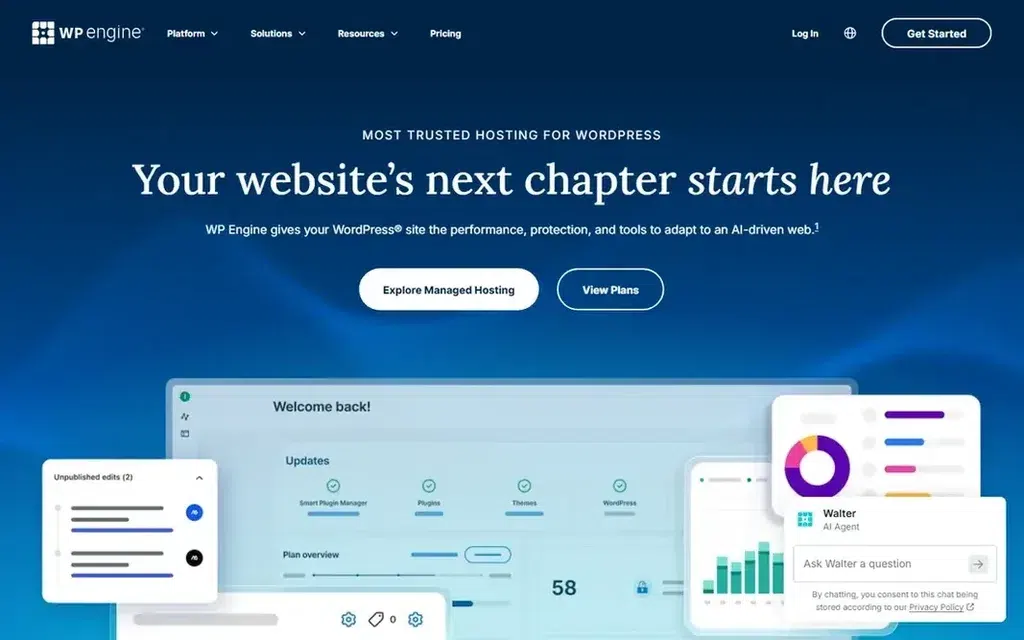
Pick WP Engine if this describes you: managed WordPress with solid support. It supplies 24/7 support and security options, aiming to offer a dependable environment for WordPress sites that require to scale.
Watch-outs: Higher cost for entry-level needs.
In daily use, if you need multi-platform support or lower pricing, consider other choices. The product is made for users who want a hands-off hosting experience with automatic scaling capabilities. Entry price for WP Engine: $28.00 per month. Trial and free access: Not stated.
- 24/7 support
- Managed WordPress product
- Restricted to WordPress
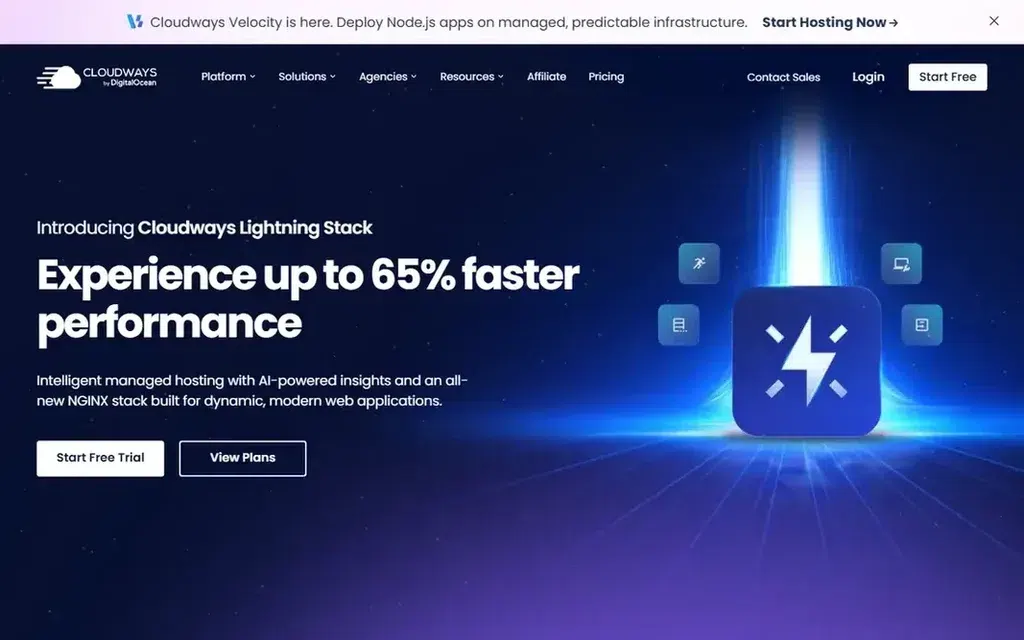
For managed cloud hosting adaptability, Cloudways is a natural candidate. Cloudways may need more technical expertise to configure and run compared with completely managed WordPress hosts.
It is also not WordPress-specific, so some WordPress-centric features might be less integrated. As for the details, whereas not exclusively for WordPress, it supports WordPress installations and can automatically scale resources based on demand. Entry price for Cloudways: $20 per month. Free options: Free trial.
Honest limits: Needs more technical knowledge.
- Choice of cloud providers
- Managed cloud hosting
- Not WordPress-specific
In short, Nexcess is for completely managed hosting for several systems. The product bundles free migration and aims to deliver a managed experience with scalability choices for expanding sites.
It supports WordPress, Magento, and WooCommerce, providing a suite of hosting options for different needs. Pricing for Nexcess is not stated here, so ask the vendor for current figures. On free options: Not stated.
Honest limits: May need extras for scaling.
- Completely managed hosting
- Supports WordPress, Magento, WooCommerce
- Less focus on auto-scaling
Pantheon is designed for WebOps product for several CMS. Pantheon may have a steeper learning curve because of its WebOps focus, which could be overwhelming for beginners.
Where it falls short: Not WordPress-only.
It is not WordPress-specific, so some WordPress-centric features might be less integrated. This comparison lists no price for Pantheon; ask the vendor. On free options: Not stated.
- WebOps workflow tools
- Scalable infrastructure
- Steeper ramp-up time
Choose Rocket.net for agencies and creatives needing speed. Rocket.net provides all-in-one WordPress hosting made for agencies and creatives. It concentrates on lightning-fast, secure, and completely optimized websites, with features that support automatic scaling to deal with traffic raises.
Worth adding: Rocket.net is restricted to WordPress, so it may not fit those needing to host other applications. Its scaling capabilities might be less customizable compared with more enterprise-focused hosts. If you need granular control over scaling or multi-platform support, consider other choices. On cost, Rocket.net starts like this: $25 per month. Rocket.net does not include a free plan.
Downsides: May lack advanced scaling controls.
- Optimized for speed
- Secure and completely optimized
- Restricted to WordPress
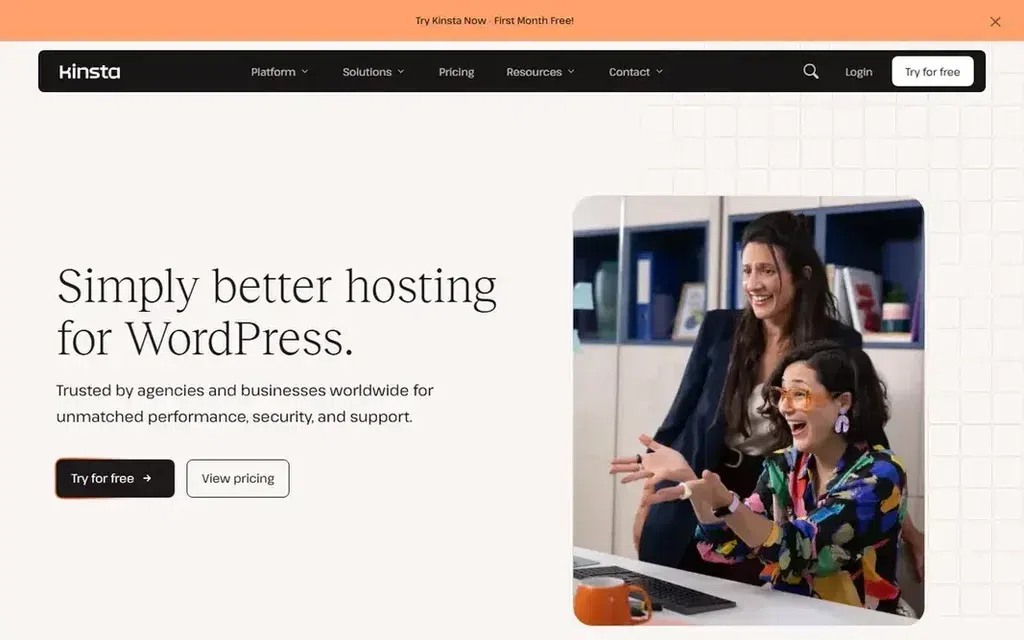
Pick Kinsta if this describes you: enterprise-grade managed WordPress hosting. Its infrastructure is built to manage high-traffic sites with automatic scaling, making it a fit for firms that need steady performance during traffic spikes. Also, consider alternatives if you need more generalized hosting or lower-cost choices.
Downsides: May be overkill for small sites.
As for the details, the system is optimized specifically for WordPress, which can ease management for users concentrated on that CMS. Its WordPress-only focus means it is less a good match for mixed-application environments. Price to start with Kinsta: $17.50 per month. Trial and free access: Free trial.
- Optimized for WordPress
- Enterprise-grade speed and security
- Restricted to WordPress only
How we built this list
LinkVetted used vendor pricing pages and product documentation as the base, then compared plans, free access and documented limits for 6 tools. Prices and plan limits come from vendor pages and can change, so confirm them on the vendor site before you buy. The order reflects how well each tool fits the most common buying scenario for WordPress hosting with Auto-Scaling, then price clarity, then free plan access. It is a starting point, not a verdict.
Pre-purchase checklist
- Get a written quote from Nexcess and Pantheon; the list shows no starting price for them.
- Run a trial of Cloudways and Kinsta with real work before paying for a year; your own workflow is the best test.
- Before choosing WP Engine, weigh its main limit: higher cost for entry-level needs.
- Check whether the features you need in Cloudways sit on the entry plan or only on higher tiers.
- Before rolling out Nexcess, verify the integrations your workflow depends on.
FAQ
Is WP Engine the right pick for everyone comparing WordPress hosting with Auto-Scaling?
No single tool suits every team. WP Engine comes first because it fits managed WordPress with strong support, while Cloudways suits managed cloud hosting flexibility and Nexcess suits fully managed hosting for multiple platforms. Match the tool to your own size, budget and workflow before deciding.
What is the cheapest option for WordPress hosting with Auto-Scaling in this list?
On published monthly entry prices, Kinsta is the lowest here at $17.50 per month. Entry price is only part of the cost, because seats, add-ons and billing terms can change the total. All 6 picks in this WordPress hosting with Auto-Scaling comparison list a starting price, free plan details and the main limits on their cards above.
Which host is a good match for high-traffic WordPress sites?
WP Engine is the pick this page puts first, mainly for managed WordPress with solid support. If your situation differs, Cloudways suits managed cloud hosting adaptability, and Nexcess suits completely managed hosting for several systems. Compare price and limits before you decide.
How are the tools for WordPress hosting with Auto-Scaling ordered?
The order follows typical fit for WordPress hosting with Auto-Scaling, with WP Engine first and Kinsta last, then price clarity and free access. It is editorial judgement, not a score, so another team could rank the tools differently.
Does any tool for WordPress hosting with Auto-Scaling here have a free plan?
No tool in this list, WP Engine and Kinsta included, has a permanent free plan. Cloudways, Kinsta offer a trial. Trials and quotes are the usual route, so plan a short evaluation period.
Sources
- https://wpengine.com
- https://www.cloudways.com
- https://www.nexcess.net
- https://pantheon.io
- https://rocket.net
- https://kinsta.com