Best Webinar Software for Partner Training (2026): 6 Picks Checked on Vendor Pages
Searching for the best webinar software for partner training? Here are 6 options with prices and free plans. Plain-spoken summaries throughout. No hype.
- Editor's choice
 Livestorm
Marketing-led partner programs with CRM sync
Starts at€2.50 per attendeeVisit livestorm.coFull review - Great alternativeAdobe Connect
Structured virtual classrooms and persistent rooms
Starts atSee websiteVisit adobe.comFull review - Also considerCisco Webex Webinars
AI-assisted collaboration in enterprise settings
Starts atSee websiteVisit webex.comFull review
Direct answer
Livestorm comes first here, mainly for marketing-led partner programs with CRM sync. Listed starting prices: Livestorm from €2.50 per attendee. Alternatives: Adobe Connect for structured virtual classrooms and persistent rooms, and Cisco Webex Webinars for AI-assisted collaboration in enterprise settings. Prices, free plans and limits for all 6 tools follow.
TL;DR:
- Livestorm is the opening pick, best for marketing-led partner programs with CRM sync.
- The main caution on Livestorm: marketing orientation may not suit pure training.
- Cisco Webex Webinars stands alone as the one tool in this list with a free plan.
- GoTo Webinar fits dedicated webinar delivery for business audiences.
- For Adobe Connect, Cisco Webex Webinars, Microsoft Teams Webinars and others, you have to request a quote because no starting price is shown.
Last checked November 2026. Prices and plan details were read from the vendors' own pages in November 2026; vendors change plans often, so confirm the current price on the vendor site before you buy.
Quick comparison
| Tool | Best for | Starts at | Free plan? | |
|---|---|---|---|---|
| Livestorm | Marketing-led partner programs with CRM sync | €2.50 per attendee | Not stated | Visit |
| Adobe Connect | Structured virtual classrooms and persistent rooms | See website | Not stated | Visit |
| Cisco Webex Webinars | AI-assisted collaboration in enterprise settings | See website | Yes | Visit |
| Microsoft Teams Webinars | Teams already living in Microsoft 365 | See website | Not stated | Visit |
 Zoom Webinars | Wide collaboration and familiar meeting experience | See website | Not stated | Visit |
 GoTo Webinar | Dedicated webinar delivery for business audiences | See website | Not stated | Visit |
Tool-by-tool breakdown
LinkVetted compared 6 tools for webinar software for partner training. The goal is a practical shortlist: published prices, free plan facts, best-fit use cases and honest limits for every entry.
Livestorm is built with marketing-led partner programs with CRM sync in mind. Livestorm describes itself as an all-in-one webinar product for marketing teams, including branded events, engagement insights and CRM data sync to display return on investment, with AI enhancements.
The main drawbacks: Marketing orientation may not suit pure training.
From a buyer's view, since the product is positioned around marketing events, teams wanting a general collaboration hub may need extra tools for meetings and chat. The starting price for Livestorm: €2.50 per attendee. As for free access: Not stated.
- Engagement insights and CRM sync
- AI-enhanced webinar workflow
- Narrower collaboration scope
Adobe Connect
Best for: Structured virtual classrooms and persistent rooms
Adobe Connect makes the most sense for structured virtual classrooms and persistent rooms. Teams seeking marketing automation, landing pages and conversion tools may find dedicated webinar systems better aligned.
What to check first: Less marketed as a webinar growth tool.
This comparison lists no price for Adobe Connect; ask the vendor. As for free access: Not stated.
- Suited to structured training layouts
- Long-standing virtual room approach
- Interface can feel dated to some users
Cisco Webex Webinars
Best for: AI-assisted collaboration in enterprise settings

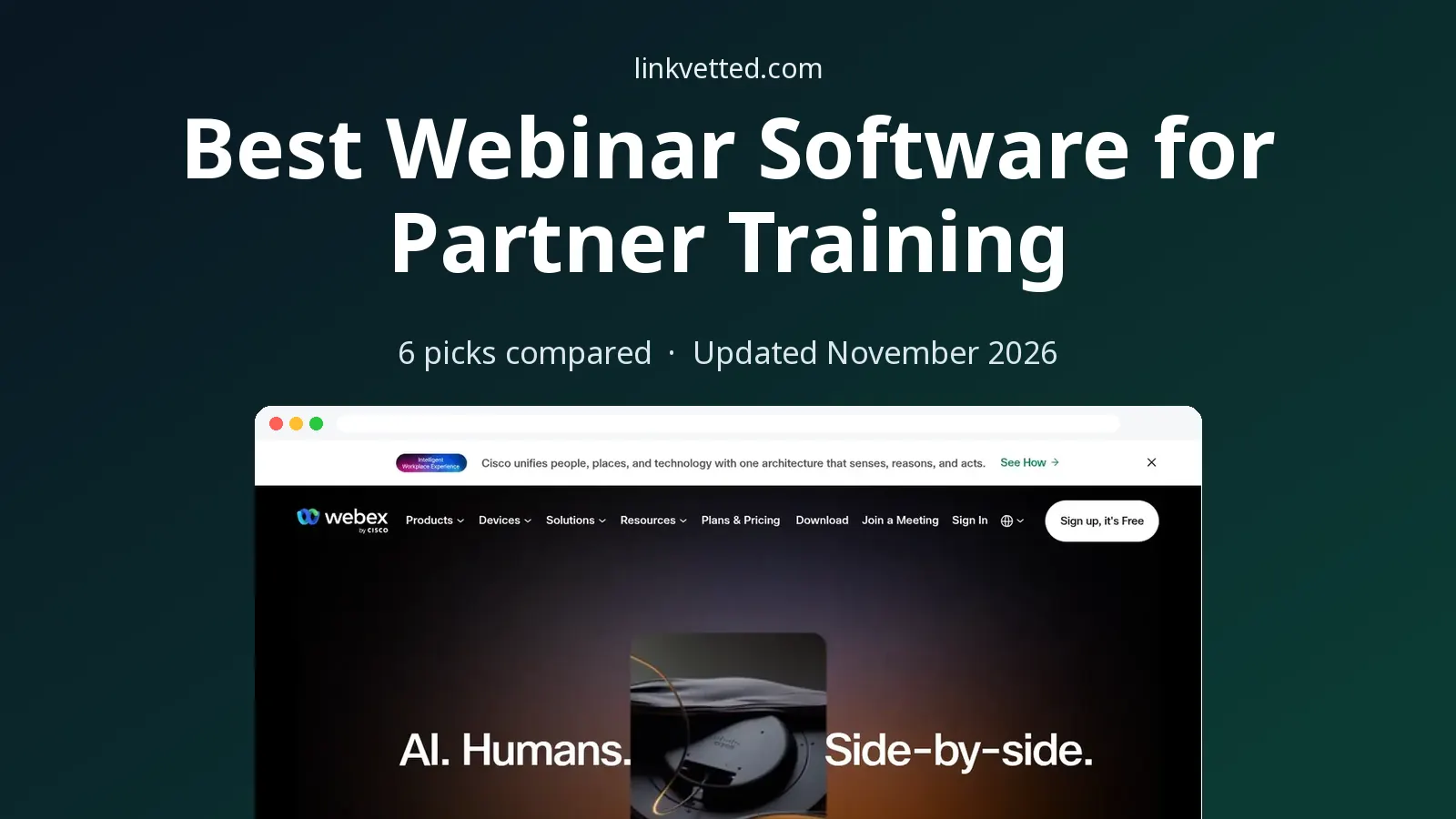
Choose Cisco Webex Webinars for AI-assisted collaboration in enterprise settings. Cisco Webex Webinars belongs to a product marketed around AI-powered collaboration, customer experience, devices and product options. Worth adding: for partner training, it fits organizations that already standardize on Webex for meetings and want webinars inside the same ecosystem, including room devices and enterprise-grade administration.
Drawbacks to consider: Enterprise orientation can feel heavy.
In practice, the enterprise focus means configuration and administration can involve IT teams, which slows down small partner programs. Worth adding: if you want a light tool that marketing can run without support, a more straightforward webinar product may be the better fit. Cisco Webex Webinars shows no starting price here, so confirm the cost on the vendor site. You can start on Cisco Webex Webinars without paying.
- Positioned for global brands
- AI-powered collaboration focus
- Setup may need IT involvement
Microsoft Teams Webinars
Best for: Teams already living in Microsoft 365
Microsoft Teams Webinars is built with Teams already living in Microsoft 365 in mind. Microsoft Teams Webinars brings webinar capability into the Teams collaboration environment, which is part of Microsoft's broader productivity and cloud portfolio.
Microsoft's homepage covers a vast product range, so webinar specifics need checking on the Teams page. No starting price is listed for Microsoft Teams Webinars here; confirm pricing on the vendor site. Free plan details: Not stated.
Watch-outs: External partner experience varies.
- Suits Microsoft 365 workflows
- Webinars inside the Teams environment
- Webinar features sit within a huge product line
Zoom Webinars is built with wide collaboration and familiar meeting experience in mind. The breadth of the system can make webinar setup feel layered, and smaller teams may pay for capabilities they never touch.
Watch-outs: Webinar controls can feel complicated.
In daily use, if your only need is a single-purpose webinar tool with built-in marketing automation, a narrower system may be more straightforward to run. Zoom Webinars shows no starting price here, so confirm the cost on the vendor site. Free options: Not stated.
- Broad feature set on one product
- Chat and events
- Best value only if you use the wider suite
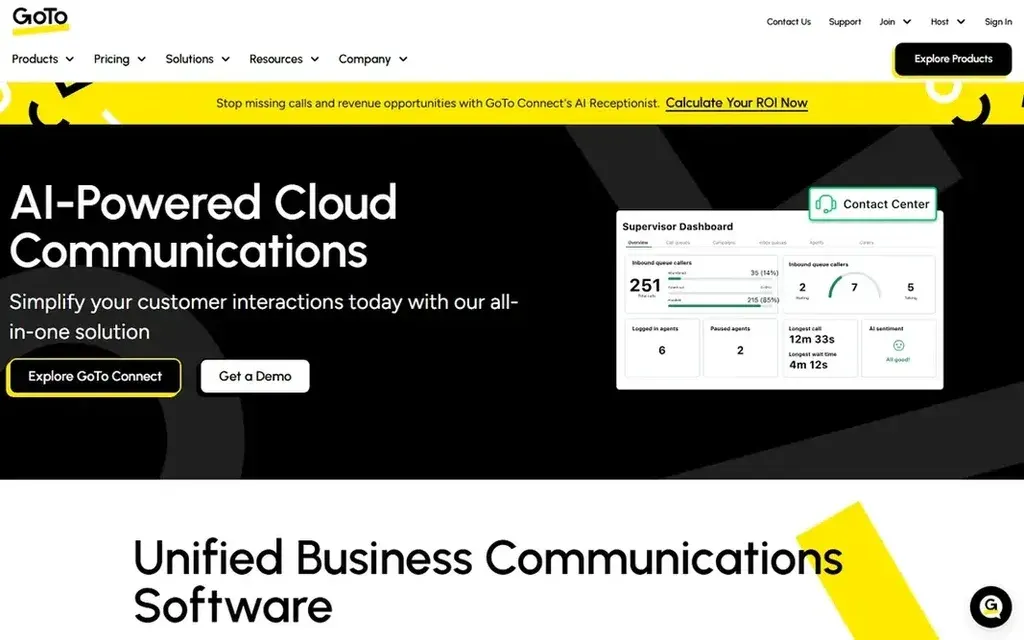
GoTo Webinar is built with dedicated webinar delivery for business audiences in mind. Since GoTo's homepage centers on its wider product family, confirm webinar-specific capabilities on the product page before committing.
Where it falls short: Feature depth varies by product line.
No starting price is listed for GoTo Webinar here; confirm pricing on the vendor site. Free options: Not stated.
- Part of a broader business communication suite
- Purpose-built webinar product
- Less of a full collaboration hub
Our selection method
Pre-purchase checklist
- Ask Adobe Connect, Cisco Webex Webinars, Microsoft Teams Webinars and others for a written quote, since no starting price is shown.
- Test the free plan from Cisco Webex Webinars against your real workload before relying on it.
- Read the limits listed for Livestorm first: marketing orientation may not suit pure training.
- Total up the real monthly cost of Microsoft Teams Webinars, including add-ons, extra users and usage-based fees.
- Look at which plan of Zoom Webinars unlocks the features you need; entry tiers are often cut down.
FAQ
Can I try these tools before paying?
Often, yes. Cisco Webex Webinars has a free plan. Use your own data and a real task during the test, and check what the free tier or trial limits before you rely on it. Prices, free plan details and limits for all 6 tools in this webinar software for partner training roundup sit on the individual cards above.
What should partner training webinars prioritize?
Dependable delivery, straightforward joining for external partners and clear attendance reporting matter most. In practice, branding and CRM sync become important when marketing runs the program and needs to track engagement.
How do I evaluate integrations before buying?
List the systems your partner program depends on, for example a CRM or learning system, then confirm supported integrations on each vendor site. Ask vendors how attendance data flows into those systems.
When is a dedicated webinar tool better than a meeting platform?
Dedicated tools for example GoTo Webinar or Livestorm usually offer more solid registration, branding and marketing workflows. Meeting-centered products for example Zoom or Teams work well when partners already use them daily.
Do these tools publish their prices?
Not all of them. Adobe Connect, Cisco Webex Webinars, Microsoft Teams Webinars and others publish no starting price, so expect a quote request for those. The rest, Livestorm included, show a starting price, though seats and billing terms still change the final cost.
Which options for webinar software for partner training have a free plan?
Cisco Webex Webinars is the only tool in this list with a free plan. Free plans usually cap users, projects or features, so check the limits on the vendor page. Each of the 6 options in this webinar software for partner training guide has its own card above with the price, free plan and limits.
Sources
- https://www.livestorm.co
- https://www.adobe.com
- https://www.webex.com
- https://www.microsoft.com
- https://www.zoom.com
- https://www.goto.com