Top 6 Webinar Platform for Customer Training for 2026 (Prices and Free Plans)
Searching for the best webinar platform for customer training? Here are 6 options with prices and free plans. Honest caveats for every entry. See which fits.
- Editor's choice
 Livestorm
Marketing-led training with CRM sync
Starts at€2.50 per attendeeVisit livestorm.coFull review - Great alternative
 Zoho Webinar
Integrated webinar and video conferencing
Starts atSee websiteVisit zoho.comFull review - Also considerWorkCast
Managed and self-service event programs
Starts at£95 a monthVisit workcast.comFull review
Direct answer
Livestorm comes first here, mainly for marketing-led training with CRM sync. Listed starting prices: Livestorm from €2.50 per attendee and WorkCast from £95 a month. For a different need, Zoho Webinar covers integrated webinar and video conferencing and WorkCast covers managed and self-service event programs. The other 3 tools in the list cover narrower or pricier cases.
TL;DR:
- Livestorm sits first on this list: marketing-led training with CRM sync.
- Livestorm, GoTo Webinar and the 4 others all need a premium plan or a trial, since no free plan is listed.
- GoTo Webinar is the one to check for engaging virtual conferences and events.
- Before buying Zoom Webinars, weigh this: may need extras for advanced training tools.
- Zoho Webinar, Zoom Webinars, Adobe Connect and GoTo Webinar: pricing is by quote only, so plan time for a sales conversation.
Last checked November 2026. Prices and plan details were read from the vendors' own pages in November 2026; vendors change plans often, so confirm the current price on the vendor site before you buy.
Quick comparison
| Tool | Best for | Starts at | Free plan? | |
|---|---|---|---|---|
| Livestorm | Marketing-led training with CRM sync | €2.50 per attendee | Not stated | Visit |
| Zoho Webinar | Integrated webinar and video conferencing | See website | Free trial | Visit |
| WorkCast | Managed and self-service event programs | £95 a month | Free trial | Visit |
 Zoom Webinars | Steady, professional customer training sessions | See website | Not stated | Visit |
| Adobe Connect | Interactive training with measurable outcomes | See website | Not stated | Visit |
 GoTo Webinar | Engaging virtual conferences and events | See website | Free trial | Visit |
The full webinar platform for customer training list
This LinkVetted guide covers 6 options for webinar platform for customer training. Each profile lists a starting price, free plan details, strengths and drawbacks, so you can drop poor fits quickly.
Livestorm makes the most sense for marketing-led training with CRM sync. It is enhanced with AI, making it a good match for customer training that aligns with marketing goals and needs data integration.
Drawbacks to consider: Less focus on training assessments.
Beyond that, if your customer training demands solid educational tools, consider a system designed for training. On cost, Livestorm starts like this: €2.50 per attendee. Free options: Not stated.
- Engagement insights
- CRM data synchronization
- Marketing-oriented may lack deep training features
Zoho Webinar is a good fit for integrated webinar and video conferencing. Zoho Webinar is a webinar system and video conferencing software to plan, host, and handle webinars, helping expand reach through virtual conferences and events.
Where it falls short: Less specialized for training.
It fits organizations already using Zoho products or seeking an integrated solution for customer training. Zoho Webinar does not show a starting price in this comparison, so check the vendor site for current pricing. Free plan details: Free trial.
- Merges webinar and conferencing
- Part of Zoho ecosystem
- May need Zoho ecosystem for full value
WorkCast
Best for: Managed and self-service event programs
In short, WorkCast is for managed and self-service event programs. WorkCast's UK focus might be a consideration for global training programs.
It may not offer the same depth of training analytics as specialized products. If you need deep CRM integration or training-specific tools, explore other choices. Price to start with WorkCast: £95 per month. Free plan details: Free trial.
Trade-offs to know: Less emphasis on training-specific features.
- Supports live, simulive, on-demand
- Self-service or completely managed choices
- UK-focused may affect support for other regions
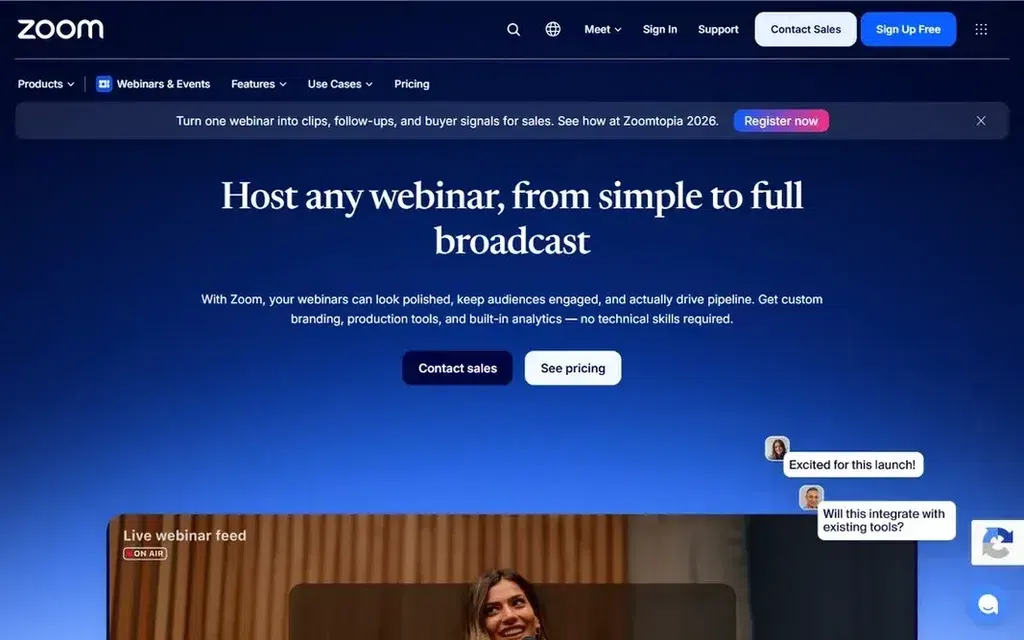
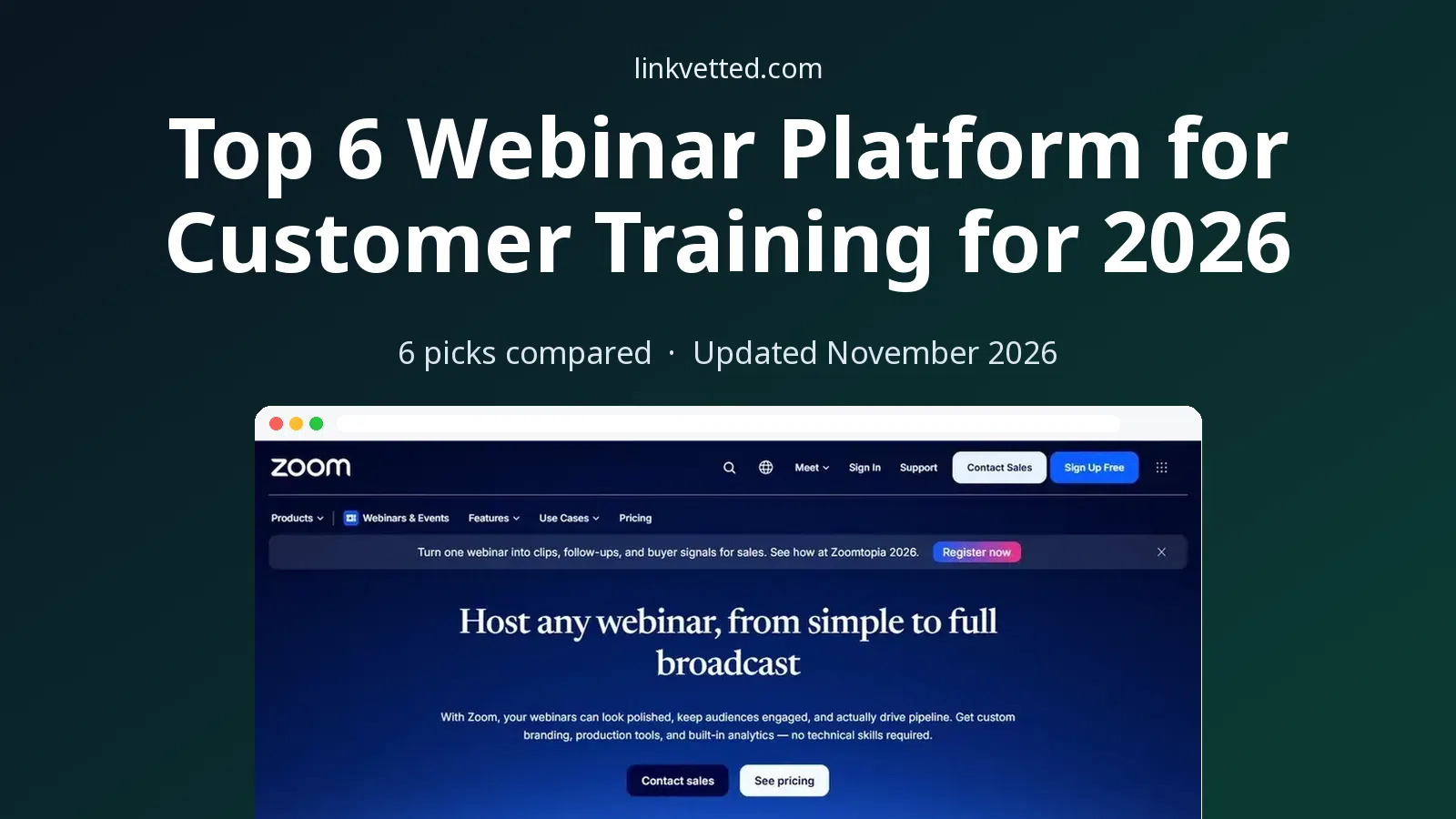
Zoom Webinars is designed for reliable, professional customer training sessions. Zoom Webinars is meant to turn virtual events into professional, high-impact experiences.
Honest limits: May need extras for advanced training tools.
In daily use, if your training needs deep interactivity or in-depth learner tracking, consider a product more concentrated on training outcomes. Check the vendor site for Zoom Webinars pricing; none is listed in this comparison. Free options: Not stated.
- Wide feature set
- Professional webinar experience
- Less specialized for training analytics
Adobe Connect
Best for: Interactive training with measurable outcomes
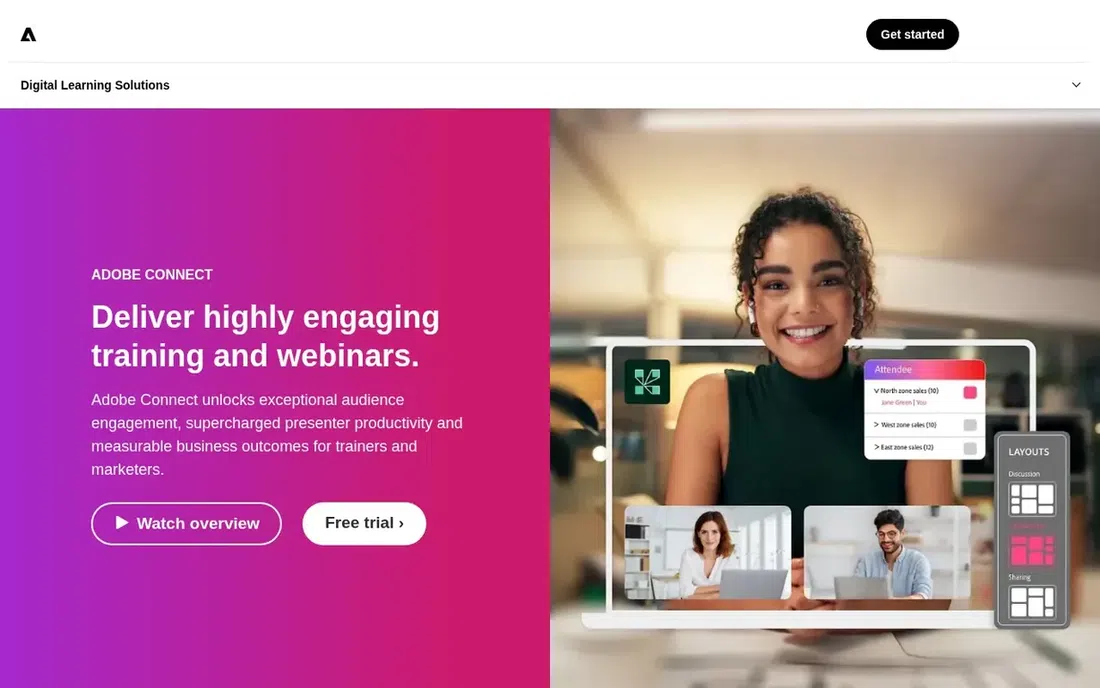
Adobe Connect targets interactive training with measurable outcomes. Adobe Connect is tailored for delivering engaging training and webinars, with features that boost audience engagement and presenter productivity.
Where it falls short: Higher ramp-up time.
Adobe Connect does not show a starting price in this comparison, so check the vendor site for current pricing. Free options: Not stated.
- Capable engagement tools
- Focus on measurable outcomes
- Can be complicated for straightforward webinars
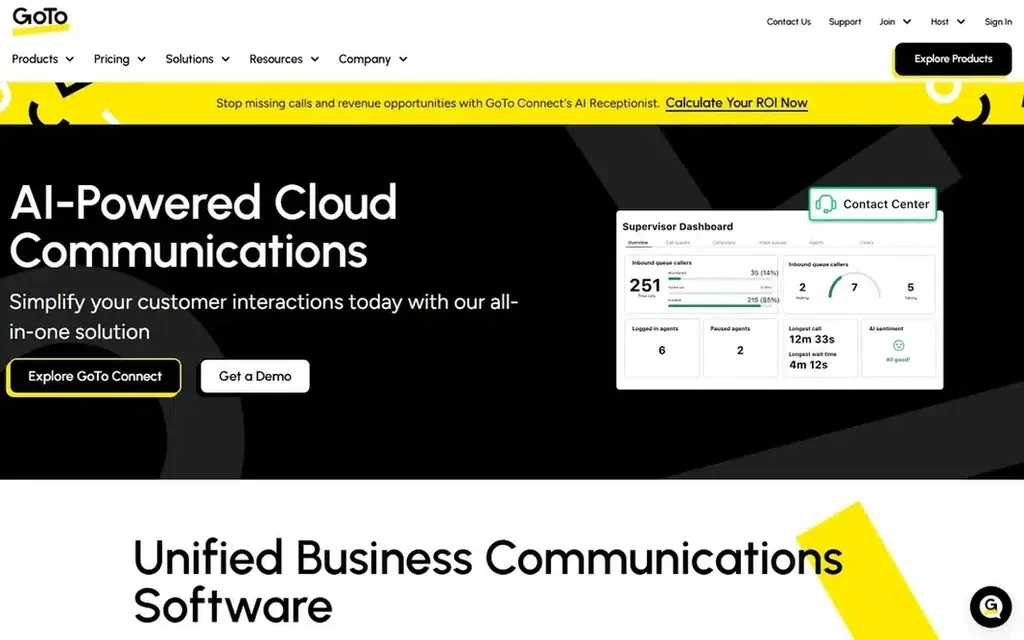
GoTo Webinar is designed for engaging virtual conferences and events. GoTo Webinar is built to engage audiences through virtual conferences and events. It offers a straightforward product for hosting customer training sessions, with features that support audience interaction and event management.
Worth adding: GoTo Webinar may not offer the depth of training analytics or customization that some customer education programs need. If you need broad branding or CRM integration, evaluate other products that specialize in those areas. GoTo Webinar does not show a starting price in this comparison, so check the vendor site for current pricing. As for free access: Free trial.
Points against: May need integrations for CRM sync.
- Virtual conference support
- Straightforward setup
- Restricted training-specific tools
How we chose
Before you commit
- Get a written quote from Zoho Webinar, Zoom Webinars, Adobe Connect and GoTo Webinar; the list shows no starting price for them.
- Take the trial from Zoho Webinar, WorkCast and GoTo Webinar and push a live task through it before you pay.
- Read the limits listed for Livestorm first: marketing-oriented may lack deep training features.
- Price Livestorm for your actual team size; headline prices rarely include add-ons or overage.
- Verify that exporting from Adobe Connect is possible on your plan and covers all your records.
FAQ
How important is CRM integration for customer training webinars?
CRM integration helps track attendance, engagement, and follow-up actions, which is valuable for measuring training impact. Products like Livestorm offer native CRM sync, whereas others may need external connectors.
Does any tool for webinar platform for customer training here have a free plan?
No tool in this list, Livestorm and GoTo Webinar included, has a permanent free plan. Zoho Webinar, WorkCast, GoTo Webinar offer a trial. Trials and quotes are the usual route, so plan a short evaluation period.
Do these tools publish their prices?
Not all of them. Zoho Webinar, Zoom Webinars, Adobe Connect and GoTo Webinar publish no starting price, so expect a quote request for those. The rest, Livestorm included, show a starting price, though seats and billing terms still change the final cost.
How are the tools for webinar platform for customer training ordered?
Livestorm sits first and GoTo Webinar last because the order follows typical fit for webinar platform for customer training, then price clarity and free access. It is a judgement call, so read each profile for fit and limits.
Is Livestorm the right pick for everyone comparing webinar platform for customer training?
No single tool suits every team. Livestorm comes first because it fits marketing-led training with CRM sync, while Zoho Webinar suits integrated webinar and video conferencing and WorkCast suits managed and self-service event programs. Match the tool to your own size, budget and workflow before deciding.
Sources
- https://livestorm.co
- https://www.zoho.com/webinar
- https://www.workcast.com
- https://zoom.us/webinars
- https://www.adobe.com/products/adobeconnect.html
- https://www.goto.com/webinar