Best Customer Service Live Chat Software Reviews in 2026: 8 Products Compared
Read the best customer service live chat software reviews for 2026, comparing prices, free plans, chatbots, and inbox tools for small teams today compared.

- Editor's choice
 LiveChat
Ecommerce teams and support queues
Starts at$20 per agent per monthVisit livechat.comFull review - Great alternative
 Tidio
Small stores and startups
Starts at$29 per monthVisit tidio.comFull review - Also consider
 Intercom
AI first support teams
Starts at$29 per seat per monthVisit intercom.comFull review
TL;DR:
- LiveChat and Tidio are the simplest starting points, while Intercom and Zendesk suit teams that want AI plus a full helpdesk.
- Free plans help small sites start, but agent limits and chat limits matter more than the headline price.
- Check chatbot pricing separately, since AI add-ons are often billed apart from seats.
- A shared inbox, routing, and canned replies save more time than a fancy widget alone.
Quick comparison
| Tool | Best for | Starts at | Free plan? | |
|---|---|---|---|---|
| LiveChat | Ecommerce teams and support queues | $20 per agent per month | Free trial | Visit |
| Tidio | Small stores and startups | $29 per month | Yes | Visit |
| Intercom | AI first support teams | $29 per seat per month | Free trial | Visit |
 Zendesk | Chat inside a full service platform | $55 per agent per month | Free trial | Visit |
 Freshchat | Freshworks teams and SMBs | $19 per agent per month | Yes | Visit |
 Crisp | Small teams wanting flat pricing | $45 per workspace per month | Yes | Visit |
 HubSpot Live Chat | HubSpot CRM users | Free | Yes | Visit |
 tawk.to | Free unlimited chat | Free | Yes | Visit |
The best customer service live chat software reviews
We reviewed live chat tools that offer a real agent inbox, routing, and reporting, not just a widget, and we checked current pricing and free plan limits.

For support teams that want a polished widget, LiveChat is a practical starting point. LiveChat offers a clean chat widget, agent routing, and detailed reports that help managers spot slow replies. LiveChat also integrates with Shopify, WooCommerce, and major CRMs, which helps sales and support teams share context. The trade-off is chatbots and the full ticketing system sit on higher tiers, so the entry price can rise with needs Check the plan limits before you commit, and run a short trial with real work so you can see whether the daily workflow fits your team.
- Polished widget
- Detailed reports
- Ticketing on higher tiers
- Chatbots and full ticketing cost extra

If you want free chat plus AI, Tidio deserves a close look. Tidio gives small stores a free starting plan and an AI agent option, which makes it easy to add chat without a large budget. Tidio also covers email, Messenger, and Instagram in one inbox, plus chatbot flows for common questions. The trade-off is its ticket management is lighter than a dedicated helpdesk, so high volume teams may need another tool Check the plan limits before you commit, and run a short trial with real work so you can see whether the daily workflow fits your team.
- Free plan
- Lyro AI option
- Shopify friendly
- Ticket tools are lighter than full helpdesks
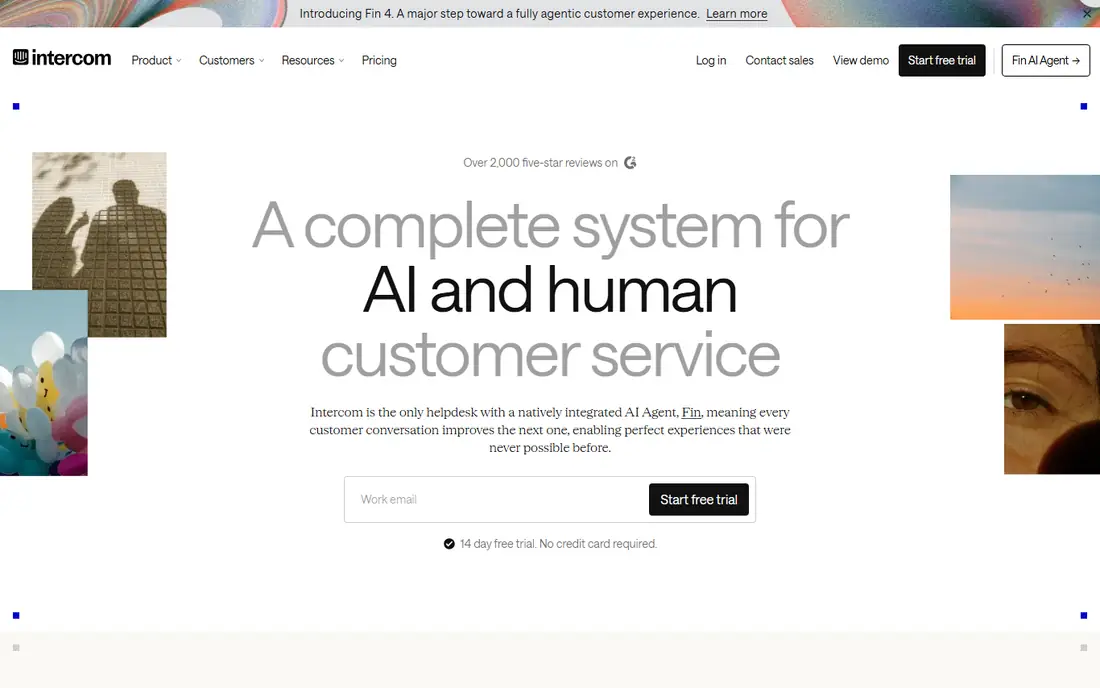
Owners who need AI plus live chat will find Intercom a solid fit. Intercom pairs live chat with Fin, its AI agent, in one inbox, so routine chats resolve without an agent. Intercom also offers product tours, outbound messages, and deep integrations with Slack, Shopify, and Salesforce. The trade-off is seats plus per resolution fees can make the bill climb as chat volume grows Check the plan limits before you commit, and run a short trial with real work so you can see whether the daily workflow fits your team.
- Fin AI agent
- Shared inbox
- Knowledge hub
- Seat plus per resolution pricing can grow fast
Zendesk stands out for full platform chat, and it suits larger teams needing full service tools. Zendesk puts chat inside a full ticketing platform, so chat, email, and social cases share one queue and one customer record. Zendesk also offers a help center, automation, and AI agents for routine resolutions. The trade-off is the price and setup effort are higher than chat-only tools, which may be too much for a tiny team Check the plan limits before you commit, and run a short trial with real work so you can see whether the daily workflow fits your team.
- Omnichannel tickets
- AI agents
- Strong reporting
- Higher cost than chat-only tools
- Setup takes longer
When Freshworks live chat is the priority, Freshchat is worth shortlisting. Freshchat gives Freshworks users a chat inbox with bots, campaigns, and ticket links in one place. Freshchat also supports WhatsApp, email, and web chat, with reporting for team performance. The trade-off is the stronger AI features cost extra, so check what the starting plan actually includes Check the plan limits before you commit, and run a short trial with real work so you can see whether the daily workflow fits your team.
- Free tier for small teams
- Freddy AI options
- Omnichannel inbox
- Advanced AI costs extra
- Some features need higher tiers
A good match for small teams that hate per seat bills, Crisp keeps the setup simple. Crisp charges per workspace rather than per agent on its paid plans, which helps small teams with several agents. Crisp also includes a knowledge base, campaigns, and a shared inbox for email and chat. The trade-off is a solo agent may find a per seat rival cheaper, since the flat price covers a team Check the plan limits before you commit, and run a short trial with real work so you can see whether the daily workflow fits your team.
- Flat workspace price
- Shared inbox
- Chatbot options
- Per seat tools can be cheaper for a solo agent
Teams focused on free CRM chat often land on HubSpot Live Chat first. HubSpot offers free live chat tied to CRM records, so agents can see contact history without switching tools. HubSpot also includes tickets, a knowledge base, and reporting as teams upgrade. The trade-off is the full helpdesk and automation features require paid Service Hub tiers Check the plan limits before you commit, and run a short trial with real work so you can see whether the daily workflow fits your team.
- Free live chat
- CRM records
- Shared inbox
- Advanced service features need paid tiers
For a no-fuss route to free unlimited chat, tawk.to is a strong option. tawk.to is free for unlimited agents and chats, which makes it hard to beat for a tiny business on a tight budget. tawk.to also offers a knowledge base, ticketing, and mobile apps for agents on the move. The trade-off is automation, AI, and reporting are lighter than paid rivals, so larger teams may miss those tools Check the plan limits before you commit, and run a short trial with real work so you can see whether the daily workflow fits your team.
- Free unlimited agents and chats
- Basic ticketing
- Mobile apps
- Fewer advanced automation and AI features
How we picked these
We compared official feature pages, pricing pages, app store listings, privacy policies, and public user reviews for each product, and we kept only products that are available and working in October 2026 and that truly fit the topic. Where a vendor did not publish a clear starting price, we wrote See website rather than guessing a number. We also weighed ease of setup, the cost of the plan most small buyers would actually start on, and whether the core features work without a long list of paid add-ons. Products that looked strong on paper but failed on basic fit, current availability, or clear pricing were left out. We also checked whether free plans and trials let a buyer test the core workflow before paying, and whether support is reachable by phone, chat, or email during business hours. A product that scored well on features but hid pricing, renewal terms, or support limits was marked down in our comparison.
Picking live chat that your team will actually use
Match the price model to your team size
Per agent pricing suits a small, fixed team, while flat workspace pricing suits a team that may grow. Free plans help at low volume, but check agent caps, chat caps, and whether history is kept. A free plan that caps chats at a low number can force an upgrade sooner than expected.
Decide how much AI you need
A simple chatbot can greet visitors and collect details, while an AI agent can resolve routine questions on its own. AI is usually billed separately, so ask whether the chatbot is included, how many AI conversations are included, and what happens after that limit.
Test the agent inbox under load
A widget looks good in a demo, but the inbox is where agents spend the day. Test routing, canned replies, internal notes, and handoff to email or tickets. If agents cannot find context fast, response times will suffer even with a good widget.
Before you buy, run a short trial with your real workload, invite the people who will use the tool daily, and note any friction in setup, billing, or support. A tool that feels easy in a demo can still slow a team down if daily tasks take extra clicks, so the trial is the best test of fit.
FAQ
Is live chat better than email for support?
For simple questions, yes, since customers get an answer in minutes rather than hours. Email still works better for complex cases that need research, attachments, or a paper trail.
Do I need a chatbot with live chat?
Not always. A chatbot helps after hours and for routine questions, but a small team can start with live chat alone and add a bot once volume grows. Check chatbot pricing before you assume it is included.
What is a fair starting price for live chat?
Free plans exist, and paid plans commonly start around $19 to $29 per agent per month, with AI billed separately. The right price depends on agent count, chat volume, and whether you need ticketing or a full helpdesk.
Can live chat work on mobile?
Yes, most tools offer mobile apps for agents and a mobile friendly widget for visitors. Test the mobile inbox before you buy if your team answers chats away from a desk.
How do I measure live chat success?
Track first response time, resolution time, chat satisfaction scores, and the share of chats that need a follow-up ticket. Review transcripts weekly to find questions that need a help article or a bot answer.