Best Customer Satisfaction Survey Tools in 2026: 8 Tools Compared
We compared the best customer satisfaction survey tools for CSAT, NPS and feedback analysis, with current pricing, free plans and honest trade-offs for teams.
- Editor's choice
 SurveyMonkey
All-round survey platform
Starts at$25 per monthVisit surveymonkey.comFull review - Great alternative
 Qualtrics
Enterprise experience research
Starts atSee websiteVisit qualtrics.comFull review - Also consider
 Typeform
Conversational surveys
Starts at$29 per monthVisit typeform.comFull review
TL;DR:
- SurveyMonkey and Typeform suit most small and mid-size teams that need quick, attractive surveys with strong templates.
- Qualtrics and Medallia fit enterprise experience programmes, but pricing is custom and setup takes longer.
- Survicate and SurveySparrow are strong for in-product and website surveys that track CSAT and NPS over time.
- Response limits on free plans matter, so check how many completed surveys you need each month before choosing.
Quick comparison
| Tool | Best for | Starts at | Free plan? | |
|---|---|---|---|---|
| SurveyMonkey | All-round survey platform | $25 per month | Yes | Visit |
| Qualtrics | Enterprise experience research | See website | Free trial | Visit |
| Typeform | Conversational surveys | $29 per month | Yes | Visit |
 Survicate | In-product CSAT and NPS | $49 per month | Yes | Visit |
 SurveySparrow | Conversational chat surveys | $39 per month | Yes | Visit |
 QuestionPro | Research-grade surveys | See website | Yes | Visit |
 Jotform | Forms plus survey analysis | $34 per month | Yes | Visit |
 Nicereply | Post-support CSAT ratings | $59 per month | Free trial | Visit |
The best customer satisfaction survey tools
Customer satisfaction tools differ in where they collect feedback and how they turn answers into action. Some focus on email surveys, others on in-product prompts, and a few on full experience management. We compared official pricing, feature pages and public reviews to cover that range.
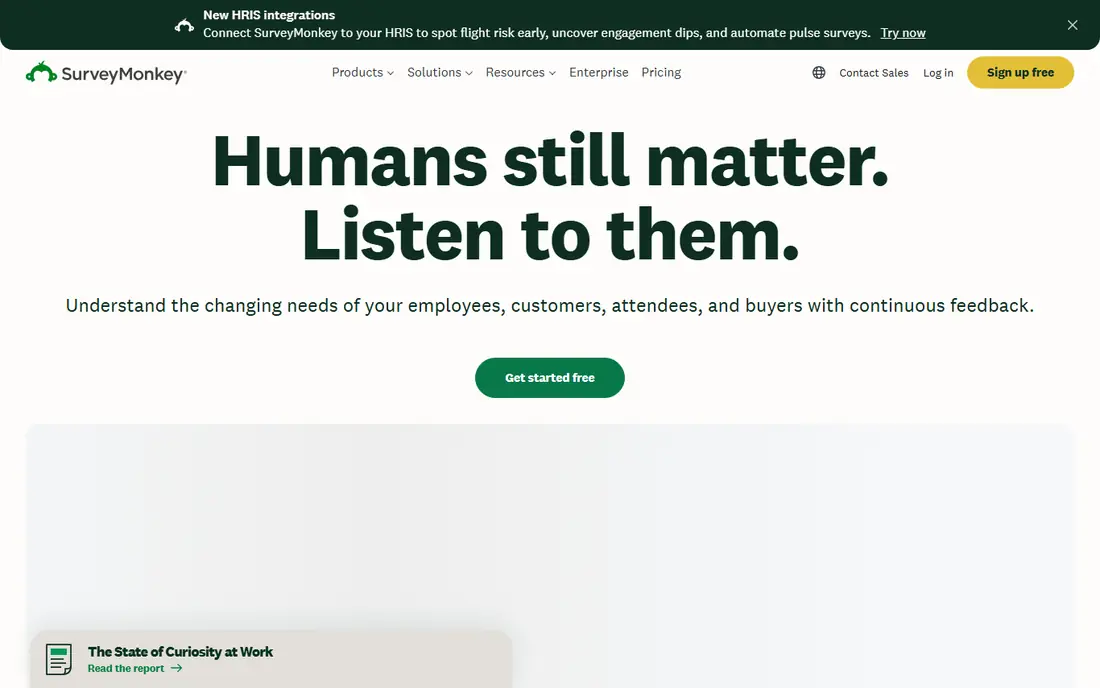
SurveyMonkey remains the safe default for customer satisfaction work. Its template library covers CSAT, NPS and post-purchase surveys, and the AI-assisted builder suggests questions and flags design problems before you send. Results arrive in clear charts with filters, so a small team can spot trends without exporting to a spreadsheet.
The free plan is best treated as a trial, since it limits questions and responses per survey. Paid plans remove those limits and add logic, branding and deeper analysis, but team pricing is per seat, so larger groups should budget for every analyst and viewer who needs full access.
- Large template library
- AI-assisted survey building
- Many integrations
- Free plan limits questions and responses
- Per-seat team pricing adds up
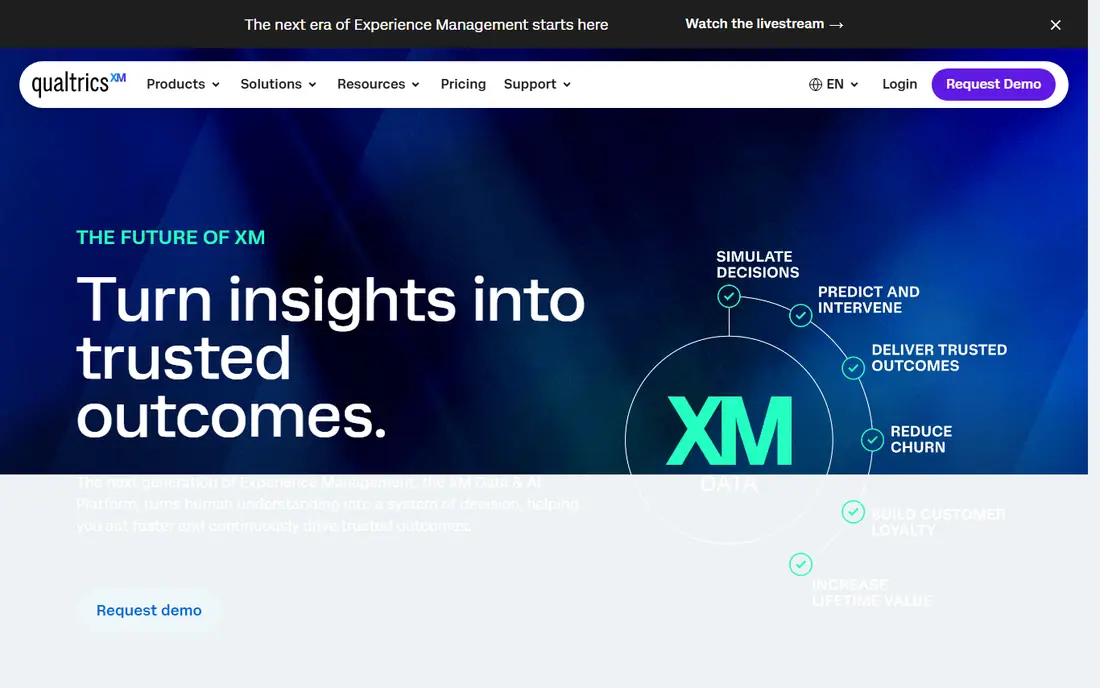
Qualtrics is built for organisations that run satisfaction research as a programme, not a one-off survey. It handles complex logic, large samples, text analysis and dashboards that combine survey data with operational data. Distribution covers email, SMS, web and app, which helps when customers use several channels.
That depth comes with cost and complexity. Pricing is custom and typically aimed at mid-market and enterprise buyers, and new teams often need onboarding time to use the platform well. Small teams with simple CSAT needs will find SurveyMonkey or Survicate faster and cheaper.
- Deep research and analytics
- Omnichannel distribution
- Strong dashboards
- Custom pricing aimed at larger budgets
- Steeper learning curve
Typeform changes how a survey feels. Instead of a long form, respondents answer one question at a time in a clean, conversational flow, which often lifts completion rates for short CSAT and feedback surveys. Branching logic keeps irrelevant questions out of the way, and the builder needs no training to use well.
The trade-off is analysis depth. Typeform is excellent for collecting answers and less strong for advanced research analysis or large insight programmes. Free responses are limited each month, so check volume before relying on the free tier for a busy customer base.
- Attractive one-question-at-a-time design
- Good completion rates
- Easy branching
- Free plan limits monthly responses
- Analysis is lighter than research tools
Survicate suits product and customer experience teams that want feedback where customers already are. You can trigger a short CSAT survey after a purchase, inside the product after a feature use, or by email after a support interaction, then track scores over time in one place. Targeting rules help avoid surveying the same person too often.
It costs more at entry than a general form tool, and getting survey timing right takes planning. If you only send occasional email surveys, a cheaper general tool may do. If you want continuous satisfaction tracking across channels, Survicate earns its price.
- Website, product and email surveys in one dashboard
- CSAT, NPS and CES tracking
- Targeting by user behaviour
- Starting paid price is higher than general survey tools
- Setup needs thought about timing
SurveySparrow presents surveys as a chat conversation, which can feel friendlier than a traditional form, especially on mobile. It also includes text analysis to surface themes in open answers, plus reputation and ticket features that help teams follow up on unhappy customers. Offline collection suits field teams and events.
The platform covers a lot of ground, and that breadth can make the interface feel crowded at first. Some of the more useful analysis and automation features also require higher plans. For teams that want conversational surveys with follow-up built in, it is still a strong middle option.
- Chat-style surveys
- Text analysis
- Offline and mobile-friendly collection
- Interface can feel busy
- Best features sit on higher plans
QuestionPro is a workhorse for teams that need research-grade control without enterprise-only pricing. It offers a wide range of question types, branching, panel options and reporting, with separate editions for research, customer experience and employee feedback. That flexibility suits agencies and mid-size teams running varied studies.
The downside is presentation and pricing clarity. The interface feels more functional than delightful, and plan names and prices differ by edition, so you need a quote or careful plan comparison for larger use. If depth matters more than design polish, QuestionPro delivers good value.
- Wide question types and logic
- Research and CX editions
- Free plan available
- Pricing varies by edition
- Interface is less polished than newer rivals
Jotform started as a form builder, and that history shows in its ease of use. You can build a CSAT survey from templates in minutes, collect responses on web or mobile, and use built-in reports plus an AI assistant to query results in plain language. It suits teams that already use forms for orders, bookings or sign-ups and want surveys in the same account.
It is not a full research platform. Advanced sampling, complex analysis and enterprise experience management are thinner here than in Qualtrics or QuestionPro. For straightforward satisfaction surveys tied to everyday forms, Jotform is practical and affordable.
- Large form and survey template range
- No-code builder
- AI data assistant for results
- Survey analysis is newer than dedicated research tools
- Limits vary by plan
Nicereply answers a specific question: how did customers rate the support they just received. It attaches short CSAT, NPS or effort-score surveys to support tickets, then reports results by agent, team and channel. That focus makes it easy to coach staff and spot service problems early.
It is not a general survey tool, so do not buy it to run market research or product surveys. Its value is in closing the loop after support, with integrations for common help desks. Support-led teams that need that clarity will find it worth the price, while others should choose a broader survey platform.
- Focused CSAT, NPS and effort scoring after support
- Clear team reports
- Help desk integrations
- Narrow scope beyond support feedback
- Higher starting price for small teams
How we picked these
We compared official feature pages, pricing pages and public reviews for survey tools that are actively sold in October 2026 and that support CSAT measurement in particular. We favoured tools with templates or tracking for CSAT, NPS or effort scores, clear distribution options and usable reporting, rather than generic form builders with no satisfaction features. Where pricing is custom, we marked it as See website instead of repeating third-party estimates as fact.
What to check before you choose
Decide where feedback happens
Email surveys reach customers after a purchase or ticket, in-product surveys catch them in context, and website surveys catch visitors who may never buy. The best tool for your team is the one that reaches the moment you care about. Survicate and SurveySparrow cover several moments, while Nicereply is best right after support.
Keep surveys short
Satisfaction surveys fail when they ask too much. A CSAT question, one follow-up and an optional comment usually gives you more usable data than a 20-question form that few people finish. Test your survey on a phone, since many customers will answer there, and check completion rates after the first send.
Plan the follow-up
A score alone does not improve satisfaction. Check how the tool alerts you to low scores, assigns follow-ups and tracks whether issues were resolved. Tools with ticketing, CRM or help desk links make that follow-up far easier than a tool that only produces a chart.
Watch response and seat limits
Free plans often limit responses, questions or users, and paid plans may charge per seat or per response. Estimate monthly responses from your customer volume, not your hopes, and include everyone who needs to view or act on results. A tool that caps responses mid-month will leave gaps in your trend data.
FAQ
What is the best customer satisfaction survey software for small businesses?
SurveyMonkey and Typeform are the strongest small-business picks. SurveyMonkey offers templates and analysis for many survey types, while Typeform offers a friendlier experience that can lift completion rates. Survicate is worth the extra cost if you need in-product surveys and ongoing score tracking.
What is the best customer satisfaction survey tool for enterprise teams?
Qualtrics and Medallia-style experience platforms fit enterprise programmes best, with Qualtrics the more widely available choice here. They handle large samples, complex logic and combined dashboards, but they need budget and setup time. Mid-size teams often get most of the value from SurveyMonkey, QuestionPro or Survicate at lower cost.
How do I measure customer satisfaction with these tools?
Most teams use a CSAT question asking customers to rate a recent experience, plus NPS for loyalty and an effort score for ease of support. Send the survey soon after the experience, keep it short, and track scores over time rather than judging one month alone. Open comments explain why scores move, so always include one optional text question.
Are free customer satisfaction survey tools good enough?
Free plans work for small volumes and simple surveys, but they limit responses, questions or branding. If you survey hundreds of customers a month or need logic and team reporting, a paid plan pays for itself in cleaner data. Start free to test design, then upgrade before a major launch or campaign.
What is the difference between CSAT, NPS and CES?
CSAT measures satisfaction with a specific experience, NPS measures likelihood to recommend a company, and CES measures how easy an interaction felt. CSAT suits post-purchase and post-support checks, NPS suits overall loyalty tracking, and CES suits support and onboarding. Many tools, including Survicate and Nicereply, track all three in one dashboard.