5 Webinar Software for Customer Training Sessions Worth Shortlisting in 2026
Best webinar software for customer training sessions: 5 tools compared on price, free plans and fit. Verdicts stay brief and factual. Pick with confidence.
- Editor's choice
 Livestorm
Marketing-focused training with CRM integration
Starts at€2.50 per attendeeVisit livestorm.coFull review - Great alternative
 GoTo Webinar
Dedicated webinar system with training focus
Starts atSee websiteVisit goto.comFull review - Also consider
 Zoom Webinars
Dependable, interactive training with familiar interface
Starts atSee websiteVisit zoom.usFull review
Direct answer
This list puts Livestorm first for marketing-focused training with CRM integration. Listed starting prices: Livestorm from €2.50 per attendee. GoTo Webinar is the stronger choice for dedicated webinar product with training focus, while Zoom Webinars suits steady, interactive training with familiar interface. Prices, free plans and limits for all 5 tools follow.
TL;DR:
- This list starts with Livestorm, which is built for marketing-focused training with CRM integration.
- ClickMeeting fits browser-based training with no install.
- A free plan is available from 2 of the 5 tools: Cisco Webex Webinars, ClickMeeting.
- The main caution on GoTo Webinar: less integrated with meeting tools.
- For GoTo Webinar, Zoom Webinars, Cisco Webex Webinars and ClickMeeting, you have to request a quote because no starting price is shown.
Last checked November 2026. Prices and plan details were read from the vendors' own pages in November 2026; vendors change plans often, so confirm the current price on the vendor site before you buy.
Quick comparison
| Tool | Best for | Starts at | Free plan? | |
|---|---|---|---|---|
| Livestorm | Marketing-focused training with CRM integration | €2.50 per attendee | Not stated | Visit |
| GoTo Webinar | Dedicated webinar system with training focus | See website | Free trial | Visit |
| Zoom Webinars | Dependable, interactive training with familiar interface | See website | Not stated | Visit |
| Cisco Webex Webinars | Large-scale, secure training events | See website | Yes | Visit |
 ClickMeeting | Browser-based training with no install | See website | Yes | Visit |
Webinar Software for Customer Training Sessions profiles
LinkVetted put together this guide to webinar software for customer training sessions for readers who want a clear shortlist without reading every vendor page. It compares 5 tools on starting price, free plans, who each one suits and where each one falls short.
Choose Livestorm for marketing-focused training with CRM integration. Livestorm is an all-in-one webinar system aimed at marketing teams, but its features like branded events and engagement insights can also benefit customer training. It lets syncing data to CRM systems, which helps track training outcomes and prove ROI.
Downsides: Restricted advanced training features.
Worth adding: the system contains AI enhancements for better audience interaction. Livestorm is optimized for marketing webinars, so it may lack some specialized training features like persistent classrooms or advanced breakout rooms. For everyday use, for purely educational sessions, a training-focused tool might be more appropriate. Livestorm pricing: €2.50 per attendee. Free options: Not stated.
- CRM integration for lead tracking
- AI-enhanced engagement insights
- Less suited for internal training
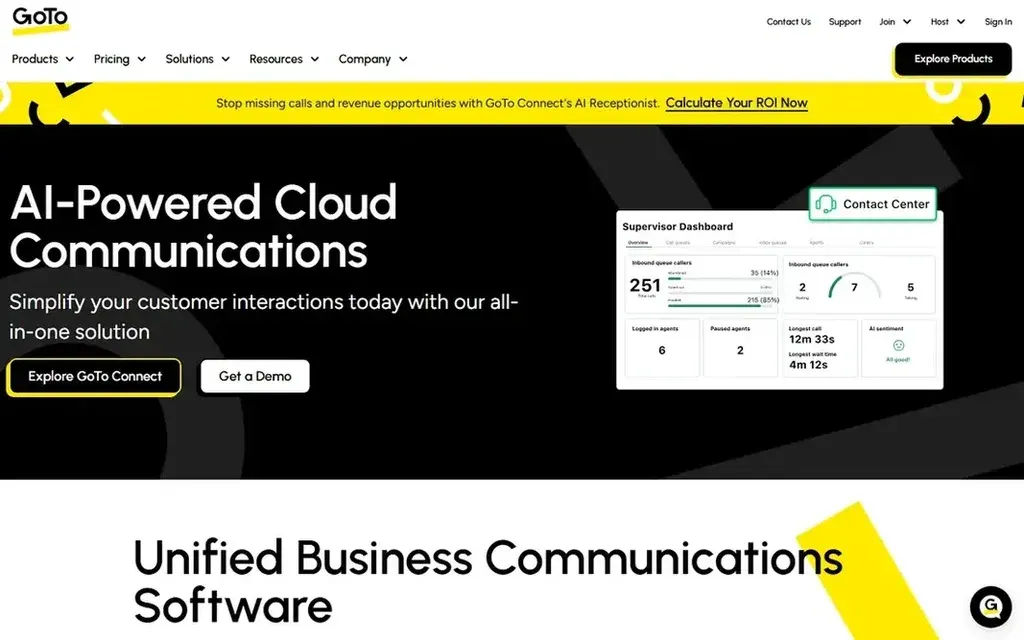
GoTo Webinar serves dedicated webinar system with training focus. GoTo Webinar is a dedicated webinar system built to engage audiences through virtual conferences and events. It gives you features like automatic emails, polls, and surveys, which are handy for customer training sessions.
What to check first: Less integrated with meeting tools.
In practice, for training that needs broad breakout sessions or practical labs, other tools might be better. In practice, pick GoTo Webinar if you need a reliable, standalone webinar system with solid reporting. GoTo Webinar lacks some of the collaborative features found in broader meeting systems, for example persistent team workspaces. This comparison lists no price for GoTo Webinar; ask the vendor. Free options: Free trial.
- Purpose-built for webinars
- Automatic email reminders
- Restricted breakout room functionality
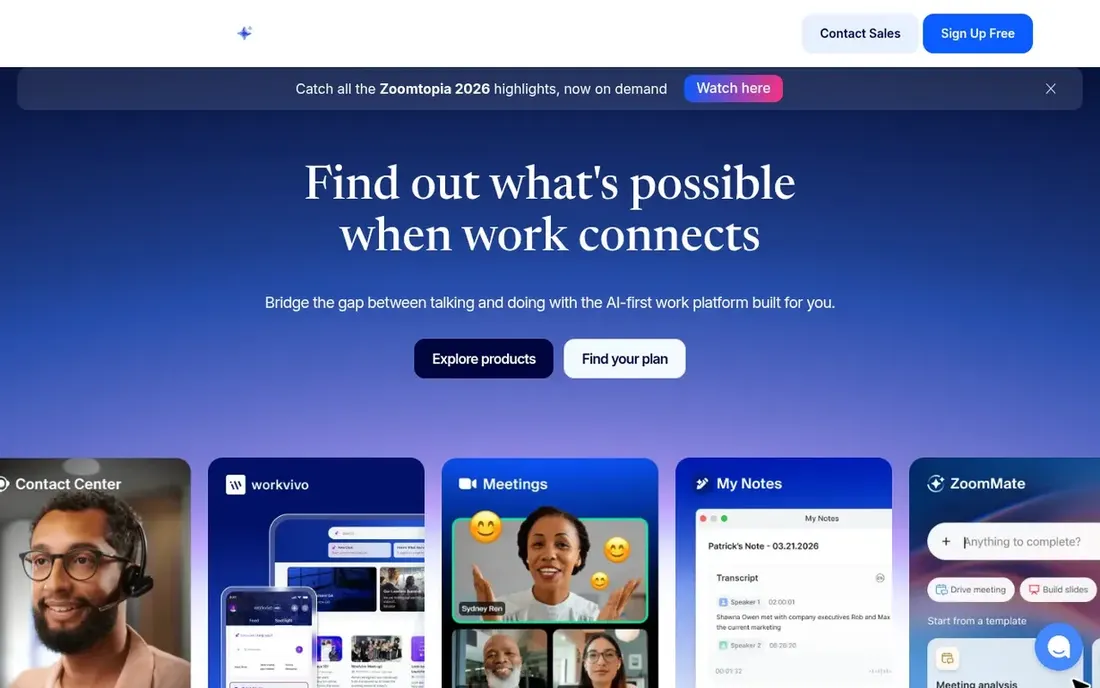
Think of Zoom Webinars for dependable, interactive training with familiar interface. It supports interactive elements for example polls, Q&A, and screen sharing, making it right for customer training sessions.
As for the details, for sessions needing deep interactivity or persistent virtual classrooms, a dedicated training product might be more appropriate. The product is widely adopted, so plenty of customers may already be familiar with its interface, reducing technical barriers. This comparison lists no price for Zoom Webinars; ask the vendor. Free options: Not stated.
Honest limits: Can be expensive for very large events.
- Scalable for large audiences
- Widely used and simple to adopt
- Advanced features may need extras
Cisco Webex Webinars
Best for: Large-scale, secure training events
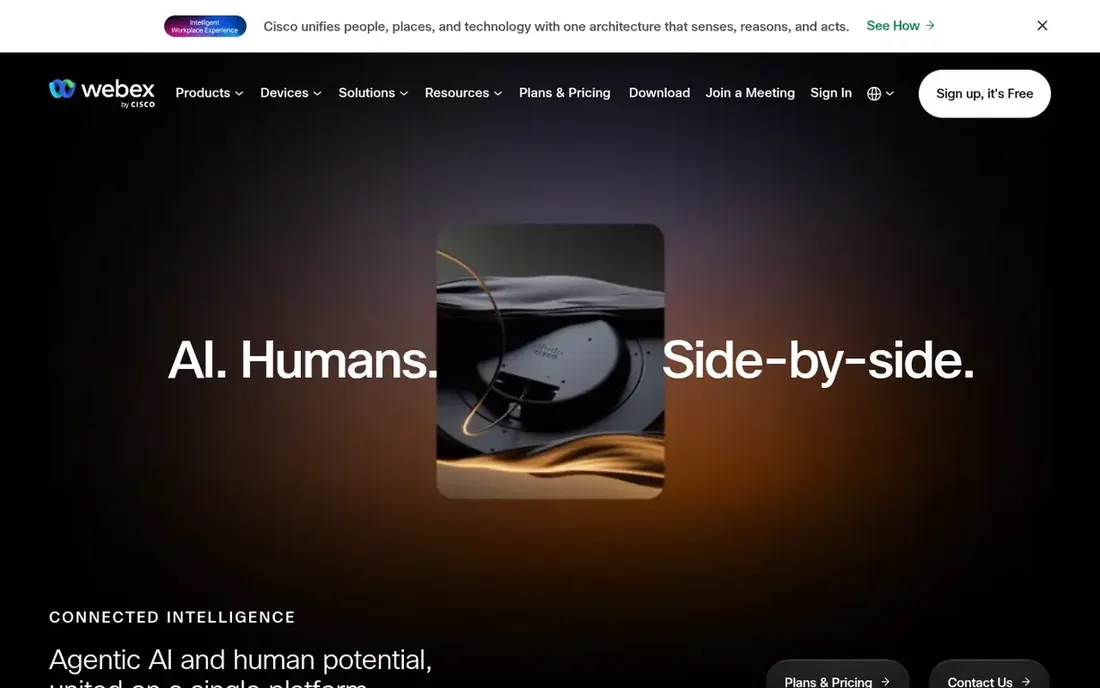
Cisco Webex Webinars is aimed squarely at large-scale, secure training events. Cisco Webex Webinars is designed for large audiences and gives you AI-powered collaboration tools, making it right for customer training that demands security and scalability.
Choose Webex when security, scale, and integration with Cisco services are critical. No starting price is listed for Cisco Webex Webinars here; confirm pricing on the vendor site. Cisco Webex Webinars has a free plan.
Watch-outs: Interface can be complicated for new users.
- Enterprise-grade security
- Integration with Cisco ecosystem
- Higher cost for advanced features
ClickMeeting serves browser-based training with no install. ClickMeeting is a webinar product that operates in your browser without requiring installation, making it accessible for both presenters and attendees. It supports live, automatic, and on-demand webinars, which can be handy for customer training that needs to be repeated or accessed later.
The system comes with lead capture features, allowing trainers to collect contact information for follow-up. From a buyer's view, ClickMeeting may not offer the depth of interactive features found in dedicated training systems, such as broad breakout rooms. For highly interactive training sessions, other tools might be better. No starting price is listed for ClickMeeting here; confirm pricing on the vendor site. A free plan is available with ClickMeeting.
Downsides: Restricted customization choices.
- Runs in browser without installation
- Lead capture features
- May lack advanced training tools
How we compared the tools
For each of the 5 tools we noted price, free plan or trial, fit for webinar software for customer training sessions and the main limit, using vendor pages and documentation. Prices and plan limits come from vendor pages and can change, so confirm them on the vendor site before you buy. We ordered the tools by general fit, then by how clearly pricing is shown, then by free access. A buyer with unusual needs may reorder them.
What to confirm before you sign up
- Ask GoTo Webinar, Zoom Webinars, Cisco Webex Webinars and ClickMeeting for a written quote, since no starting price is shown.
- Read the fine print on the free plans from Cisco Webex Webinars and ClickMeeting; seat, project and feature caps differ.
- Take the trial from GoTo Webinar and push a live task through it before you pay.
- Read the limits listed for Livestorm first: less suited for internal training.
- Find out whether the entry plan of Zoom Webinars covers your must-haves or only a trimmed-down version.
- Make sure GoTo Webinar lets you export your data in a format another tool can read.
FAQ
How does Zoom Webinars compare to Cisco Webex Webinars for training?
Zoom Webinars is commonly praised for its simplicity and wide adoption, making it simple for customers to join. Cisco Webex Webinars provides more solid security and integration with enterprise ecosystems, which may be preferable for large organizations with strict compliance needs.
Can I try these tools before paying?
Often, yes. Cisco Webex Webinars and ClickMeeting have a free plan and GoTo Webinar offers a free trial. Use your own data and a real task during the test, and check what the free tier or trial limits before you rely on it.
Which options for webinar software for customer training sessions have a free plan?
Cisco Webex Webinars and ClickMeeting offer a free plan in this list. Free plans usually cap users, projects or features, so check the limits on the vendor page. One other tool offers a trial instead.
Is Livestorm the right pick for everyone comparing webinar software for customer training sessions?
No single tool suits every team. Livestorm comes first because it fits marketing-focused training with CRM integration, while GoTo Webinar suits dedicated webinar platform with training focus and Zoom Webinars suits reliable, interactive training with familiar interface. Match the tool to your own size, budget and workflow before deciding.
Do these tools publish their prices?
Not all of them. GoTo Webinar, Zoom Webinars, Cisco Webex Webinars and ClickMeeting publish no starting price, so expect a quote request for those. The rest, Livestorm included, show a starting price, though seats and billing terms still change the final cost.
Which webinar platform is best for interactive training with breakout rooms?
Livestorm comes first here and is built for marketing-focused training with CRM integration. Buyers with other needs may prefer GoTo Webinar (for dedicated webinar product with training focus) or Zoom Webinars (for steady, interactive training with familiar interface). Compare costs and limits first.
Sources
- https://livestorm.co
- https://www.goto.com/webinar
- https://zoom.us
- https://www.webex.com
- https://clickmeeting.com