Best Webinar Platforms for Corporate Training Sessions in 2026: Prices, Free Plans and 5 Picks
Best webinar platforms for corporate training sessions: 5 tools compared on price, free plans and fit. Each profile ends with a plain caveat. Updated for 2026.
- Editor's choiceAdobe Connect
Training with measurable engagement and outcomes
Starts atSee websiteVisit adobe.comFull review - Great alternative
 GoTo Webinar
Engaging large audiences in interactive sessions
Starts atSee websiteVisit goto.comFull review - Also considerWorkCast
Complete events programs with managed choices
Starts at£95 a monthVisit workcast.comFull review
Direct answer
Our first pick is Adobe Connect, best for training with measurable engagement and outcomes. Listed starting prices: WorkCast from £95 a month and Microsoft Teams Webinars from $4.00 per user per month. Alternatives: GoTo Webinar for engaging large audiences in interactive sessions, and WorkCast for complete events programs with managed choices. The full list of 5 tools follows, with prices and free plan facts.
TL;DR:
- Top of the list is Adobe Connect, which targets training with measurable engagement and outcomes.
- For the cheapest start, look at Microsoft Teams Webinars: $4.00 per user per month.
- Zoom Webinars is the one to check for professional, high-impact virtual training events.
- What to know about GoTo Webinar first: can be expensive for small teams.
Last checked November 2026. Prices and plan details were read from the vendors' own pages in November 2026; vendors change plans often, so confirm the current price on the vendor site before you buy.
Quick comparison
| Tool | Best for | Starts at | Free plan? | |
|---|---|---|---|---|
| Adobe Connect | Training with measurable engagement and outcomes | See website | Not stated | Visit |
| GoTo Webinar | Engaging large audiences in interactive sessions | See website | Free trial | Visit |
| WorkCast | Complete events programs with managed choices | £95 a month | Free trial | Visit |
| Microsoft Teams Webinars | Organizations already using Microsoft Teams | $4.00 per user per month | Free trial | Visit |
 Zoom Webinars | Professional, high-impact virtual training events | See website | Not stated | Visit |
Webinar Platforms for Corporate Training Sessions, one by one
LinkVetted compared 5 webinar platforms for corporate training sessions. The goal is a practical shortlist: published prices, free plan facts, best-fit use cases and honest limits for every entry.
Adobe Connect
Best for: Training with measurable engagement and outcomes
Adobe Connect serves training with measurable engagement and outcomes. Adobe Connect can be complicated to set up and use, particularly for trainers new to webinar tools. If you need a fast, straightforward option for entry-level training, a more simplified system may be preferable.
Best features of Adobe Connect: Measurable business outcomes.
Watch-outs: Steeper ramp-up time.
On top of that, Adobe Connect is made for delivering engaging training and webinars, with a focus on presenter productivity and measurable outcomes. More specifically, the system supplies configurable layouts and interactive features to support a variety of training formats. Adobe Connect shows no starting price here, so confirm the cost on the vendor site. Free options: Not stated.
- Focus on engagement and productivity
- Configurable layouts
- Can be complicated for straightforward sessions
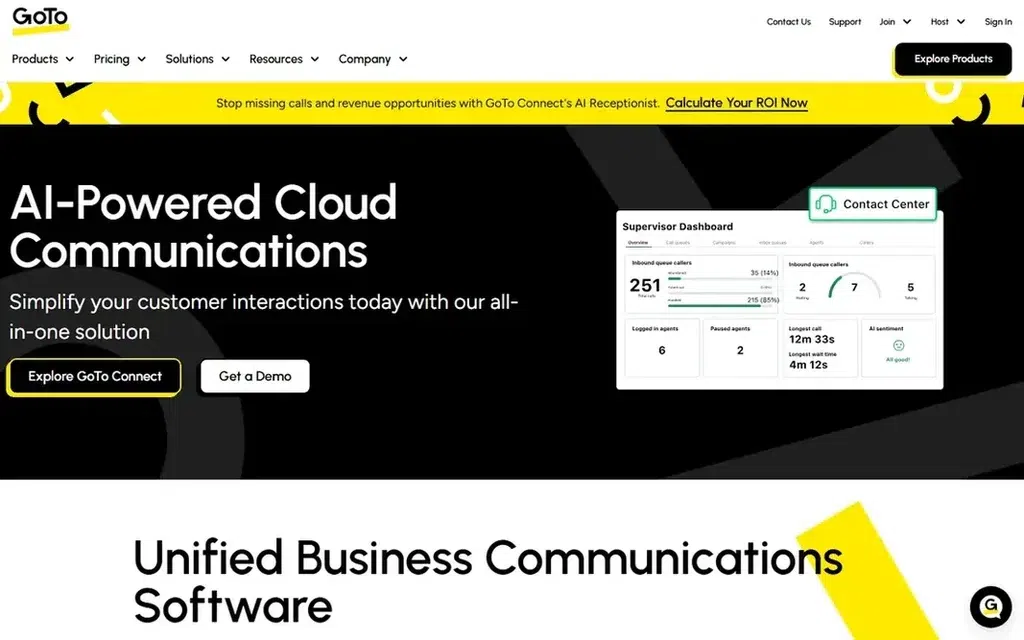
GoTo Webinar was built for engaging large audiences in interactive sessions. GoTo Webinar may be overkill for small training sessions and its pricing can be high for teams with restricted needs.
Honest limits: Restricted customization choices.
The product emphasizes audience engagement, making it a solid fit for trainers who prioritize participation. Worth adding: if you run smaller, frequent trainings, a more straightforward tool might be more economical. Pricing for GoTo Webinar is not stated here, so ask the vendor for current figures. Trial and free access: Free trial.
- Engagement features for large audiences
- Straightforward to use
- Can be costly for small teams
WorkCast
Best for: Complete events programs with managed choices
WorkCast serves complete events programs with managed choices. WorkCast is an UK-based webinar and webcast system for complete events programs. It supports live, simulive, and on-demand events, with choices for self-service or completely managed services.
Where it is weaker: Pricing not transparent.
This makes it a solid fit for corporate training that needs adaptability and support for several event types. WorkCast may be less familiar to organizations outside the UK, and its pricing is not publicly listed, which can complicate budgeting. WorkCast cost at the entry level: £95 per month. Trial and free access: Free trial.
- UK-based system
- Self-service or completely managed
- May be less known in some regions
Microsoft Teams Webinars
Best for: Organizations already using Microsoft Teams
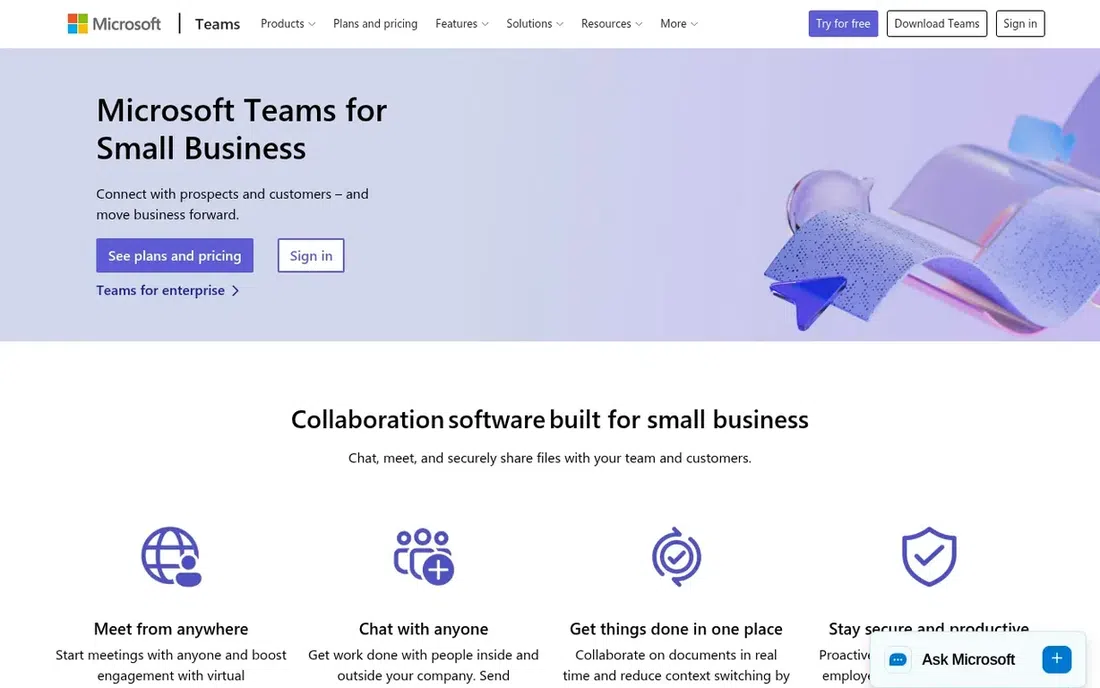
Microsoft Teams Webinars is a good fit for organizations already using Microsoft Teams. Microsoft Teams Webinars extends the Teams system to support webinar-style events. It is a strong match for organizations that already use Teams for daily collaboration, as it offers a smooth way to host training sessions without switching tools.
Drawbacks to consider: Less advanced webinar features.
Reasons to shortlist it: Familiar interface for Teams users. Worth adding: if you need solid marketing or engagement tools, a specialized product might be better. The product is especially handy for internal training and small to medium-sized webinars. Worth adding: Teams Webinars may lack some advanced features found in dedicated webinar platforms, for example deep branding choices or deep analytics. Microsoft Teams Webinars starts at: $4.00 per user per month. Trial and free access: Free trial.
- Integrated with Microsoft ecosystem
- Good for internal training
- Needs Microsoft account
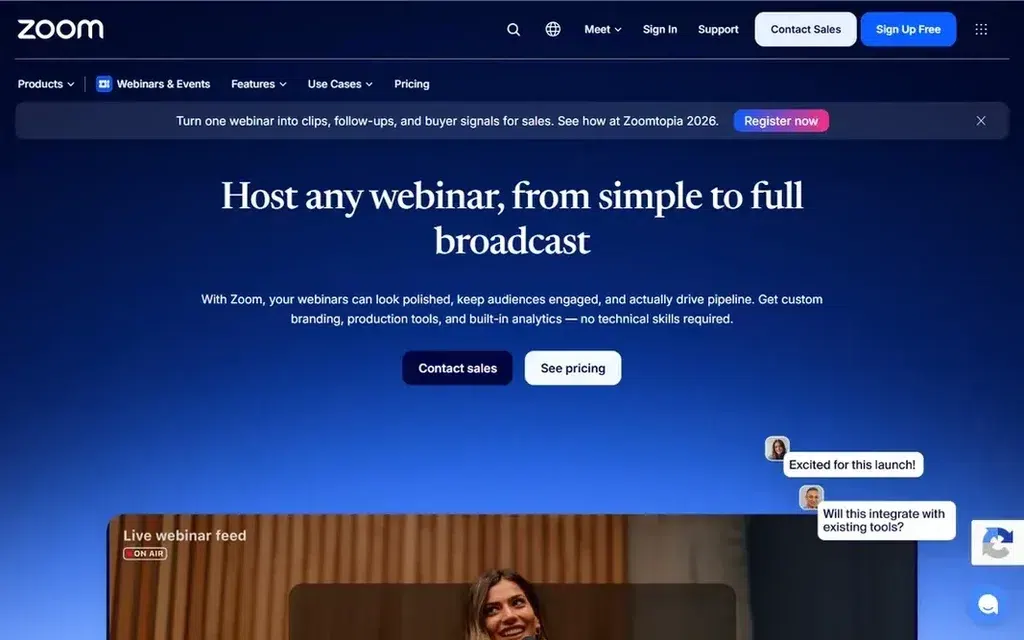
Think of Zoom Webinars for professional, high-impact virtual training events. Zoom Webinars is built to turn virtual events into professional, high-impact experiences.
It fits corporate trainers who need a dependable system for large sessions with a refined feel. This comparison lists no price for Zoom Webinars; ask the vendor. On free options: Not stated.
Limits to weigh: Advanced features may need extras.
- Dependable and widely used
- Scales to large audiences
- Restricted built-in training tools
How these tools were picked
Questions to settle before buying
- Confirm the entry price on the vendor page. For Adobe Connect, GoTo Webinar and Zoom Webinars that means a quote rather than a fixed price.
- Use real work to test the free trial from GoTo Webinar, WorkCast and Microsoft Teams Webinars, rather than a demo project.
- Before choosing Adobe Connect, weigh its main limit: steeper ramp-up time.
- Test how quickly Zoom Webinars answers a pre-sales question; it hints at how support will feel later.
- Compare total cost, not headline price: for GoTo Webinar, add extra seats, add-ons and any usage-based charges.
FAQ
What is the cheapest option for webinar platforms for corporate training sessions in this list?
On published monthly entry prices, Microsoft Teams Webinars is the lowest here at $4.00 per user per month. Entry price is only part of the cost, because seats, add-ons and billing terms can change the total. Each of the 5 options in this webinar platforms for corporate training sessions guide has its own card above with the price, free plan and limits.
How are the webinar platforms for corporate training sessions ordered?
Adobe Connect sits first and Zoom Webinars last because the order follows typical fit for webinar platforms for corporate training sessions, then price clarity and free access. It is a judgement call, so read each profile for fit and limits.
Do these tools publish their prices?
Not all of them. Adobe Connect, GoTo Webinar and Zoom Webinars publish no starting price, so expect a quote request for those. The rest, WorkCast included, show a starting price, though seats and billing terms still change the final cost.
Is Adobe Connect the right pick for everyone comparing webinar platforms for corporate training sessions?
No single tool suits every team. Adobe Connect comes first because it fits training with measurable engagement and outcomes, while GoTo Webinar suits engaging large audiences in interactive sessions and WorkCast suits complete events programs with managed options. Match the tool to your own size, budget and workflow before deciding.
Can I use Microsoft Teams for corporate training webinars?
Yes, Microsoft Teams Webinars extends Teams to support webinar-style events, making it convenient for organizations already using Teams. That said, it may lack advanced features found in dedicated platforms, so assess your requirements.
Sources
- https://www.adobe.com/products/adobeconnect.html
- https://www.goto.com/webinar
- https://www.workcast.com
- https://www.microsoft.com/en-us/microsoft-teams/webinars
- https://zoom.us/webinar